How to change the language in Ton Mason
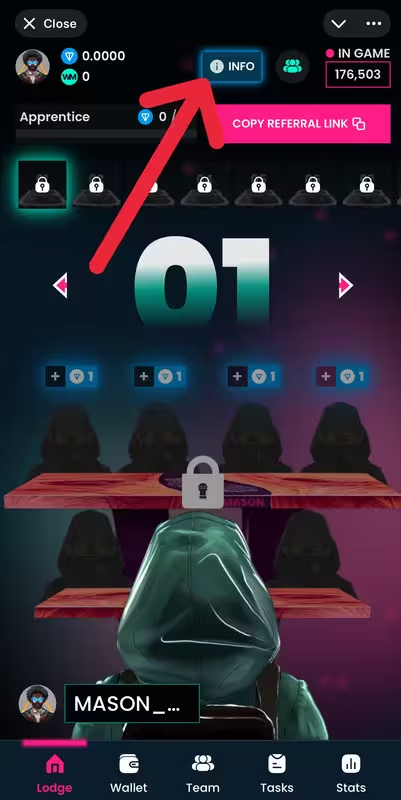
Ton Mason1) Open the Ton Mason app in Telegram and on the main page click the “INFO” button.
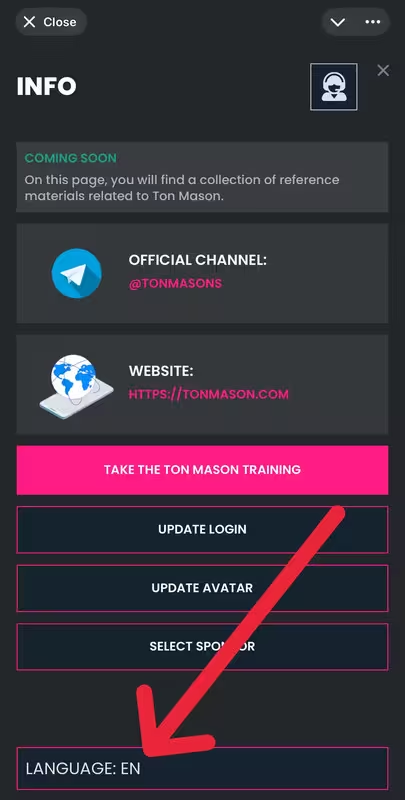
2) In the opened menu, select the “Language” option.
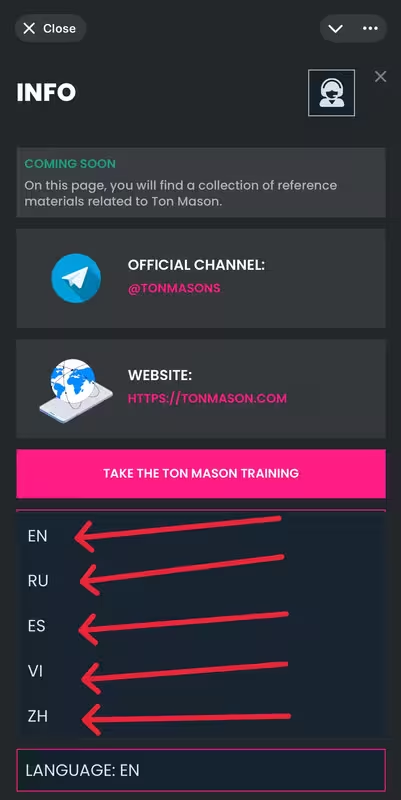
3) Select one of the available languages: English, Russian, Spanish, Vietnamese, or Chinese. The interface will immediately update to the selected language.