How to bypass «18+» content blocking in Telegram on iOS, macOS and Telegram X for Android
@ts365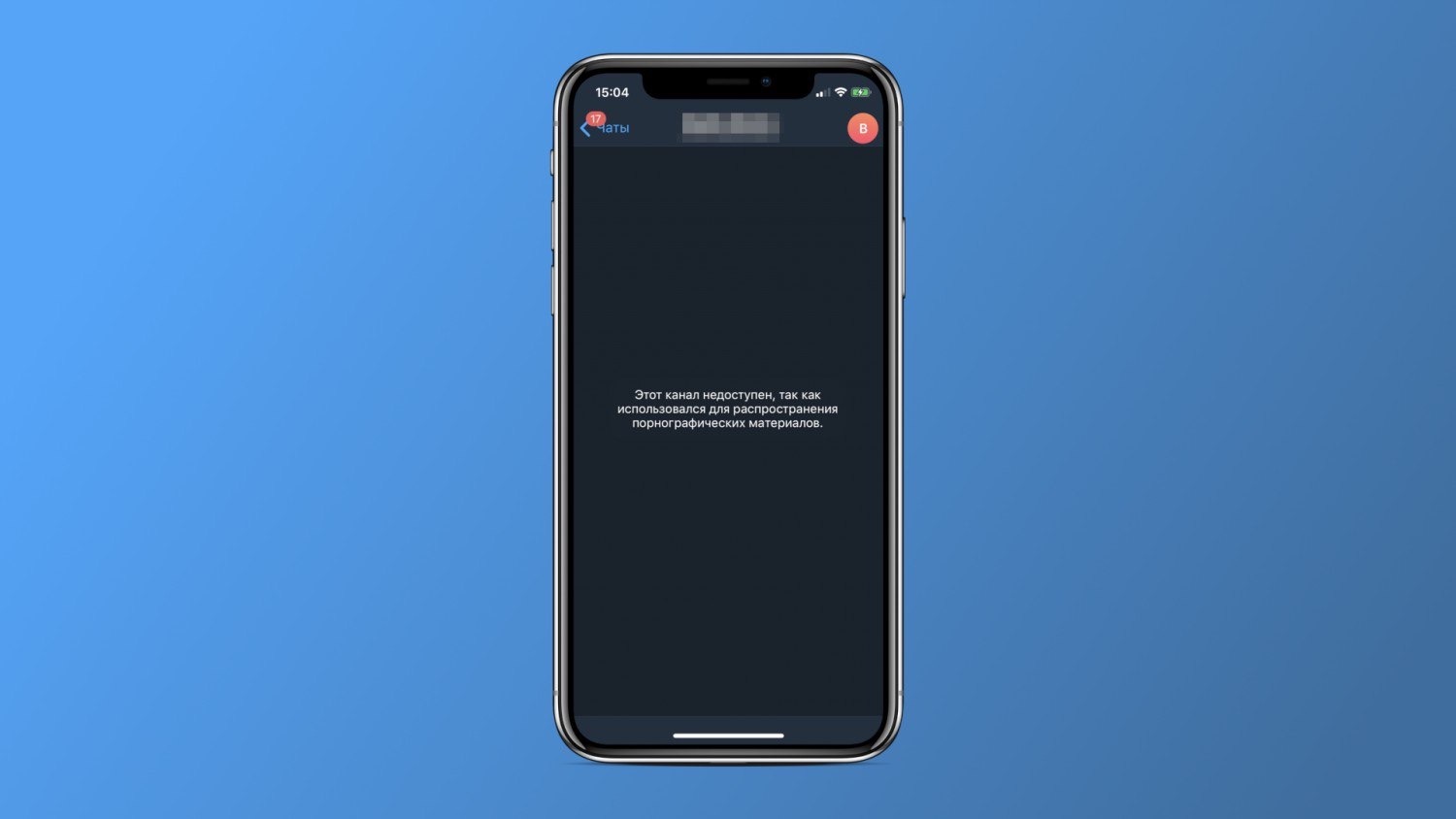
You can turn off restrictions in clients downloaded from the official Telegram website:
• Telegram Desktop (for macOS or Windows not from the Microsoft Store)
• Native Telegram client for macOS. It's important to download the version from the official Telegram website, not from the Mac App Store.
In the client you need go to Settings - Confidentiality - «Show sensitive content» - «Disable filtering».
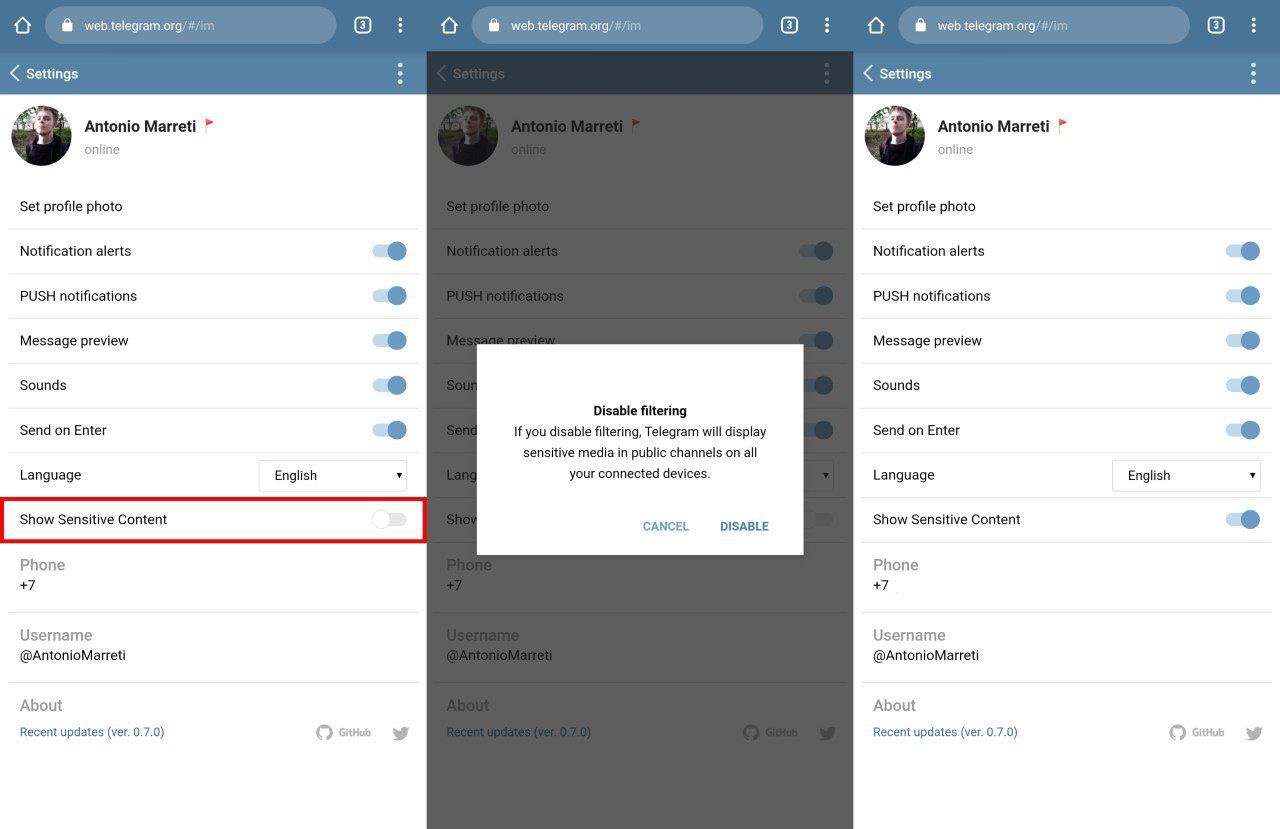
After rebooting the client, 18+ channels and chats will begin to be displayed, including the iOS client: the setting is synchronized with all devices connected to the account.