How to buy BNB from a card directly in Trust Wallet without using Binance
James McgowanStep One
If you do not have a Trust Wallet, download it from the App Store or Play Store, go in and register in the Trust wallet

Step Two
In order to participate in the pump you need a BNB Smart Chain, now we will buy it
Go to the main page of Trust Wallet, and click "Smart Chain"

Click "buy"

Click on the arrow near the inscription MoonPay

Click "Simplex"

We select the amount you want to replenish, the minimum amount is $ 50, the maximum amount is 15,000.
Click "Next"

We enter all the data that we have on the screen, and click "next"

Verify your email, and confim transaction
You can also ask for confirmation from the bank, be sure to go through it

Step Three
Now our task is to connect our wallet to the pancake swap exchange and purchase a coin that we will pump on a signal.
The next step is to connect our wallet to the pancake swap.
We go to the site
https://pancakeswap.finance/swap
Click "Connect wallet"

Click "Wallet Connect"

Click " Trust wallet"

Click "Connect"

Back to the browser, wallet is connected !

Step Four
Now it remains to purchase a coin at our signal, all signals about pumps are posted in our telegram channel, in this format 👇

Click on the pancake swap site link, after clicking on the link, we expect 5 - 10 seconds after which we will see a window where we must click the "I understand" checkbox.
Press "Settings"

Choose "slippage" 12%

Select the amount and press the "swap" button
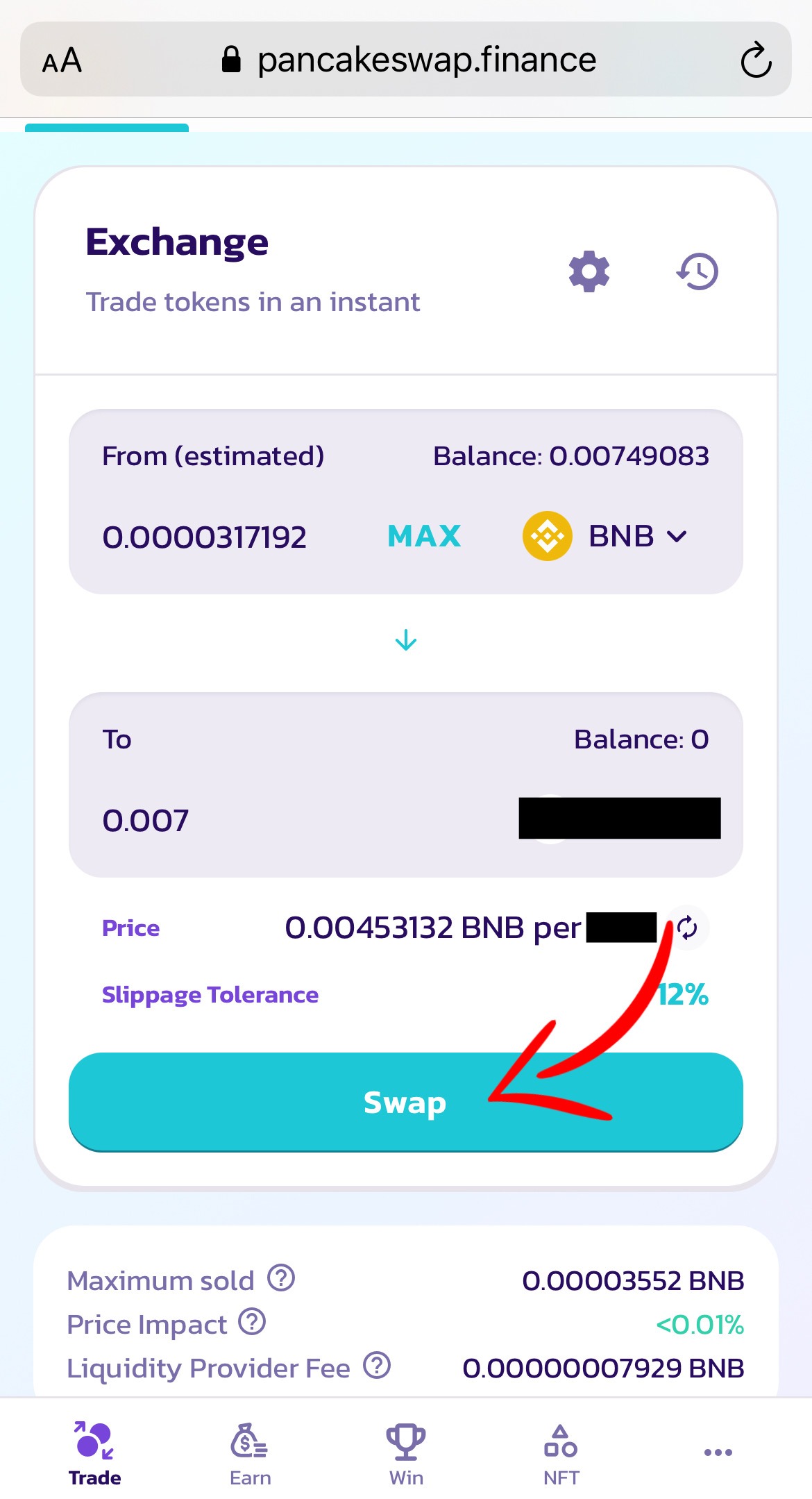
Confirm "Swap"
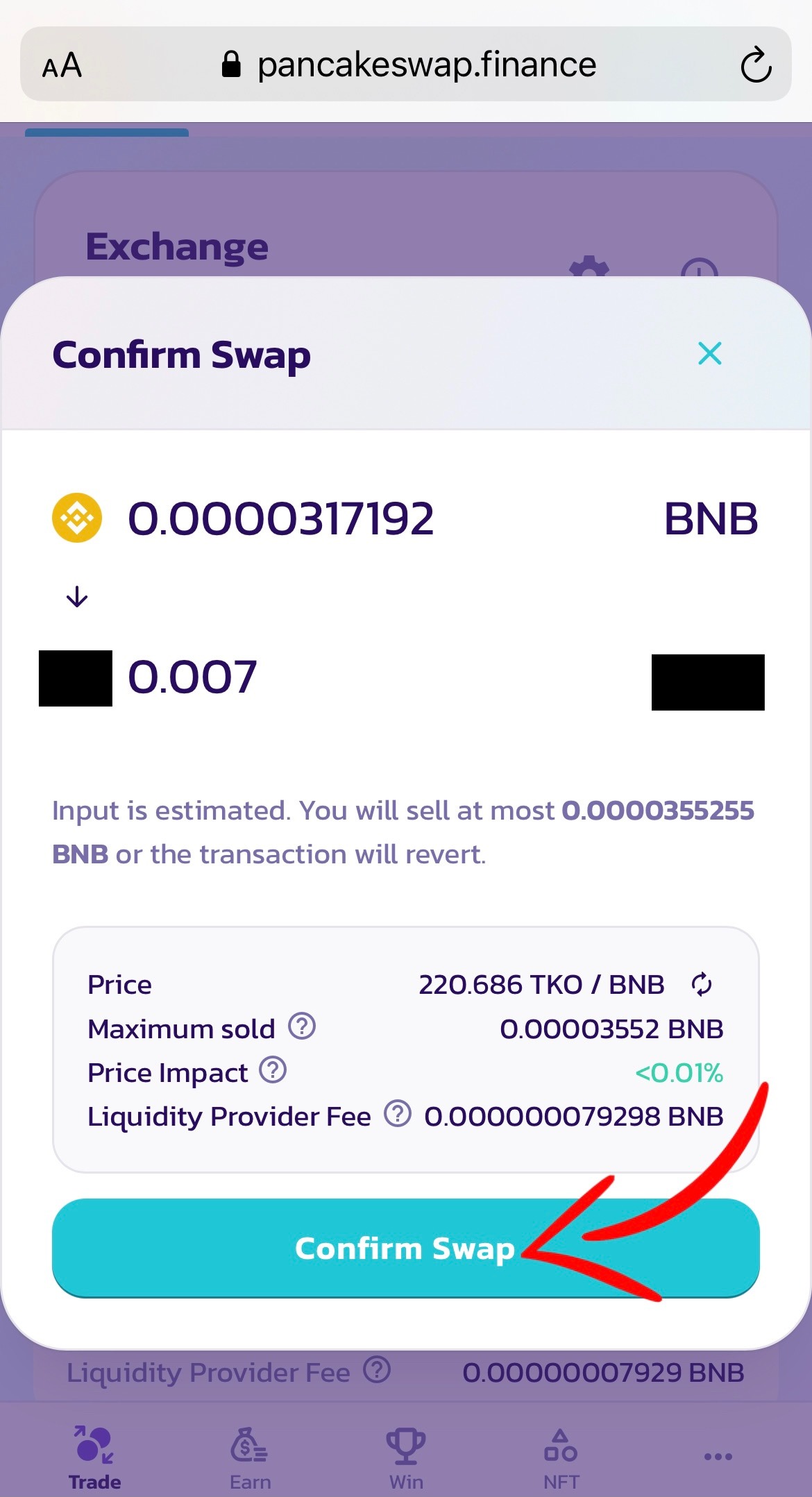
We return to the trust vallet and click "Confirm"
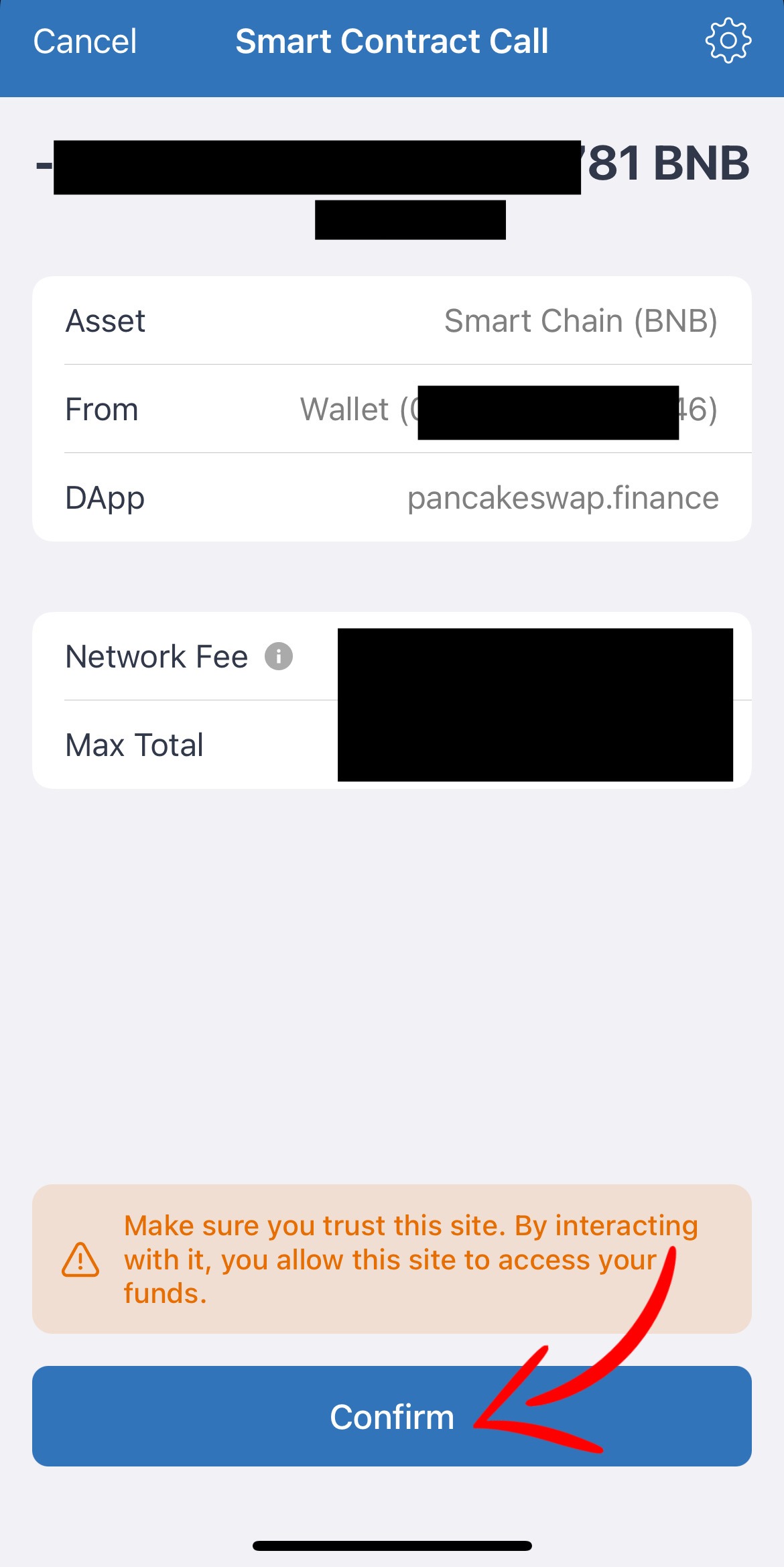
Congratulations, you have purchased a coin, then we are closely following the further signals in our telegram channel.
Do u have any questions? @James_Mcgowan