How to apply icon packs (OneUI Launcher)
Ayra Hikari1. Open OneUI Launcher Mods
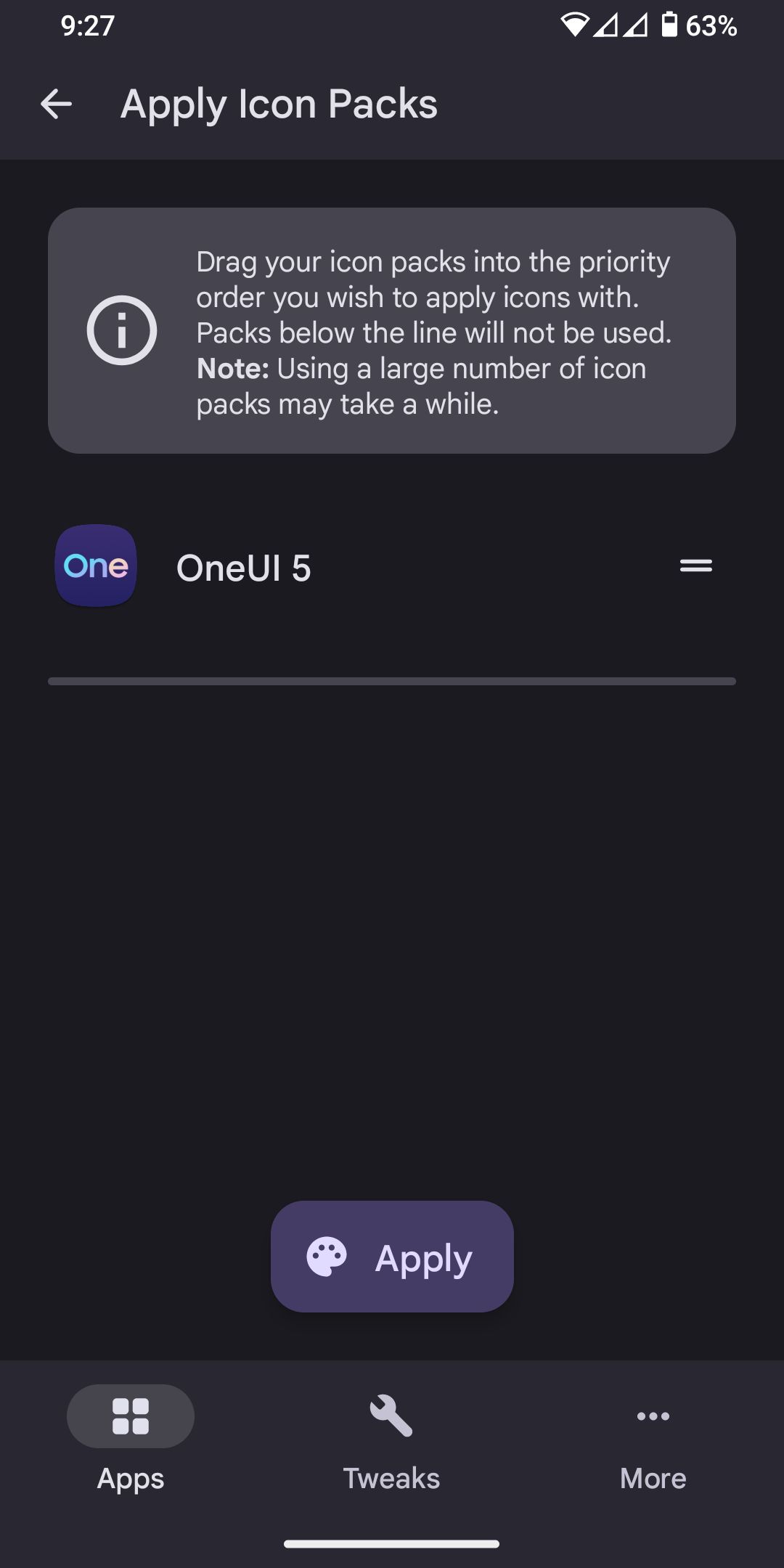
2. Apply icon packs or manual select apps
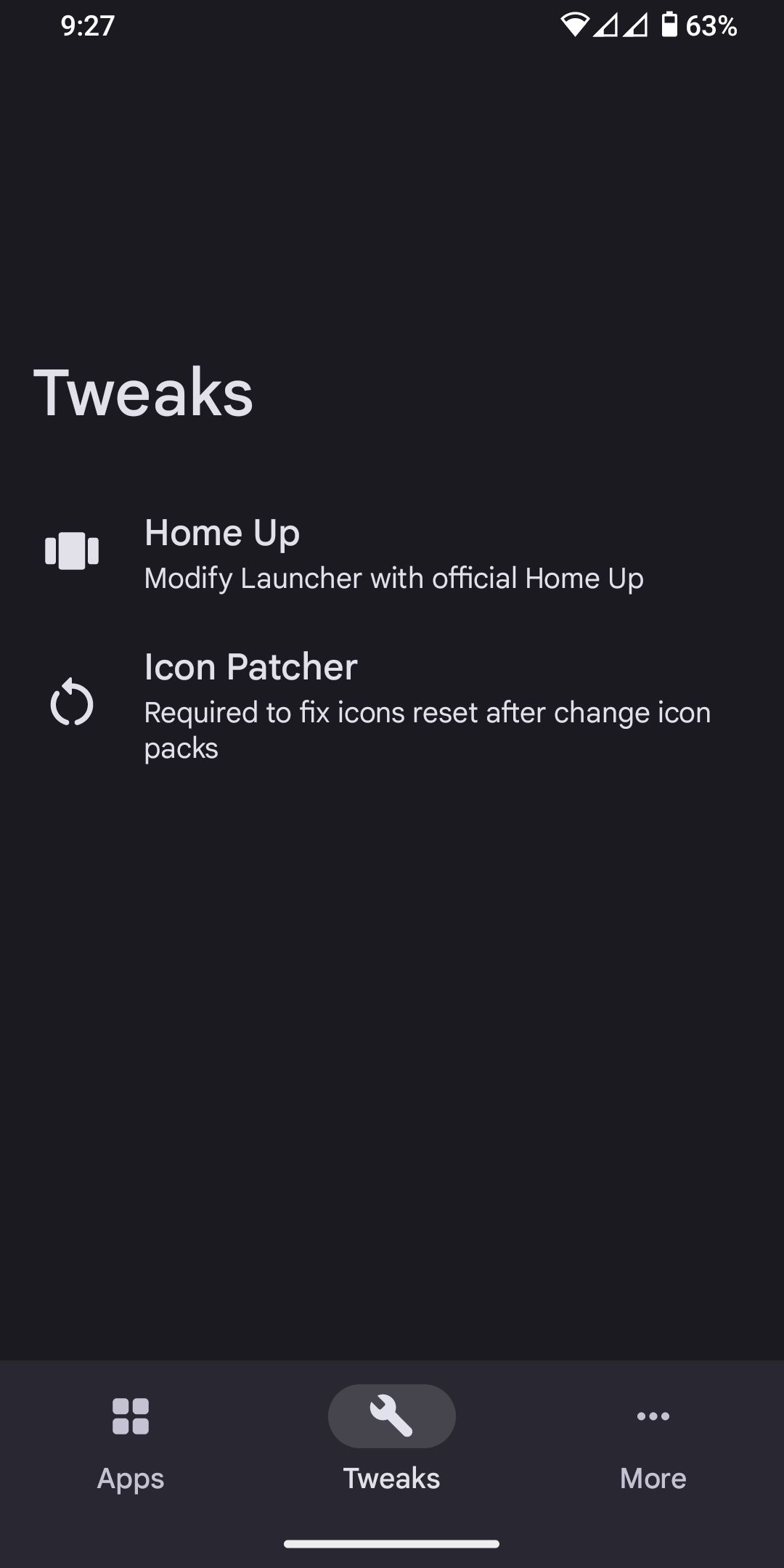
3. Go to Tweaks tab, select Icon Patcher
Download Icon Patcher apk and enable in Lsposed if not installed.
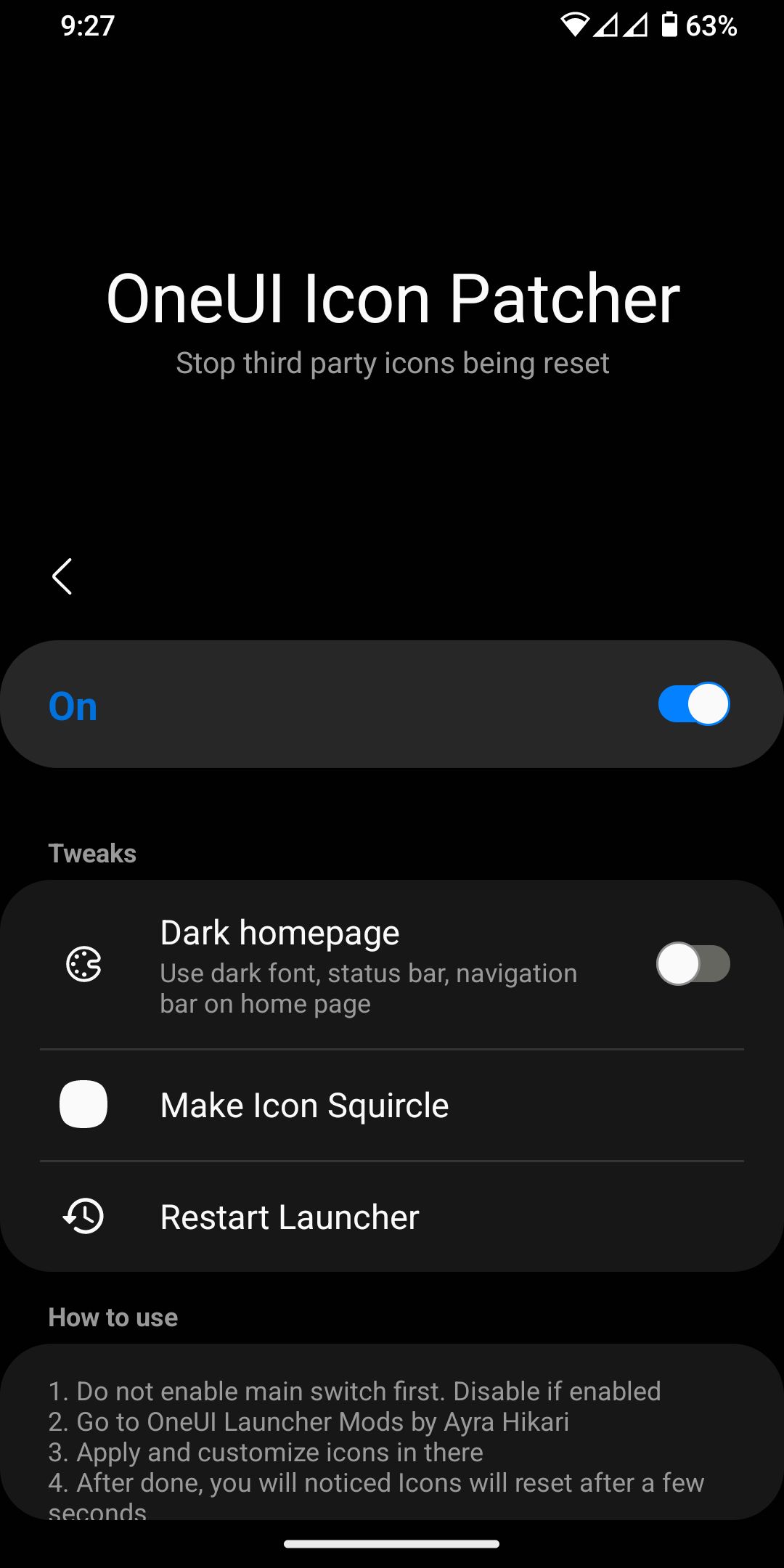
4. Enable it, go back
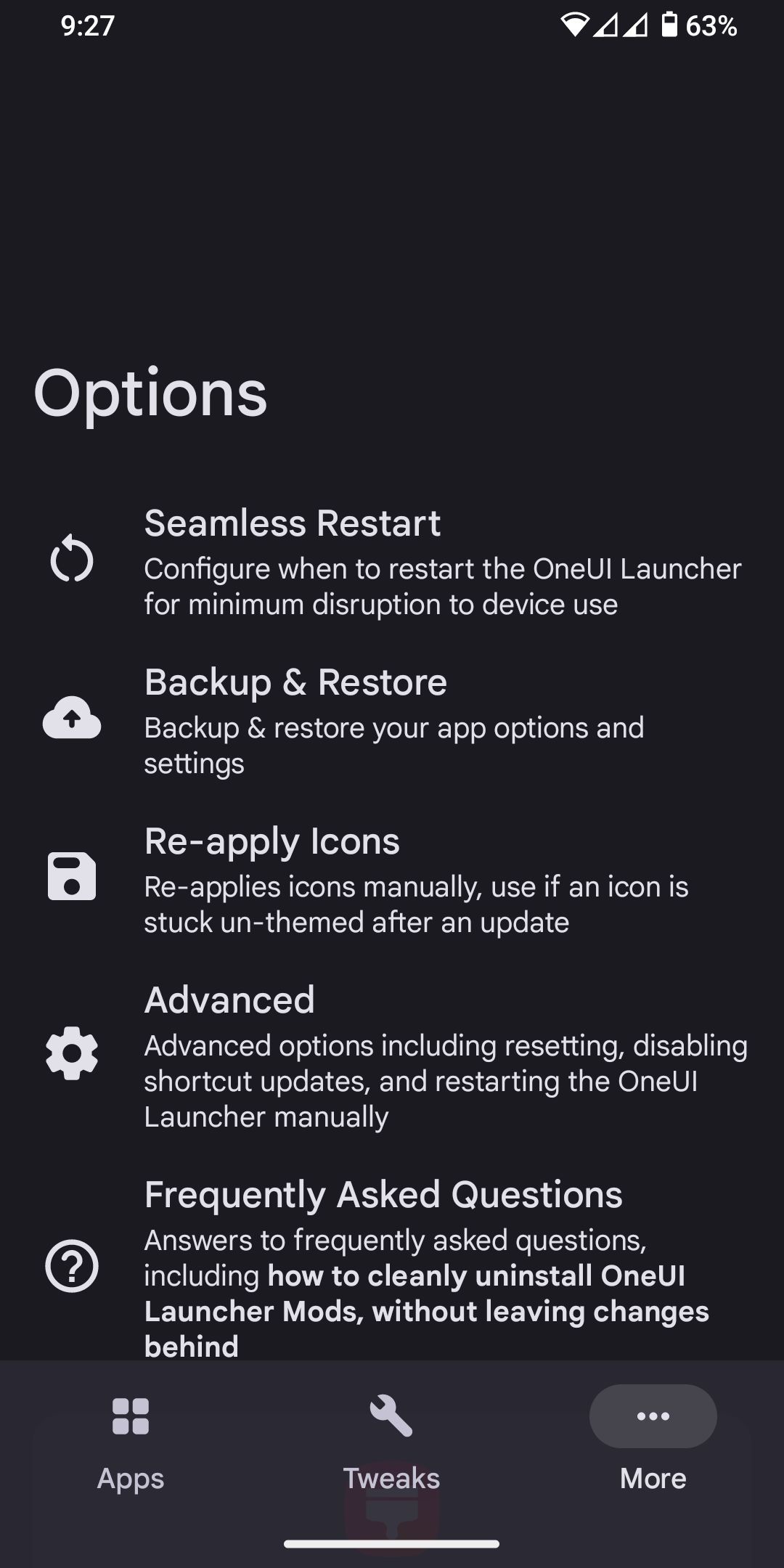
5. Select more tab, Re-apply. Enjoy