How to add downloaded NOX emulator and use it?
[work!] 𝐝𝐚𝐯After the purchase, you will receive a download link for your purchased emulator
After downloading, do the following steps:
- We launch the NOX Assist program
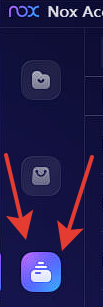
- Click on the button (screen below!):
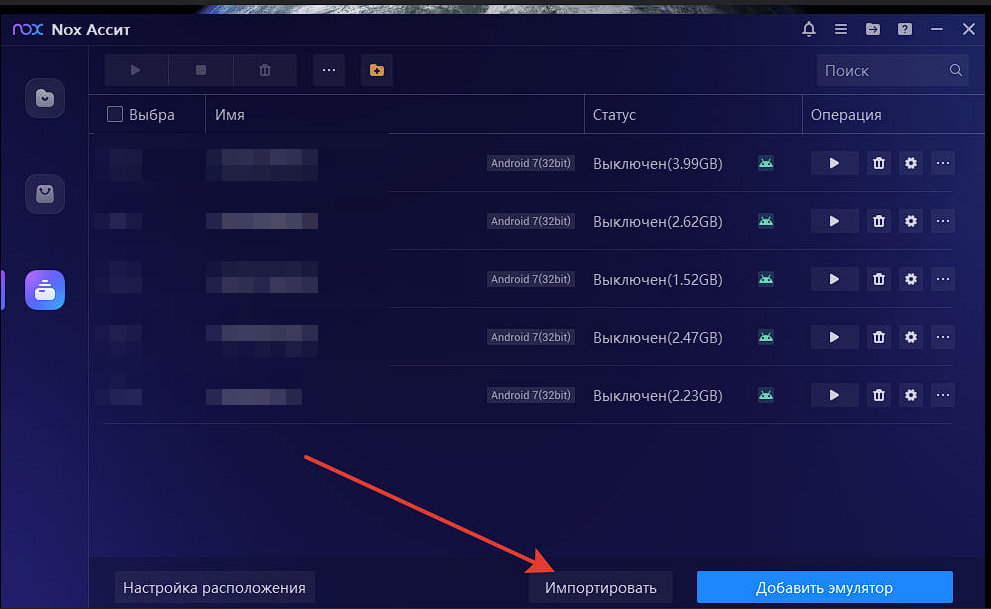
3. Import the file you downloaded:
4. Launching the emulator
5. Go to Ozan SuperApp
6. Enter PIN CODE
7. We unsubscribe to the seller that we have successfully entered the personal account, leave a review, get a lira account for the review and use it with a buzz)