How to add RAM?
PayCash https://paycashswap.comRAM is used from the resources of your wallet, so you will have to periodically buy it for EOS cryptocurrency or cryptocash.
Let's consider the option of purchasing for EOS:
▪️ Add EOS cryptocurrency to your balance in any convenient way;
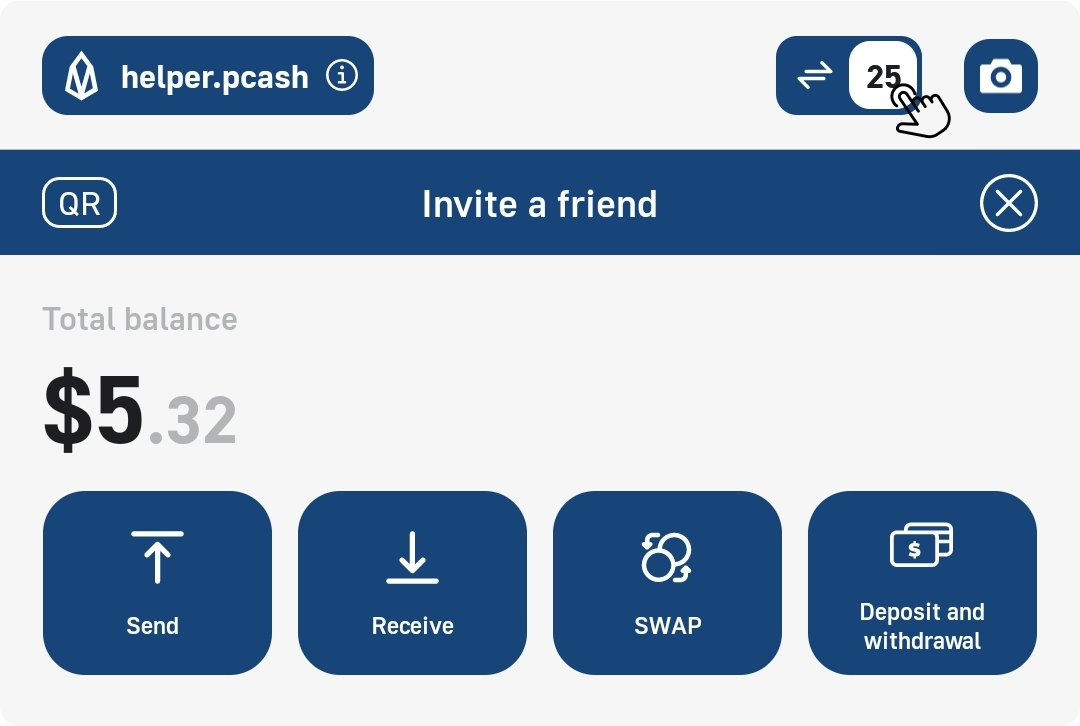
▪️ Click on the «Transaction Counter» at the top of your screen to go to the «Resource Settings» of your wallet:
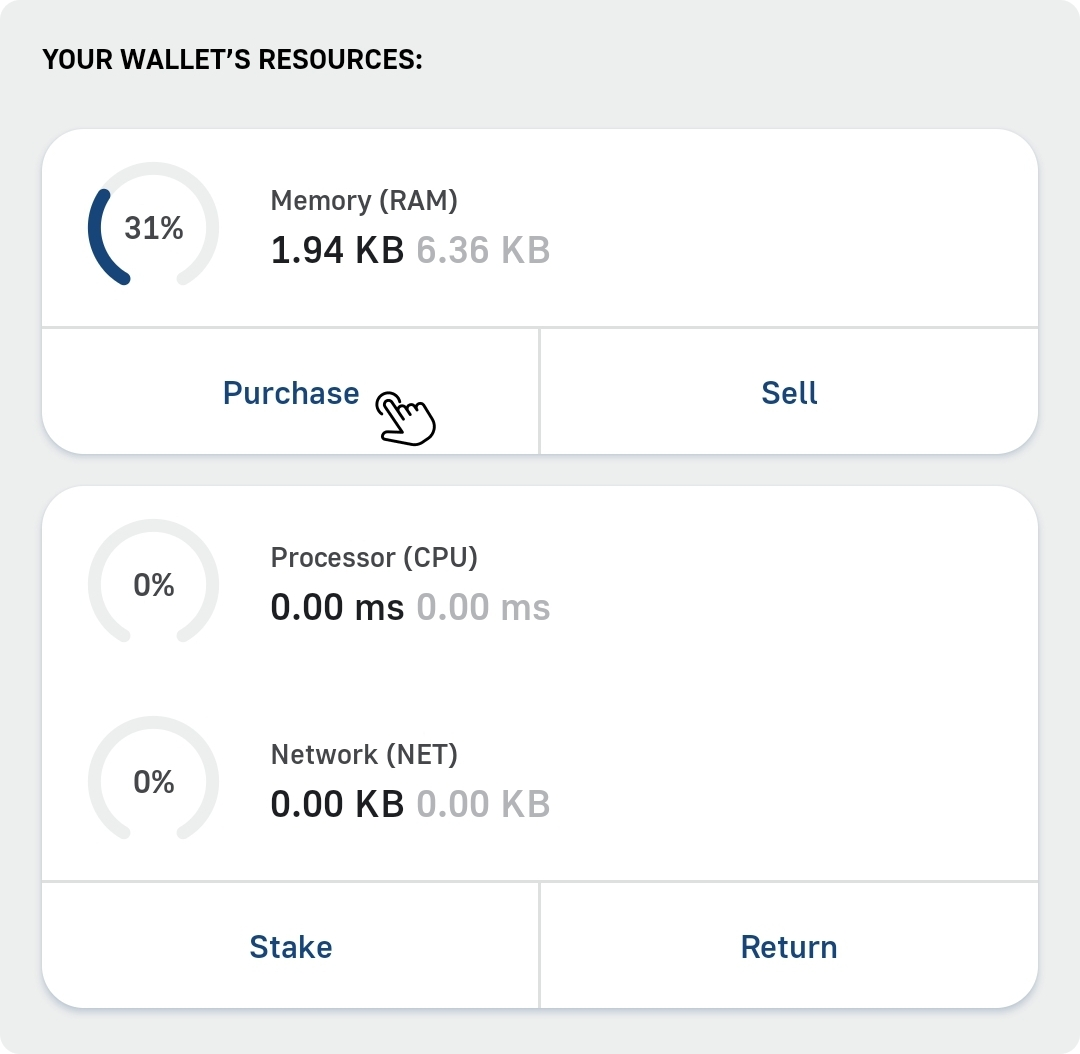
▪️ On the page that opens, in the RAM panel, click «Purchase»:
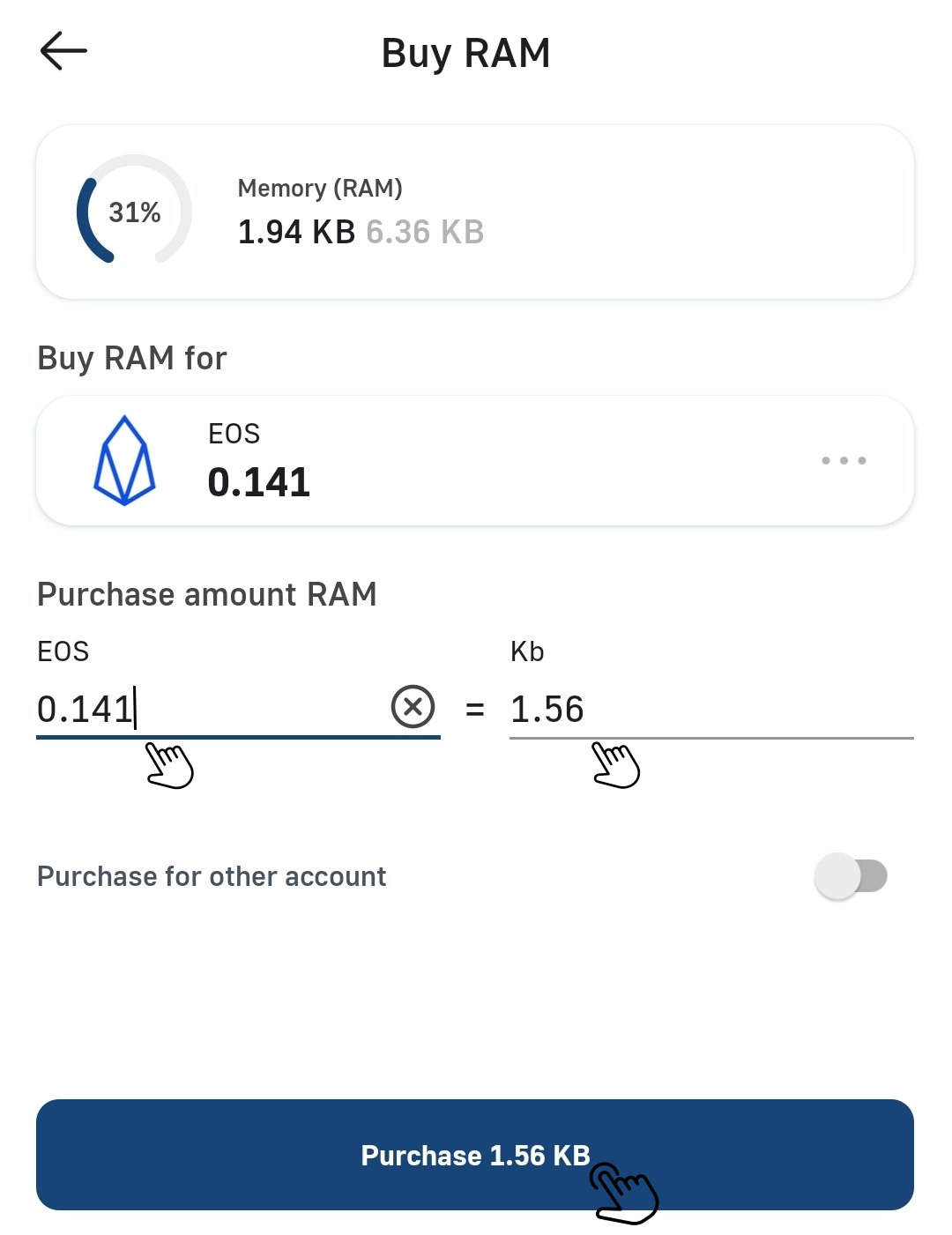
▪️ Now enter the amount of EOS for which you plan to purchase RAM volume (KB) and click the «Purchase» button: