How to Use kdrama Media Search bot!
tanmay._.skRecently i published a bot name - kdrama Media Search Bot
This bot mainly finds files available on Telegram App and indexs them. The bot neither contain / store any files nor the files are stored anywhere else. It simply provides files that are available on public Telegram groups and channels.
There are two ways you can use this bot.
1.In Bot's PM.
2.In A Group. ⭐
1. In Bot's PM -
To use the bot like this, u just have to start the bot.Bot interface will pop and will show you these options-
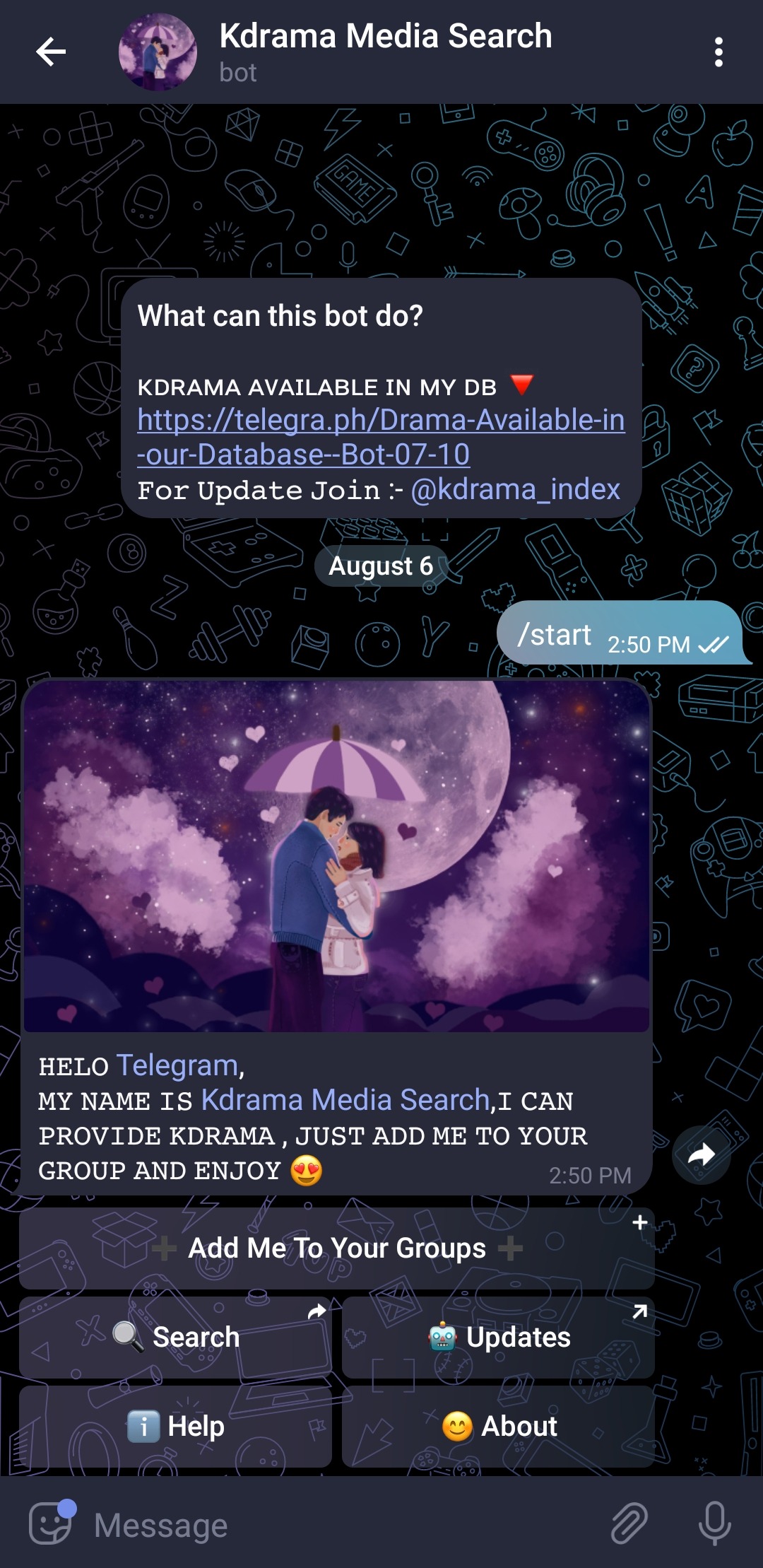
Tap on Search
Once You click on it A small dialogbox will open.
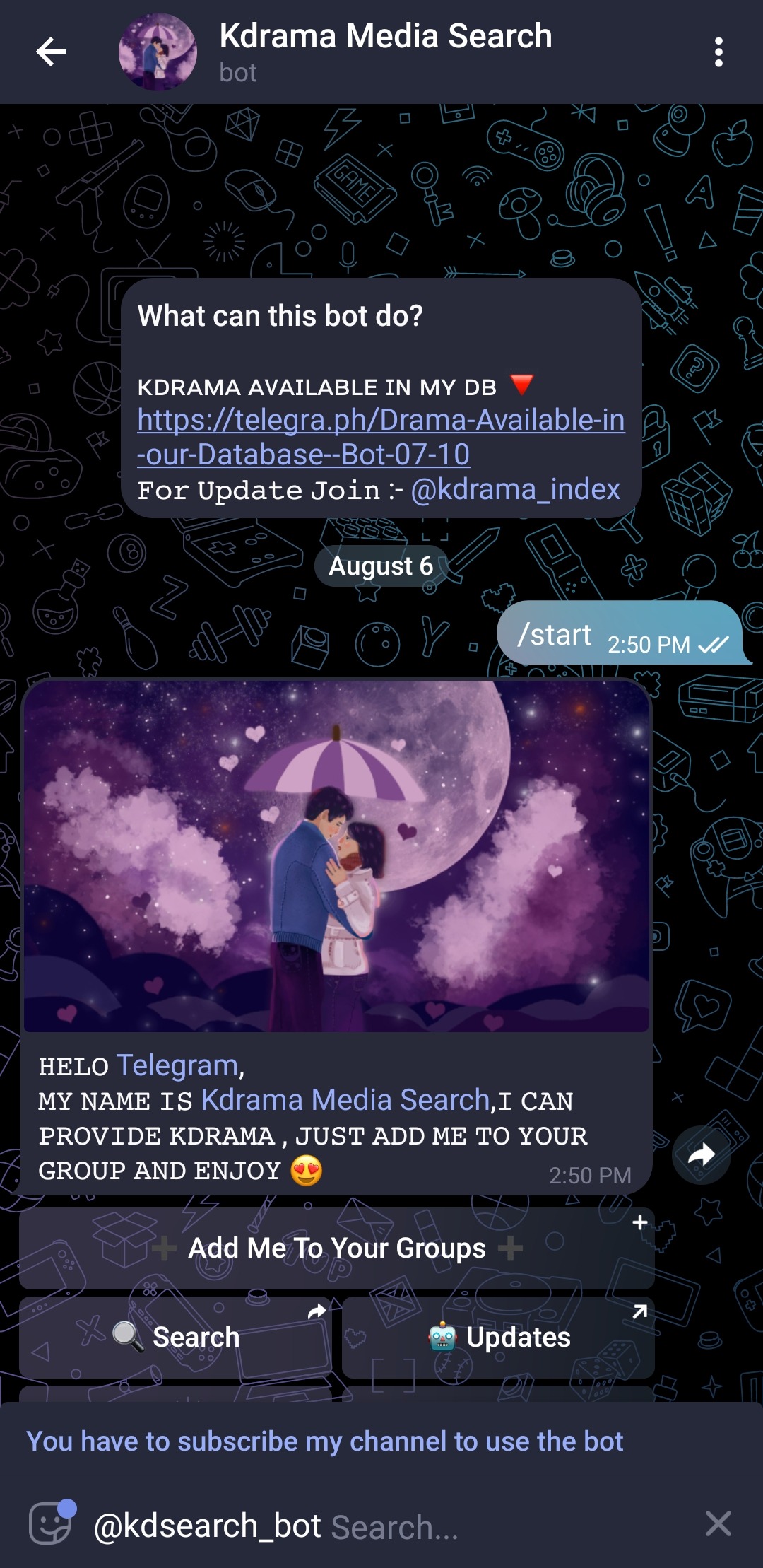
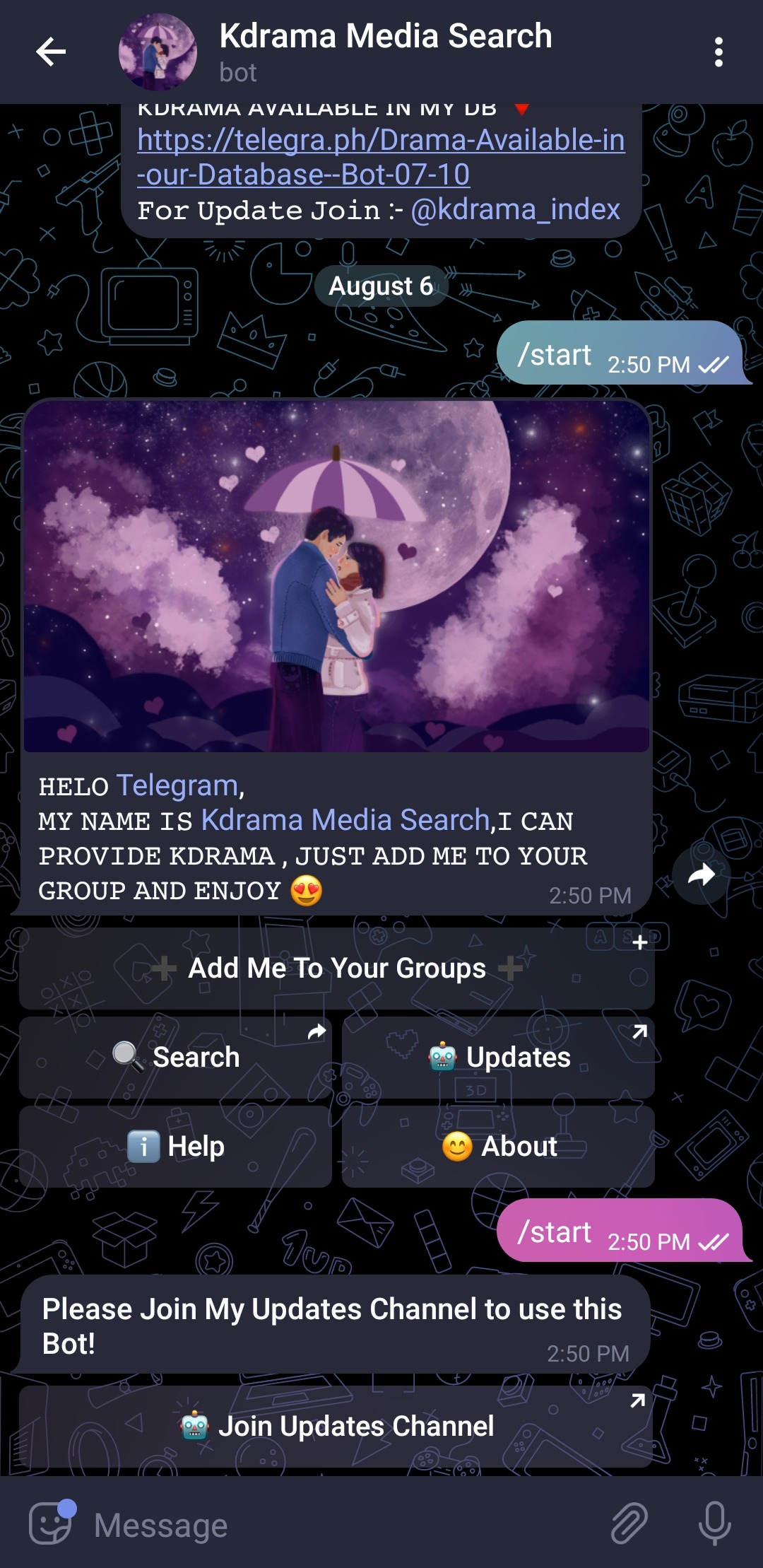
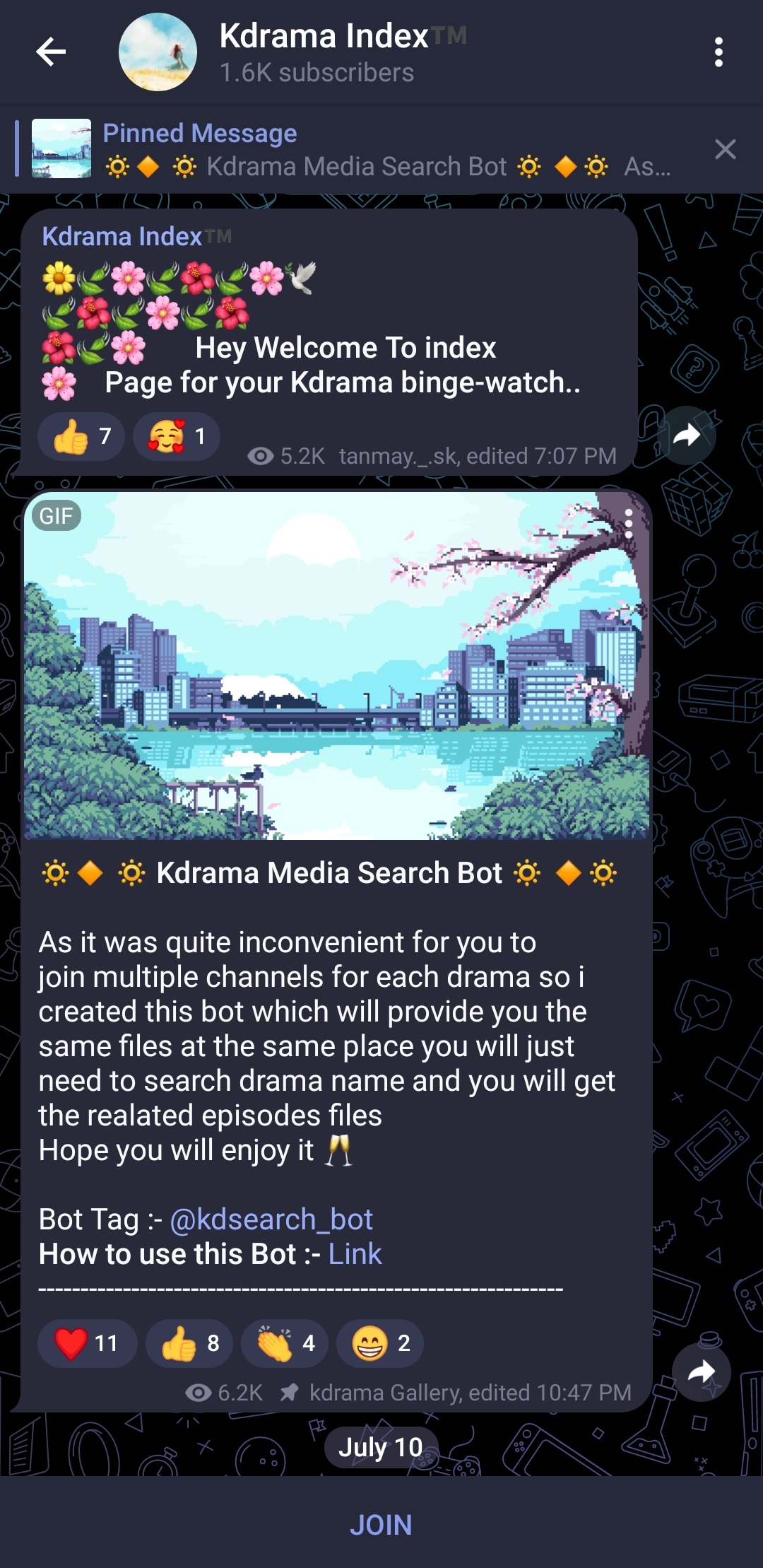
Join this channel Here you will get updates regarding bot
Once you join go back to the bot click on Search button. Then type kdrama or Movie name u wish to find. It will show up in the results as shown below-
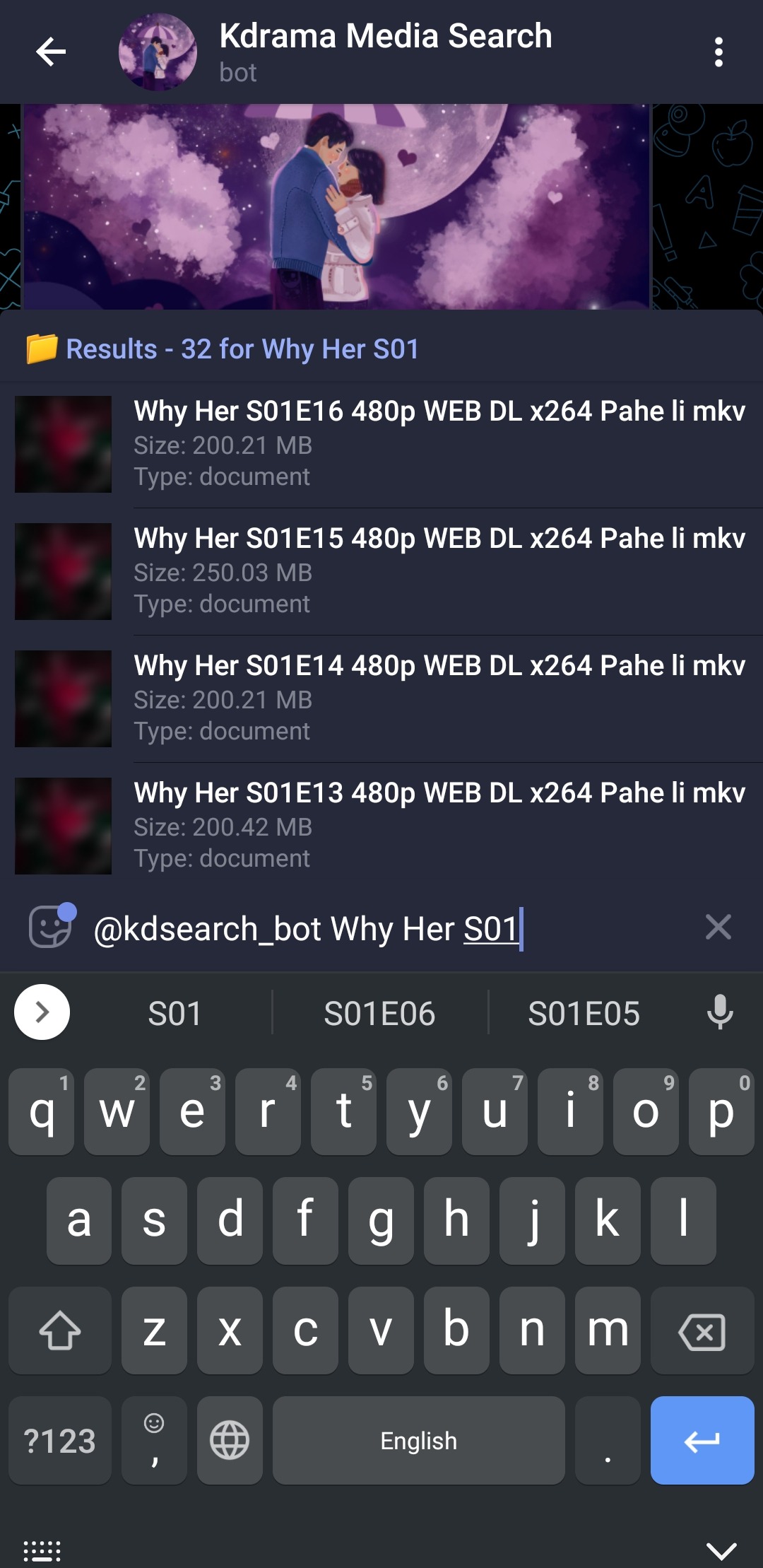
👉In-line mode also provide a neat feature , you can use this bot in any group after once starting. Just type @kdsearch_bot in any group and type file name. The bot doesn't needs to be in the group and bot will send file in that group.
2. In A Group -
In-addition to using the bot in in-line mode in a group, You can use this bot as AutoFilter bot that provides files by names. To use as AutoFilter bot just add the bot in your group , make it an admin. That's it. Now if any of ur group member send some text bot will read it and will try to provide file list that are available by that name as shown below.
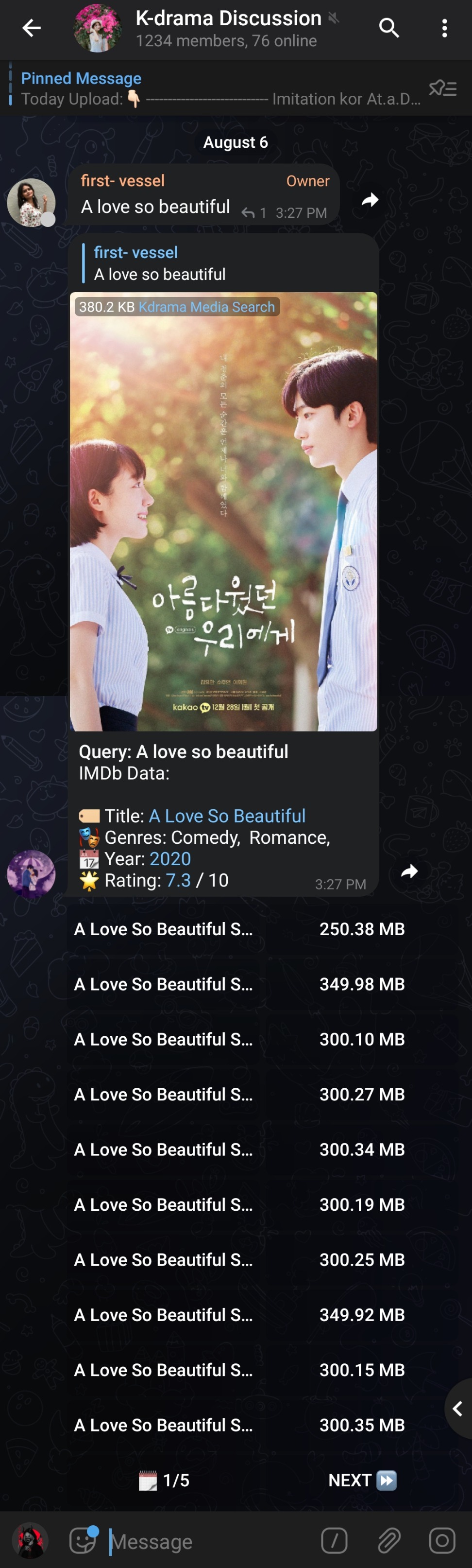
Now whatever files you need , tap on it and file will be sent to the user in his PM.
This one is more convenient than 1st on as you don't have to search again and again by clicking on the episodes button file will be sent to you.
Hope You Like the Bot 💗
More than 250+ drama uploaded