How to Speed Up Website Loading and Reduce User Churn
@leadgidworld
Hello, finance tycoons and publishers driving traffic to our affiliate programs! You all know that finance is a very specific vertical, and ways to drive and redirect traffic may also be peculiar. The key traffic source is website, which is subject to SEO. And we devote our today’s text to this subject.
In this article, we will tell you about several tricks so as to make your website load with lightning speed and prevent traffic churn. The speed of page or website loading is the key requirement in any project. How quickly webpages of your resource load is what directly affects the user experience and ranking in search. Unfortunately, most people underrate—and even neglect—loading quality when performing SEO.
Remember, the faster your website loads, the more users will stay on it rather than leave for your rivals. If you’ve done a huge job on integrating SEO tricks but it takes your website 10 seconds to load, your product is doomed to fail. People hate waiting and prefer closing a tab over waiting. Let’s get down to business.
Use CDN
A Content Delivery Network (CDN) is a geographically distributed structure that optimizes your website’s content and helps convey it to end users faster.
This infrastructure is actually a network with servers, special software—distributed across the globe. When a user makes a request, it’s sent to the nearest server. As a result, the system makes the period between the user’s request and the server’s response many times shorter.
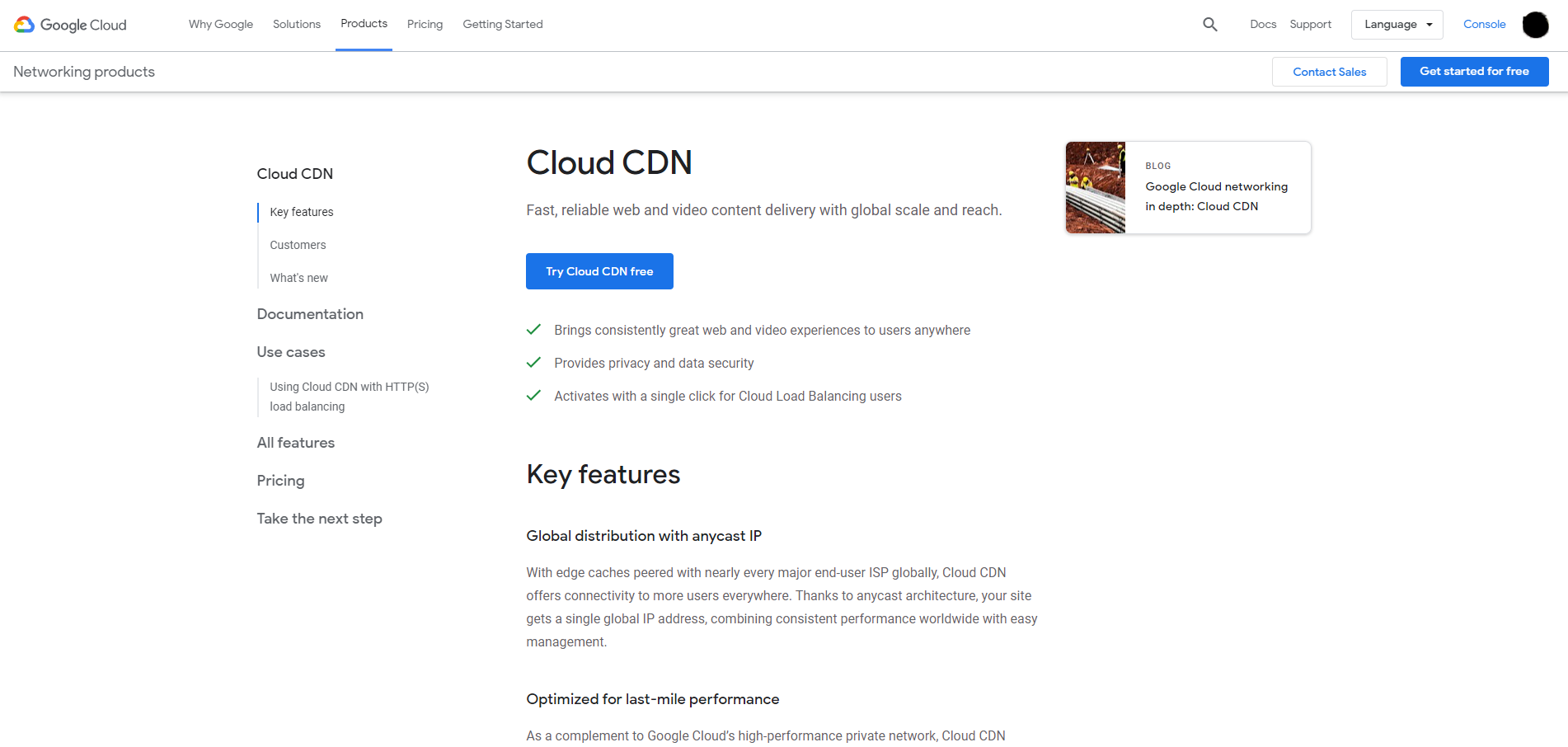
If your website sits on one of SERP’s top lines, you inevitably face the problem of huge traffic flow. And here’s where a CDN can help: it will make the load evenly distributed, ensuring that your website loads almost instantly even if the server load is very high.
In case any of the servers starts playing up, your website won’t pass out. A CDN has lots of backup servers, so if necessary, it will redirect all traffic to other servers which are geographically nearer to the user so the latter feels no difference. The actual speed of service will be equally high on main and backup servers. If you handle large traffic volumes and potential customers may be located in different places across the globe, a CDN is your best friend.
Using AMP pages on Google
More often than not, Google indexes websites using the MFI philosophy where mobile versions of websites are always prioritized. Google literally tells us, “If you want to be on the top, pump up your SEO. Desktop is not that relevant anymore.” However, mobile communication is weaker than desktop in most cases, so it’s your call to make your pages load as fast as they can.
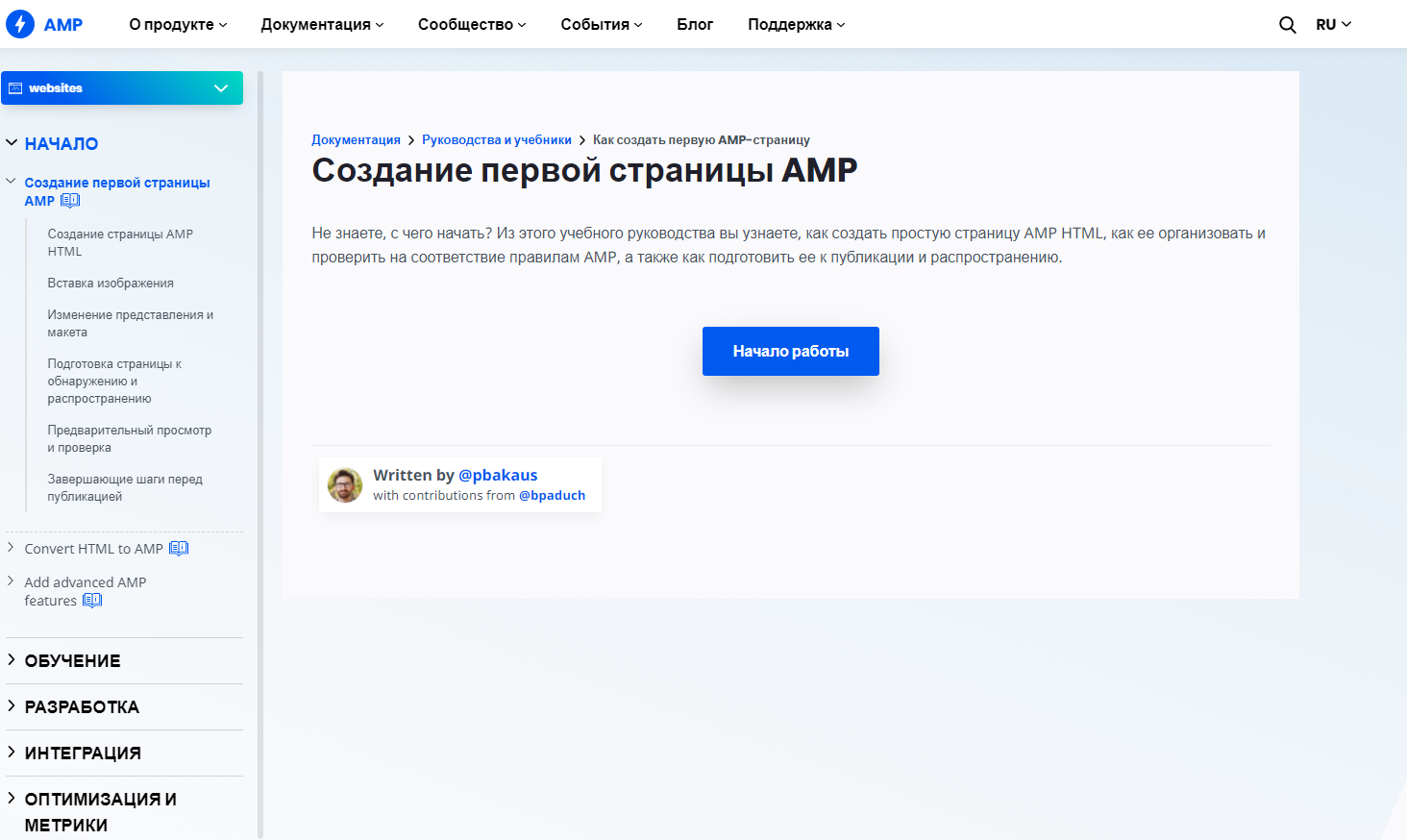
Google found a fairly appropriate solution—the AMP technology. It allows delivering content to mobile users many times faster. And it’s worth integrating if you work on Google. To implement AMP on your website, you need to create pages that AMP will support and then link them to other pages and the entire website. If you are interested in this, Google offers a detailed guide that will help you start.
Employ user cache
User cache is a feature that helps not load the already visited pages again. In other words, if a user opened the website’s home page, it fully loaded, then they went to the website of one of the banks you recommended, and they did not like the terms. To check out another bank, they have to get back to the home page. And if you exploit user caching, the home page will load a lot faster for the user as it will be extracted from their cache (that was saved after the user loaded the home page for the first time).
This technique makes website loading a lot faster, especially if there are lots of images and pages. You can configure the mechanism with the file .htaccess or plugins for CMS editors.
Delay image loading
This method comes down to the notion that images do not load until the user reaches them. If your website is built on a CMS platform, you can integrate this mechanism using plugins (it’s recommended that you resort to support for help).
You can do it for any website component. If there is no need that a specific element is shown in the first place, you may want to delay its appearance, thus providing a higher speed of the initial website loading and retaining users.
Shrink your HTML code
We may say something very straightforward now, but the larger your HTML code, the longer the website loads. An optimal volume is less than 200 kilobytes; an advisable volume is less than 100-150 kilobytes. However, if you have numerous lines and the code weight exceeds both the optimal and advisable values, you may want to refine the code.
Code optimization includes removing all the unnecessary elements: comments, spaces, etc. Basically, you need to get rid of everything that has no or insignificant impact on the website operation.
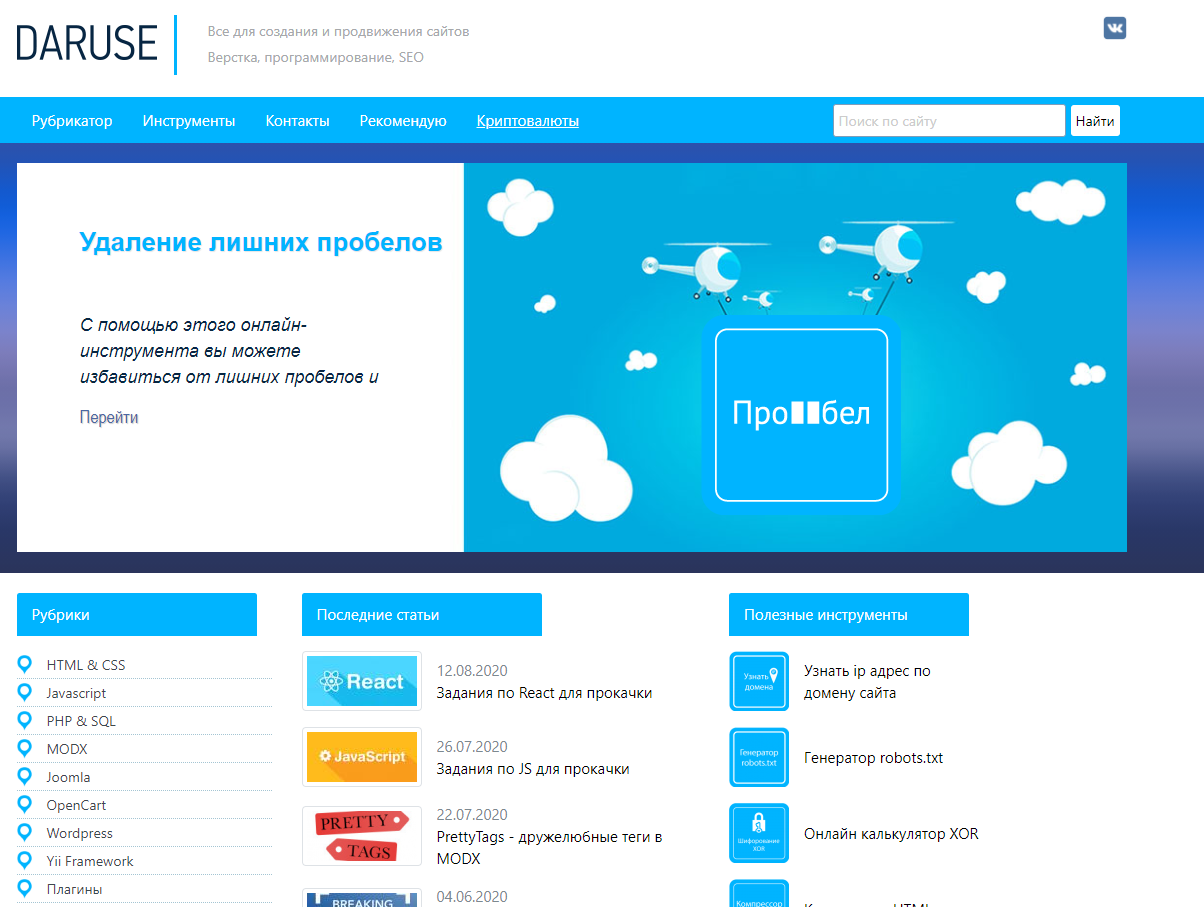
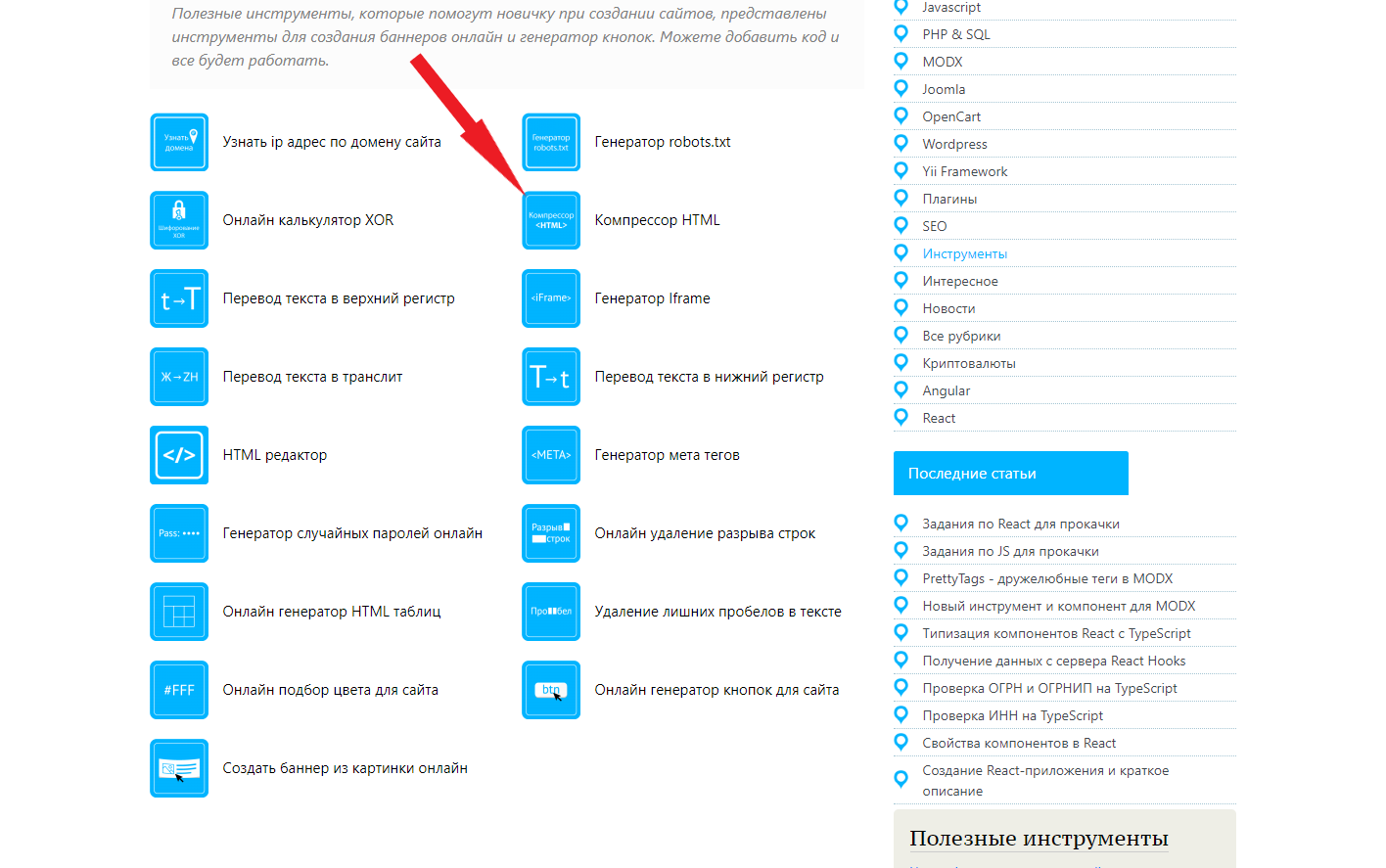
You can do it using servers or manually (the latter is longer but by far more efficient). If we speak of dealing with large-size HTML codes, you will like GTMetrix, Sitechecker, and other products of the class (they are all based on the same algorithm). Daruse can optimize your code, reducing its weight yet keeping functionality intact.
Compress images
A cherry on top is image optimization. Most people know that images are the biggest pain as they occupy 40-50 percent of a page. And if we want our website to load faster, we need to compress these images.
Image compression is a process of applying the compression algorithm to pictures stored as digital files.
There is a multitude of services that can reduce the image weight without compromising its quality. Most of them are web-accessible and free-to-use, capable of handling numerous formats. It won’t be a big deal to find one that will suit you.
Afterword
We hope you won’t underestimate the importance of the page loading speed. In this text, we have described how you can cut your website’s loading time to 2-4 seconds. But do not forget that optimizing makes sense if the product is quality and powered by high-end equipment. Don’t skimp on hosting, and things will be smooth.