How to Run Hiketop+ app on MacBook (Apple Silicon processors)
Hiketop+ TeamThis method is suitable for all those who have an Apple MacBook with an Apple Silicon processor:
- M1
- M1 Pro
- M1 Max
- M1 Ultra
- M2
All actions will need to be performed on your MacBook.
💬 Hiketop+ Support Chat (click me)
Step 1
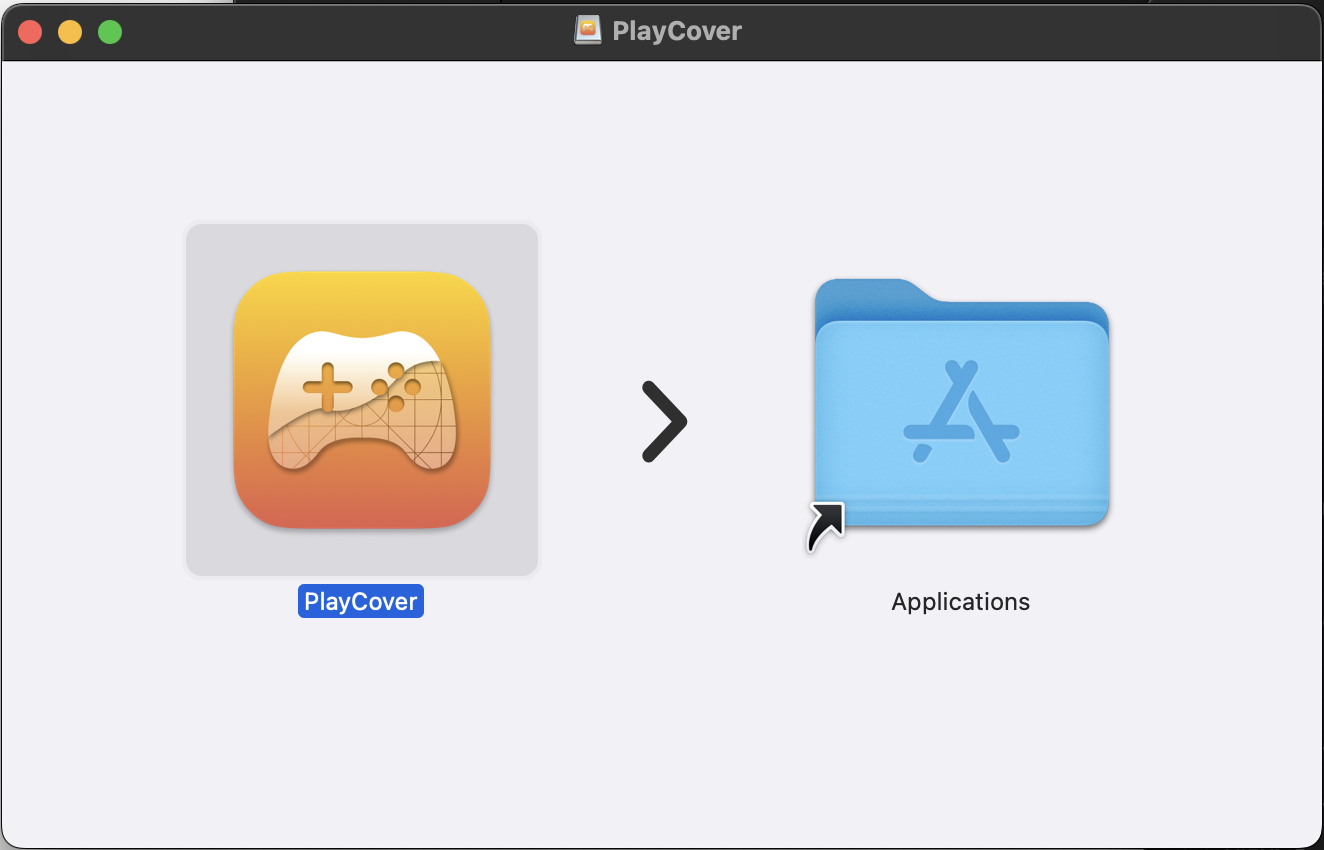
Download Play Cover (click me) to your PC, it is necessary to run *.ipa (iOS apps) files. After downloading, launch the file and move the PlayCover App to the list of applications. (Official site of PlayCover)
Step 2
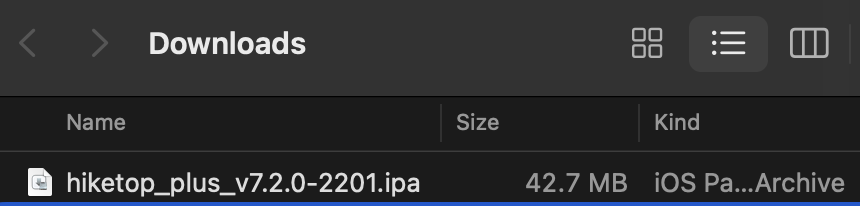
Download Hiketop.ipa (click me) to your PC.
Step 3
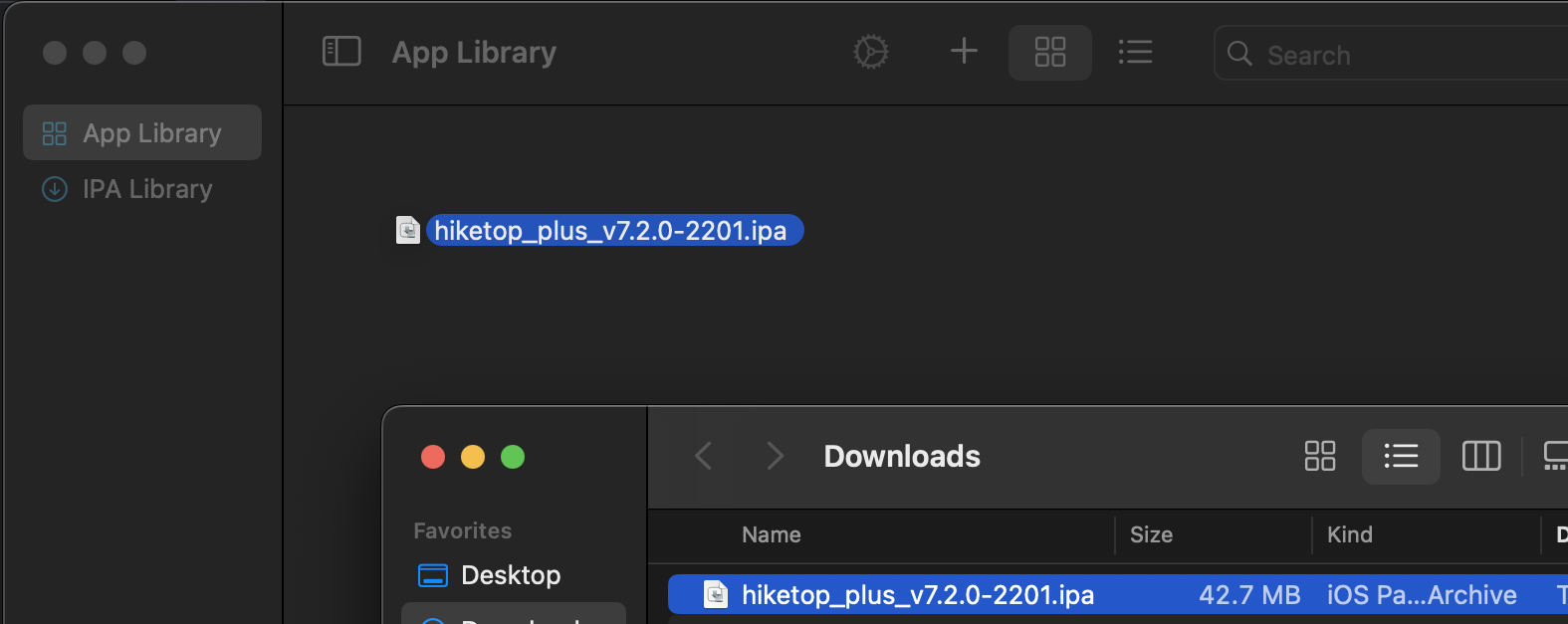
Launch PlayCover and drag the IPA file of the application into PlayCover (as shown in the screenshot).
Adjusting the application window size
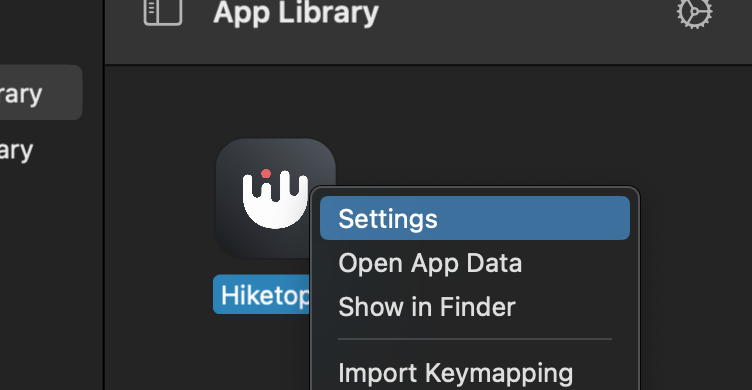
Right-click and navigate to settings.
Ensure that the graphics settings appear as follows.
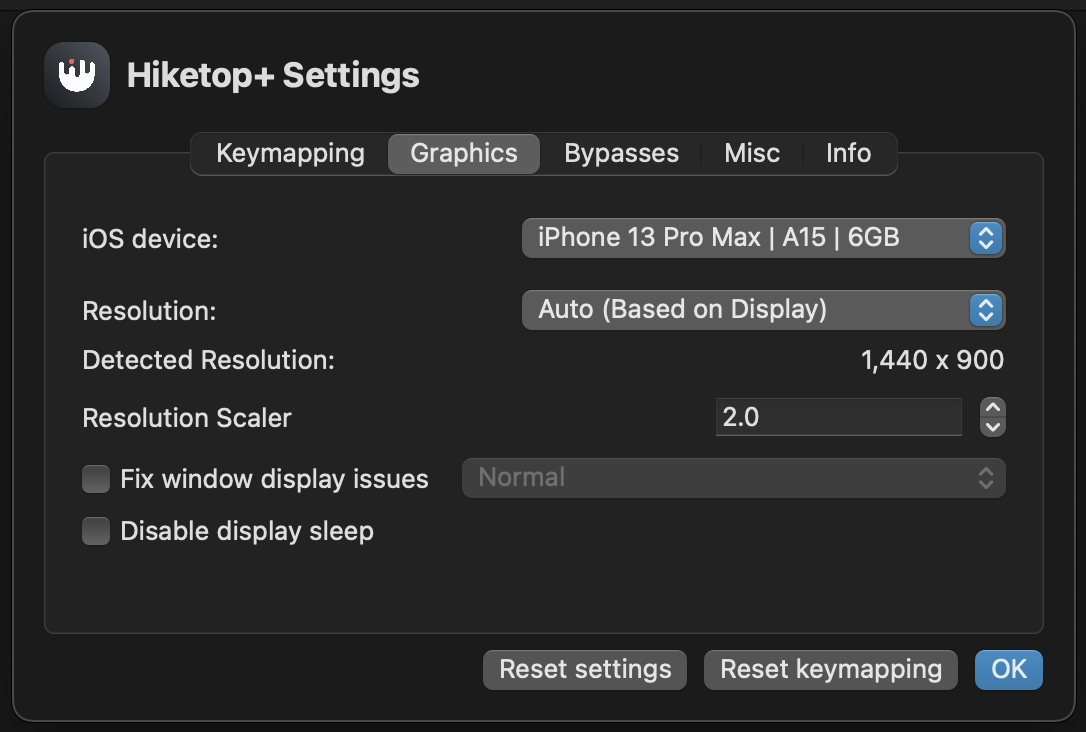
🔥 Congrats! Everything is ready, now you can launch Hiketop+ and use it! If you have any questions, you can contact us in our Telegram chat (click me).