How to Participate in PUMP on DigitalMarketX
Table Of Contents:
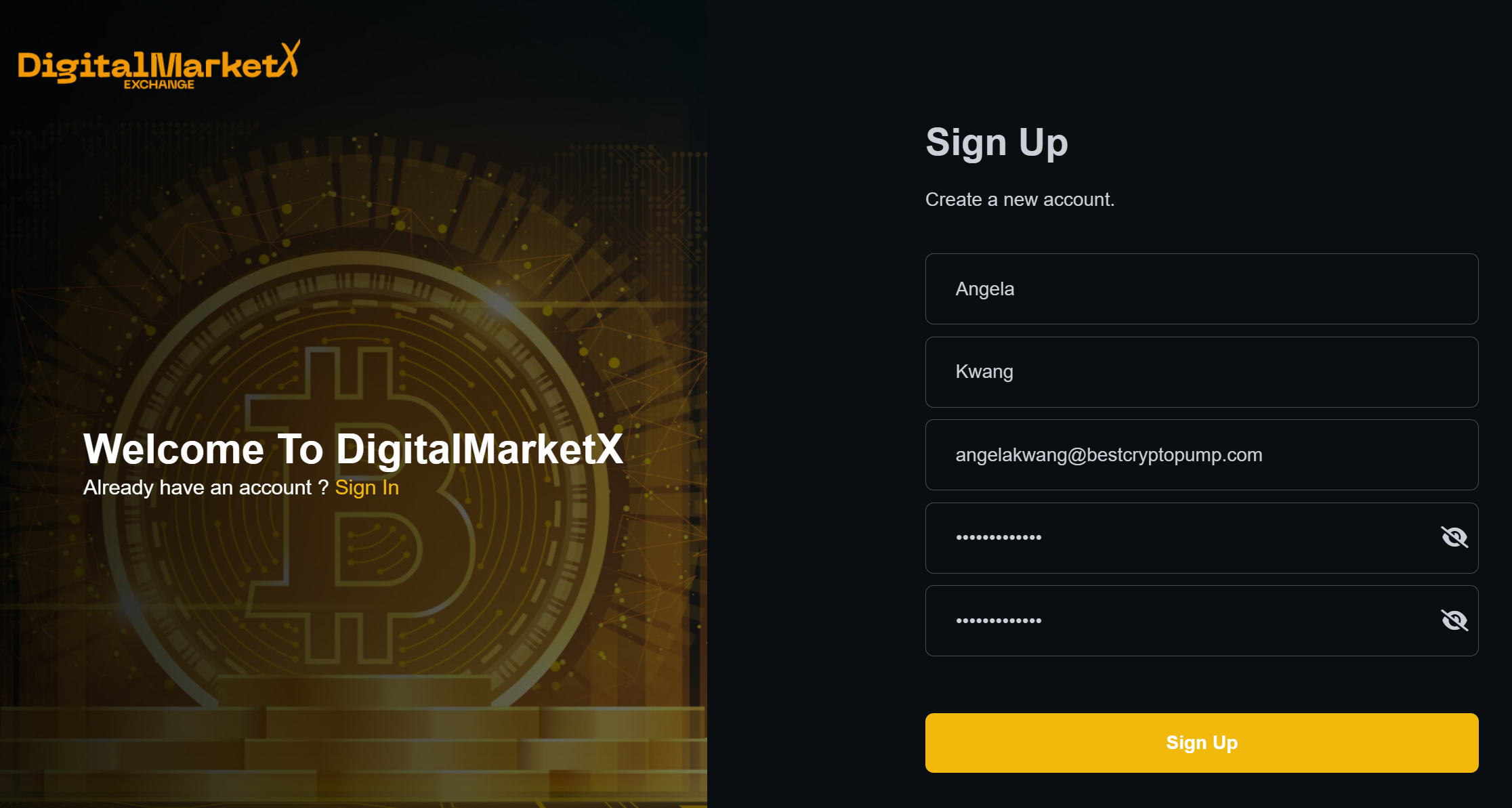
How to register on DigitalMarketX
Go to the website of the DigitalMarketX exchange - https://digitalmarketx.com/signup
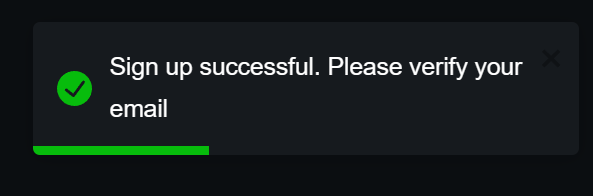
Checking email to activate account:
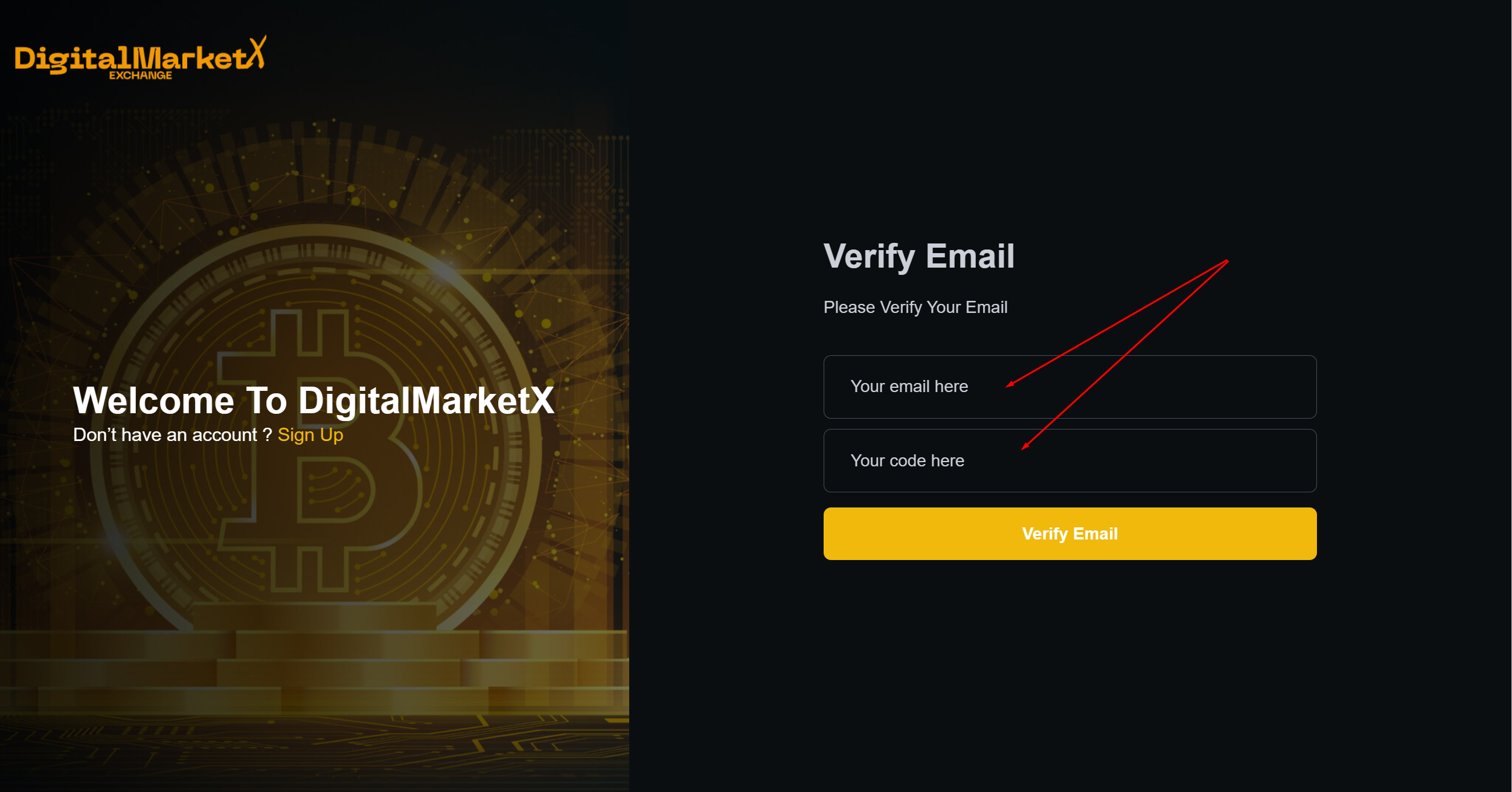
Enter your mail specified during registration and enter the code from the email.
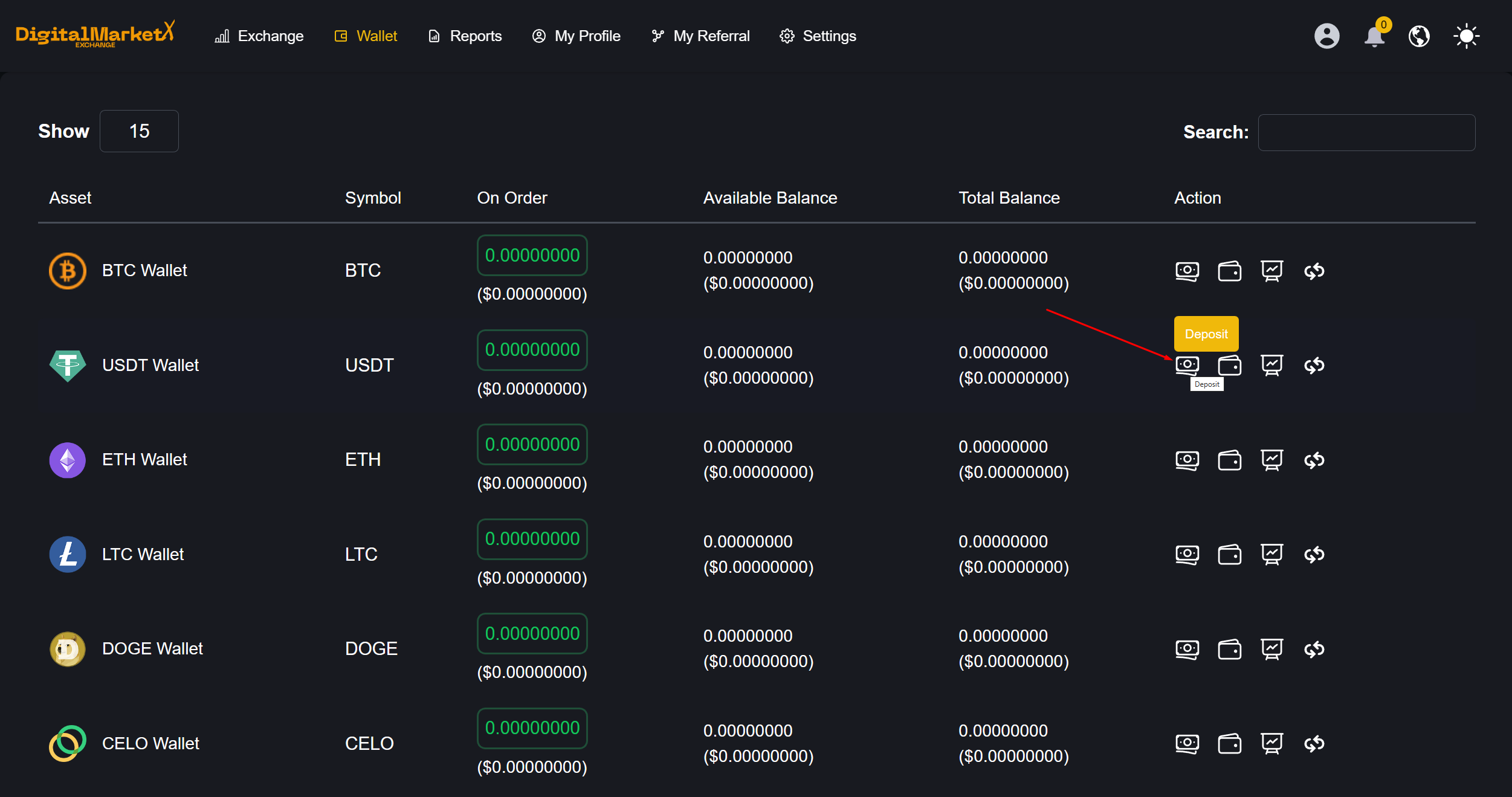
Top up your USDT wallet
Go to wallet section https://digitalmarketx.com/user/my-wallet
Choose USDT
Top up of USDT in the TRC20 network!
You can copy your wallet number or fund your account using a QR code.
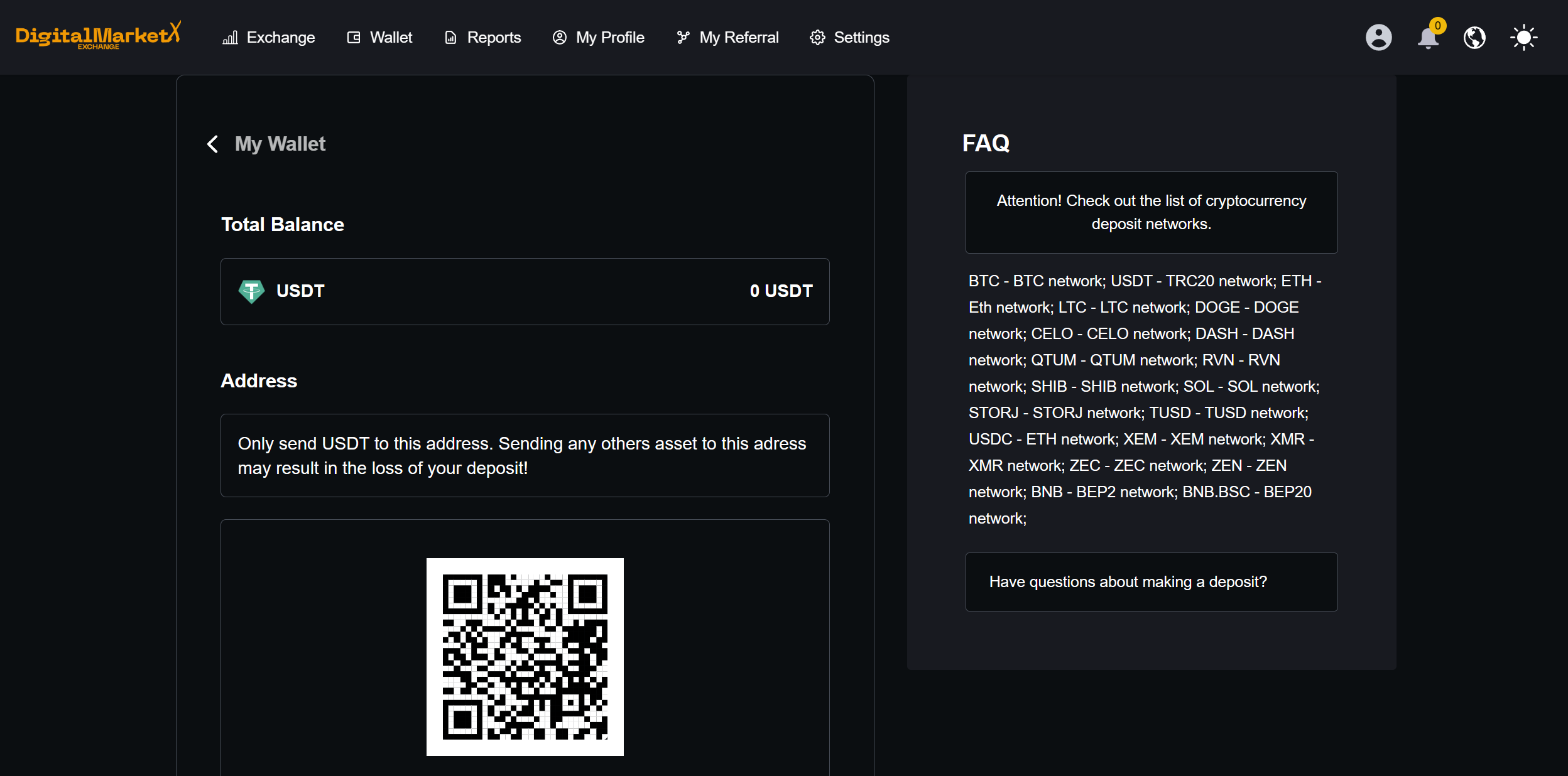
After sending funds, your money will be credited to the exchange (approximately 10 minutes after sending funds)
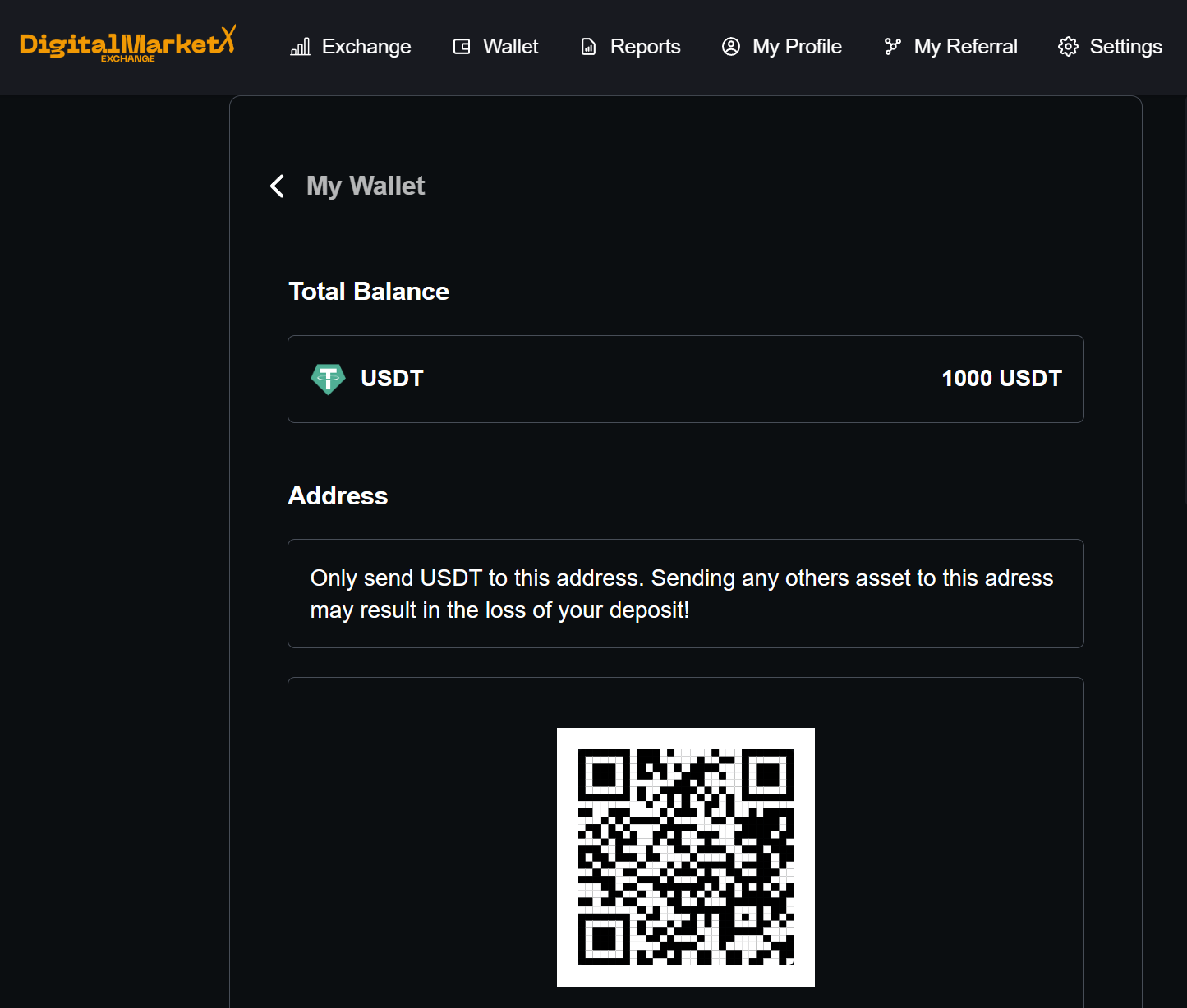
Participation in the PUMP
Go to the spot market https://digitalmarketx.com/exchange/dashboard
The channel will sound the coin for the pump. For example, it will be STORJ/USDT
Choose STORJ/USDT
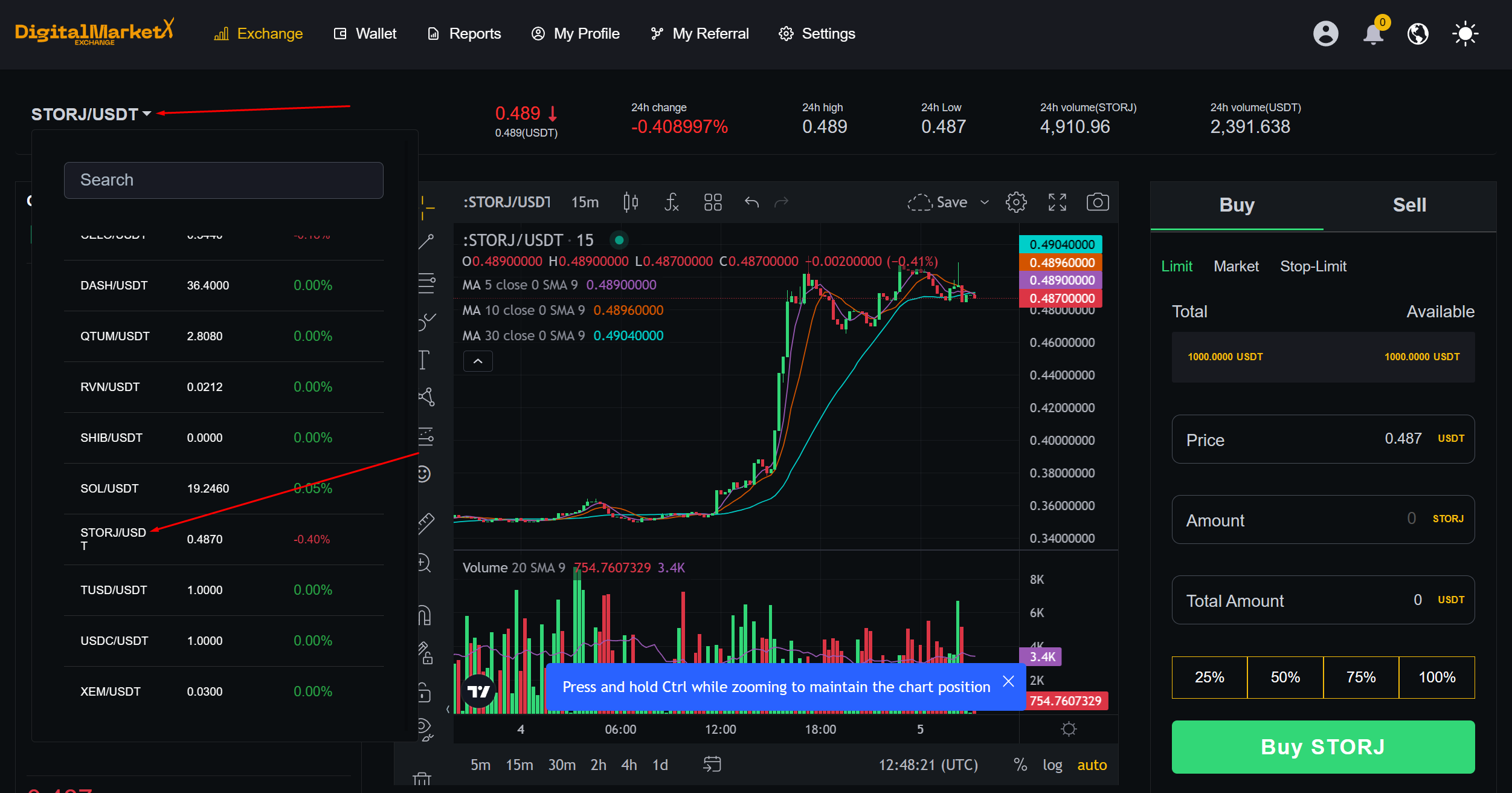
Our task is to quickly buy a coin after the signal!
- Open the buy section, the market tab;
- select 100%;
- Click BUY.
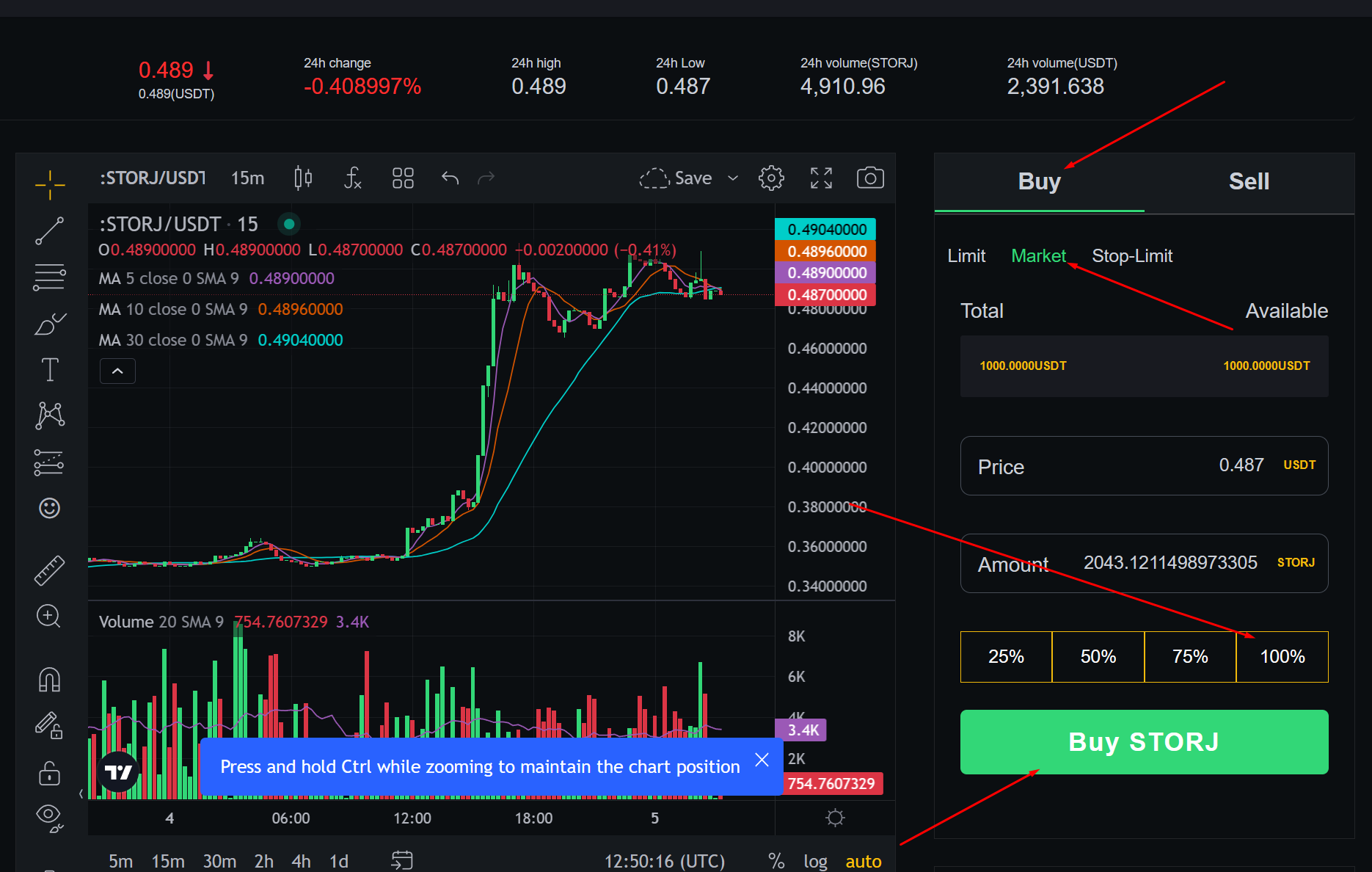
After the purchase, we wait for the price to rise and sell the coin.
Congratulations on your future profit! Welcome to the community!