How to Create your TonKeeper Wallet
CJTONGo to AppStore or Google Play and get your TonKeeper App.
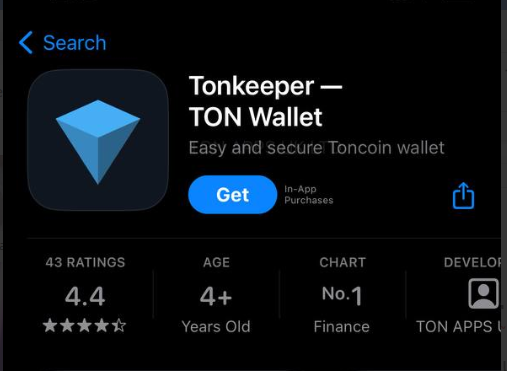
Click “Get Started”
To create a new wallet, click on “Create New Wallet”. If you already have a wallet, click “Import Existing Wallet”
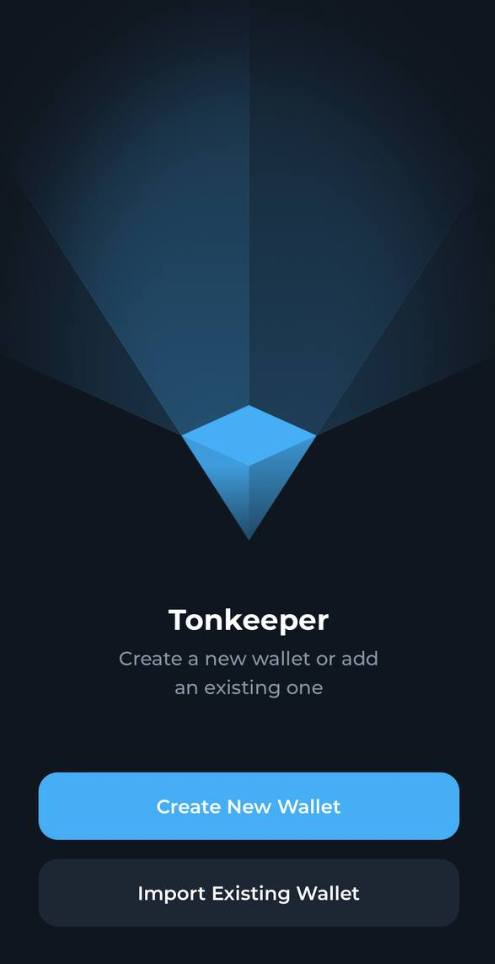
When you create a new wallet, you’ll get an option to protect your wallet with a recovery-phrase. This is a set of 24 words, which you have to keep somewhere safe. Just to make sure you can write them down on a piece of paper. KEEP IT SAFE. There is no way to recover it.
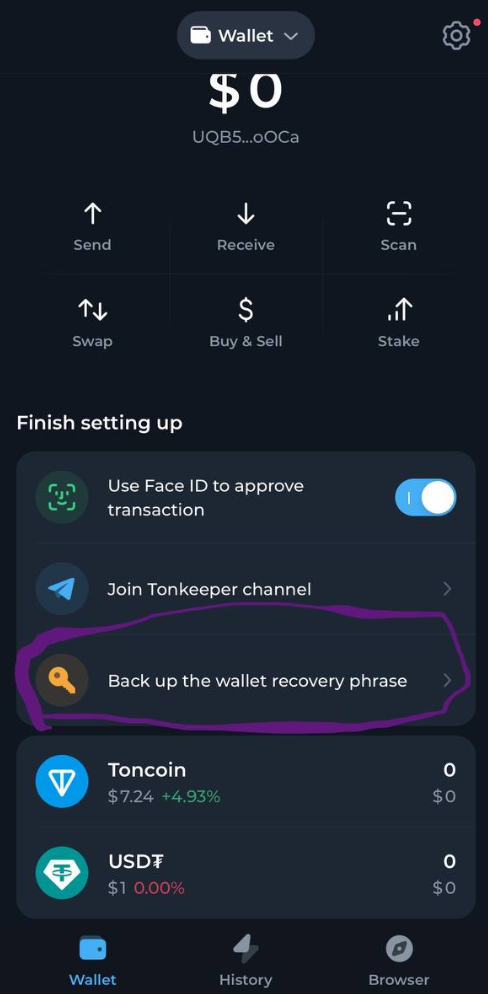
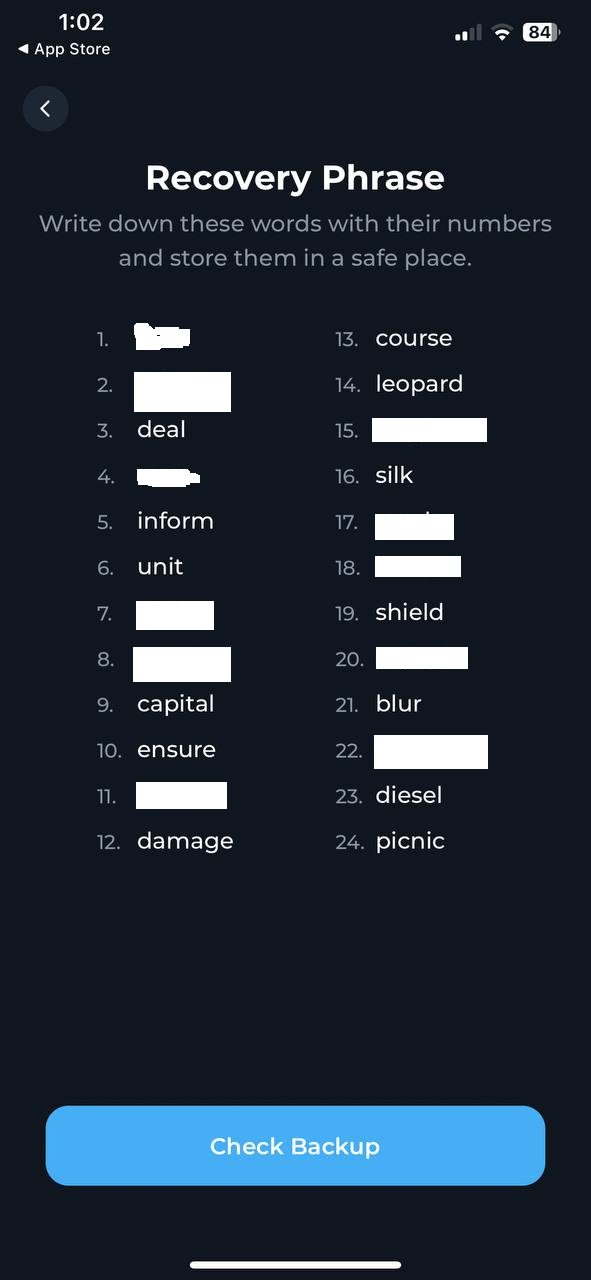
Write down or save your recovery phrase somewhere safe.
After you’re done with that, click “Check backup”. You’ll have to put in some random words from your recovery phrase.
5. The next step is to set your pin. You can use it to access your wallet or you can use.
Should you have any questions, reach out to us in the chat!