How to Buy SOL Tokens on RAYDIUM | Step by Step
Difficulty: EASY
1. Download the Phantom Wallet app
- IOS download
- Android download
- Chrome Download (Using Chrome Browser)
2. Buy SOL and transfer it to your Phantom Wallet
- All our pumps are paired with SOL, so you must have SOL balance in your Phantom Wallet to participate and profit from them. You may use any exchange to buy SOL
Your wallet should now look like this:
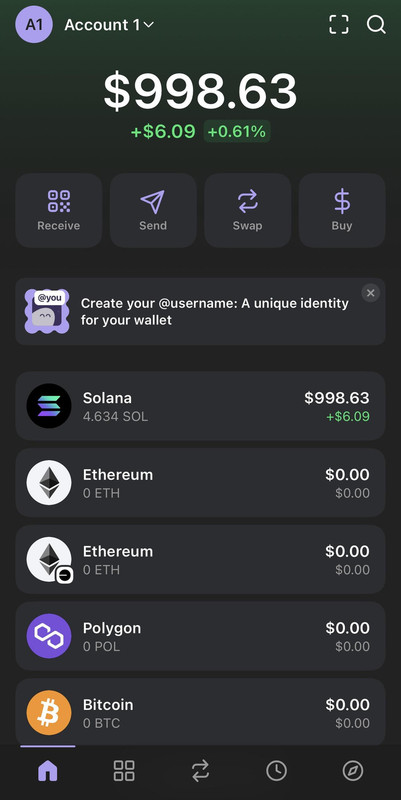
3. Open RAYDIUM in the Phantom wallet browser
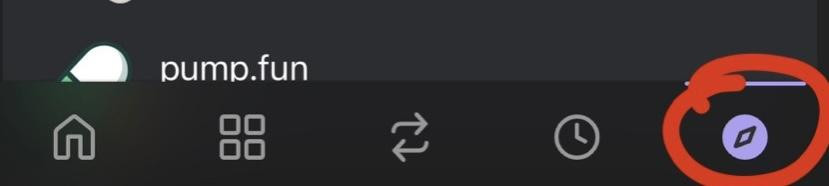
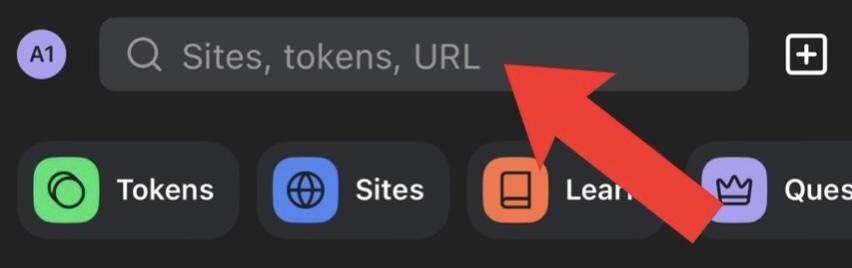
- You'll find the "Browse" icon at the bottom right corner. Search for "Raydium"
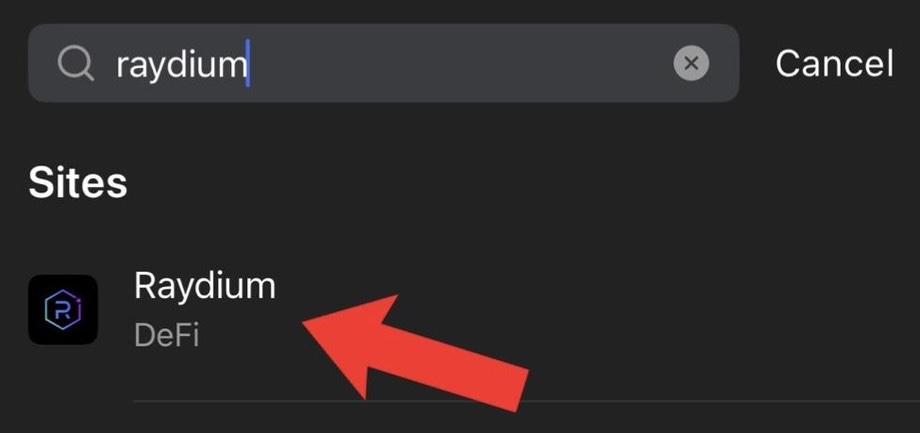
4. Connect your Phantom Wallet to RAYDIUM
- Click "Connect Wallet" and select "Phantom":
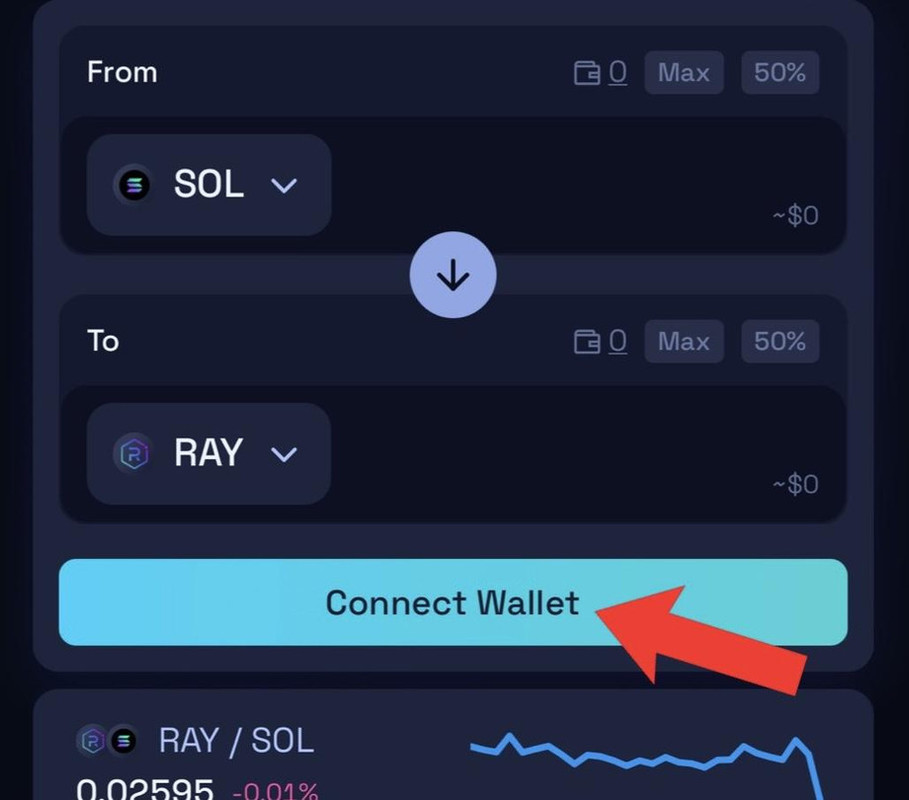
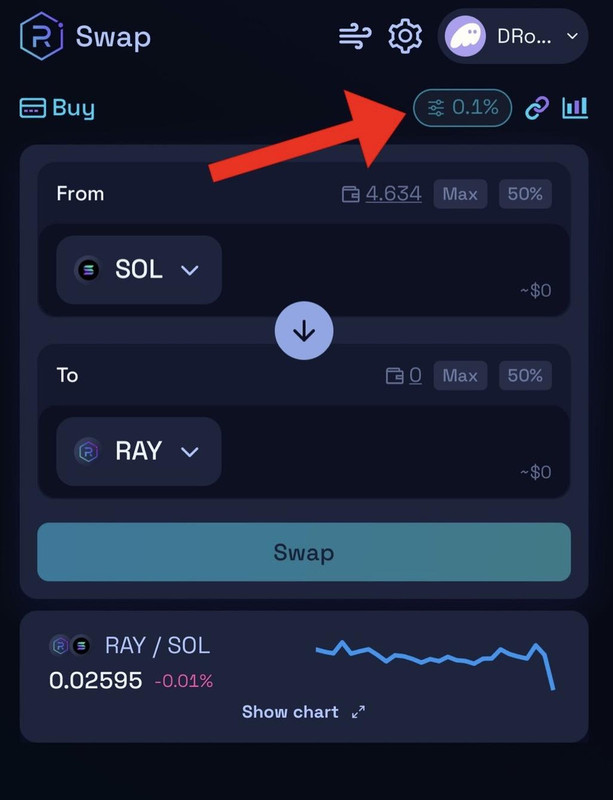
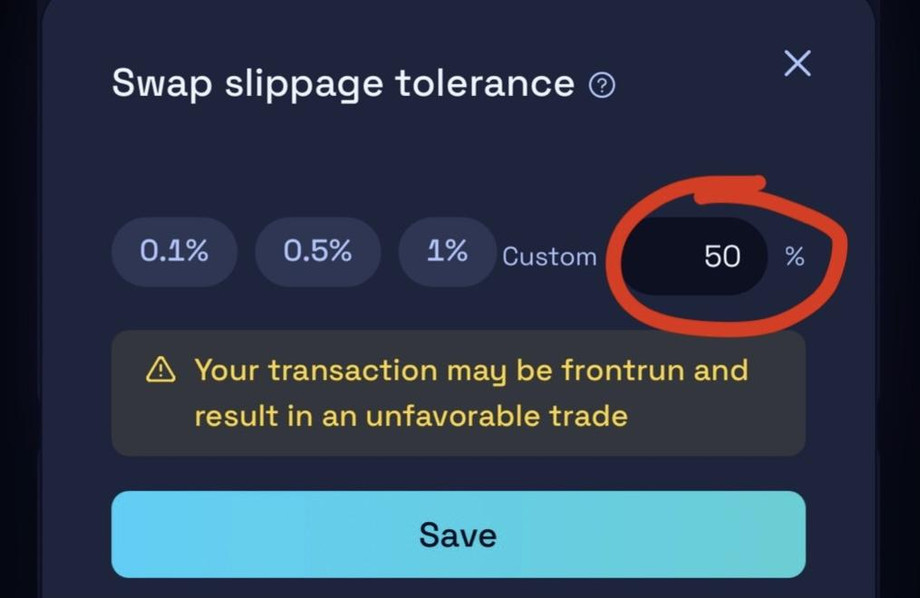
5. Set Slippage to 50%
This ensures your transaction is not front run by bots or other traders, meaning you'll get the earliest entry and best price:
6. Find our token
- Paste the contract address into the swap tab and click on it. We always post the contract address at the time of the pump, you'll be the first ones to get access to it, so be FAST!!
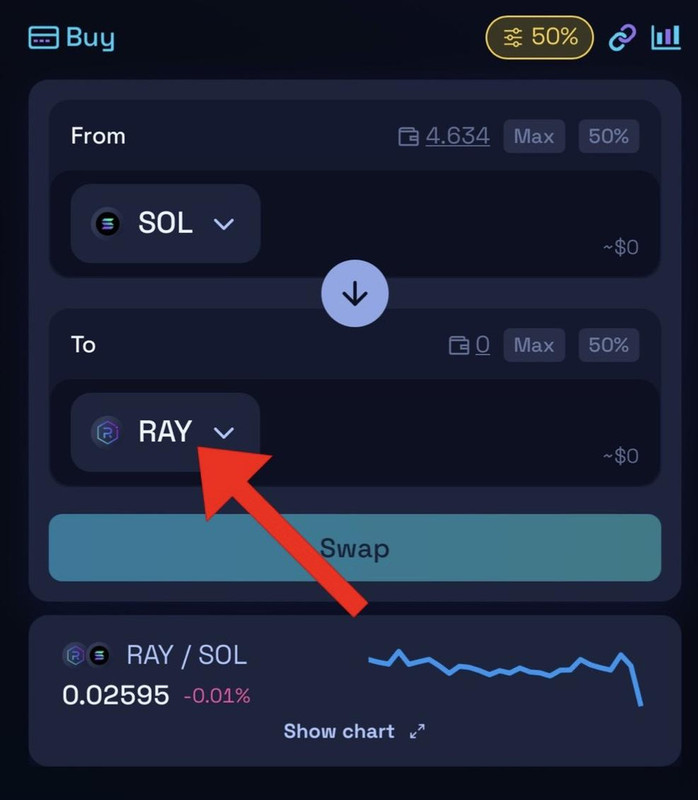
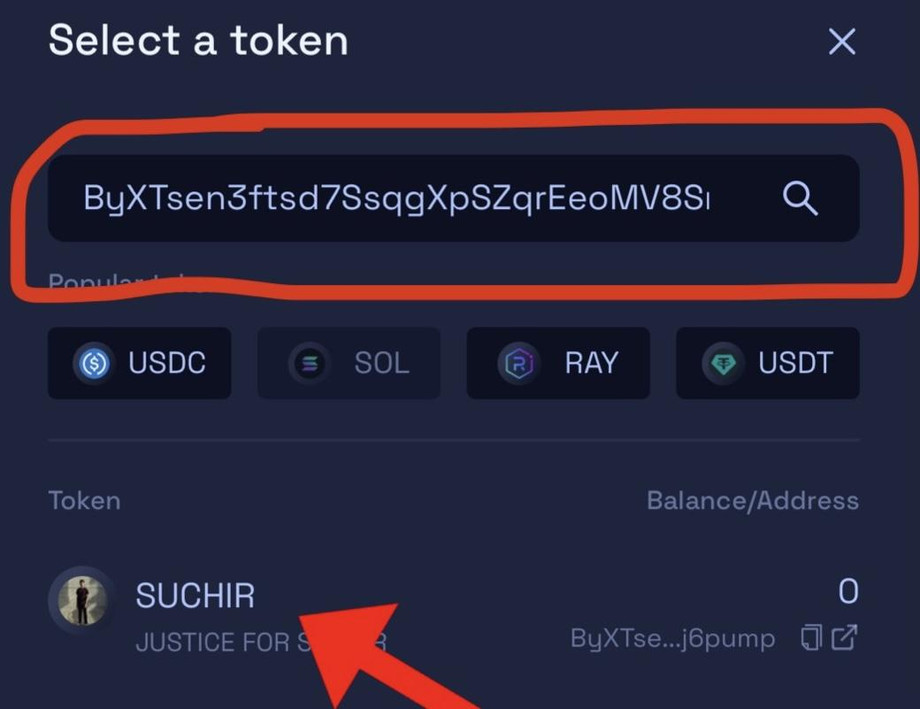
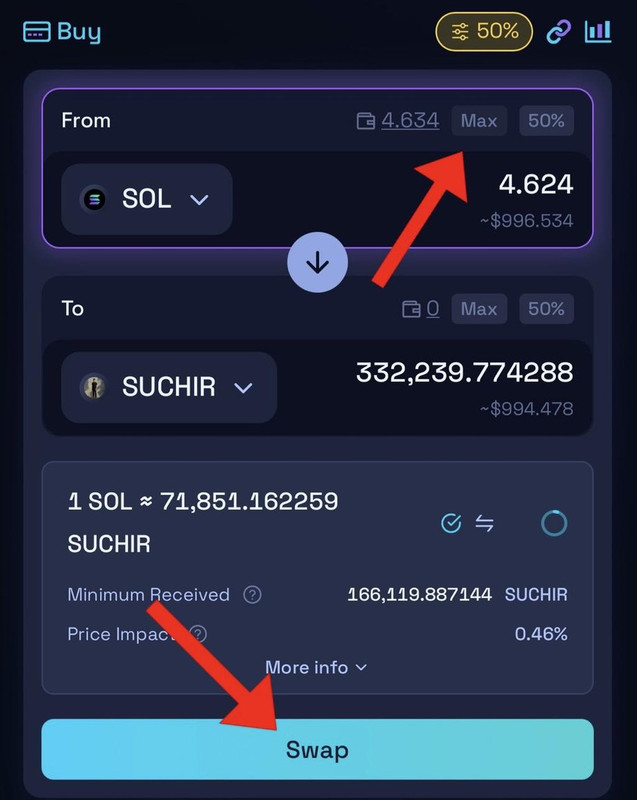
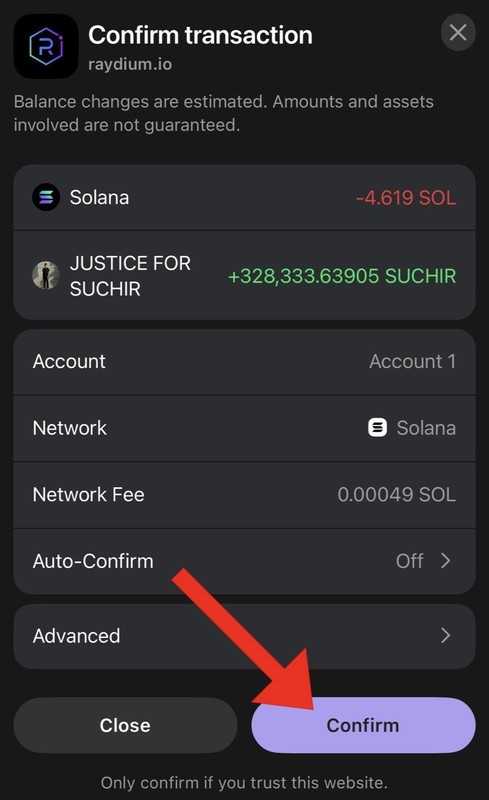
7. Select "Max", hit SWAP and CONFIRM to complete your purchase.
Taking Profits
Wait for our target, generally anywhere from 1,000$ to 3,000%+
Enjoy the profits, you are now a Pro Solana Insider!