How to Buy $DUCK for complete Beginners
By Duck Dev's!If you're new to cryptocurrency and want to buy $DUCK tokens, follow these simple steps. You'll need some Ethereum (ETH) to get started. You can buy ETH on platforms like Coinbase, Binance, or any other exchange you prefer.
Important Steps:
Step 1. Download MetaMask:
- Visit MetaMask.io and click "Download For" and choose the appropriate browser you are using.
Step 2. Install MetaMask Extension:
- Open the MetaMask browser extension.
- Grant access to your MetaMask, which is completely safe.

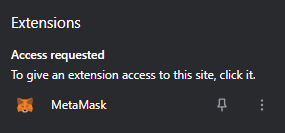
Super Important (Pay Attention):
Step 3. Create a New Wallet:
- Select "Create a new wallet".
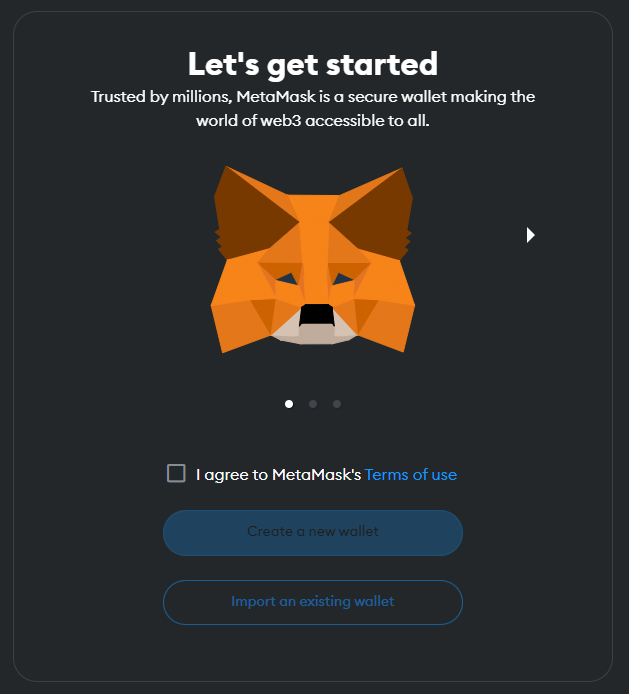
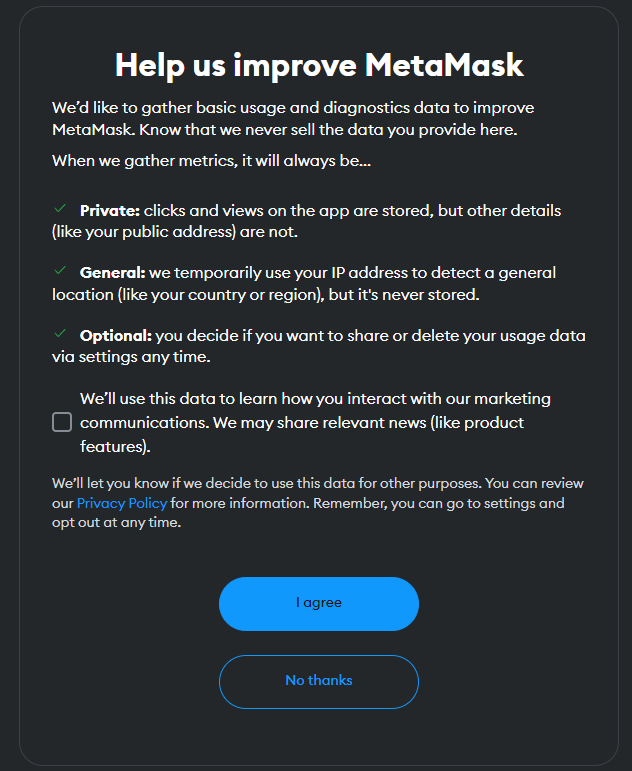
Step 4: Opt Out of Data Collection.
- Choose "No Thanks" when prompted.
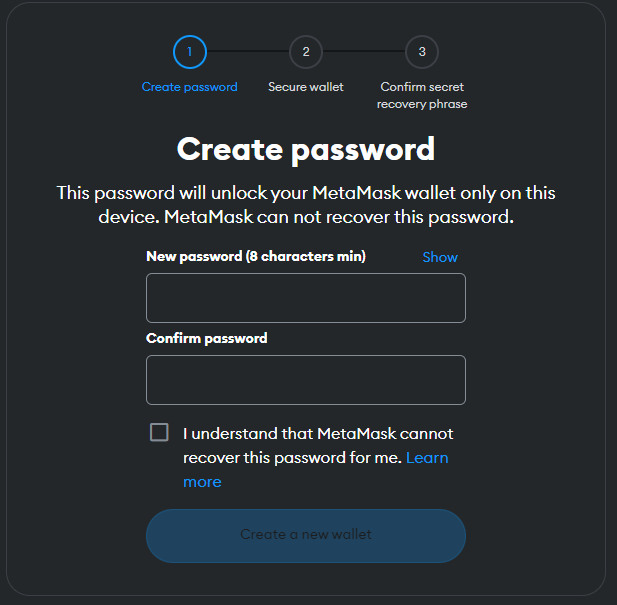
Step 5: Set Up Your Password:
- Create a strong password and ensure you remember it.
Step 6: Secure Your Wallet.
- Choose "Secure my wallet."
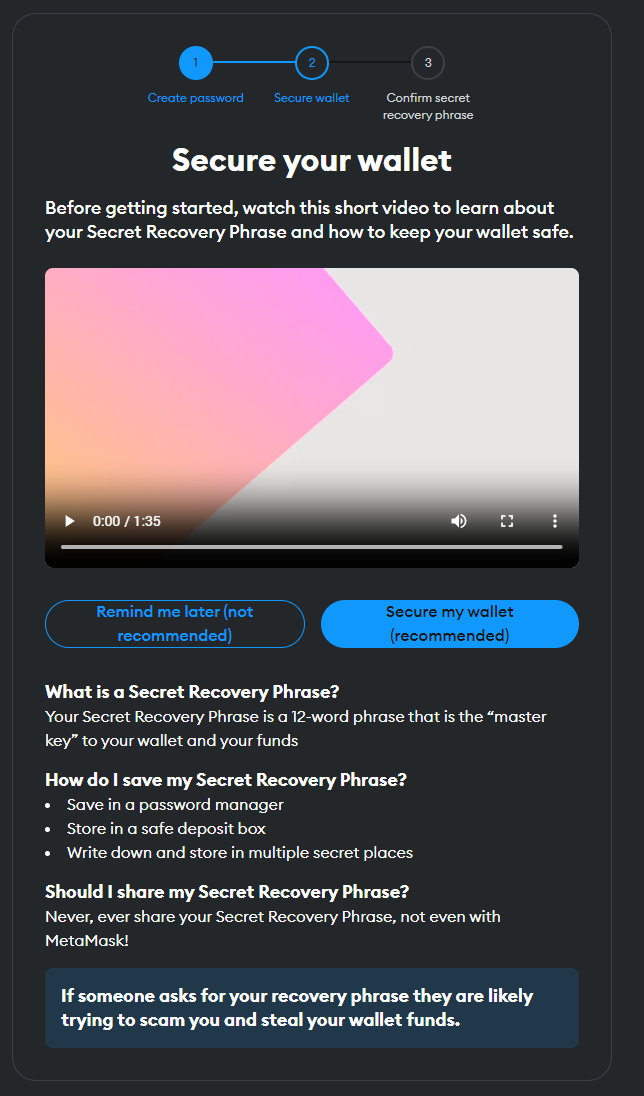
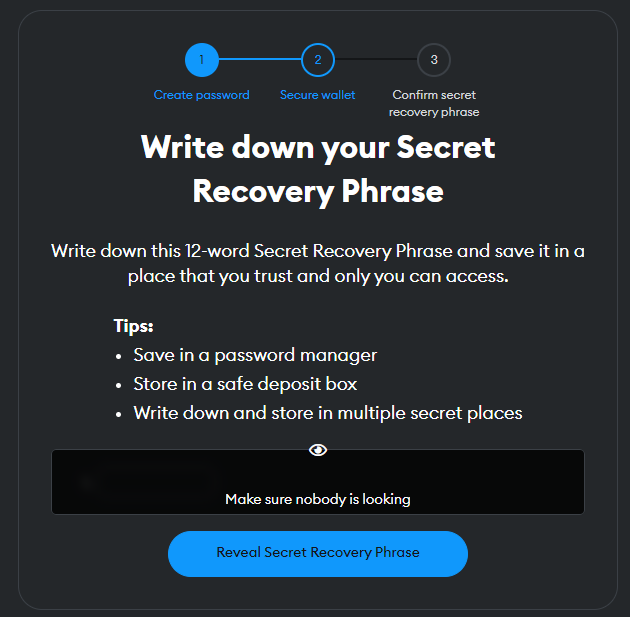
Step 7: Write Down Your Secret Phrase:
- Write down your secret recovery phrase and keep it in a safe place. This phrase is crucial for accessing your wallet if you forget your password.
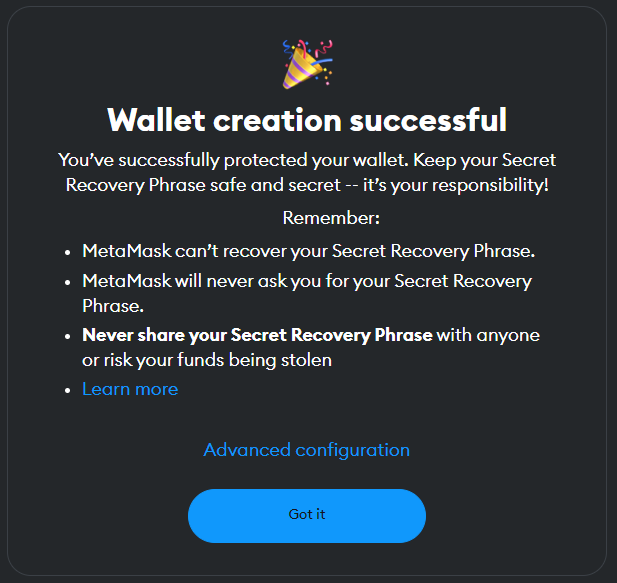
Step 7: Congrats you've created your first MetaMask wallet.
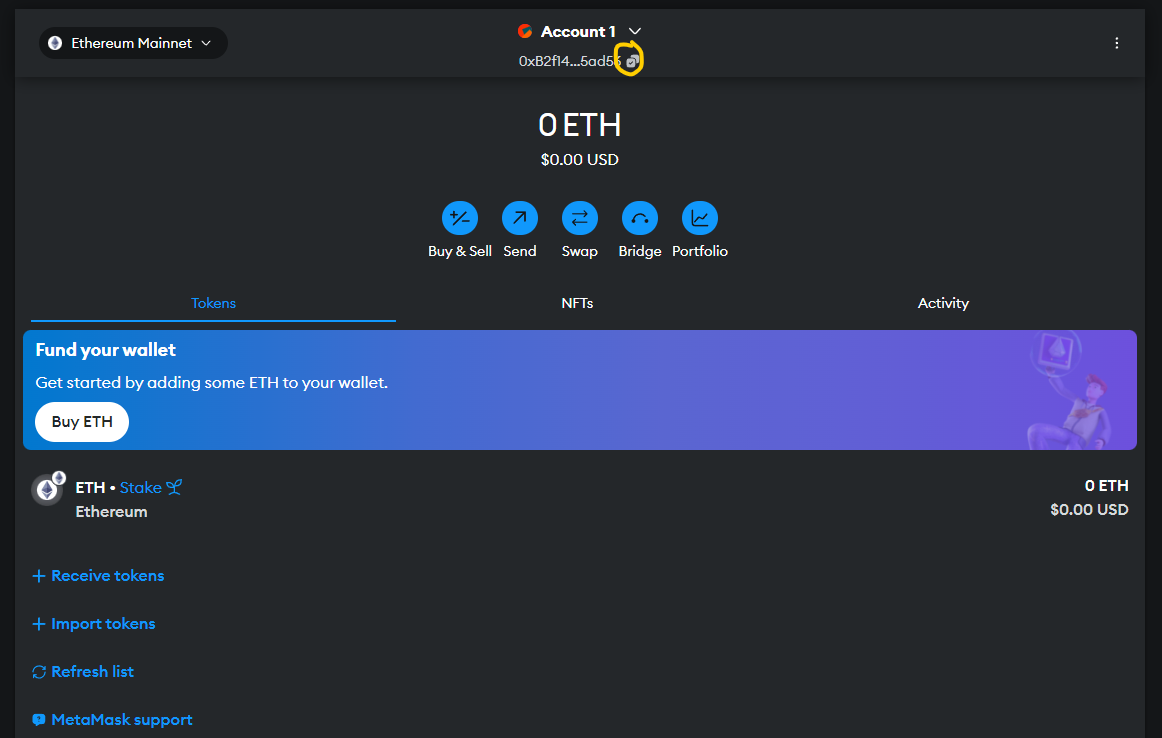
Step 8: Transfer Funds to MetaMask:
- Transfer your ETH from Coinbase or your chosen platform to your MetaMask wallet.
- Copy your MetaMask wallet address, paste it into Coinbase (or your platform), and send your ETH over.
Step 9: Connect MetaMask to Uniswap:
- Visit Uniswap's website and connect your MetaMask wallet.
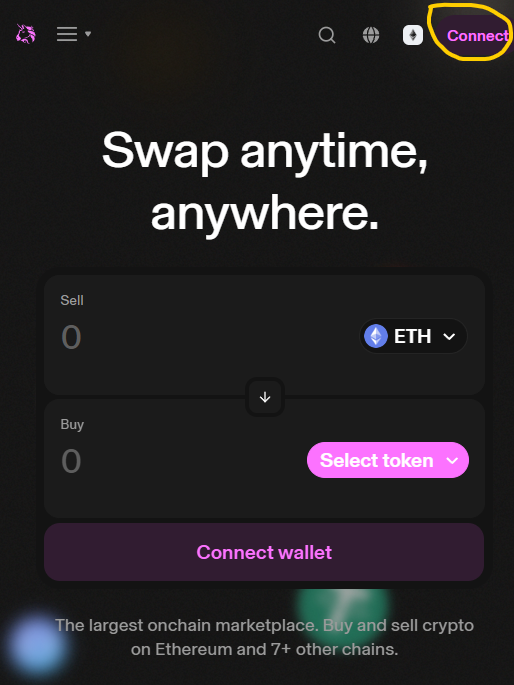
Step 10: Click "Connect" and select MetaMask.
- Click "Next" and confirm the wallet connection.
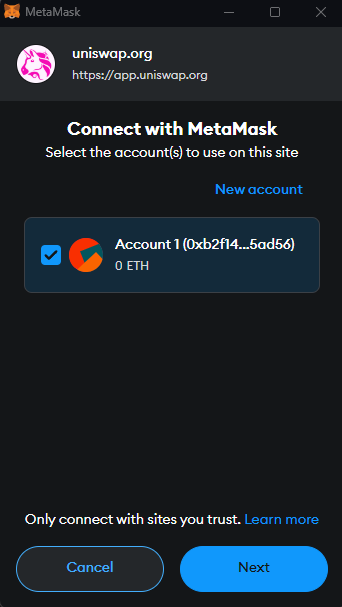
Buying Tokens on Uniswap (Swap ETH for $DUCK):
Step 1: Ensure you have ETH in your MetaMask wallet to swap for $DUCK tokens, as $DUCK operates on the ETH network.
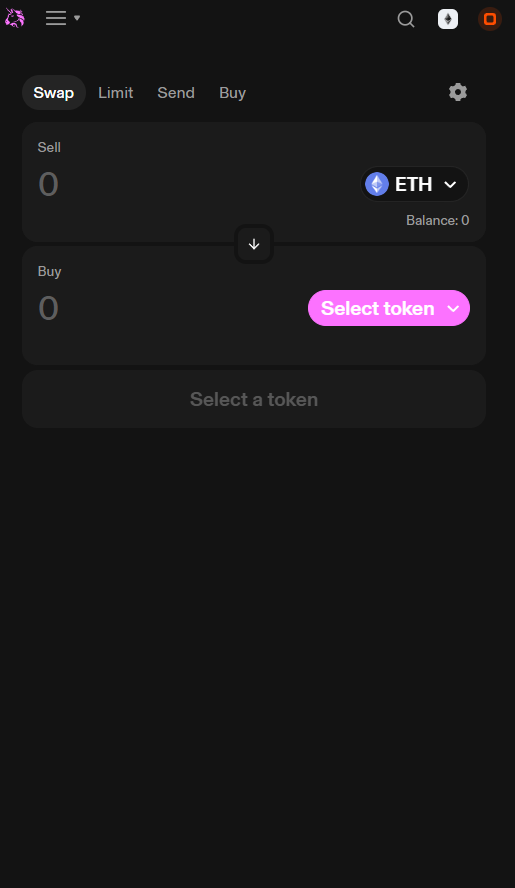
Step 2: Paste the Contract address given on Duck's website or Trusted Source.
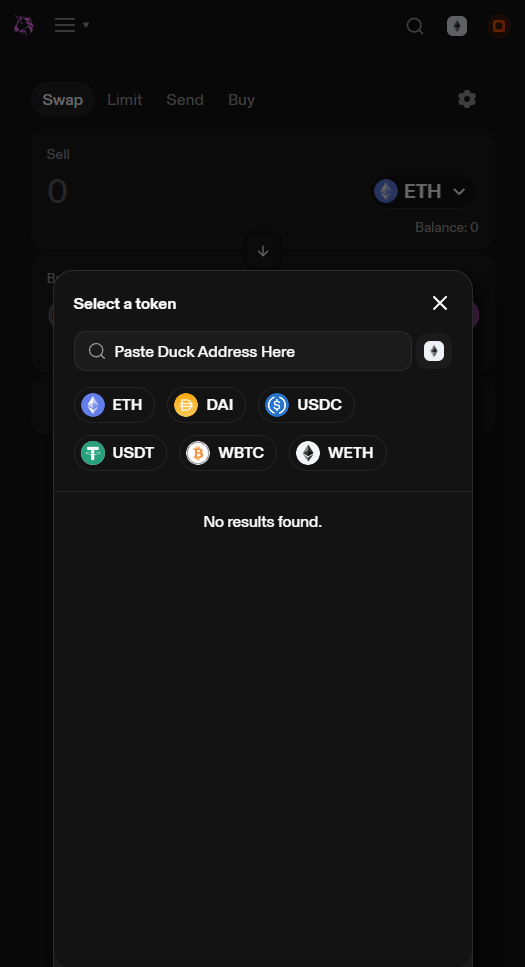
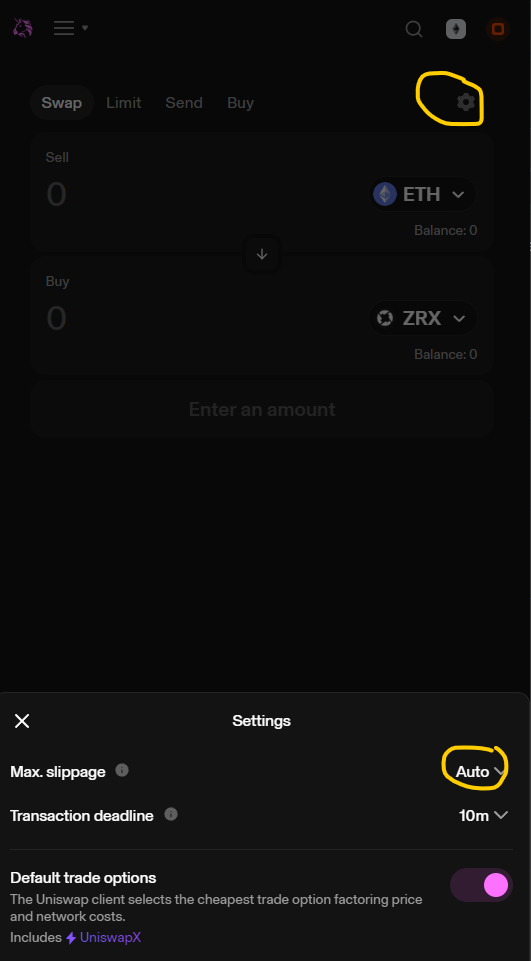
Step 3: If you swap doesn't work you will need to increase slippage here until it works.
Step 4: Congratulations you're now an official owner of the biggest ETH launch in July, make sure to hold your tokens and ride the coaster!