How do issue a virtual card?
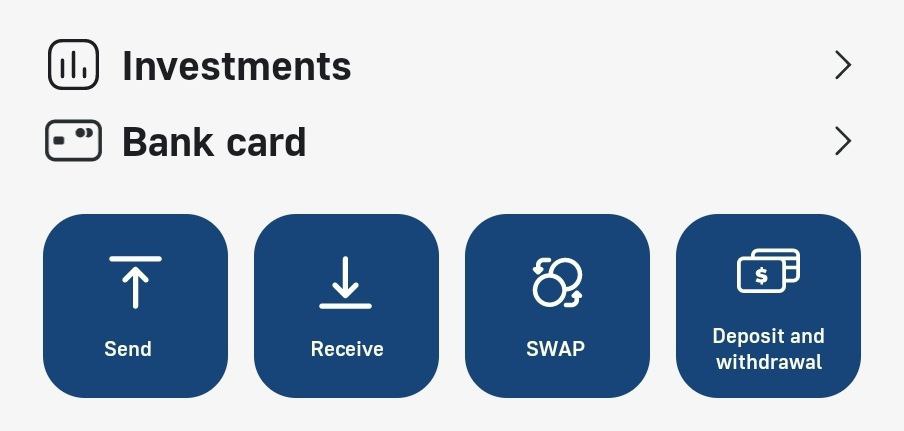
PayCash https://paycashswap.com1️⃣ On the main screen of the Malinka/PayCash Wallet, tap the «Bank card»;
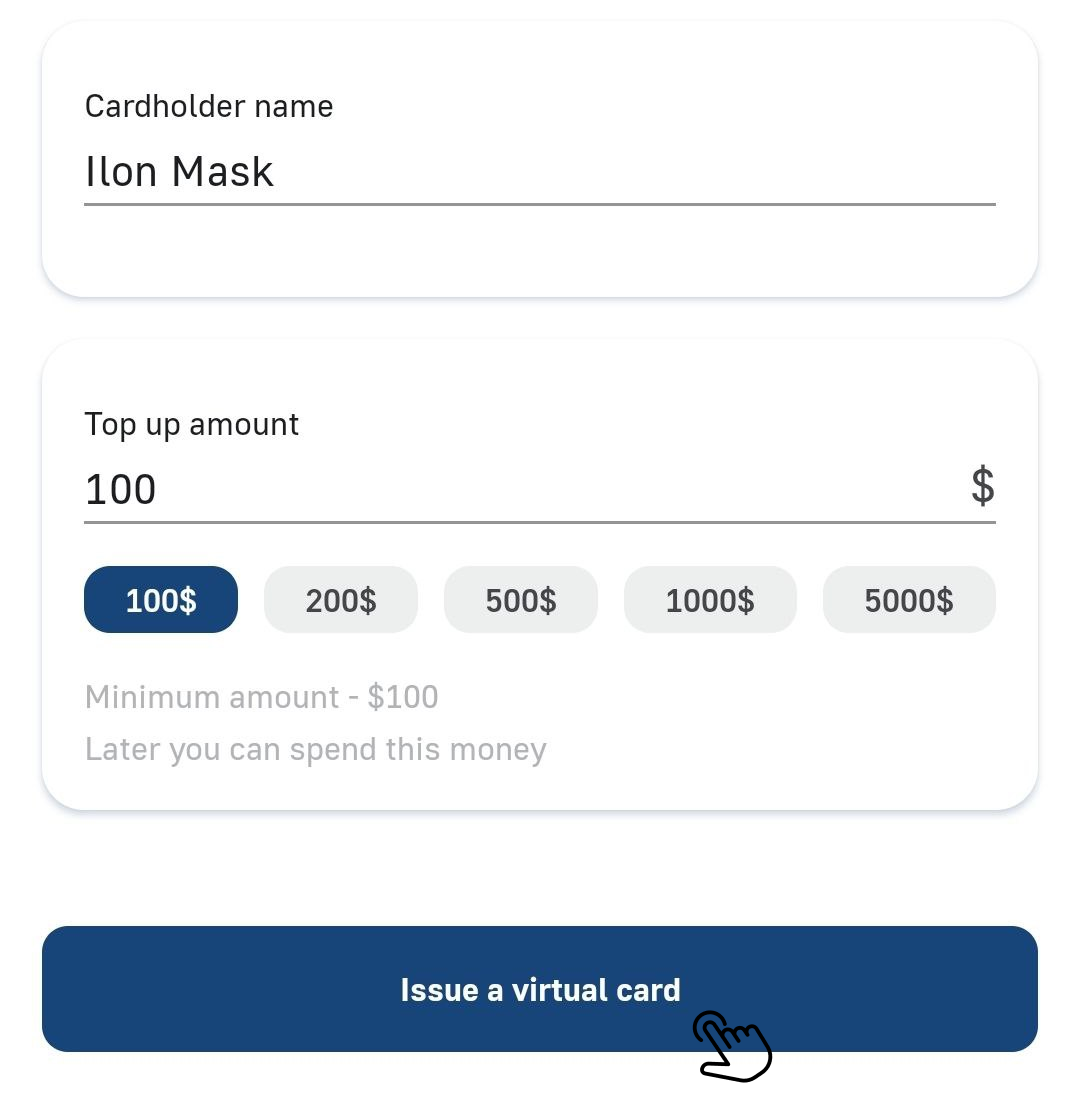
2️⃣ Write any name in the «Cardholder name», below enter any «Top up amount» from $100 and click «Issue а virtual card»;
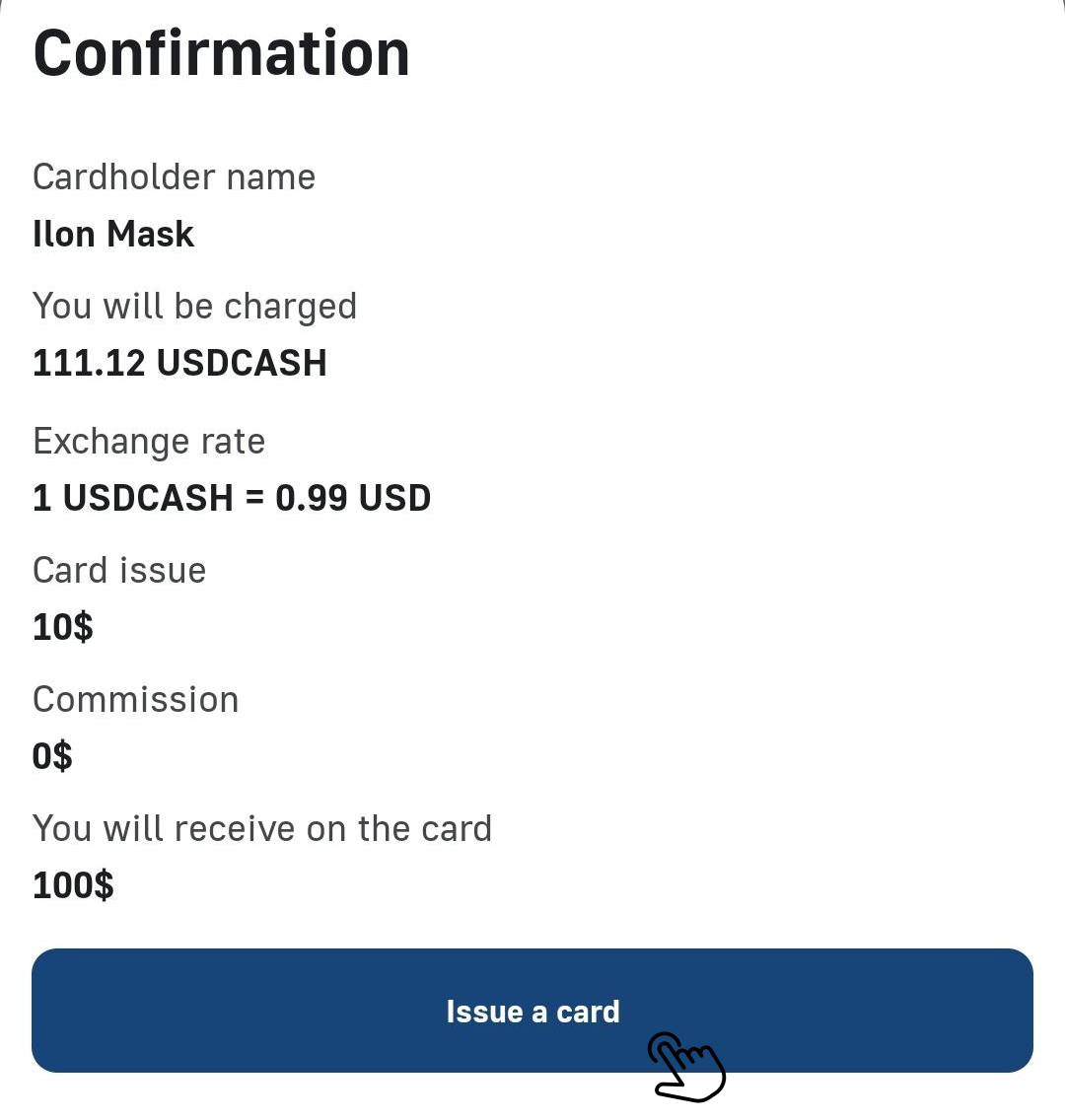
3️⃣ Read the terms of issue and confirm the transaction by clicking the «Issue a card»;
✅ After confirming the issue of the virtual card, wait for its activation.
⚠️ To get the card details and further deposit, repeat point 1️⃣ of these instructions.