How To Scan Faces In NBA 2K23?
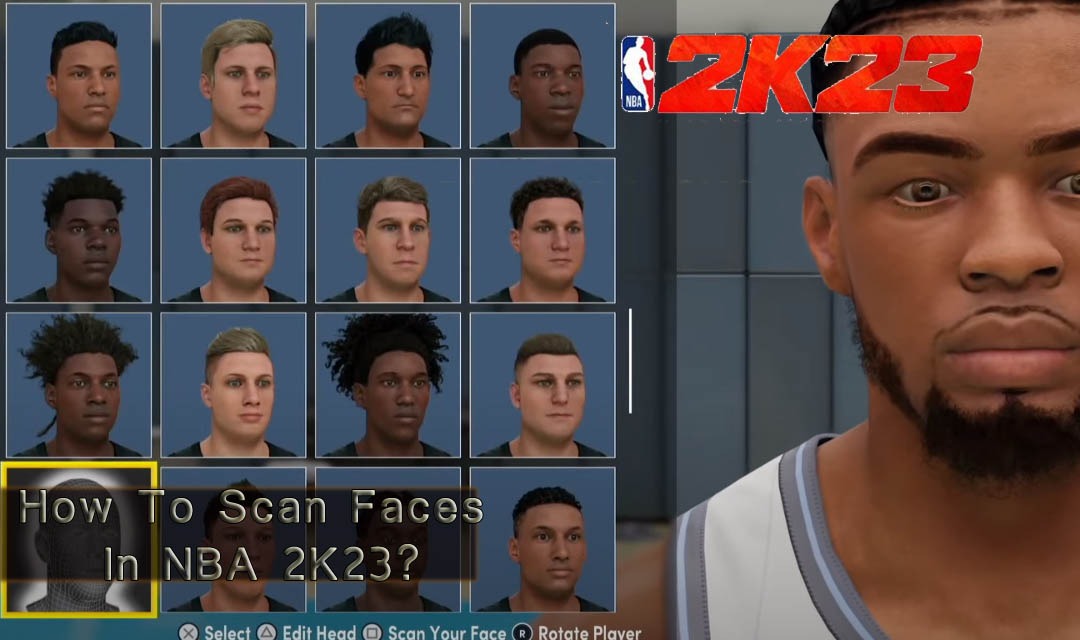
The first thing a player does when they enter NBA 2K23 is to build a player. At this point, we can modify the appearance of the player. There are two ways to modify a player's appearance in this game, one of which is by scanning the face. Let us show you how to scan your face.
NBA 2K23 needs to be purchased and entered before we learn how to scan a face. Now that we can pre-order, we can get a lot of NBA 2K23 MT by pre-ordering. This can give us an advantage when we first enter the game.
How to scan the face?
Fortunately, players don't need any specialized cameras or equipment for facial scans. All they need is a smartphone.
Before performing a face scan, players need to download a dedicated app on the iOS app store or Google Play. After that, they need to log in with their Steam account, PSN account, or Xbox Live Gamertag. The account must have NBA 2K23 saves for the app to accept it.
Players can do several things in the app, such as viewing upcoming game events or redeeming locker codes for NBA 2K22. But the most relevant feature is face scanning.
The app allows the use of the player's camera and accepts the Privacy Policy and Terms of Service. After this, the player can take a photo of himself. The photo will be automatically sent to the 2K Game's server after finishing the shooting. When players log in, their faces should be available in the MyPlayer character creator. Note that this process has some flaws and may take several attempts to scan the player's face correctly. Of course, making a good face is only the beginning of the character creation process.