How To Order
2wentyV (ML 💎)Go to the website
Step 1:
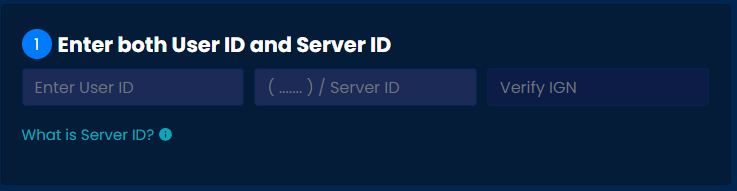
Enter User ID (xxxxxxxxx), Enter Server ID (4/5digits).
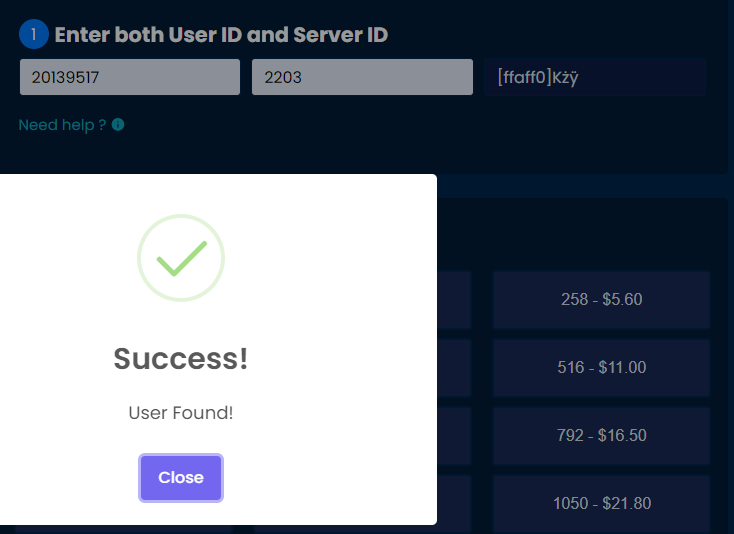
Click Verify IGN, make sure the IGN that appears matches your in-game name.
Step 2:
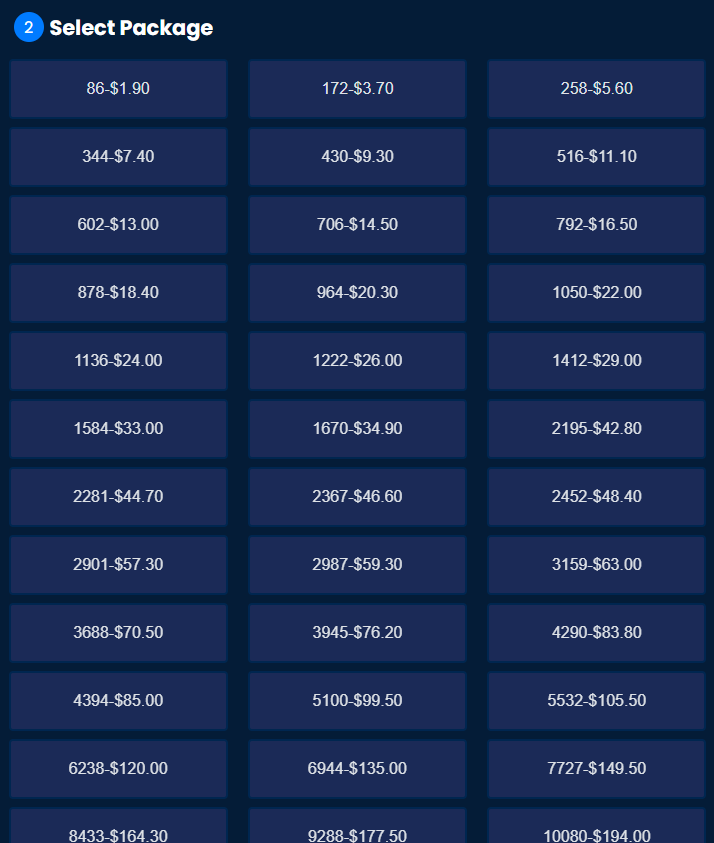
Select the package you want.
Step 3:
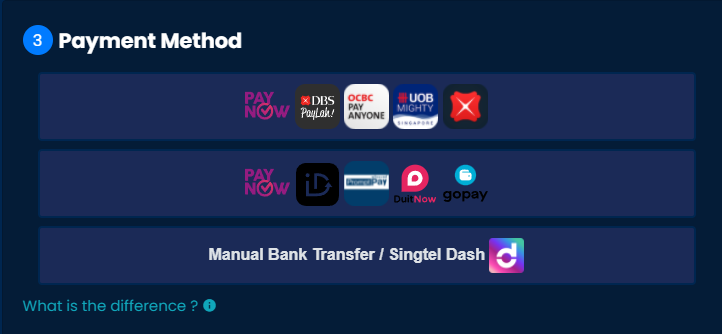
Choose your payment method
Things to note for Payment
🔻 Select First & Second Payment Option for automated payment approval & automated processing 24/7.
⚠️Note: DO NOT reuse the QR code/Phone Number⚠️
Some DBS/POSB iOS users may experience issues uploading the QR code. Do try using PayLah!/GooglePay until DBS has resolved the issue. Alternatively, you can checkout with the 2nd payment method to paynow to a phone number instead.
🔻Select Bank Transfer / Singtel Dash requires manual payment approval during CS operating hours
⚠️Contact customer support on telegram/WhatsApp to provide your proof of payment + transaction number.⚠️
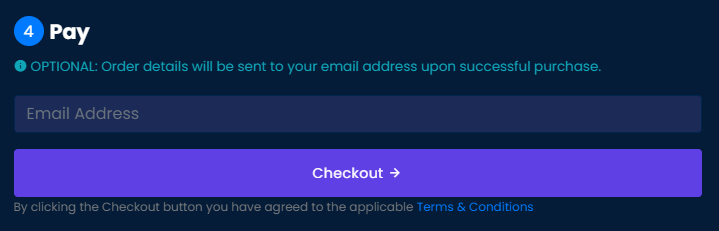
Step 4:
Click checkout, email address is optional.
2nd payment Instruction (Singapore + Overseas)
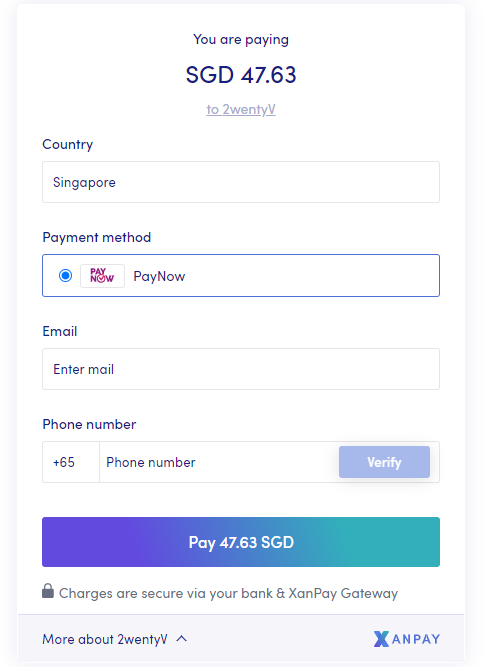
- Choose your country
- Select payment method
- Enter your email
- Verify your Phone Number
- Click Pay
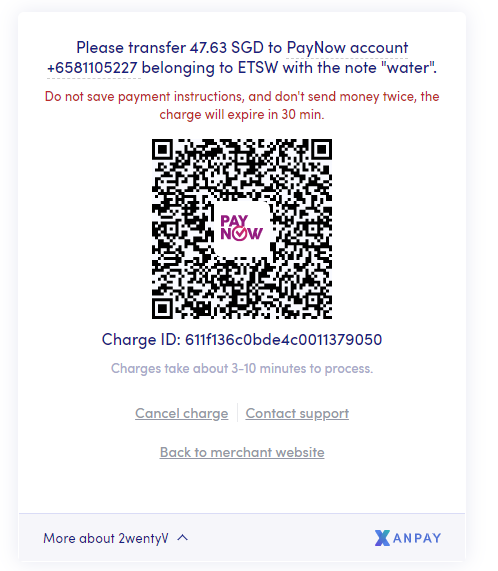
Open Banking application to scan QR code for Payment.
If you are using mobile, take a screenshot, and upload it to your banking application for payment
⚠️Note: DO NOT REUSE THE QR CODE
After successful payment, you can close the window and check your email for the status. (Please check your junk mail as well)
Bank Instructions
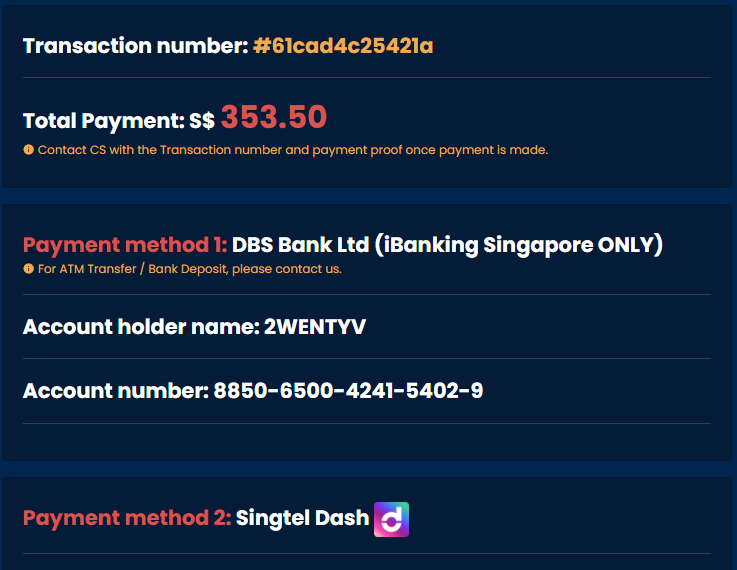
Follow the on-screen instruction to make your bank transfer to the specific account number.