How To Install Kali Linux & Nethunter Without Rooted Android Device
Join ChannelSANATANI X ABHI || 🇮🇳 || 🚩
How To Install Kali Linux & Nethunter Without Rooted Android Device
Today we have two simple and easy way to install kali linux & nethunter without root so let's get started
The to tools you need to install it in your android device.
Note:-
Minimum RAM 4 GB
Internet 700 MB for Installation For Linux
1.6Gb For Nethunter
Tools:
Termux
Nethunter Kex
Hacker's keyboard (Not Mandatory)
After install Termux :-
pkg update && pkg upgrade
pkg install git
Then:-
pkg install wget openssl-tool proot -y && hash -r && wget https://raw.githubusercontent.com/EXALAB/AnLinux-Resources/master/Scripts/Installer/Kali/kali.sh && bash kali.sh
wget https://raw.githubusercontent.com/EXALAB/AnLinux-Resources/master/Scripts/DesktopEnvironment/Apt/Xfce4/de-apt-xfce4.sh && bash de-apt-xfce4.sh
after install xfce4 will ask you to set the language and VNC password
then type :-
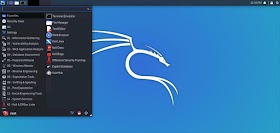
vncserver-start
VNC Viewer setting will be Address:localhost:1 Name:KALI (or whatever you like ^_^ ). and type your VNC password
and enjoy your kali linux ;)
Now let's move to the next method

Install Nethunter without root
1.Install the NetHunter-Store app from https://store.nethunter.com
2.From NetHunter Store, install Termux, NetHunter-KeX client, and Hacker’s keyboard
3.Open Termux and type these commands :
termux-setup-storage
pkg install wget
wget -O install-nethunter-termux https://offs.ec/2MceZWr
chmod +x install-nethunter-termux
./install-nethunter-termux
Now Typ :-
Nethunter our nh
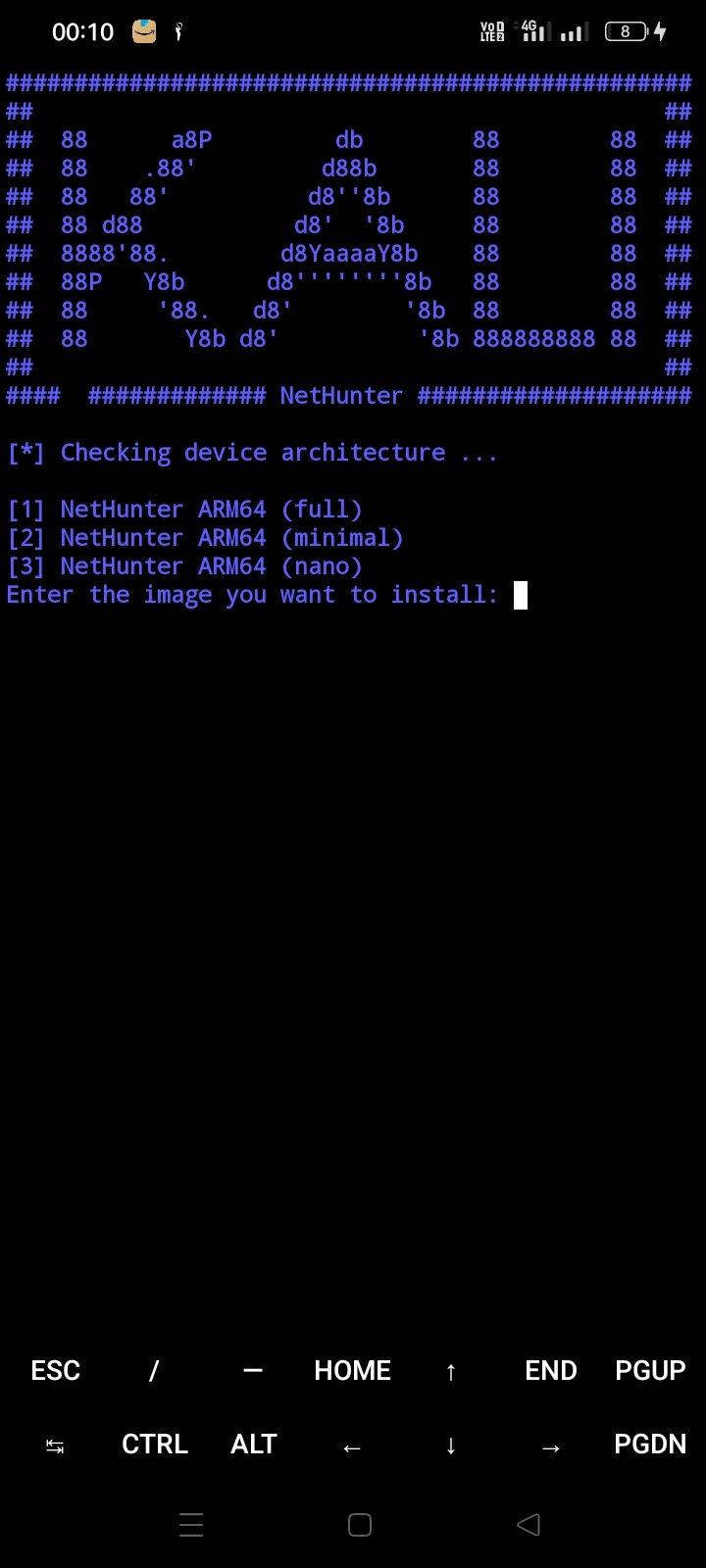
Typ 1 And Enter :-
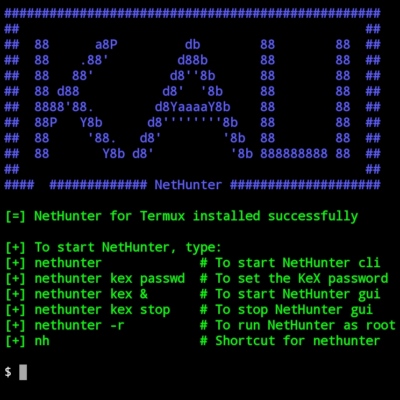
sudo apt update && sudo apt full-upgrade
sudo apt install kali-linux-defaul
And finished enjoy your nethunter :-)
Join Hack With Android Jai Shree Ram