How Generative AI Can Streamline Operations and Customer Service
What Generative AI Means for Everyday Business Tasks
Generative AI has moved beyond technical demos and into real workplace tools. For professionals in administration, operations, and customer service, it offers a way to handle repetitive tasks more efficiently without requiring a deep programming background. The core idea is simple: instead of manually drafting emails, summarizing reports, or writing standard replies, you can use a model trained on vast amounts of text to generate human-like content based on your instructions. This is not about replacing human judgment but about reducing the time spent on routine writing and data processing.
Many business processes involve a pattern: receive an input, process it according to rules, and produce an output. A customer inquiry arrives, a support agent reads it, decides what category it falls under, and writes a response. A manager receives a weekly operations report and has to summarize key points for the team. Generative AI can handle the first pass of such tasks, freeing people to focus on exceptions, complex cases, and strategic decisions. The technology works by analyzing the structure of your existing documents and learning to produce new ones that follow the same logic. This makes it especially useful for workflows where consistency and speed matter more than originality.
How Generative AI Works in Practice
At a high level, a generative AI model is a large neural network trained on a diverse range of text from the internet, books, and other sources. When you give it a prompt - a short instruction or a sample of what you want - it predicts the most likely next words to complete the task. For example, if you provide a few examples of how you handle a refund request, the model can generate a response for a new request that matches your tone and format. This works because the model has learned patterns of language, including how to follow instructions and maintain context over several sentences.
To apply this in a business setting, you typically need to do two things. First, you define a clear use case - something like "drafting standard replies to order status inquiries" or "generating meeting notes from bullet points." Second, you prepare a small set of examples that show the model exactly what you want. This is often called few-shot prompting. The model does not need to be retrained; it adapts based on the examples in the prompt. This makes the technology accessible to process owners who are not programmers. They can test a prompt, see the output, and refine the instructions until the results are reliable enough to use.
Practical Applications in Administration and Operations
Administrative work is full of tasks that follow a predictable structure: writing internal memos, summarizing documents, formatting data, and drafting standard correspondence. A generative AI tool can take a set of raw notes and turn them into a polished email. It can convert a table of numbers into a short paragraph that highlights the key trends. For operations teams, the potential lies in processing incoming requests or data that arrives in a consistent format. For instance, if your team receives hundreds of support tickets a day, you can use the model to classify each ticket by urgency, assign it to the right department, and even draft an initial response. The human agent then reviews and edits before sending, which cuts down the time per ticket significantly.

Another area is workflow analysis. By examining the steps in a common task, you can identify where generative AI adds the most value. Tasks with low variability and high volume, such as responding to password reset requests or generating status reports, are ideal candidates. Tasks that require nuanced judgment, like handling a sensitive complaint, still need a human. The key is to map out the automation potential without assuming every step can be handed off. A good rule is to let the model handle the first 80 percent and let the person handle the last 20 percent that requires empathy, context, or a personal touch.
One important consideration is return on effort. Setting up a generative AI workflow takes some initial time - you need to write prompts, test them, and adjust. But once the prompt works, it can save hours each week. For a team of five handling customer email, a well-tuned prompt might reduce the average handling time from ten minutes to two. Over a month, that adds up to substantial savings. The challenge is not the technology but the discipline to document the use case and iterate on the prompt until it is reliable.
Generative AI in Customer Service
Customer service teams deal with a high volume of routine inquiries. Many companies already use chatbots, but generative AI takes this further. Instead of a rigid menu of options, the model can understand a customer's free-text question and generate a coherent answer. It can also adapt its tone to match the brand voice. For example, a customer asking "Where is my order?" can receive a response that includes the tracking number, the current status, and an estimated delivery date, all pulled from the order database. The model can also handle follow-up questions without losing context, something traditional chatbots struggle with.
However, generative AI is not a set-and-forget solution. It can produce plausible-sounding but incorrect information, especially if the prompt does not include enough context. This is why human oversight is essential. A common setup is to have the model draft a reply, which a human agent then checks and sends. Over time, the agent can send corrections back to the prompt to improve accuracy. This creates a feedback loop that makes the system smarter without requiring machine learning expertise.
For businesses that operate across different time zones or languages, generative AI can also help with translation and localization. The model can generate a response in the customer's language, based on a prompt written in English. This reduces the need for multilingual staff while still delivering a personalized experience. The trade-off is that the model may miss cultural nuances, so a native speaker should review the output for sensitive communications.
Building Skills Through a Generative AI Course
Because generative AI tools are still new to many professionals, learning how to use them effectively often requires structured training. A generative AI course that focuses on practical application can help bridge the gap between understanding the concept and actually building a working tool. The best courses are hands-on: you bring a real use case from your job and learn to build a simple application that solves it. This approach teaches you not just how to prompt the model but also how to evaluate its outputs, handle errors, and integrate the tool into your daily workflow.
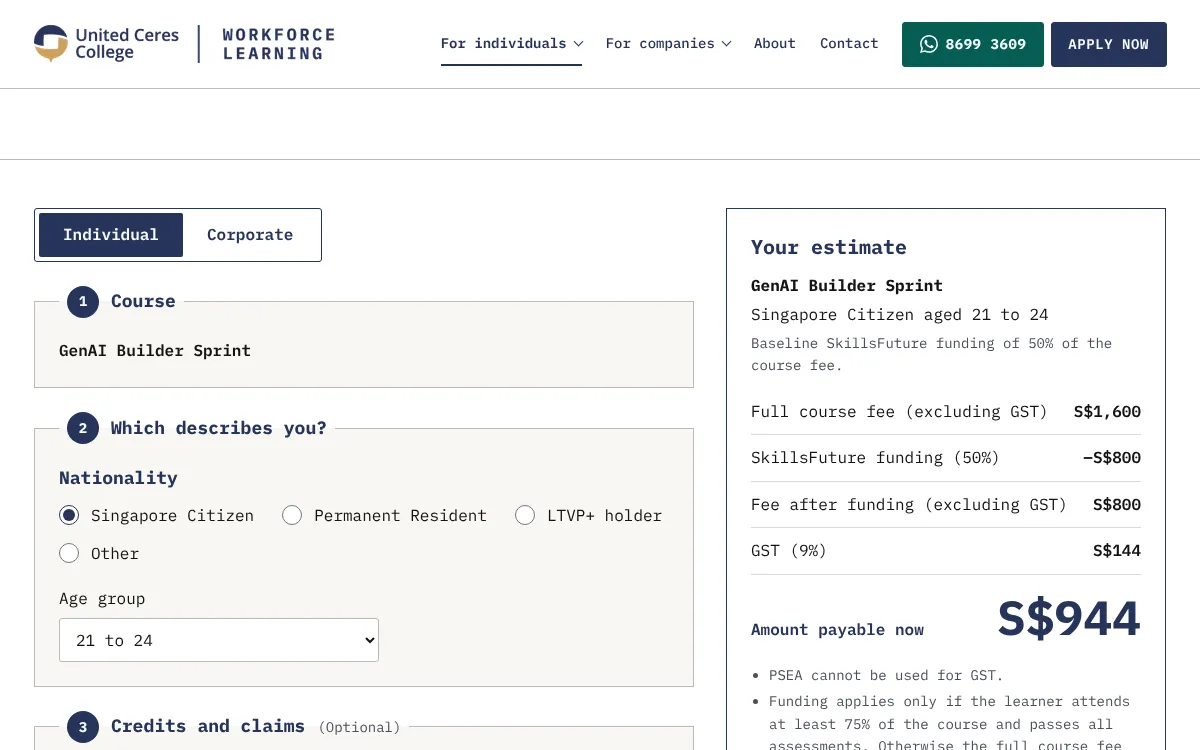
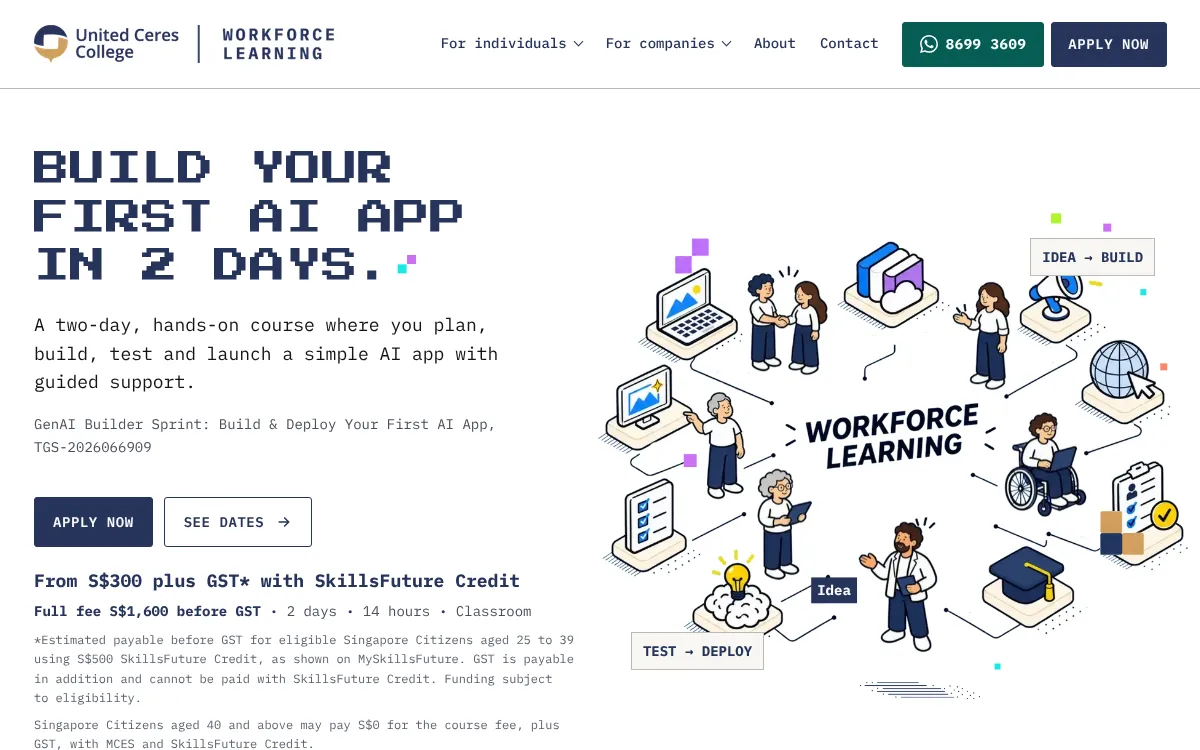
One such course is offered by UCC, which runs a two-day classroom program in Singapore. The course is designed for busy professionals who want to move from theory to practice quickly. Participants learn to build and deploy a simple generative AI application that addresses a specific business problem. By the end of the two days, they have a working prototype that they can refine after the course. This format is effective because it forces you to think through the entire cycle: identify a repetitive task, design a prompt, test it, and fix the issues. It also gives you a chance to ask questions and get feedback from an instructor, which accelerates the learning curve.
The course is particularly useful for process owners who know their workflows intimately but have no coding background. They can bring their own documents and examples, and the instructor helps them craft prompts that work. This makes the training immediately relevant. Instead of generic examples, you work on your own use case, which means you leave with something you can use the next day. The two-day format is intensive but manageable, and it covers both the technical basics and the practical considerations like data privacy and output quality.
What This Means for Your Team
Integrating generative AI into administration, operations, or customer service does not require a large IT project. Often, a single motivated person can start with a free or low-cost tool, test it on a small task, and prove the value. The challenge is not the technology but the mindset shift: instead of writing every email or report from scratch, you learn to write prompts that guide the model. Once you get comfortable with that, you can expand to more complex tasks. The key is to start small, measure the time saved, and iterate.
Generative AI is not a magic wand. It makes mistakes, especially when the task is ambiguous or the input is poorly structured. But for the many routine, repetitive tasks that fill up a workday, it can be a reliable assistant. The professionals who will benefit most are those who take the time to understand their own workflows, identify the tasks with the highest automation potential, and invest the effort to build and refine a prompt. A generative AI course like the one at UCC can accelerate this process by providing structured guidance and a supportive environment to experiment.
Ultimately, the value of generative AI in operations and customer service comes down to freeing human attention for the work that truly needs it: solving unusual problems, building relationships, and making strategic decisions. The technology handles the predictable part, leaving the unpredictable part to people. That is a trade-off worth making.