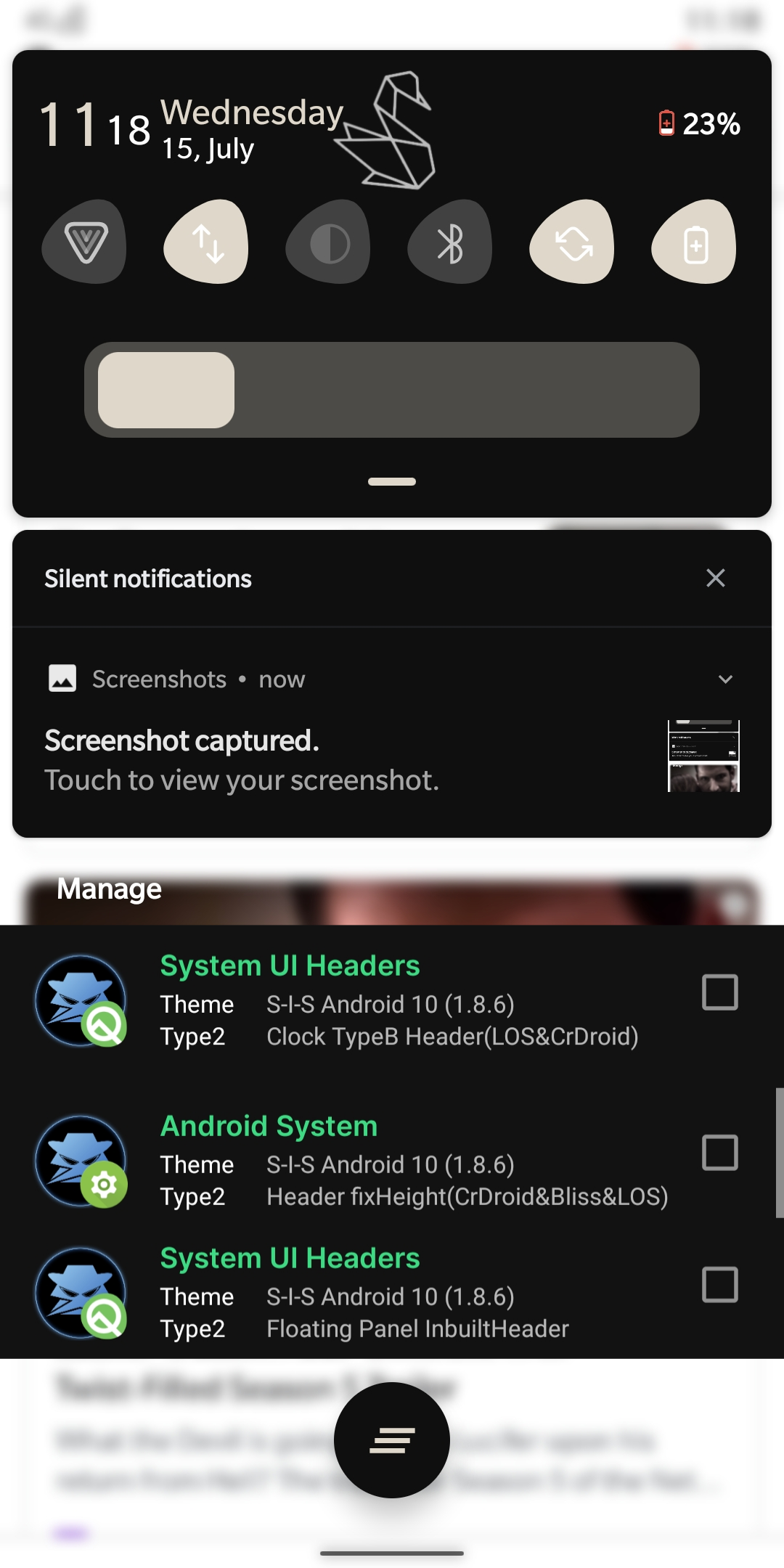
Header Clock Set-up and Screenshots
Mr SluffyHere's the setup of Header Clock
[Special Clock] [Compact]
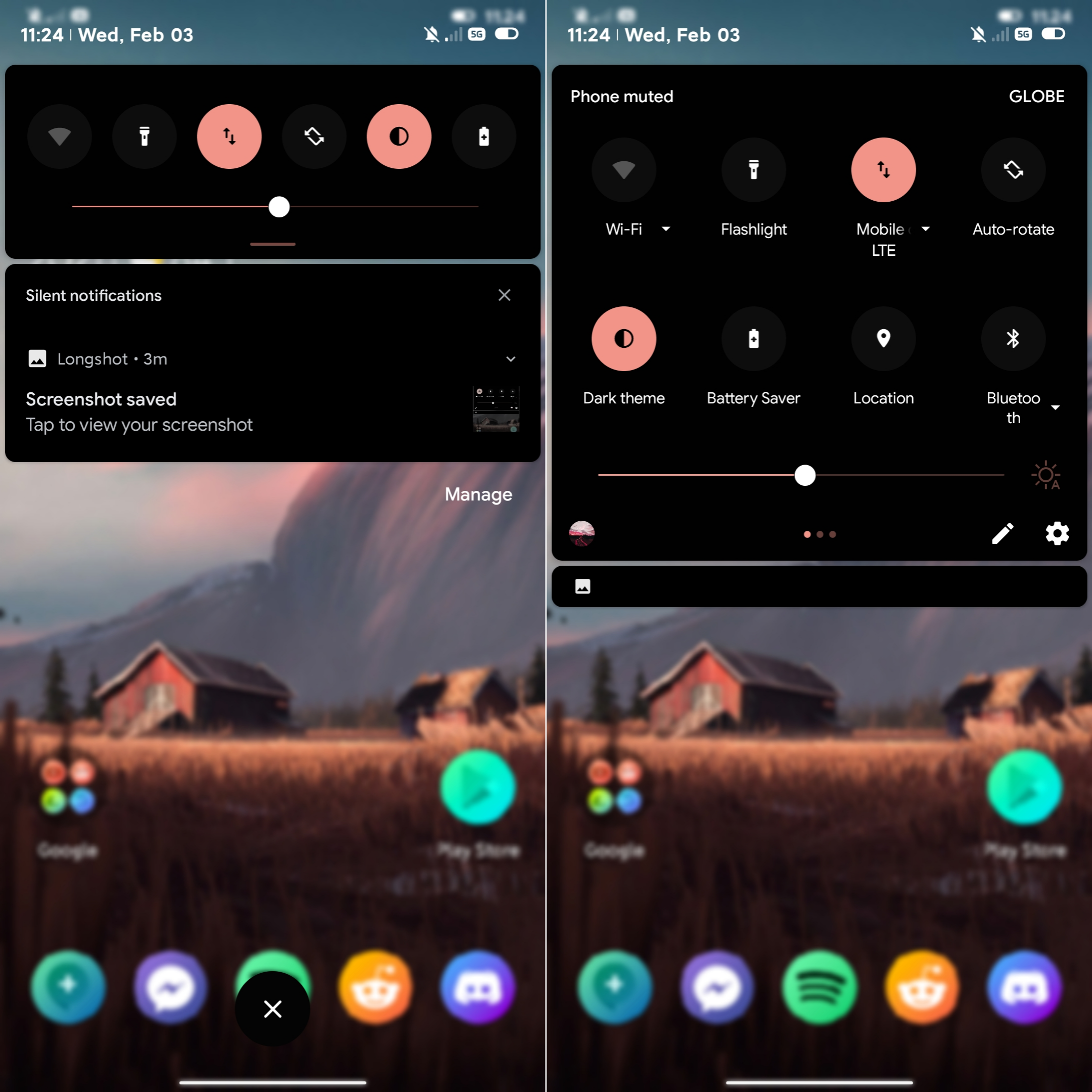
Options
Clock Latom - For Non-inbuilt Header
Clock OOS - For Oxygen OS
Clock Octam - For Rom with Custom Inbuilt Header
Clock RR - Resurrection Remix
Clock Nusantara - For Rom with Miui Brightness and For Nusantara Rom
Example :
For Oxygen OS [OOS] And ROM without Custom Image in Header
Overlay :
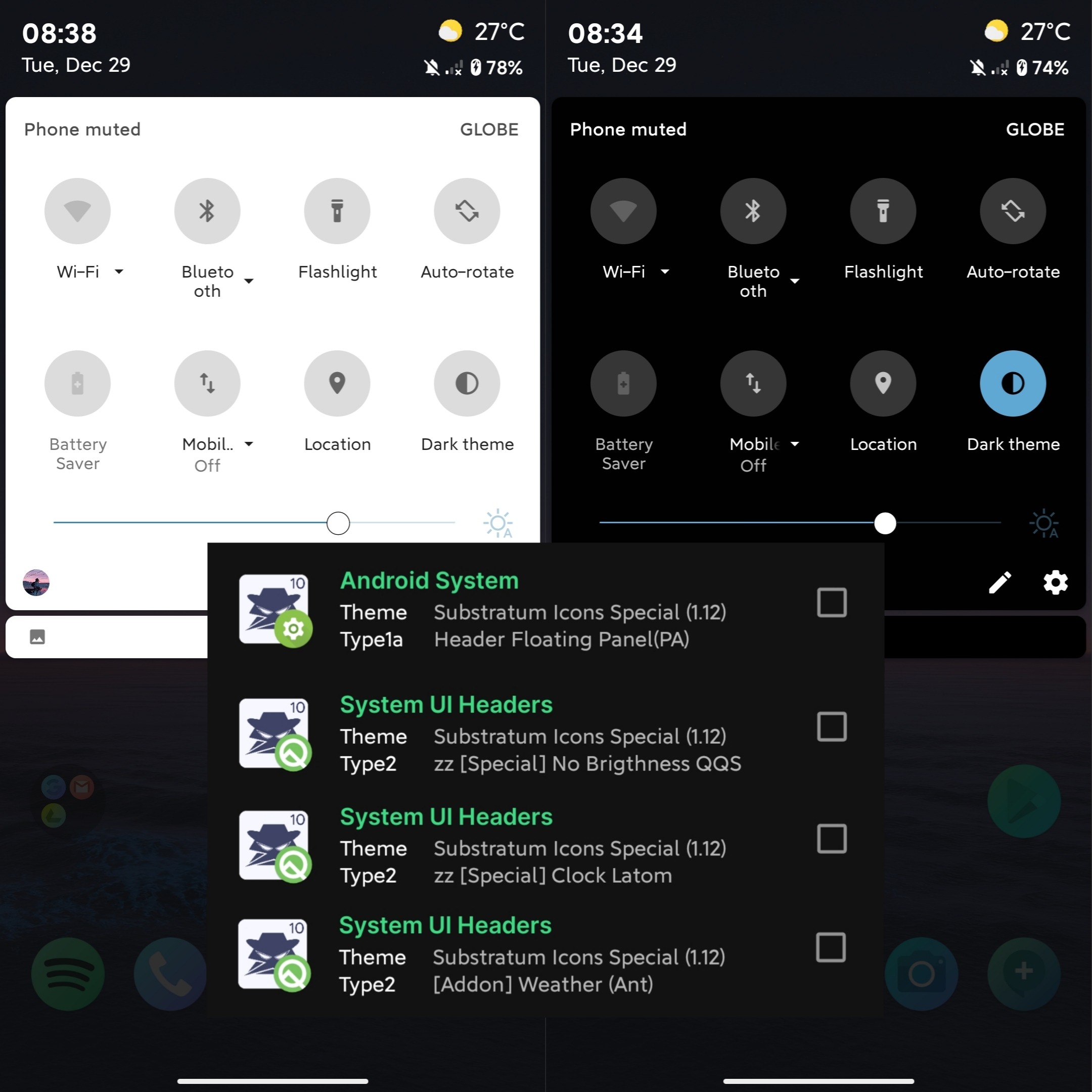
Header Floating For [Special Clock] +
for Custom Rom :
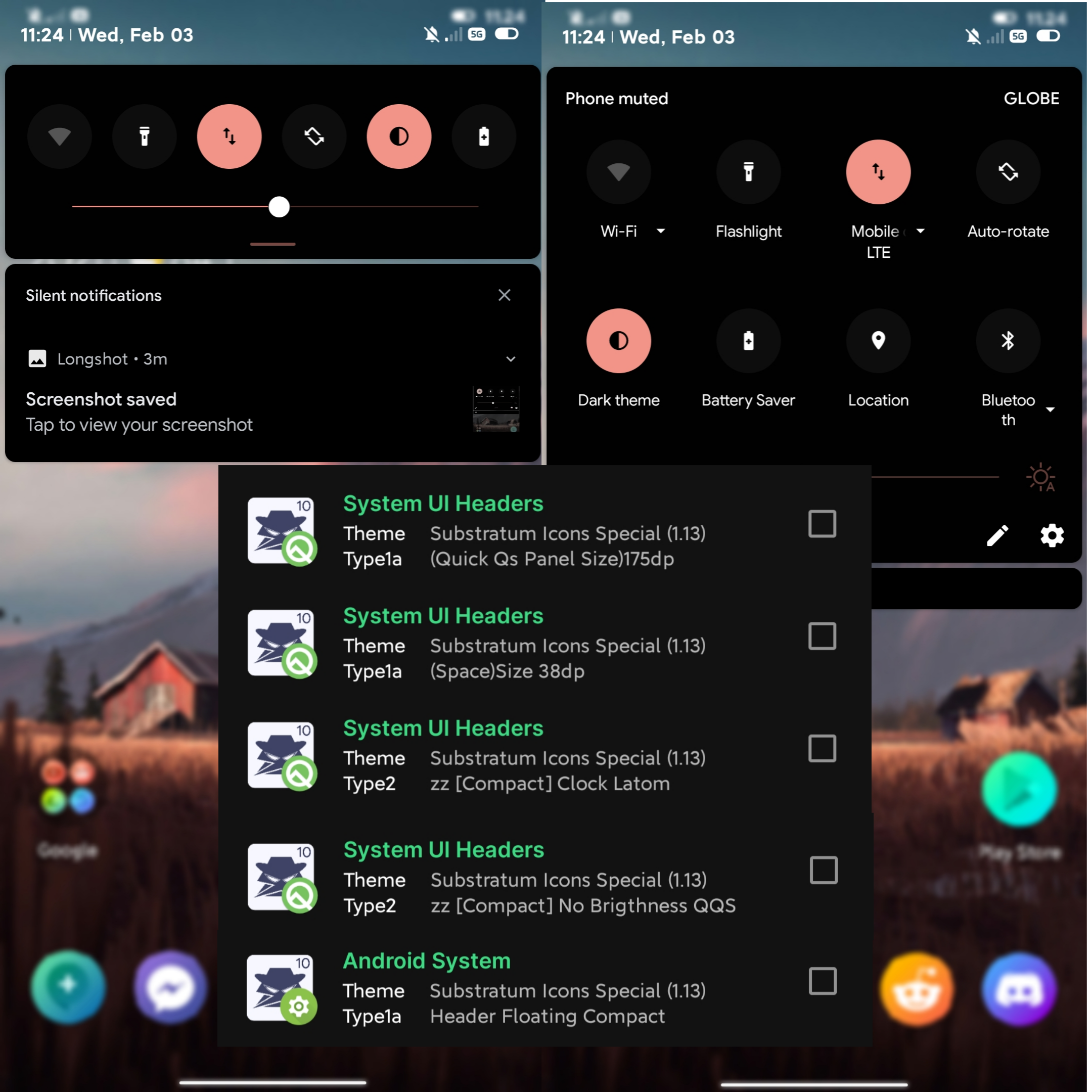
Clock Latom + Special No Brightness QQS
for OOS :
Clock OOS + Special No Brightness QQS
For Rom with Inbuilt Custom Header
Overlay :
Header Floating For [Special Clock] +
Clock Octam + (Special Clock With Brightness QQS) [OR] (Special No Brightness QQS)
don't forget to use transparent Header
You can Adjust Freely
Just Play and Adjust
[QQS Panel Sizes]
[Spaces]
[Top Space]
If you are Using Paranoid Android Just use [Special] Clock Paranoid Android + Floating Panel For PA and You are all set :)
Happy Theming :)
Reference
===========================
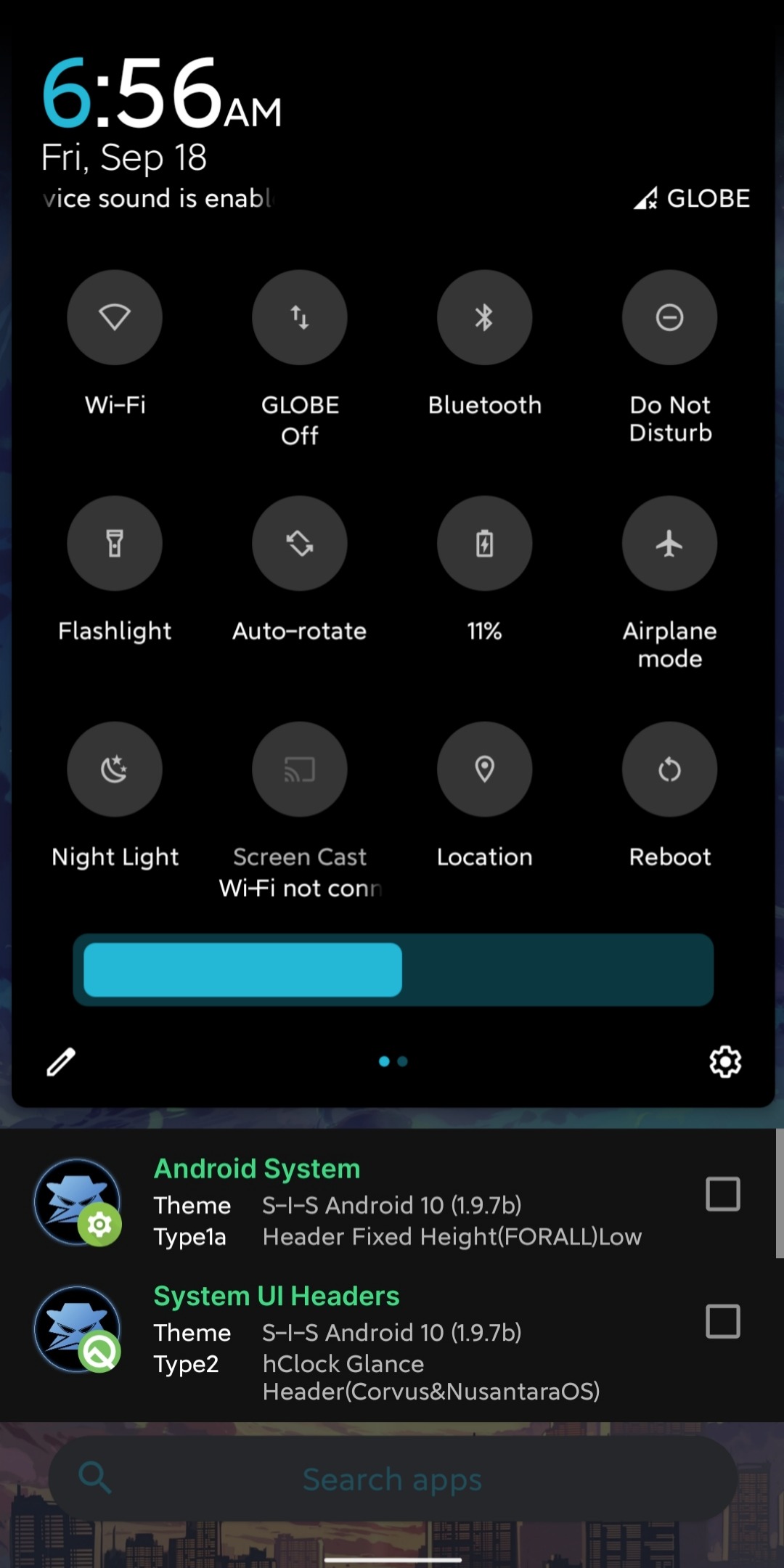
Glance Clock
===========================
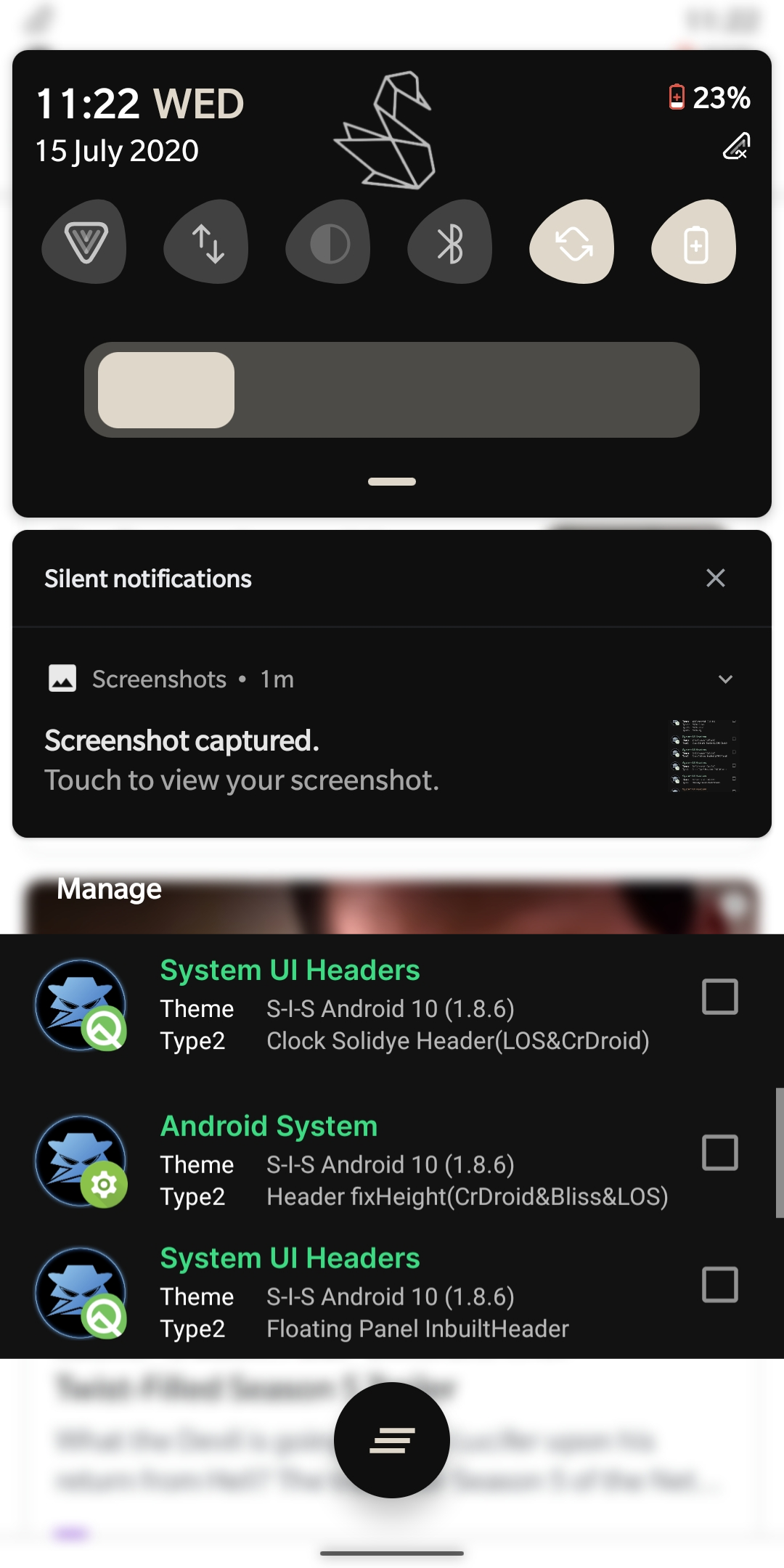
Solidye
===========================
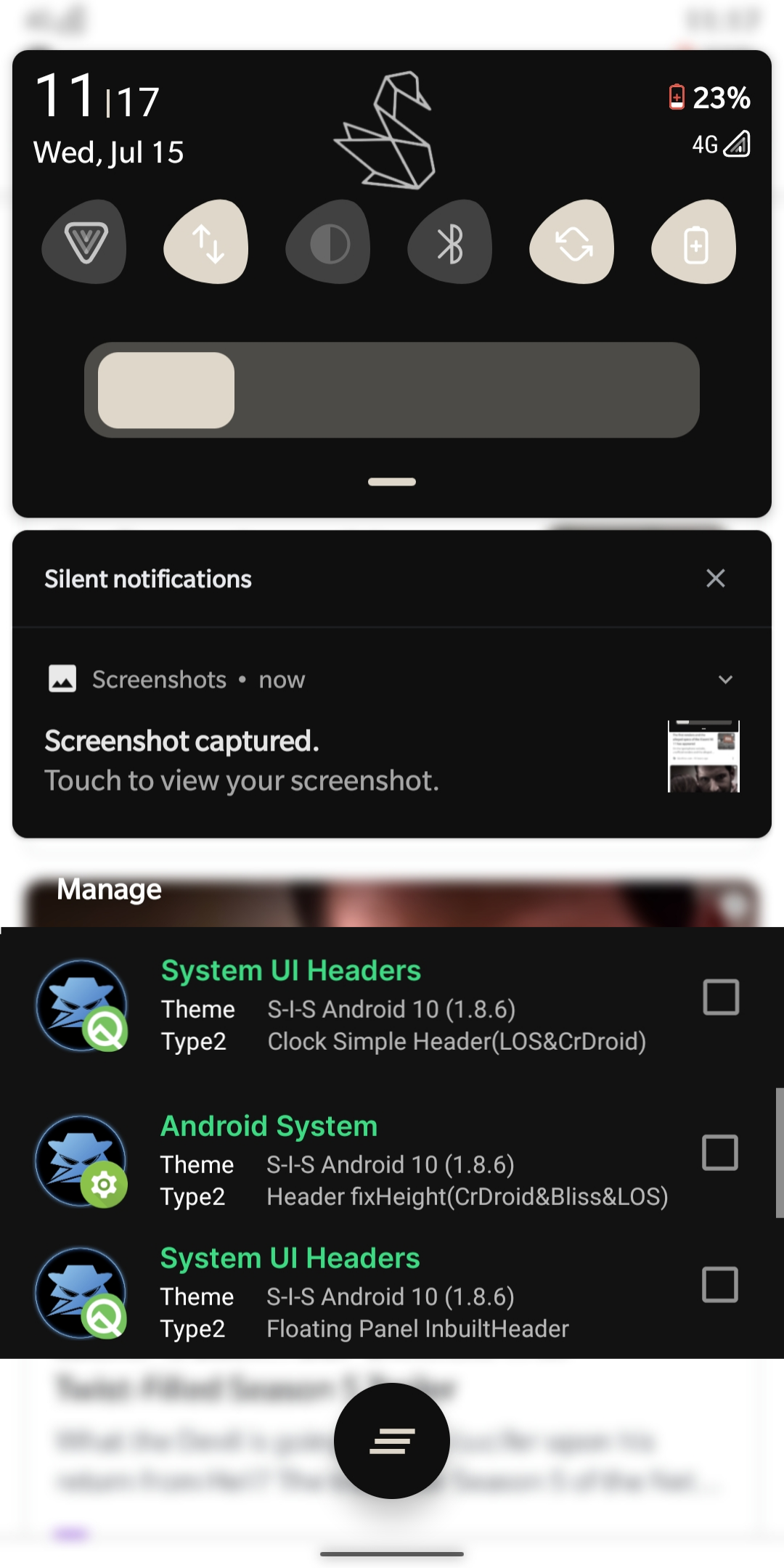
Simple
===========================
TypeB