Havoc Flashing Notes for OnePlus 6 /6T from OOS 11 [Using TWRP Recovery]
Havoc OnePlus 6 Series optimusPriime1. Clean Flash :
2. Dirty Flash
3. Update oos base
1. Clean Flash :
🔊 Make sure you've backed up whatever data you want to keep to somewhere that's not on your phone; we're going to format the data partition and you're going to lose everything from internal storage.
Basic requirements
○ Make sure your computer has adb and fastboot.
○ Make sure you already unlock the bootloader.
○ Enable Developer Options.
○ Open Developer Options and Enable Advanced Reboot & USB debugging on your device.
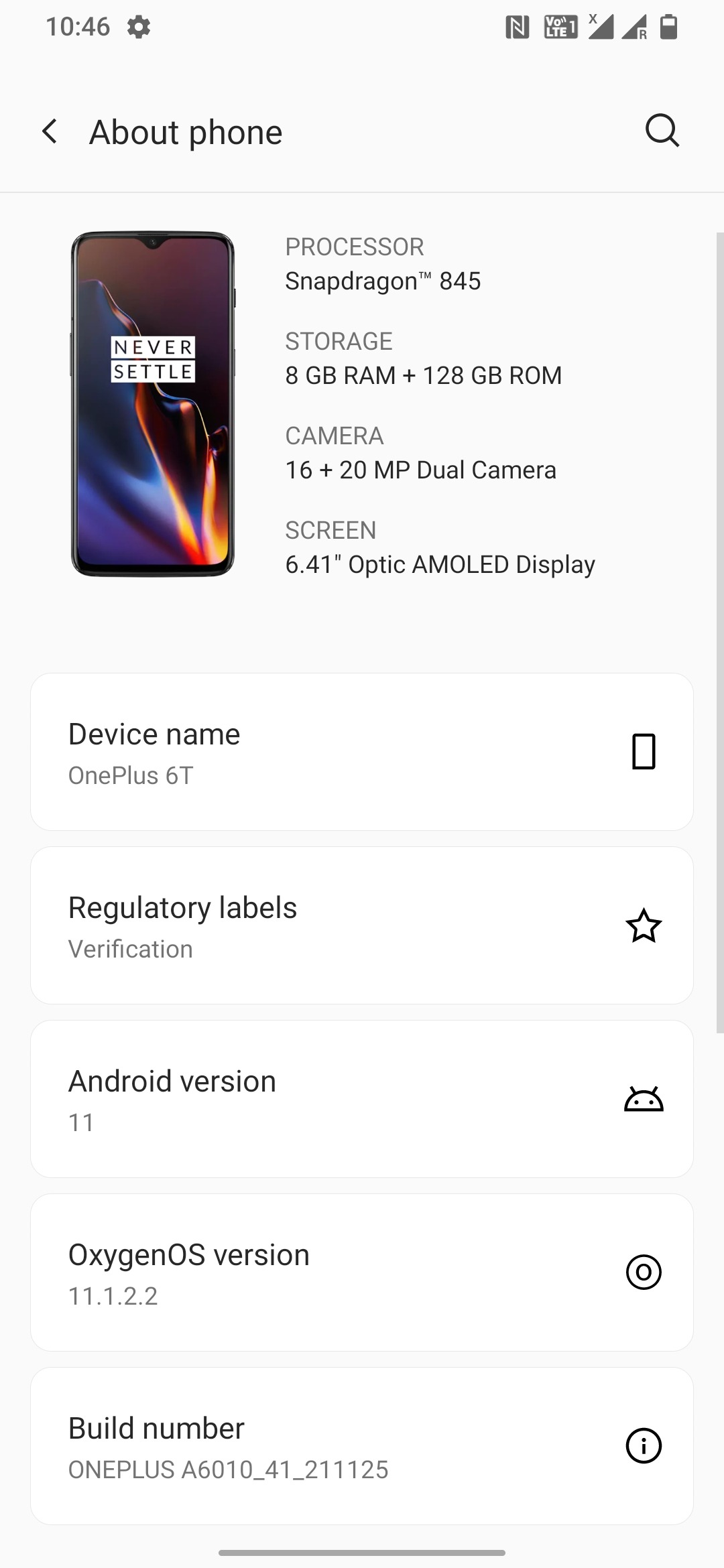

⚠️ Make sure you Downloaded these files:
○ Latest OOS (V11.1.2.2)
○ Latest Havoc Rom [Ver:4.12](DT: DECMBER 23)
○ Fajita (6T) - Download_Link
○ Enchilada (6) - Download_Link
○ Temporary TWRP recovery (TWRP-3.6.0_11-OP6xT) :
○ OP 6 & 6T : TWRP_Recovery_image
○ Finalize_File (For copying Firmware to Both slots)
●● Installation Method
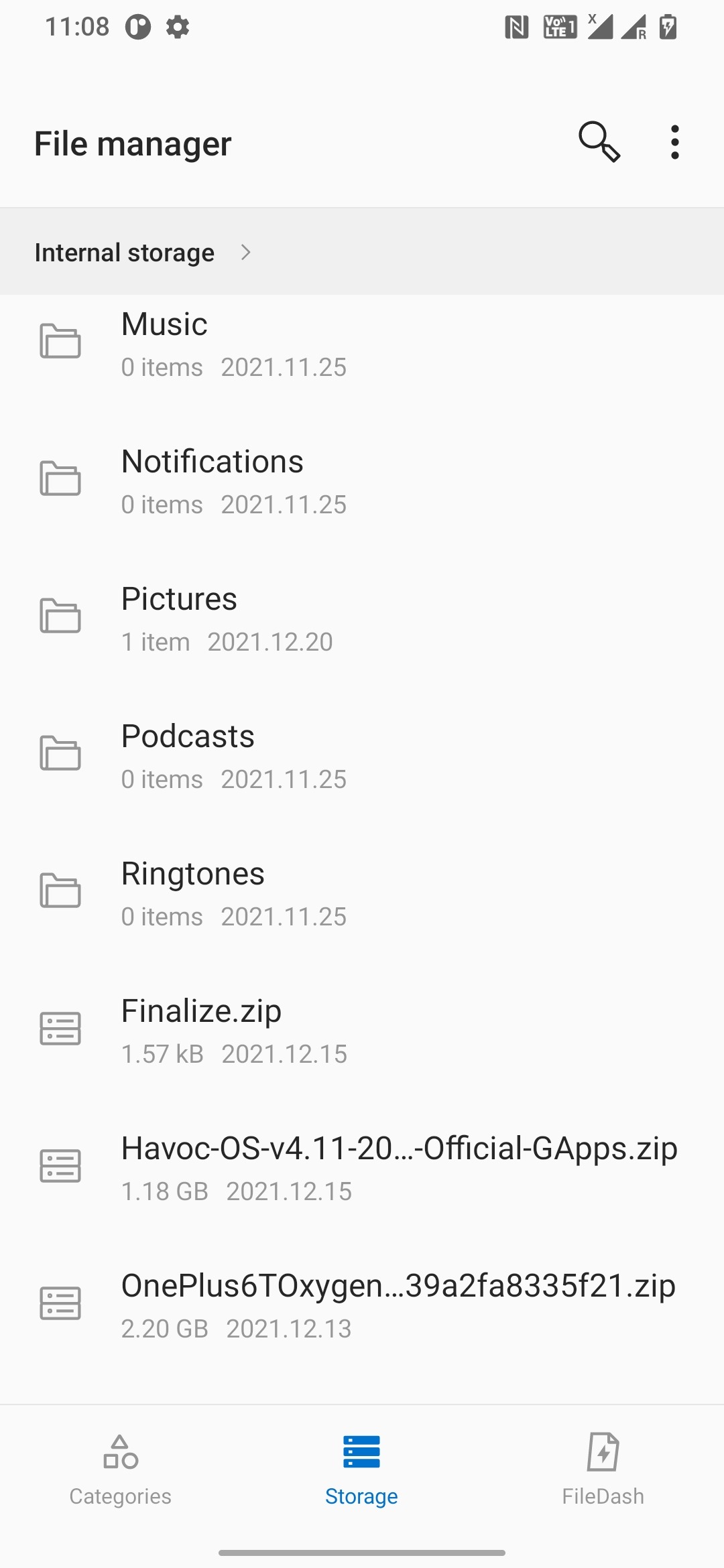
○ Paste the downloaded files to sdcard.
○ boot fastboot mode via a key combination:
With the device powered off, hold Volume Up + Volume Down + Power.
or
Open Developer Options and Enable Advanced Reboot

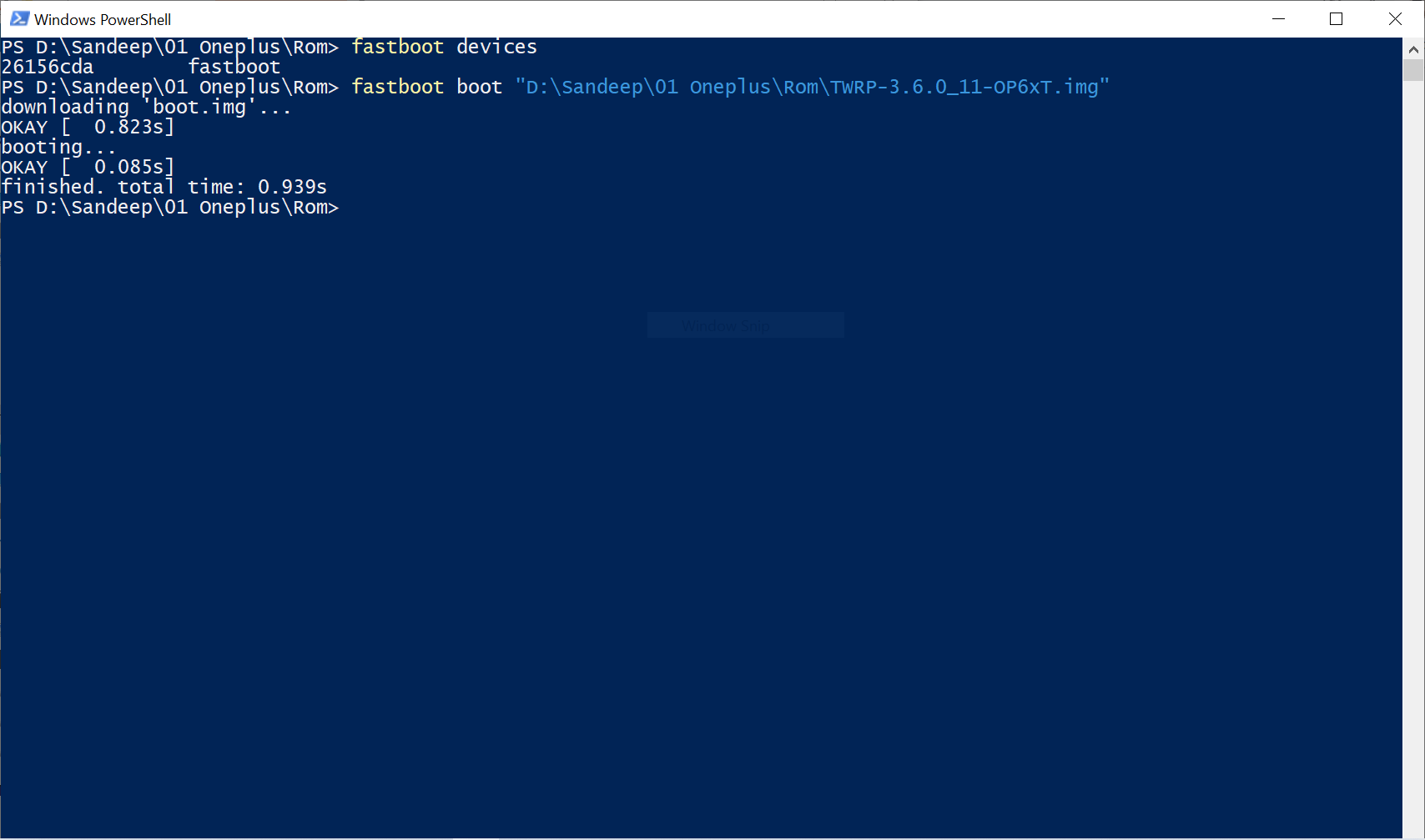
○ Once the device is in fastboot mode, On the computer, open a command prompt (on Windows) or terminal (on Linux or macOS) window, and type:
fastboot devices
○ Temporarily flash a recovery on your device by typing:
fastboot boot TWRP-3.6.0_11-OP6xT.img
○ Boot to TWRP Recovery (TWRP-3.6.0_11-OP6xT):
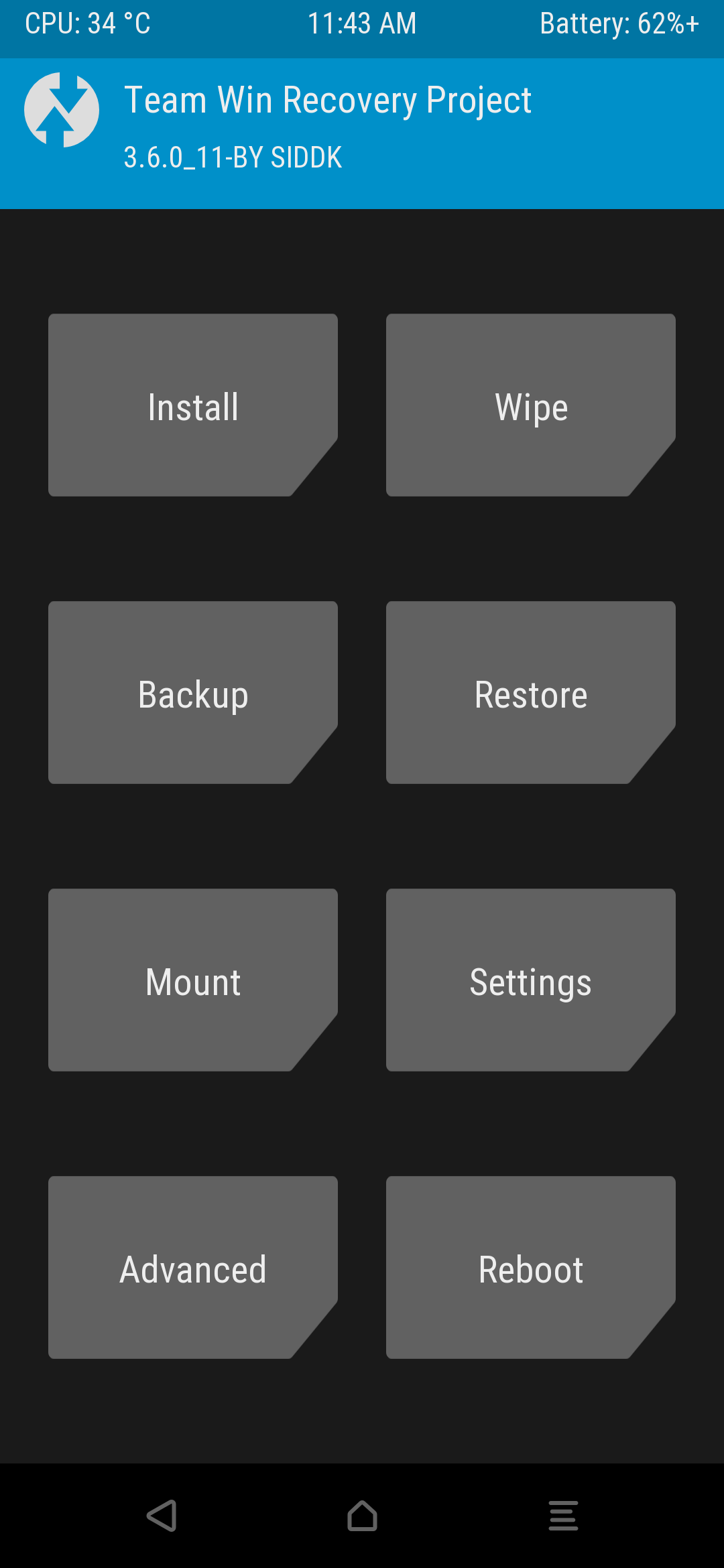
○ Click Install and select the files and install

Installation Method:
Note:
Now we support inline twrp recovery already inclined in rom itself. Soo no need yo flash twrp.zip
● For Gapps Version
- Flash OOS 11(V 11.1.2.2) Stable
- Flash Havoc ROM {Latest}
- Flash Finalize.zip File
- Do Factory reset and Format Data "YES"
- Reboot to System.
● For Non Gapps Version
- Flash OOS 11(V 11.1.2.2) Stable
- Flash Havoc ROM {Latest}
- Flash Finalize.zip File
- Reboot to TWRP
- Flash OPENGAPPS
- Do Factory reset and Format Data "YES"
- Reboot to System.
- Flash ONLY the latest Magisk(Optional)
- Any mods you want to flash (I won't be supporting Custom Kernels or Xposed)
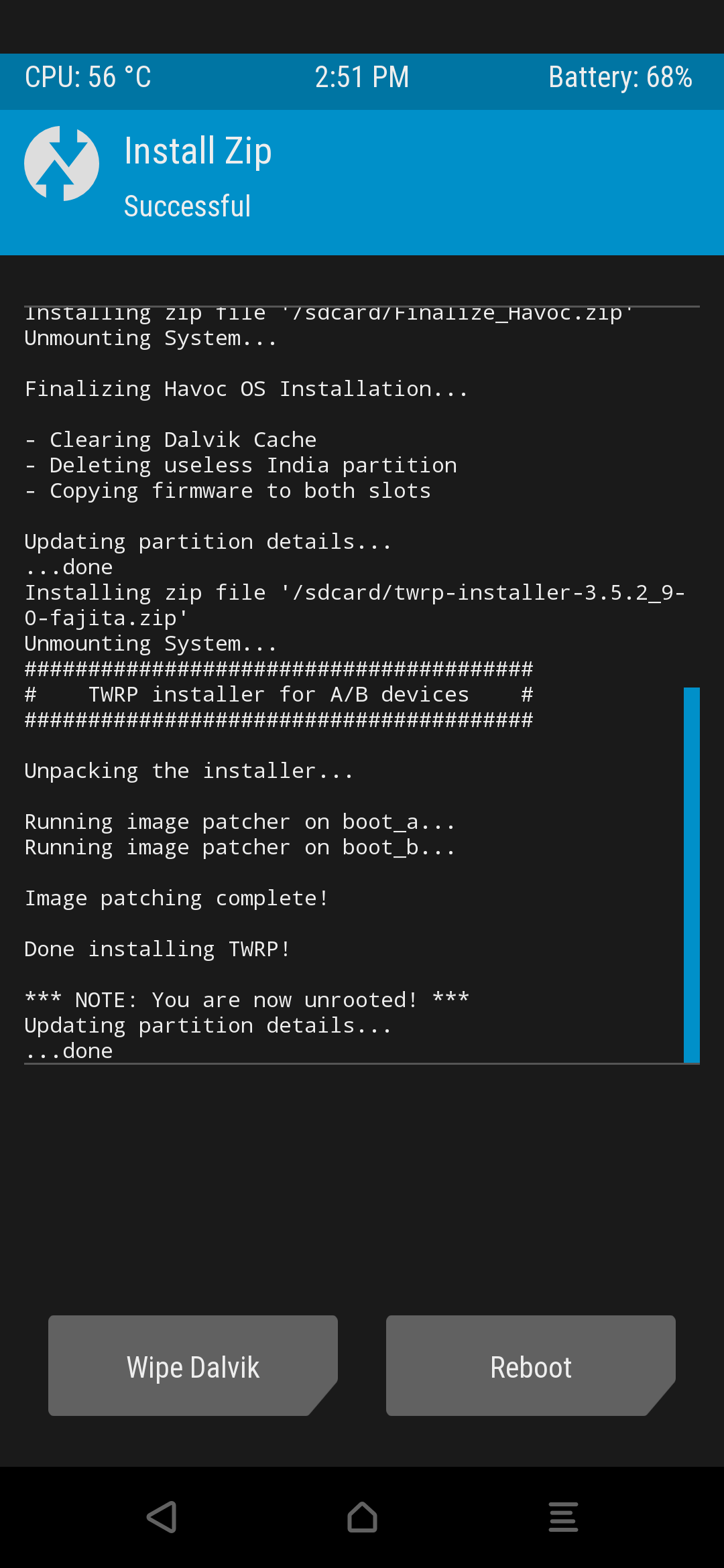
- Do Factory reset and Format Data "YES"
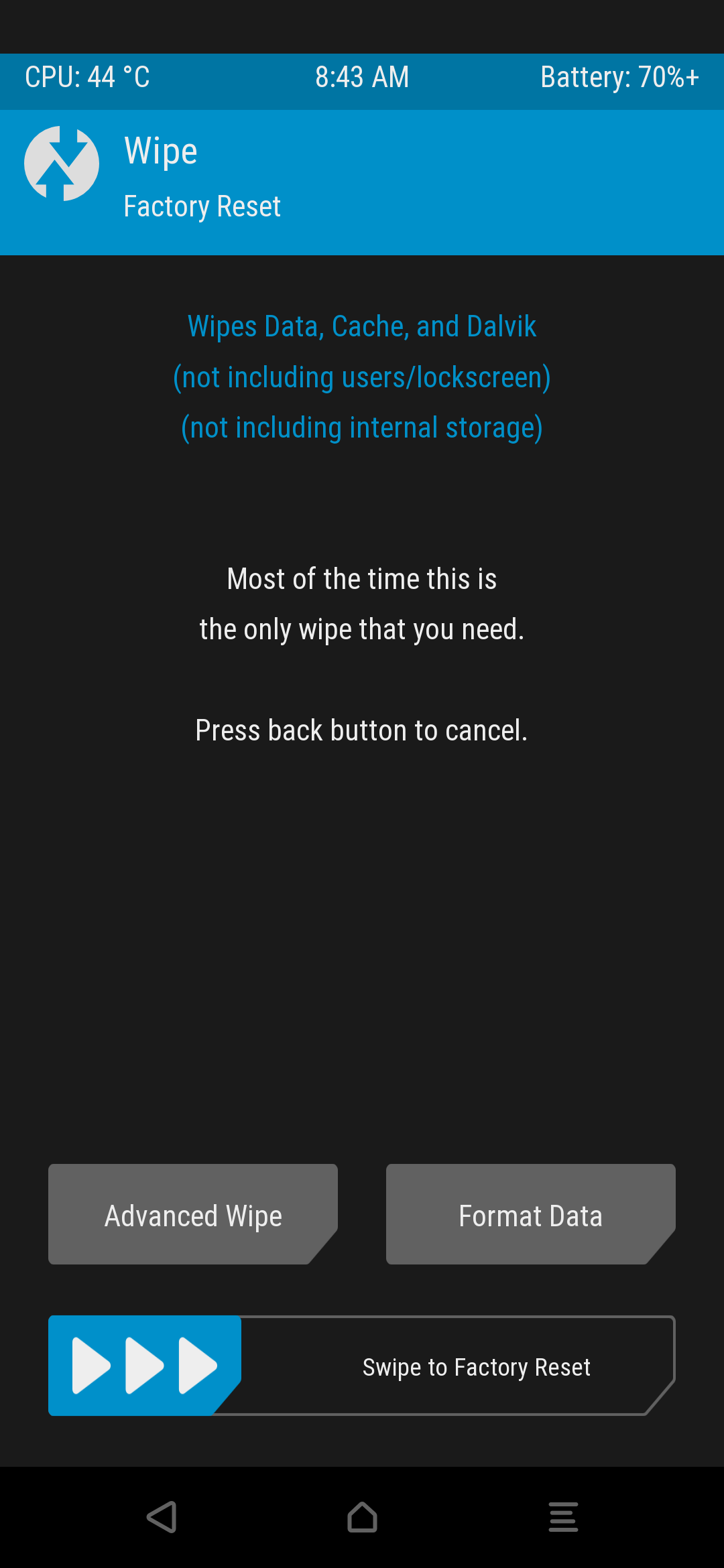

- Reboot to System.


Successfully Flashed HAVOC OS
.DIRTY FLASH Method:
¯¯¯¯¯¯¯¯¯¯¯¯¯¯¯¯¯¯¯
Dirty Installation for Havoc-os 11
Steps are:
1-Download Havoc-os 11, #download
2-Boot to RECOVERY
3-Flash Havoc-os 11 ROM zip
4-Reboot to system
For updating OOS Base
Type #firmware to get latest OOS, Download Finalize from group notes
Steps are:
1-Flash OOS 11 latest Firmware zip (type #firmware to get latest OOS)
2-Flash Havoc-os 11 ROM zip
3-Flash Finalize .zip
4-Reboot to system