Havoc | Awaken | Nameless Flashing Notes for OnePlus 6 | 6T {From Any A12 Roms}
PRIMUS HUB 6/6T channel📲 Coming from other A12 Custom Roms
⚠️ Make sure you Downloaded these files:
○ Latest OOS (V11.1.2.2)
○ Latest Rom [Havoc | Awaken | Nameless]
○ Enchilada (6)
📥 Havoc-OS
○ Fajita (6T)
📥 Havoc-OS
○ TWRP zip file for A12 Roms (Download img & Zip file):
○ Fajita (6T) - Download_Link
○ Enchilada (6) - Download_Link
○ Finalize_File (For copying Firmware to Both slots)
○ Finalize.zip OR Join Group
●● Installation Method
If you dont have inbuilt twrp then do this step,
○ reboot fastboot. Once the device is in fastboot mode, On the computer, open a command prompt (on Windows) or terminal (on Linux or macOS) window, and type:
fastboot devices
○ Flash twrp recovery img on your device by typing:
fastboot boot TWRP-3.6.2_12-fajita.img
It will boot to twrp recovery, Then follow 👇
● For Gapps Version
- Flash OOS 11(V 11.1.2.2) Stable
- Flash Havoc | Awaken | Nameless
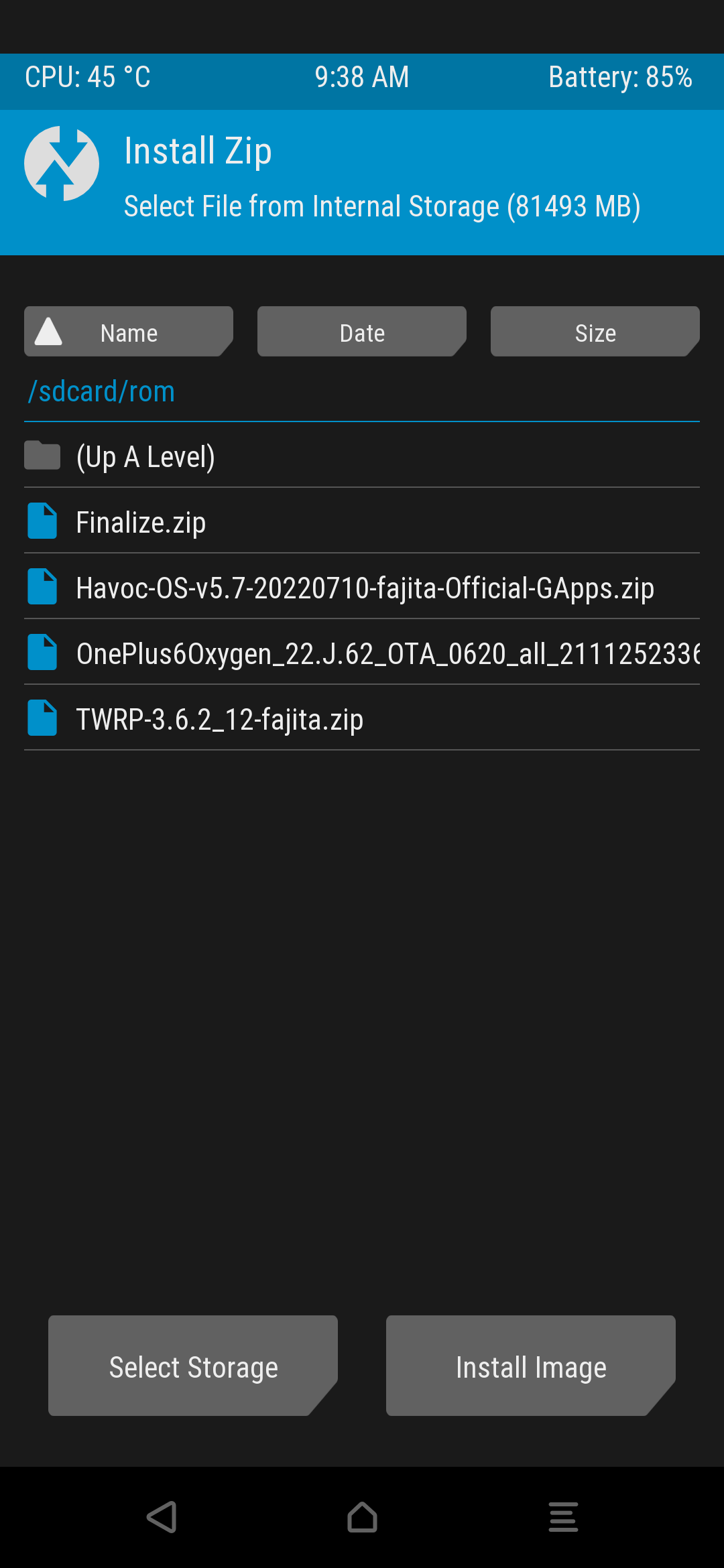
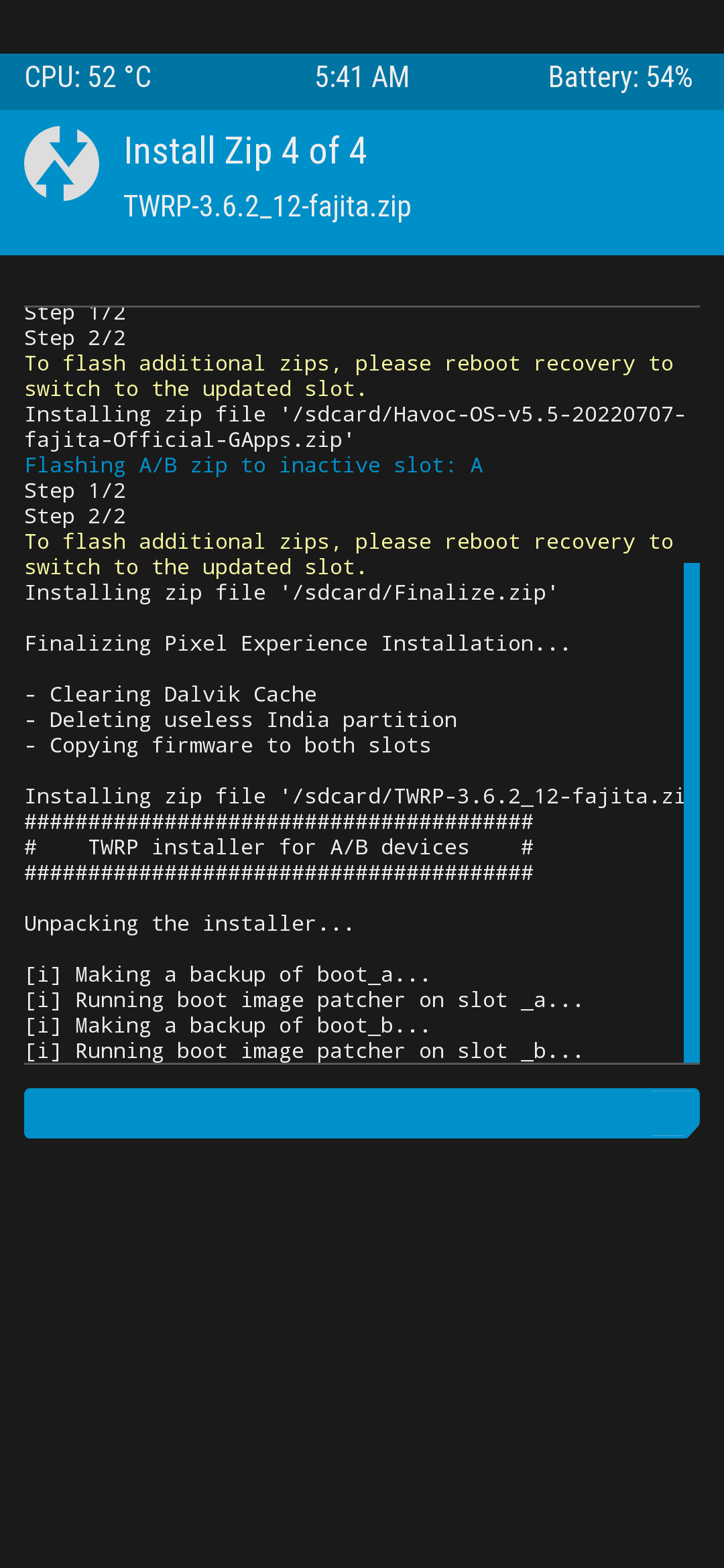
- Flash Finalize.zip
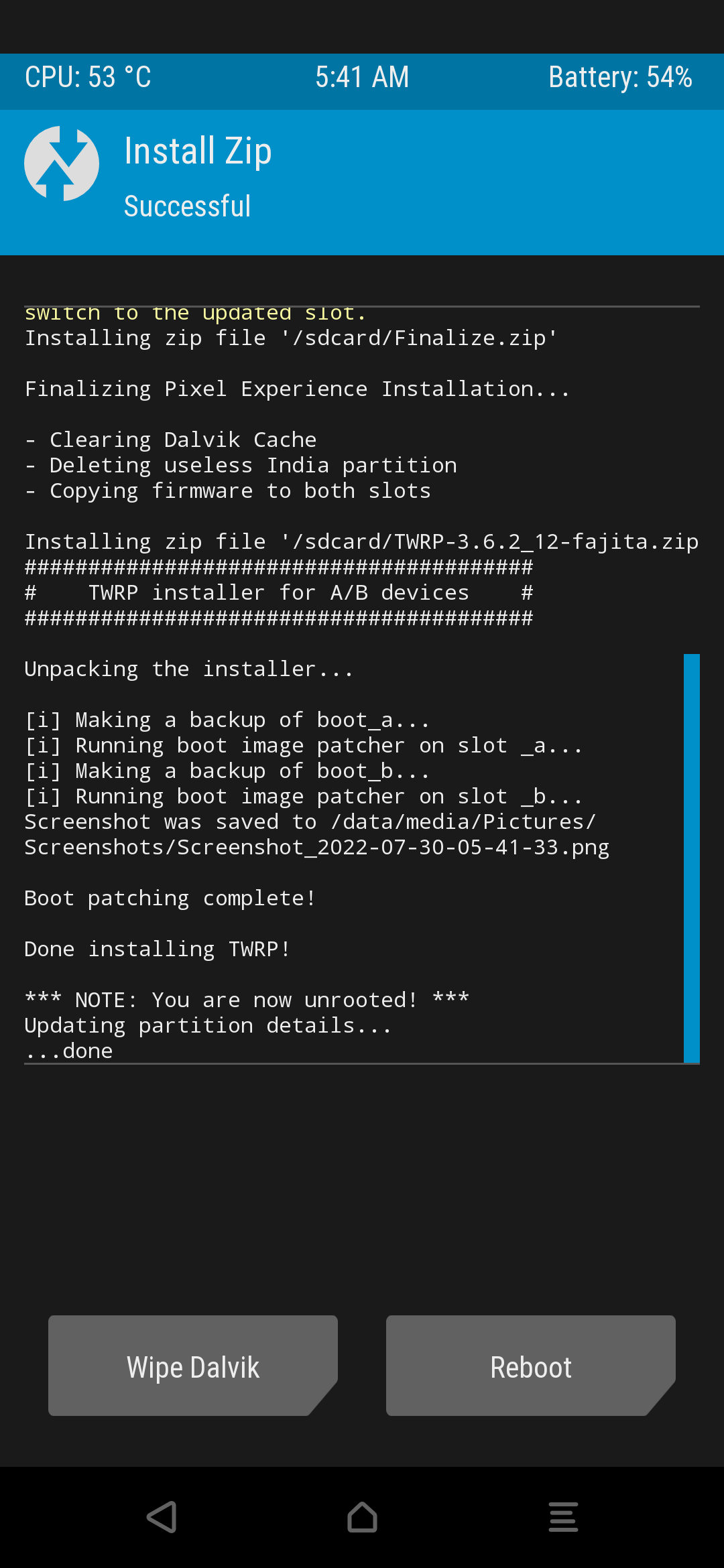
- Flash TWRP-3.6.2_12-fajita.zip
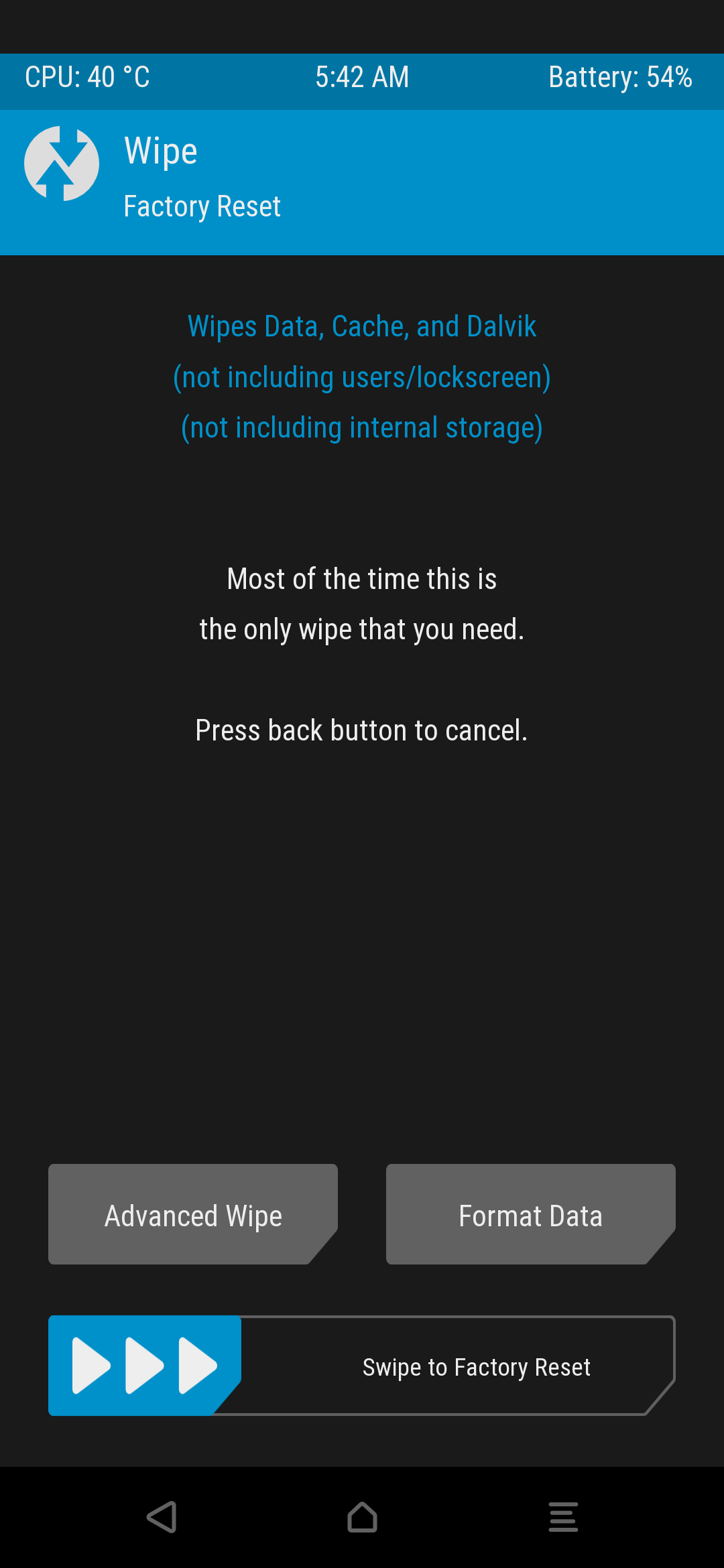
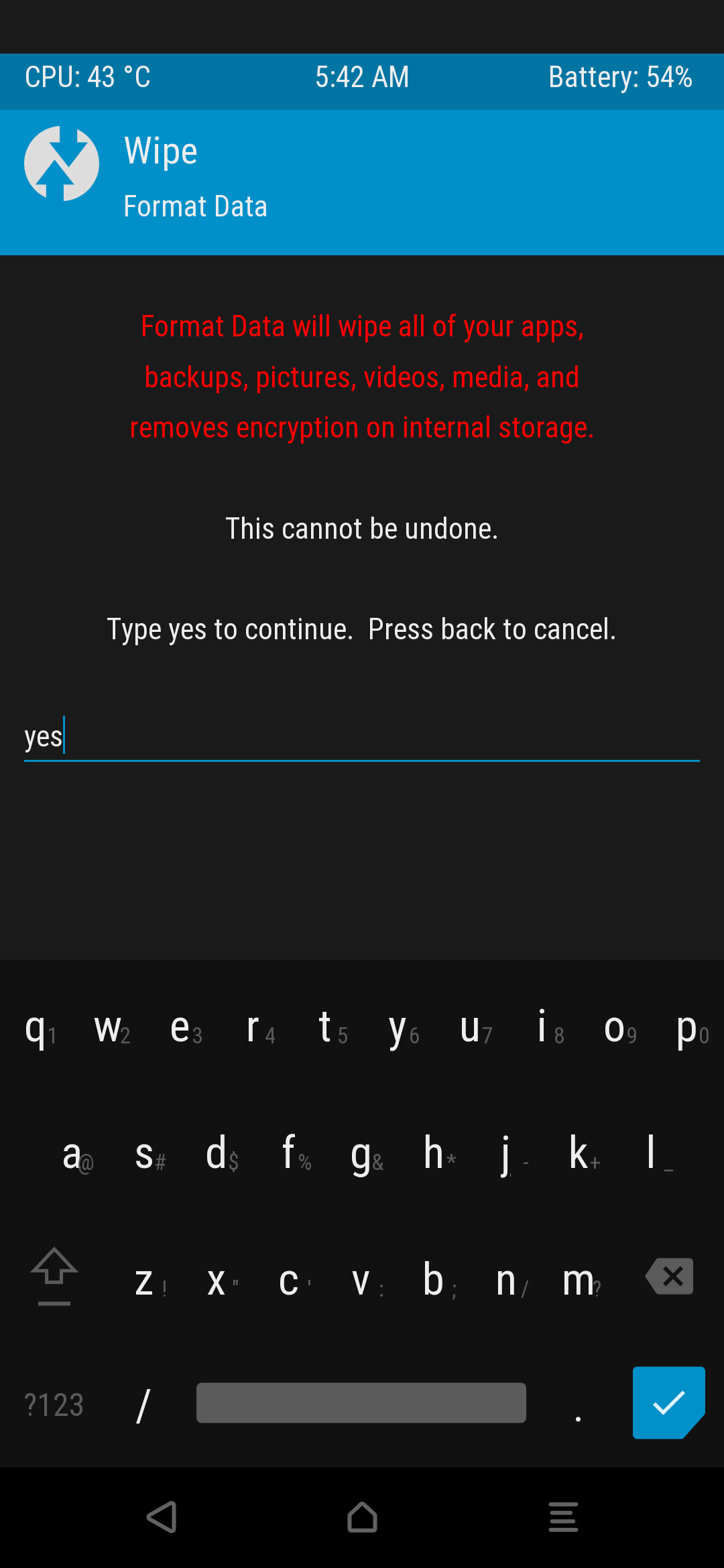
- Do Factory reset and Format Data "YES"
- ⁉️ Showing format error message? 👉🏻 Click here to the solution
- Reboot to System.
● For Non Gapps Version
- Flash OOS 11(V 11.1.2.2) Stable
- Flash Havoc | Awaken | Nameless
- Flash Finalize.zip File
- Flash TWRP-3.6.2_12-fajita.zip
- Reboot to TWRP
- Flash OPENGAPPS
- Do Factory reset and Format Data "YES"
- ⁉️ Showing format error message? 👉🏻 Click here to the solution
- Reboot to System.
⚠️ - Flash ONLY the latest Magisk(Optional)
⚠️ - Any mods you want to flash (I won't be supporting Custom Kernels or Xposed)
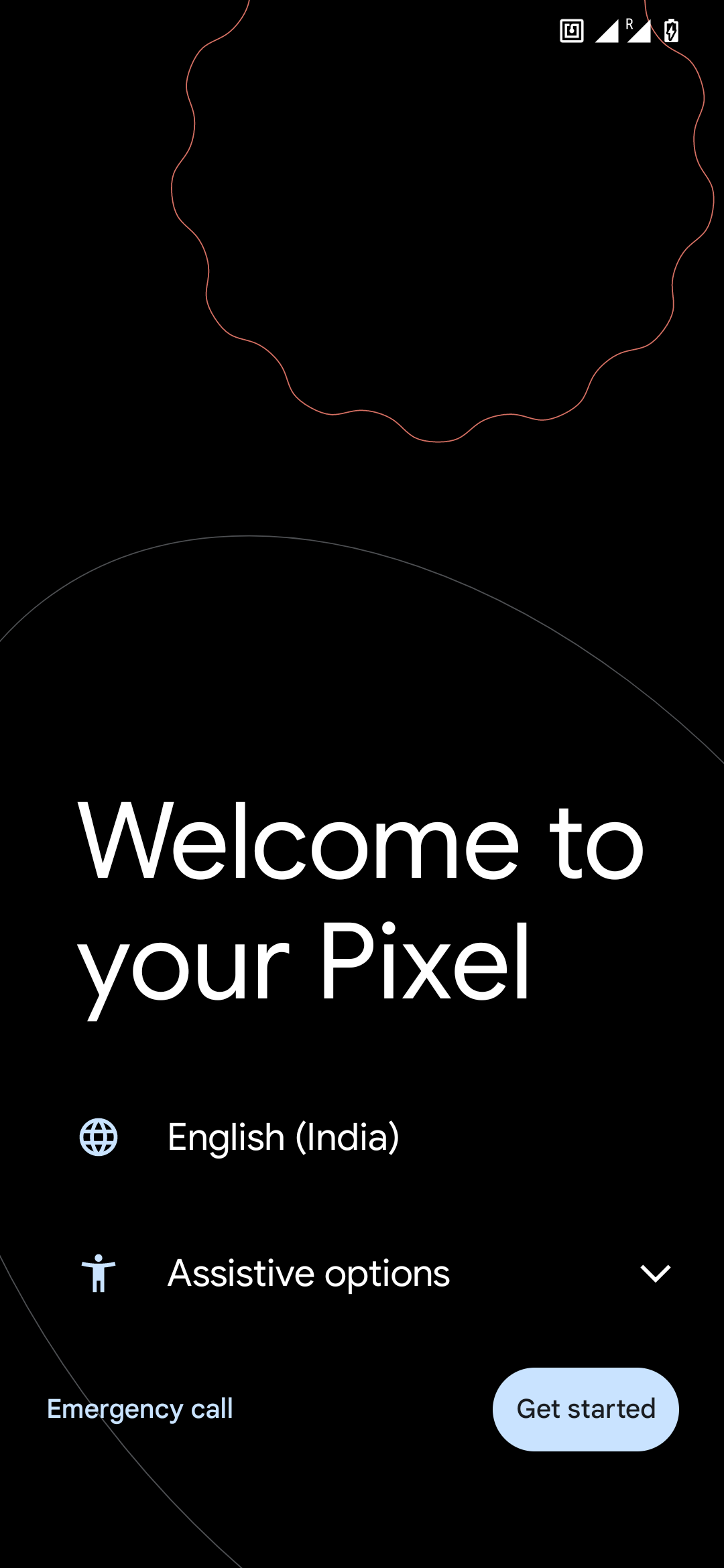
📸 Sample ScreenShots: