HWID Bypass
MelonityIn order to bypass HWID, you should change your MAC-address, disc serial number and MachineGuid.
Step 1. Change your MAC-address. This step is simple, firstly we need to download the program TMAC – click.
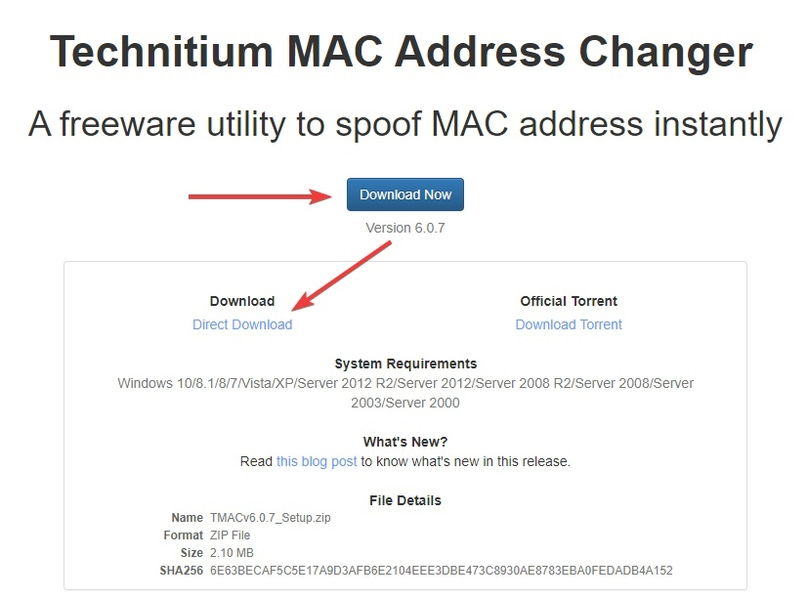
1.1 Download the program.
1.2 Run the program as an administrator.
1.3 Change the MAC-address on each of the connections.
1.4 As you may have noticed, in some cases, when you change the mac address of one of the connections, the program can show an error, in this case we just skip this connection and move on to the next one.
Step 2. Changing computers GUID.
To generate a new computer GUID, just follow to this site – click.
Next, enter the registry editor with the shortcut keys WIN + R (or via the menu “Start” -> “Run”), in the “Run” window that appears type “regedit” and press OK.
Follow to the next path:
Computer\HKEY_LOCAL_MACHINE\SOFTWARE\Microsoft\Cryptography.
Copy the previous generated GUID and replace it to the current MachineGuid.
Step 3. Changing disk serial number.
3.1 Download the Hard Disk Serial Number Changer utility
3.2 Run the utility as an administrator.
3.3 Select the needed disk and change the digits in the serial number.
3.4 After you done that, restart your computer.
Step 4. Download RegOrganizer – click
4.1 Run as administrator.
4.2 Go to the “Programs” section
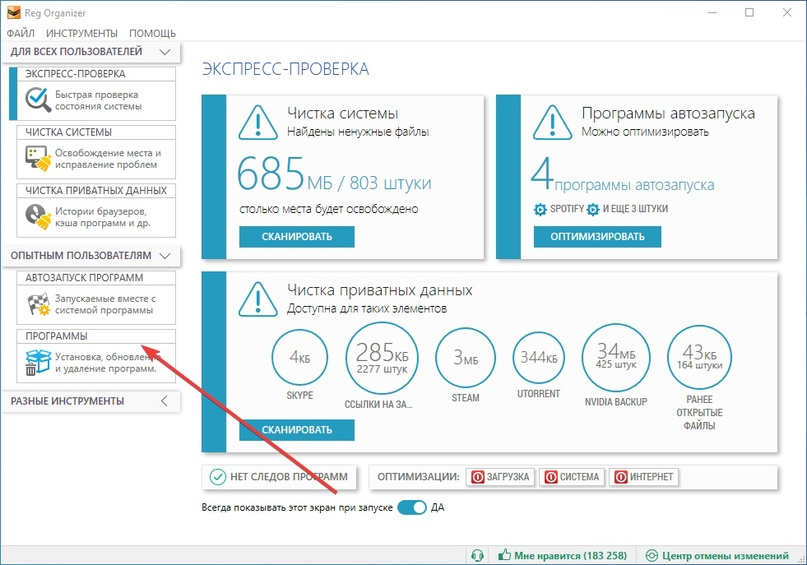
4.3 Completely delete Dota 2
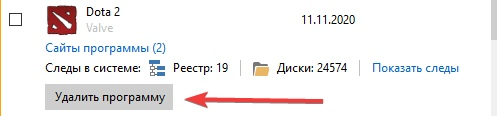
4.4 Completely delete Steam
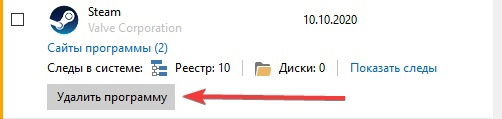
THIS STEP SHOULD BE PERFORMED UNTIL STEAM WILL NOT DISPLAY THIS WINDOW WHEN YOU START UP:
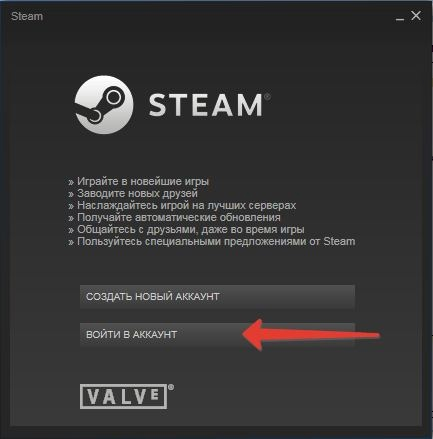
In case the required Steam window could be obtained after performing step 4 several times – try following the additional instruction:
4.2.1 Go to the main Steam folder.
By default it is located in this path: C:\Program Files (x86)\Steam
4.2.2 Go to the Userdata folder
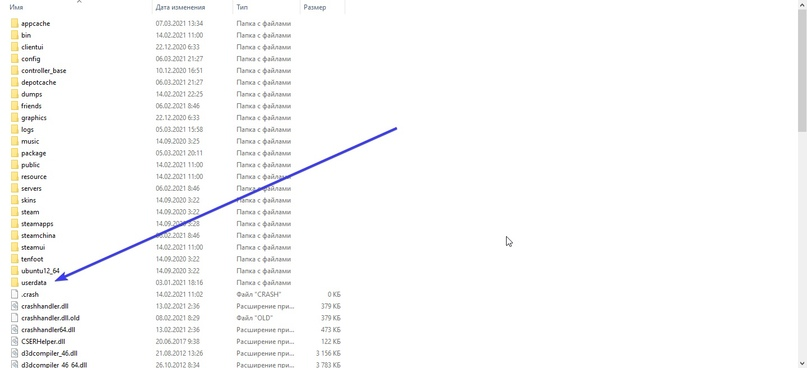
4.2.3 Delete everything in this folder
4.3.1 Download and install VPN Windscribe – click
4.3.2 The first time you start Steam and Dota 2, turn on VPN, after they start you can turn off VPN.
Step 5. Restart your system, log in to your new account. Remember that from now you should not log in to the old (banned) account, because the Steam algorithm will easily trace that the same person enters the accounts.