HOW TO USE EZKROW TELEGRAM ESCROW BOT
@mjweb3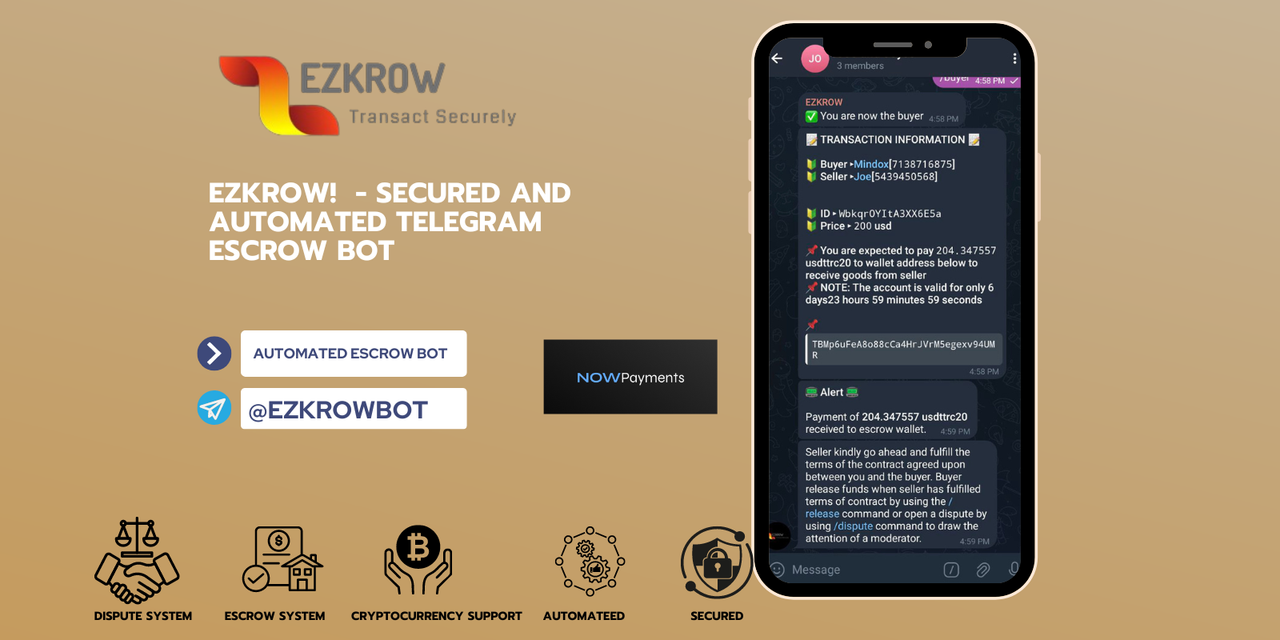
1. Create a group(A buyer or seller can do this)
2. Search and add Ezkrow Bot(@EZKROWBOT) to the Group.
3. Verify you added the right and authentic bot to the group by clicking on the bot and checking the bot's username(@EZKROWBOT)
4. Only the seller can start the transaction by declaring his/herself as seller using the /seller command.
5. Select a mode of payment(Crypto) - seller
6. Specify your choice wallet accordingly by clicking the "Add Account" button that shows up next - seller
7. Use the Start button or the /start command when taken to the bot to specify a wallet - seller
8. Now select Account Type(Crypto) - seller
9. Select Token Accordingly(ADA or ETH or XRP or USDTTCR20, LTC, BTC, TON) - seller
10. Enter wallet address accordingly by sending the wallet address as a message to the bot - seller
11. After doing that, you will get a prompt "Account Added" -seller
12. Return back to the transaction group - seller
13. Use the /seller command again -seller
14. Select the payment mode you choose previously before adding a wallet/account - seller
15. The added wallet will show up to be selected, select same accordingly by clicking on it - seller
16. Specify the amount of the item or service being sold (e.g 100) - seller
17. A prompt saying " Trade initiated, Waiting for buyer" will be shown.
18. Now over to the Buyer.
19. Use the /buyer command to join the transaction as the buyer - Buyer
20. Add an account(Your wallet address is needed as a buyer incase the need for refund arises) - buyer
21. Return to the group and use the /buyer command again and select the wallet added by clicking on it.
22. Wallet or bank account will be generated with details of payment depending on the mode of transaction you choose(Crypto)
23. Go ahead and pay the specified amount.
24. Wait for the payment to be confirmed automatically by the receiving escrow account. A notification will be sent in automatically accordingly once received by the escrow account details.
25. The seller now is to proceed with the delivery of what was promised to the buyer.
26. Buyer can now release the funds using the /release command if he/she is satisfied with the seller's delivery.
27. If Buyer is not satisfied and there's a problem that needs to be settled, either the buyer or seller can draw the attention of the admin to the transaction group using the /dispute command.
28. You will be prompted for the group's link on using the /dispute command.
29. Click on the group and get the invite link and send when prompted for it so that a moderator can join the transaction group and settle the issue.
NB: ALL DISCUSSION ABOUT THE DEAL AT HAND SHOULD BE MADE ON THE TRADE GROUP AFTER ADDING THE ESCROW BOT INCASE OF A DISPUTE.