Guide to Buying Cryptocurrency 💸
Buying cryptocurrency might seem challenging for beginners, but this guide will simplify the process for you. Just follow these steps, and you'll be ready to buy your first coins! 🚀
Where to Buy Cryptocurrency 🏦
If you're unsure where to buy cryptocurrency to start trading, here are some services that support Apple Pay, Google Pay, and credit card payments:
- Changelly
- Coinbase
- Binance
- Transak
- Moonpay
- Ramp
- Blockchain

Step 1: Create an Account and Verify Your Identity 🛡️
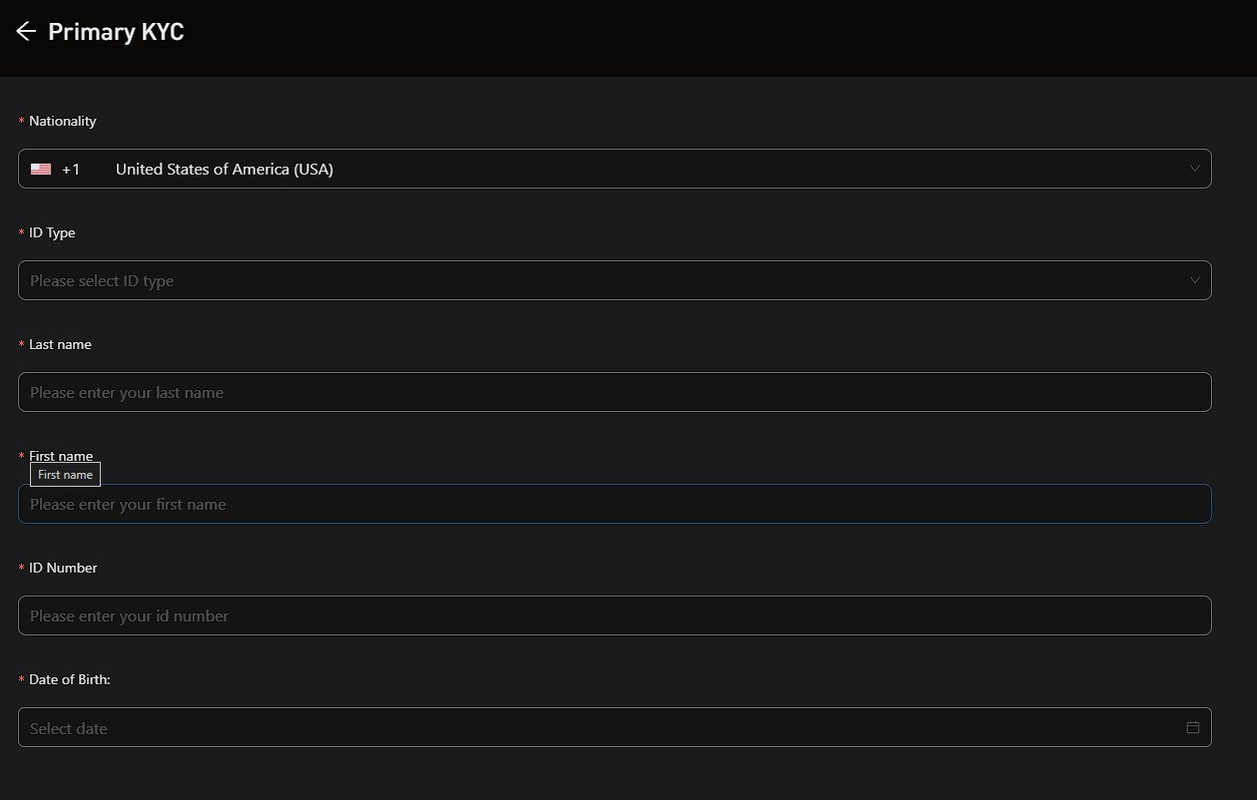
Once you've chosen your service, you'll need to create an account. This usually involves providing your email address, creating a password, and verifying your identity.
Most exchanges require you to complete a KYC (Know Your Customer) process. This means you’ll need to provide identification documents, like a passport or driver's license, to comply with regulations.
Step 2: Deposit Funds 💰
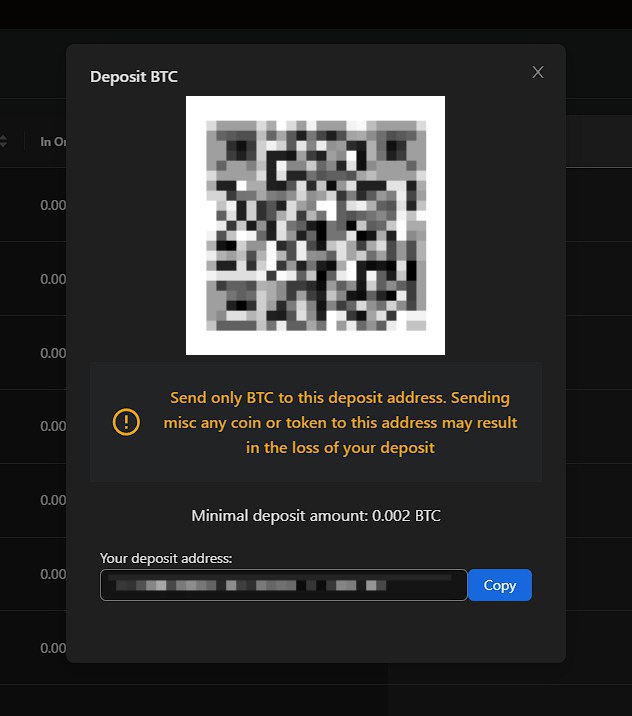
After creating an account, deposit funds to start buying cryptocurrency. You can typically fund your account in one of these ways:
- Bank Transfer: Many exchanges allow you to link your bank account to deposit money directly.
- Credit/Debit Card: You can also buy crypto with a credit or debit card, although fees may be higher.
- Cryptocurrency Deposit: If you already own some crypto, you can transfer it to your new exchange wallet.
Step 3: Buy Stablecoins First 💵
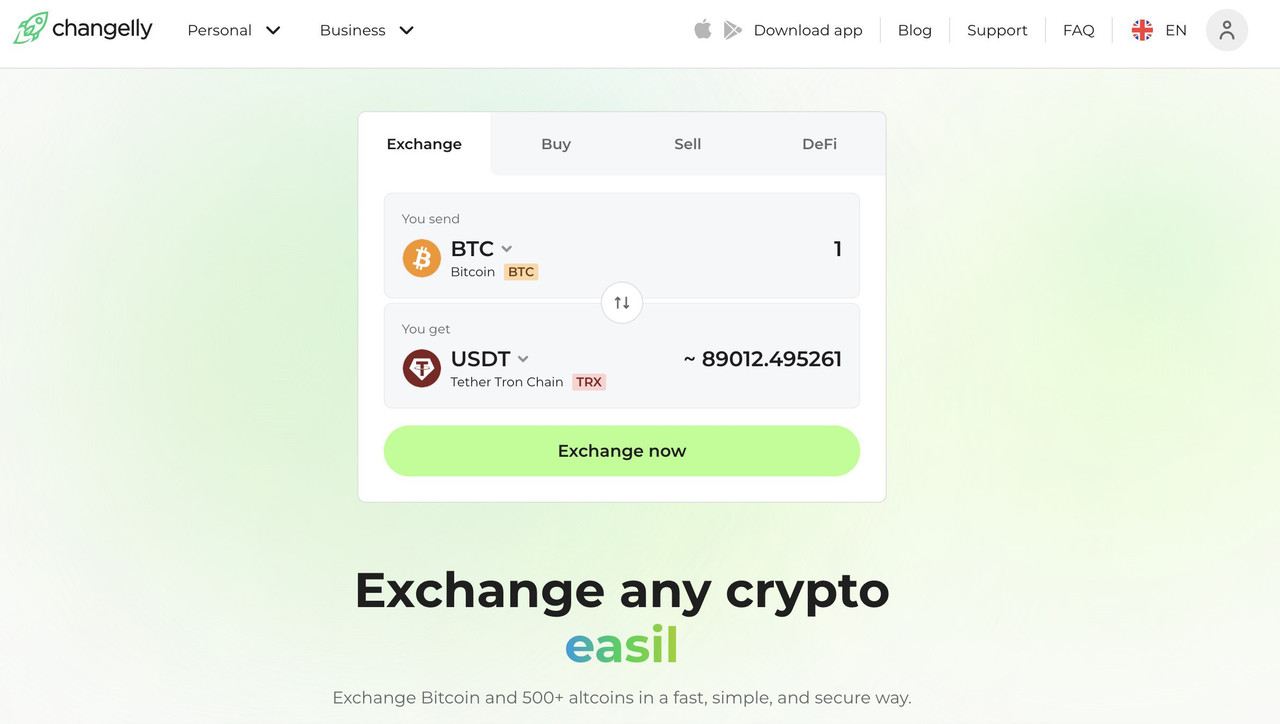
Now that you've funded your account, it's recommended to start by buying stablecoins, such as USDT (Tether). Stablecoins are pegged to the value of a fiat currency (usually USD), making them less volatile compared to other cryptocurrencies. They are ideal for beginners and convenient for pumps and arbitrage due to low fees and fast transaction confirmations.
Step 4: Store Your Cryptocurrency Safely 🔐
Once you've bought your crypto, it's crucial to store it securely. Here are some options:
- Exchange Wallet: Keeping your crypto on the exchange is convenient, but it's less secure due to potential hacks.
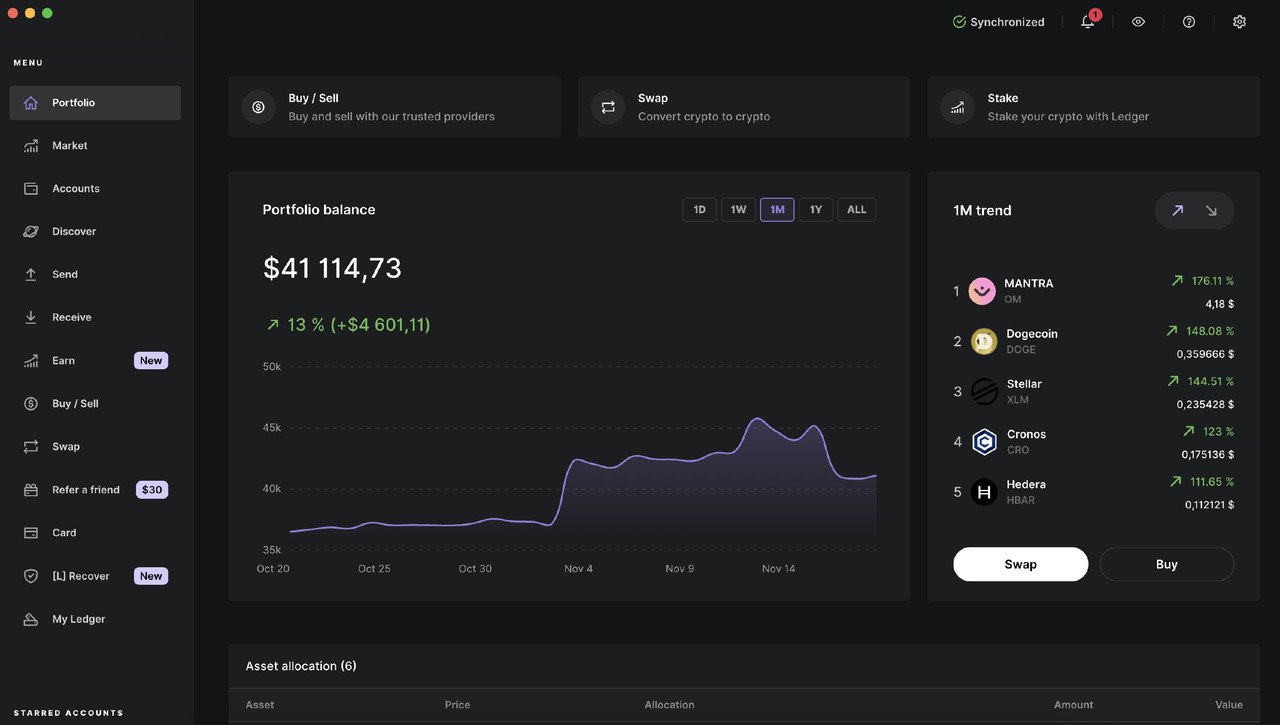
- Hardware Wallet: These physical devices store your cryptocurrency offline, making them one of the safest options. Examples include Ledger Nano S, Trezor, and SafePal.
- Software Wallet: Applications on your phone or computer that allow you to store crypto. Examples include Exodus, Trust Wallet, and MetaMask.
For more detailed information on safe storage options, check out our guide: How to Store Cryptocurrency Safely.
Tips for Beginners 🌟
- Enable Two-Factor Authentication (2FA): Add an extra layer of security to your account.
- Stay Informed: The crypto market changes fast. Follow news and updates from reputable sources.