Guide (links)
TFHere are the important links
Login to Epic Games: https://www.epicgames.com/id/login/epic
Logon to Rambler Email: https://mail.rambler.ru/folder/INBOX
Link to connect your console: https://www.epicgames.com/account/connections
What to do if you play on a console
If you play from pc, you can login to Epic Games launcher normally.
If you play on a console, you need to link it from https://www.epicgames.com/account/connections. When linking your console to Epic Games, make sure your console account is not already linked to another Epic Games account, or you will get this error:
"Sorry, but this (console) account has already been associated with another Epic Games account"
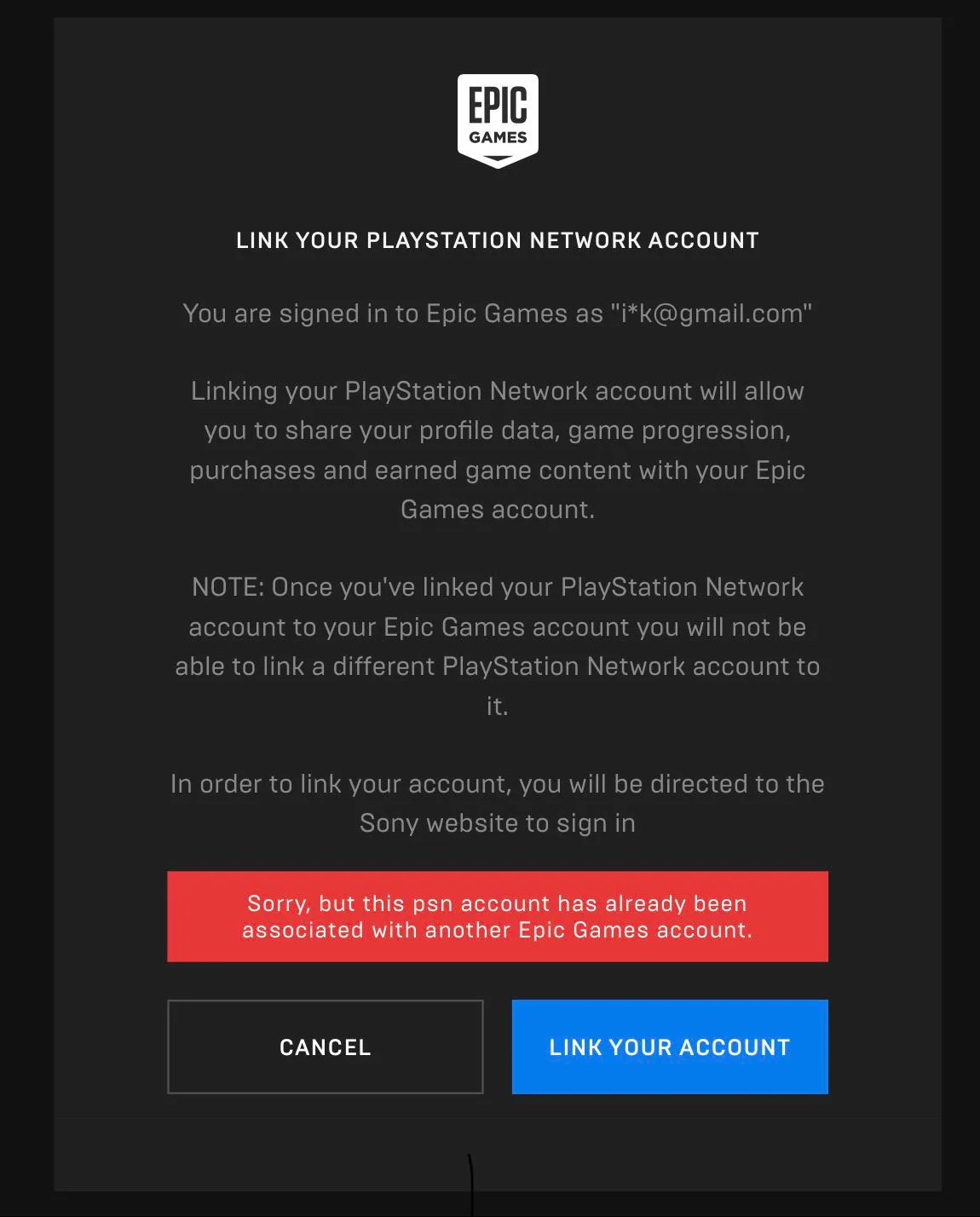
This error message means that your console is already linked to an Epic Games account.
The best way to fix this issue is by creating a brand new PSN/XBOX/NINTENDO account and connect the new one you just created to the Epic Games.
What do to if you get kicked out from Epic Games while playing
Check your background applications running, if there is any VPN activated, this issue will persist. Therefore, make sure to not have a VPN activated while playing.
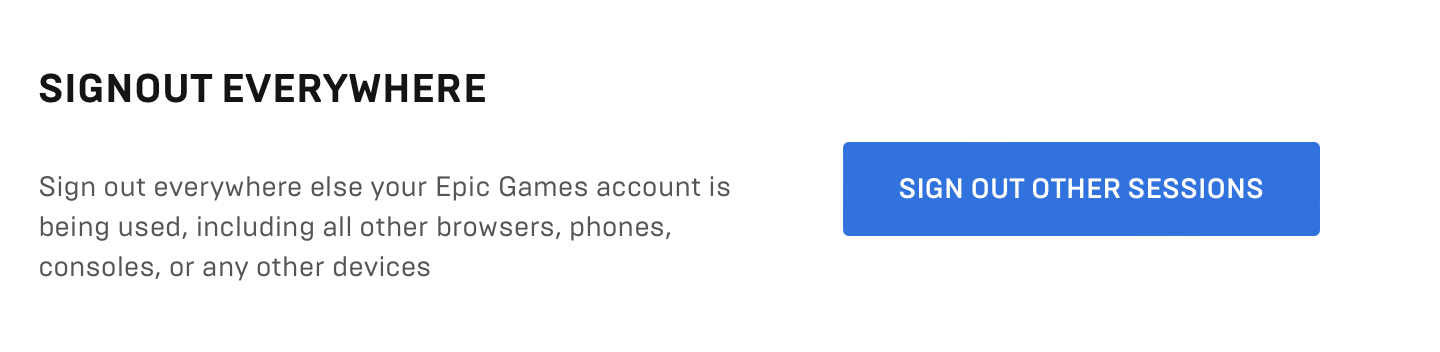
Another solution is to change the password and sign out all other sessions, here is how to do:
1 - Login in to this link https://www.epicgames.com/account/password
2 - Change password
3 - Scroll down to the next section and click "SIGN OUT OTHER SESSIONS" button.
4 - Epic games will then send a code to the email, insert the code and you're set.
If you need any further help, just message me and I will get back to you as soon as possible to solve any issue.