Guide: install OpenMask extension wallet
Nikita KuznetsovOpenMask wallet available only for Google Chrome browser.
Follow these steps to install OpenMask:
- Open Google Chrome in your desktop
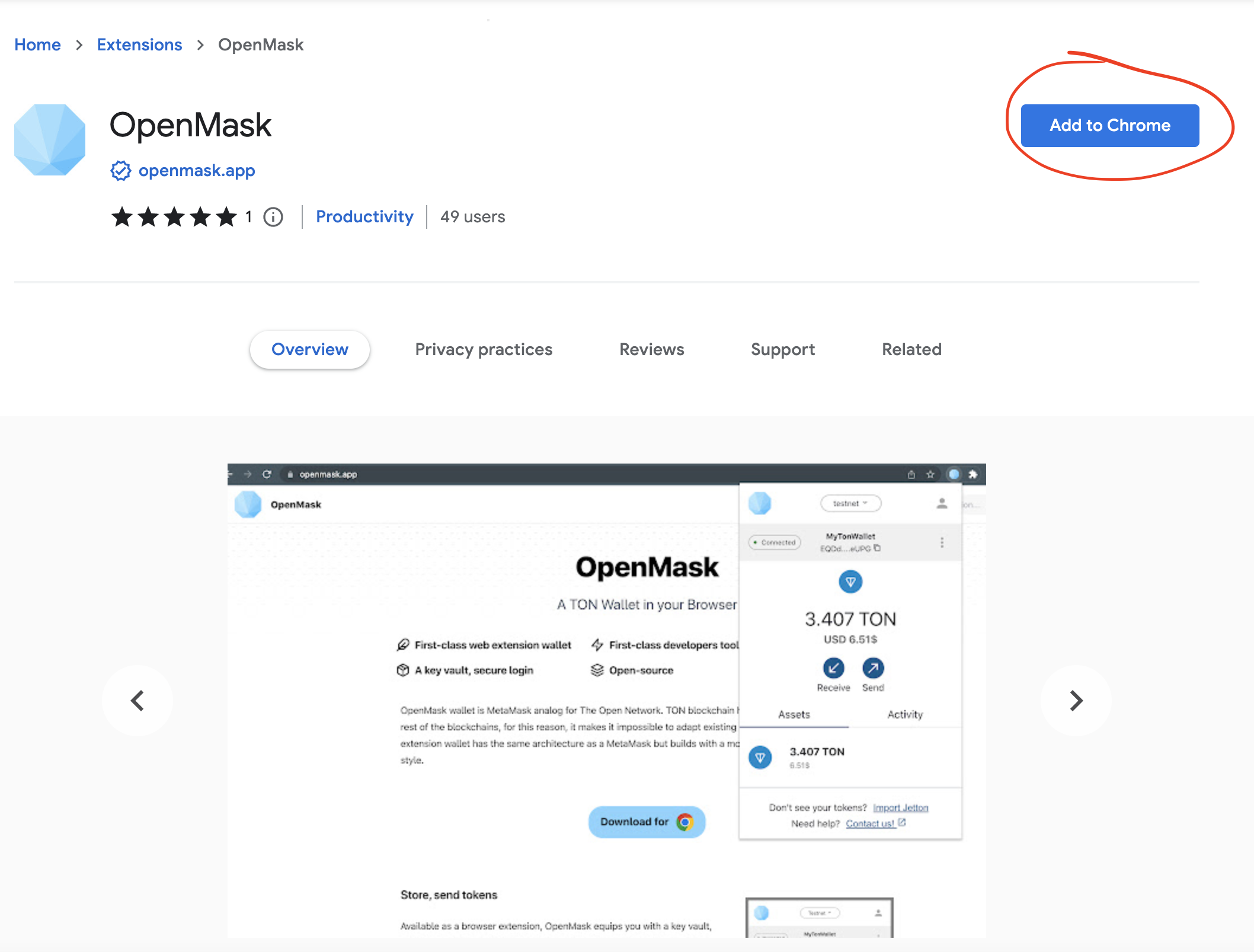
- Open Google Web Store link and press install
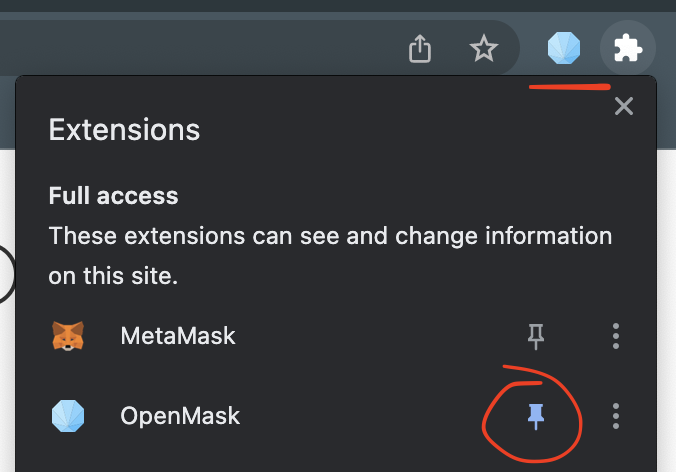
3. The OpenMask logo icon appears in the upper right corner, or you may pin it to quick access.
4. The last step you have to create or import your account by generating new or fill mnemonic secret phrase.
5. The wallet will ask you to create password to encrypt your secret phrase. Later you can enable biometrics authentication in the wallet settings.
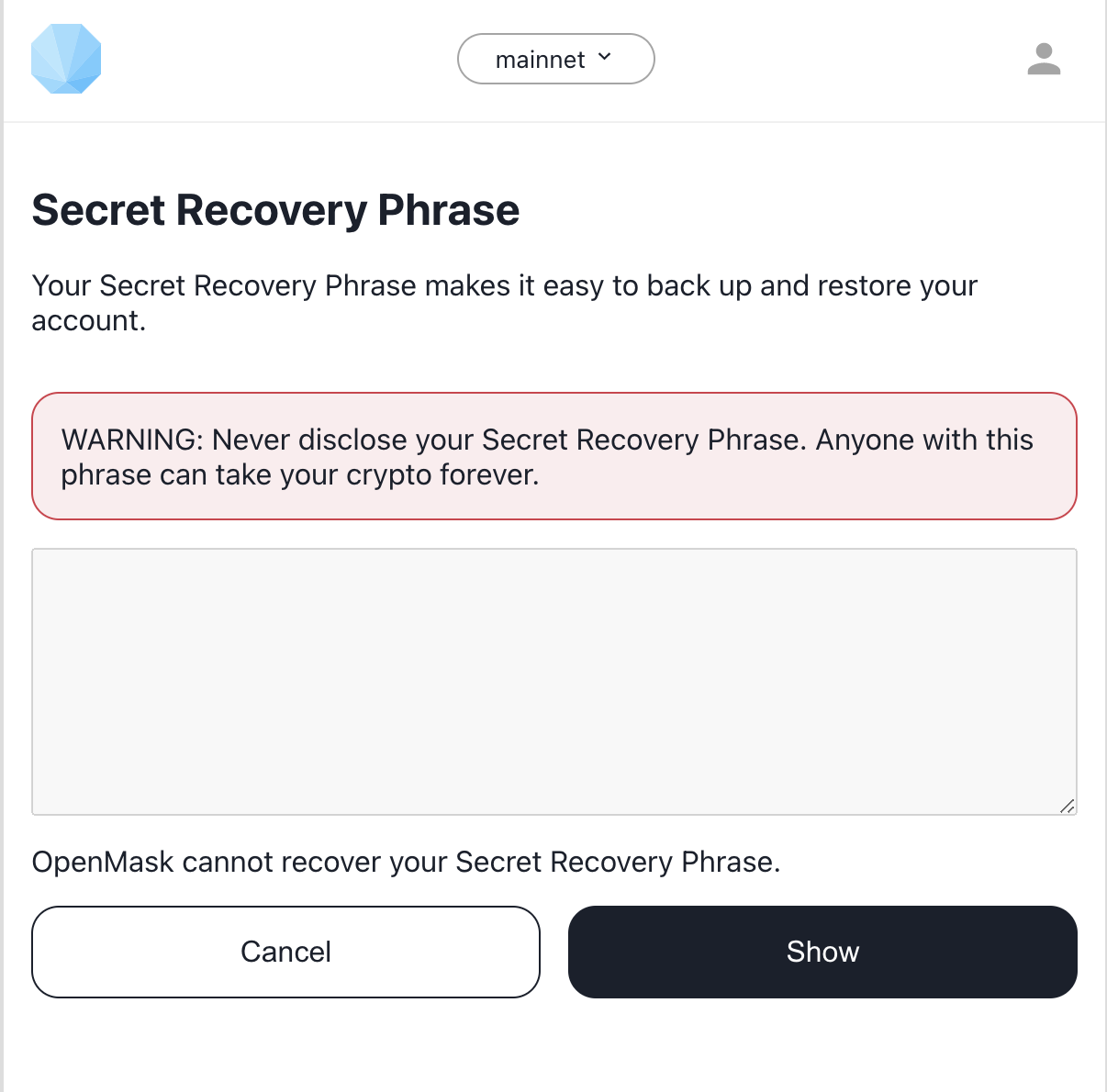
These phrases are your secret recovery key. Remember or save this key in a place that only you have access to. If someone (hacker or close person) by chance will recognise your key it would be stolen, you can lose assets and no one can help you to restore it.
The end!
You are welcome to the crypto world!
Only you are responsible to keep the secret phrase and for your assets.