Getting Meerkat and Timebox Holder roles in Discord
Yaro_TailIf you own a meerkat and/or Timebox, you can get a holding role and join a private club. To do so:
1) Join the Discord of the project at the link: https://discord.gg/timesoulcom.
2) Go to the branch #🔑│verify (link attached)
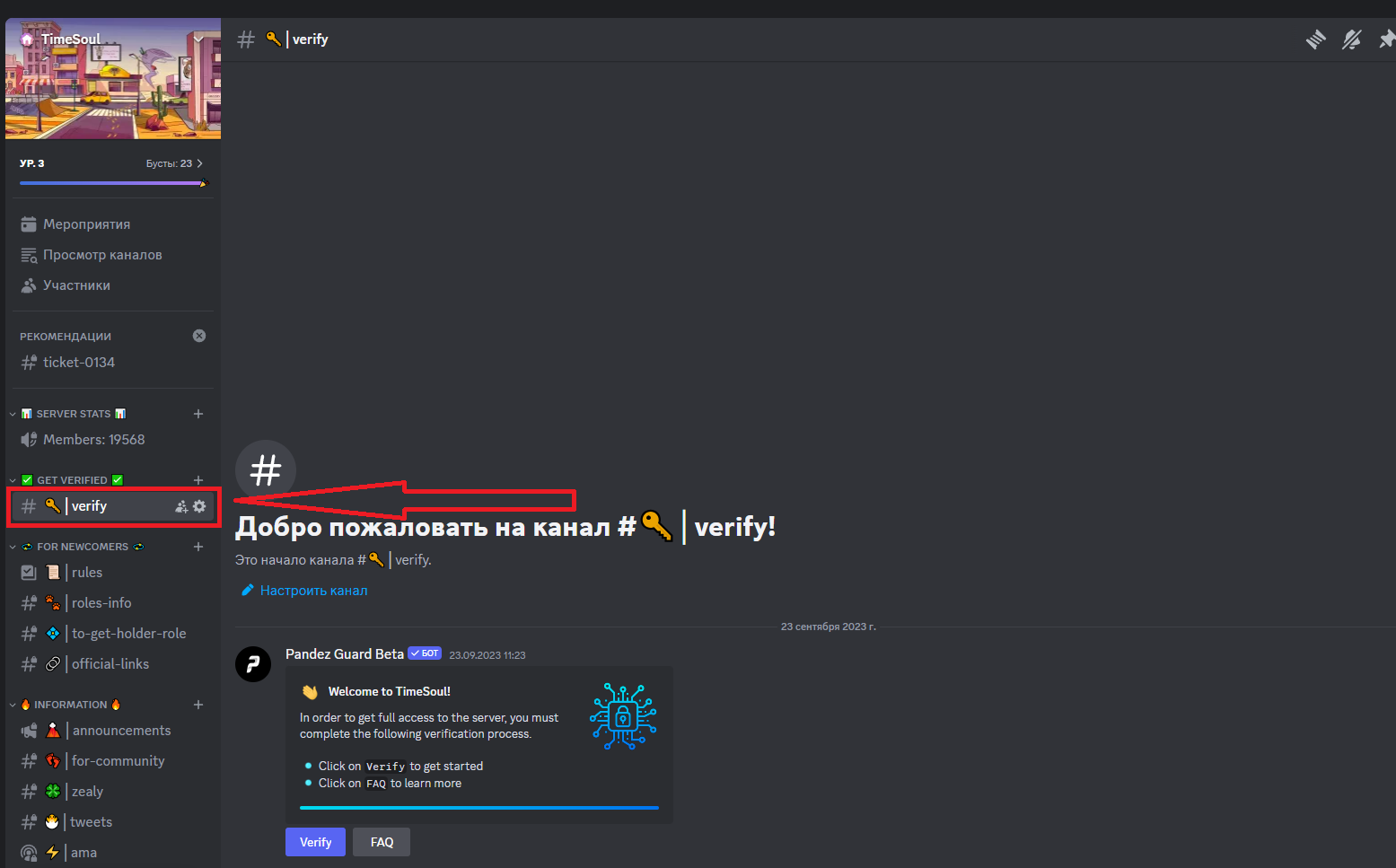
3) Click on the Verify button, then Continue - Continue and enter the captcha
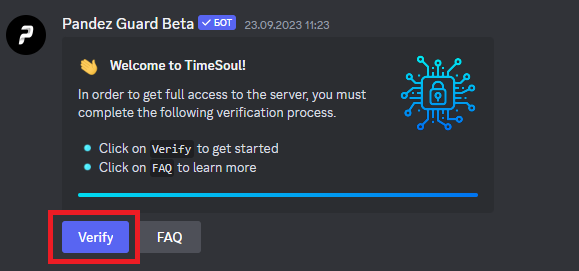
This message informs us that the Soulmate role has been obtained.
4) After getting this role, other channels open up for us, to get the Meerkat Holder and Timebox Holder roles, go to the 💠│to-get-holder-role channel.
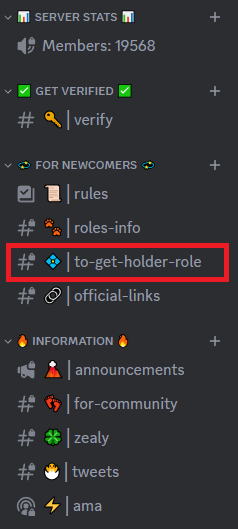
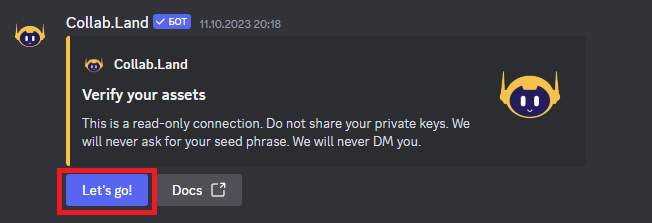
5) This channel binds the wallet to the Collab Land bot, which checks for NFT on the wallet. Click on the Let's Go!
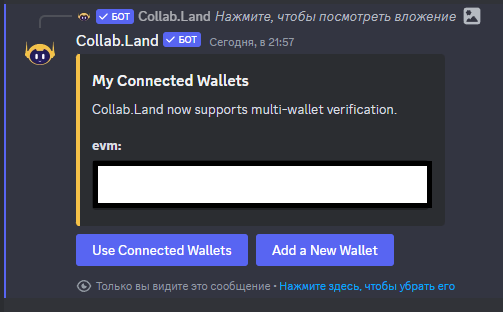
6) Next Add a New Wallet
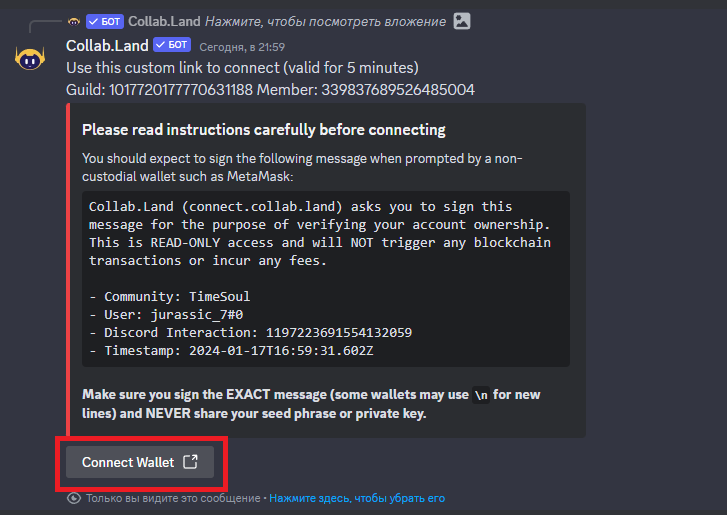
7) Click on the Connect Wallet button and you will be redirected to the Collab.Land website
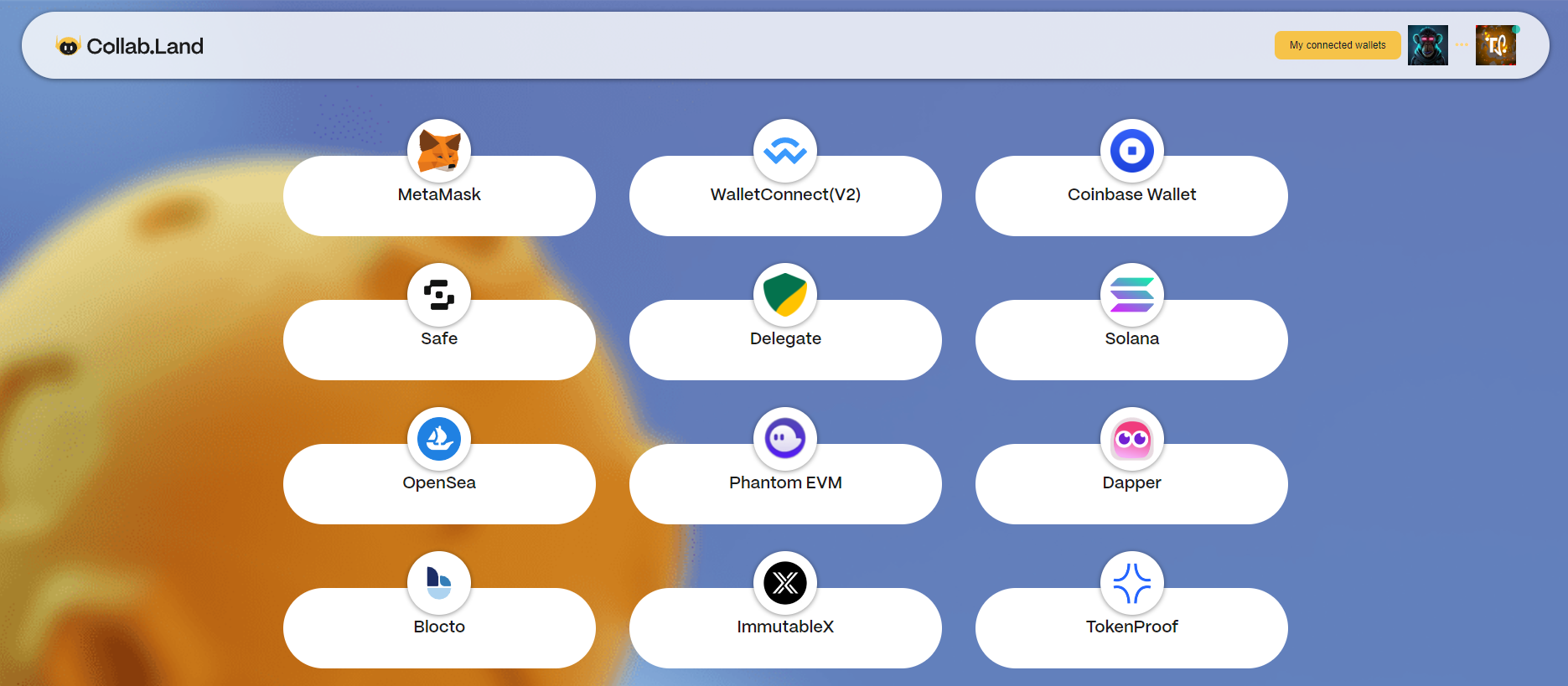
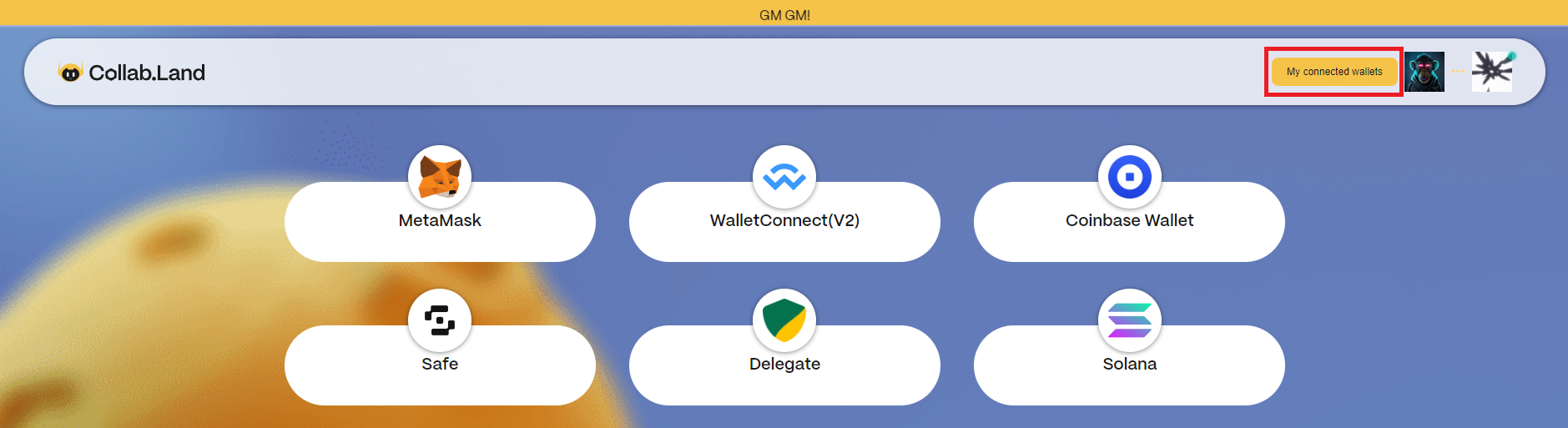
8) Choose MetaMask or another wallet where you have meerkats stored and ask for a signature message:
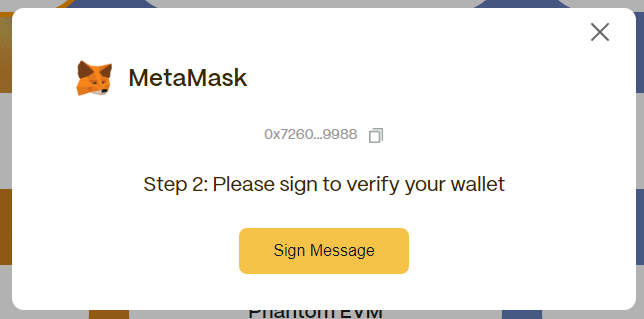
9) Signing the transaction
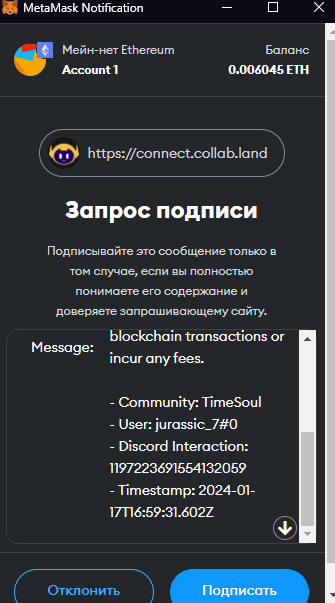
We receive a message that the wallet is bound

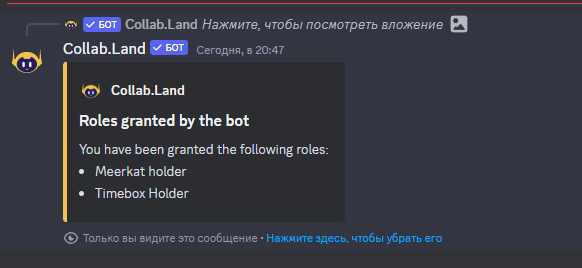
10) Return to Discord and see a message in the same channel that the Meerkat Holder and Timebox Holder roles have been issued
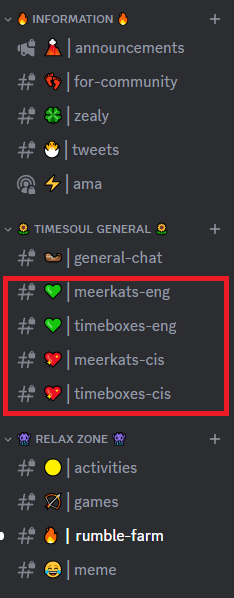
After getting the Meerkat Holder and Timebox Holder roles, four new channels will appear in the channel list - 💚││meerkats-eng / 💚││timeboxes-eng (English-language chat) and 💖│meerkats-cis / 💖│timeboxes-cis (Russian-language chat).
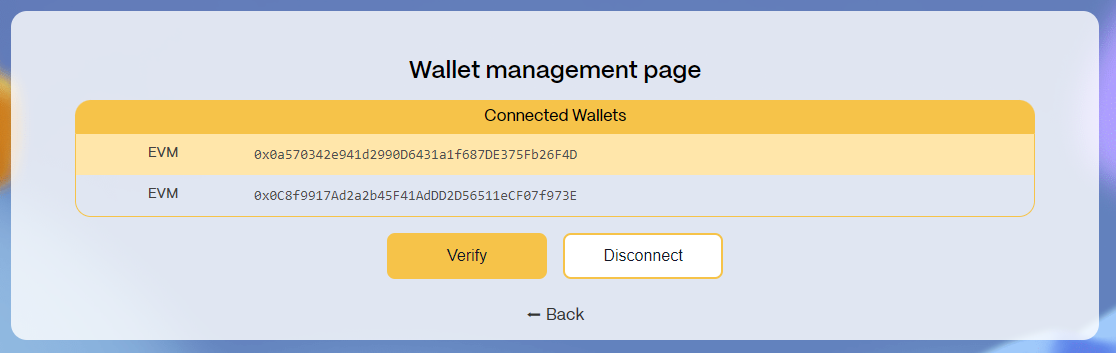
To disconnect a wallet from the bot, go through steps 4-7 and on the wallet selection page click on My connected wallets
Select the wallet we are interested in and click Disconnect