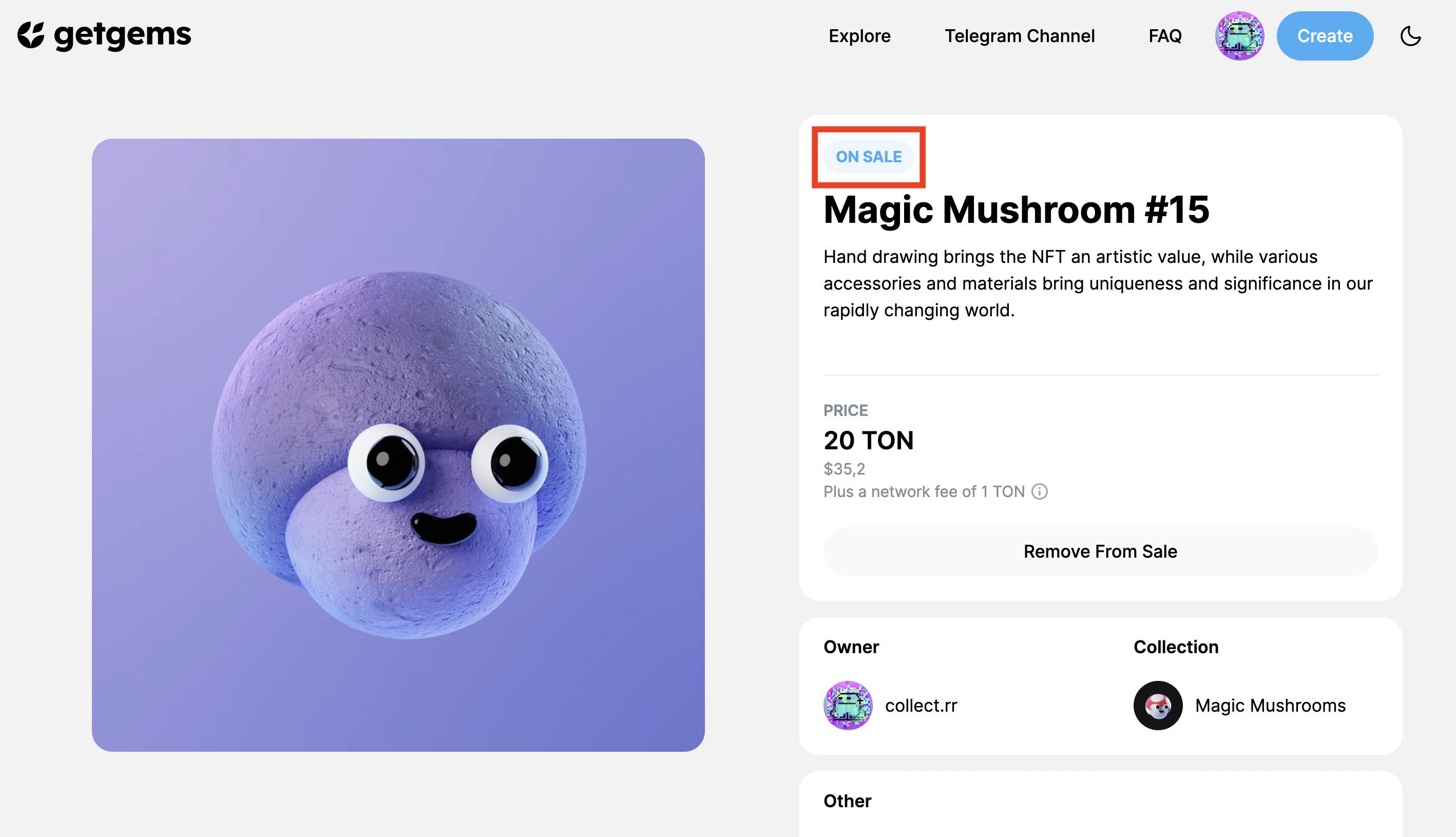
How to put an NFT on Sale
by getgems.ioNow when you already own some NFTs, here's a simple instruction how you can sell them on a secondary market through Getgems marketplace.
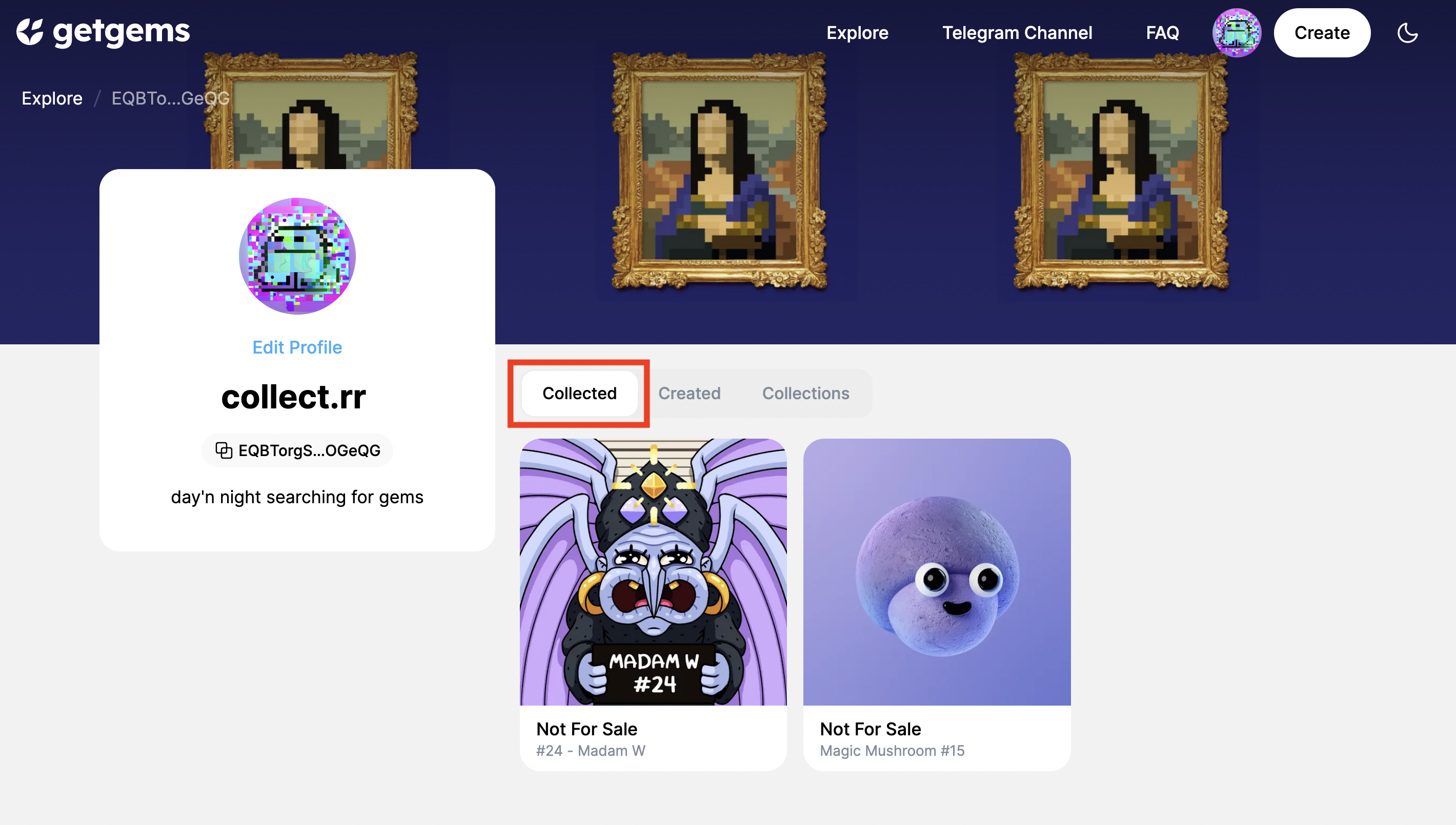
- Head to your profile, by clicking your pfp in the top right corner, then review the NFTs you own by clicking on "Collected"
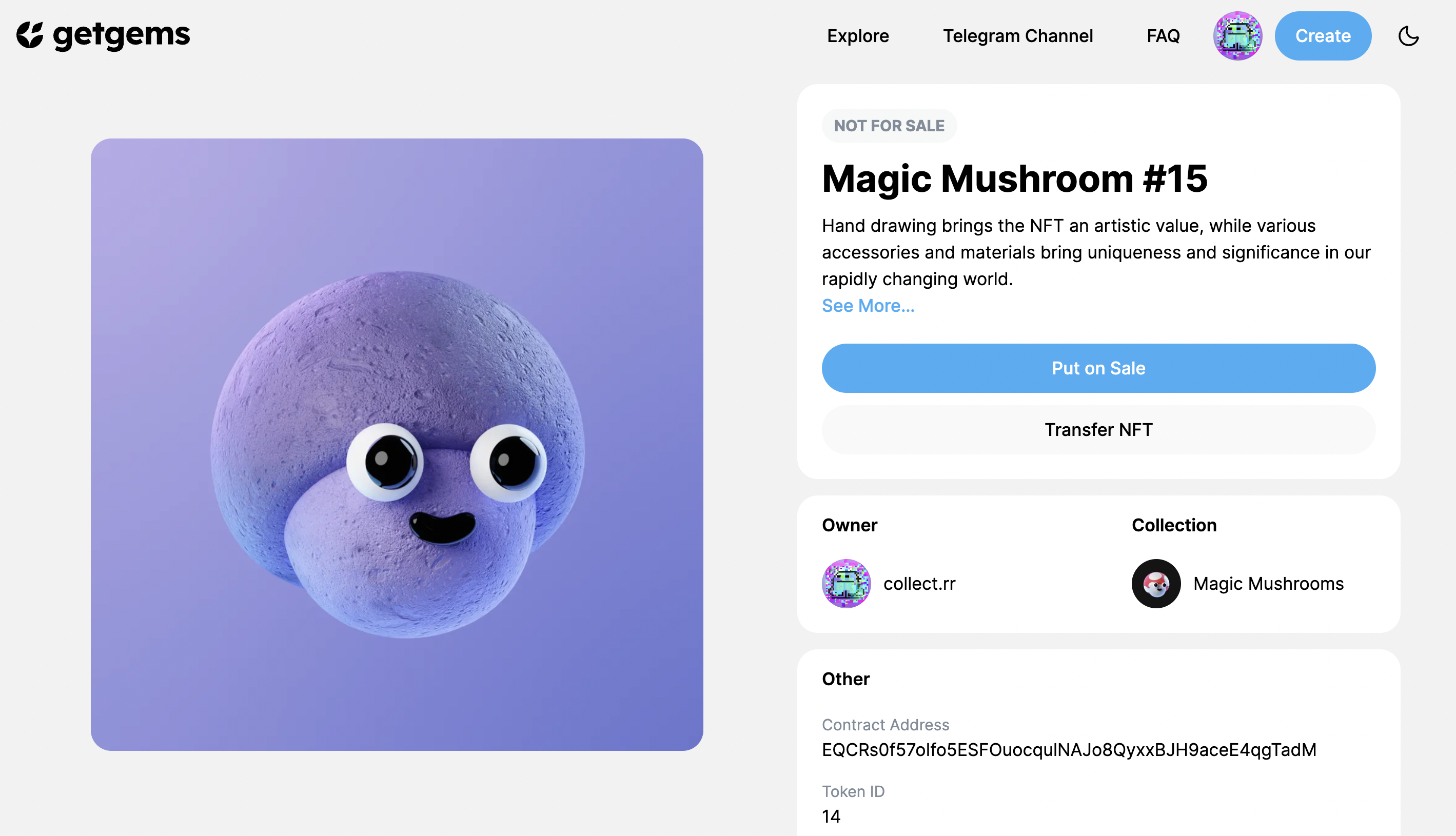
2. When you've decided which NFT you'd like to put on sale, click on it and you will see this window. Tap on "Put on Sale" button.
3. It will start the process. Insert the price you'd like to sell your NFT for, you will also see a Service Fee you'll charged. Then click the button at the bottom.
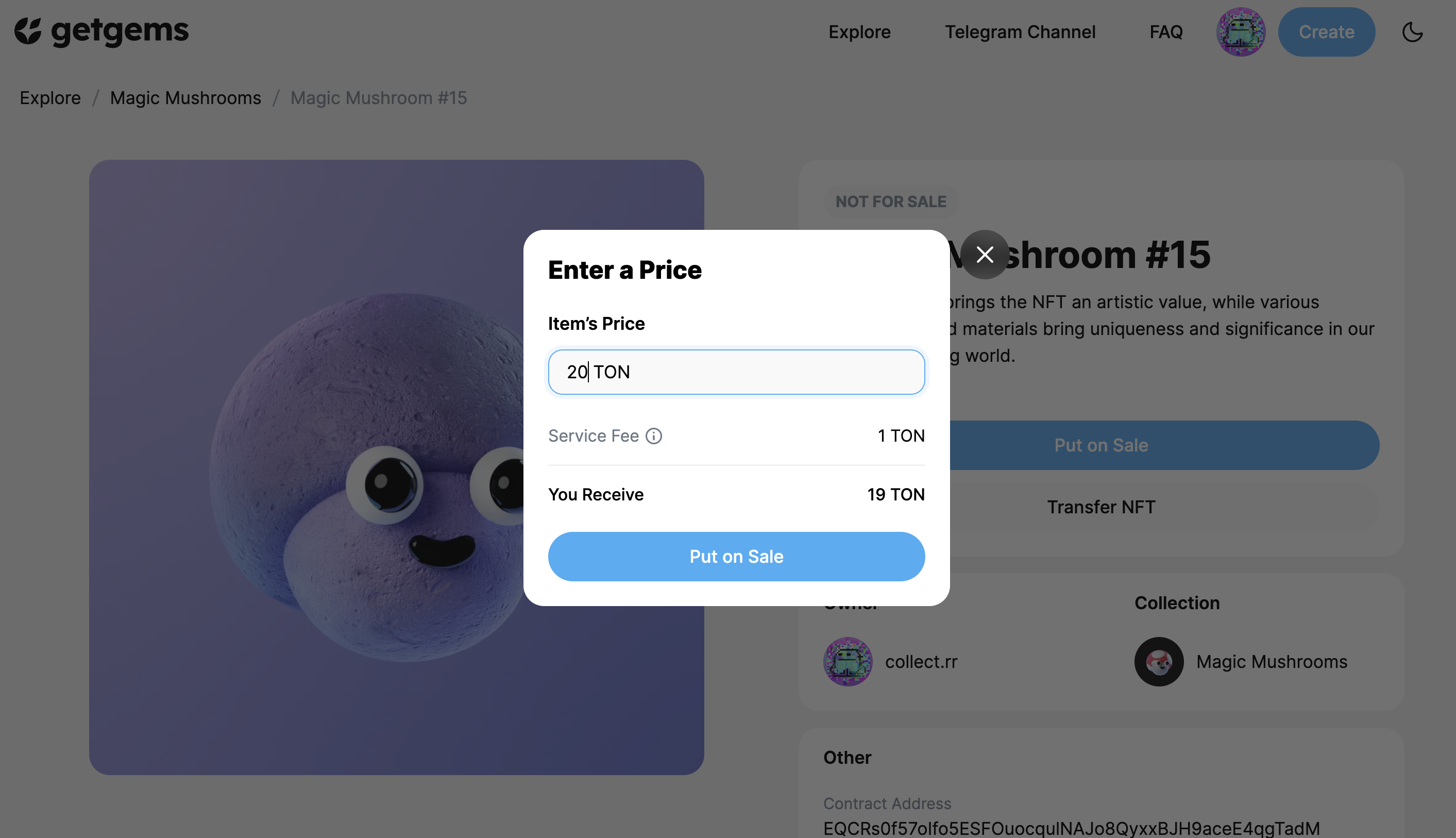
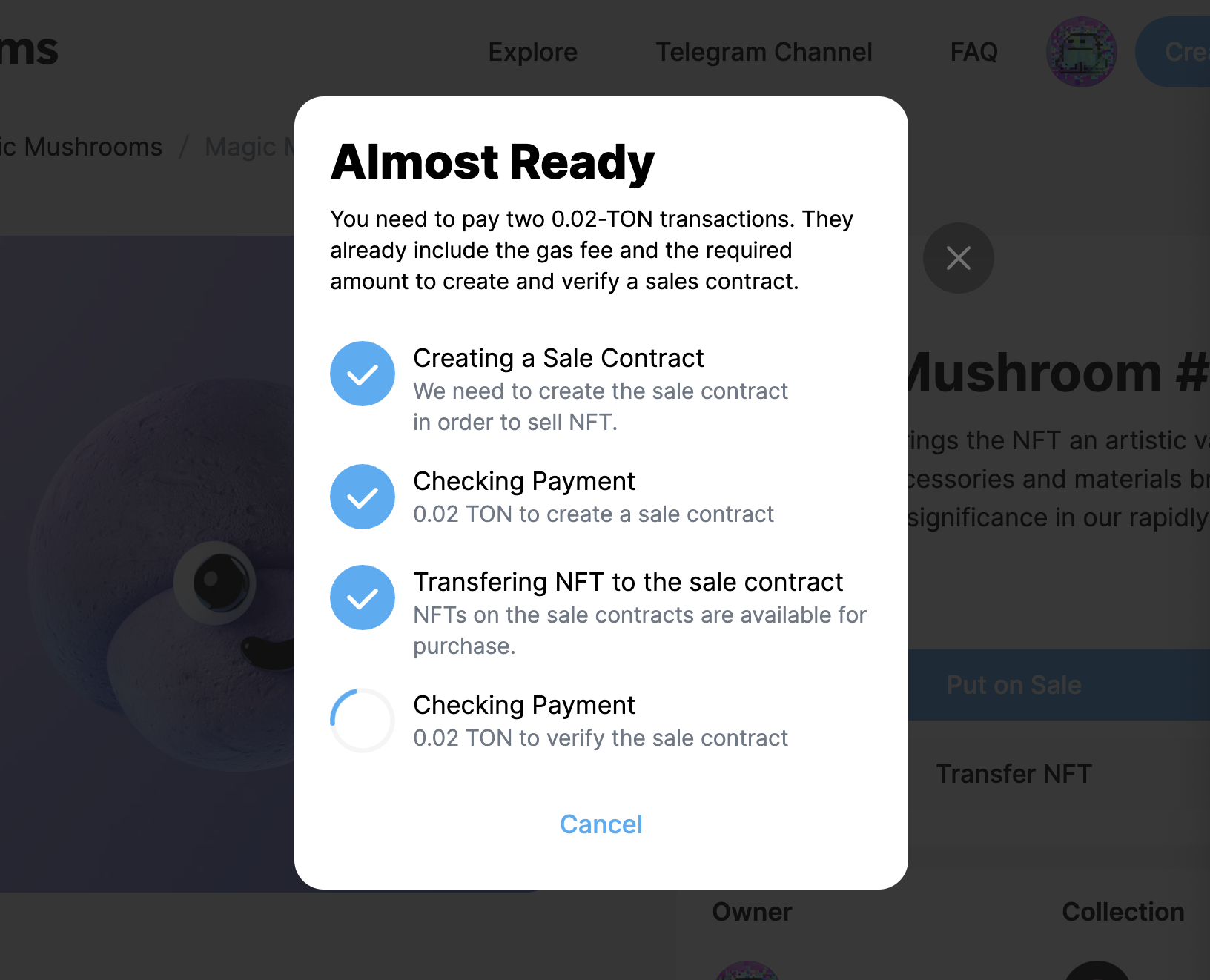
4. Once you click on "Put on Sale" the process of listing you NFT on sale will start.
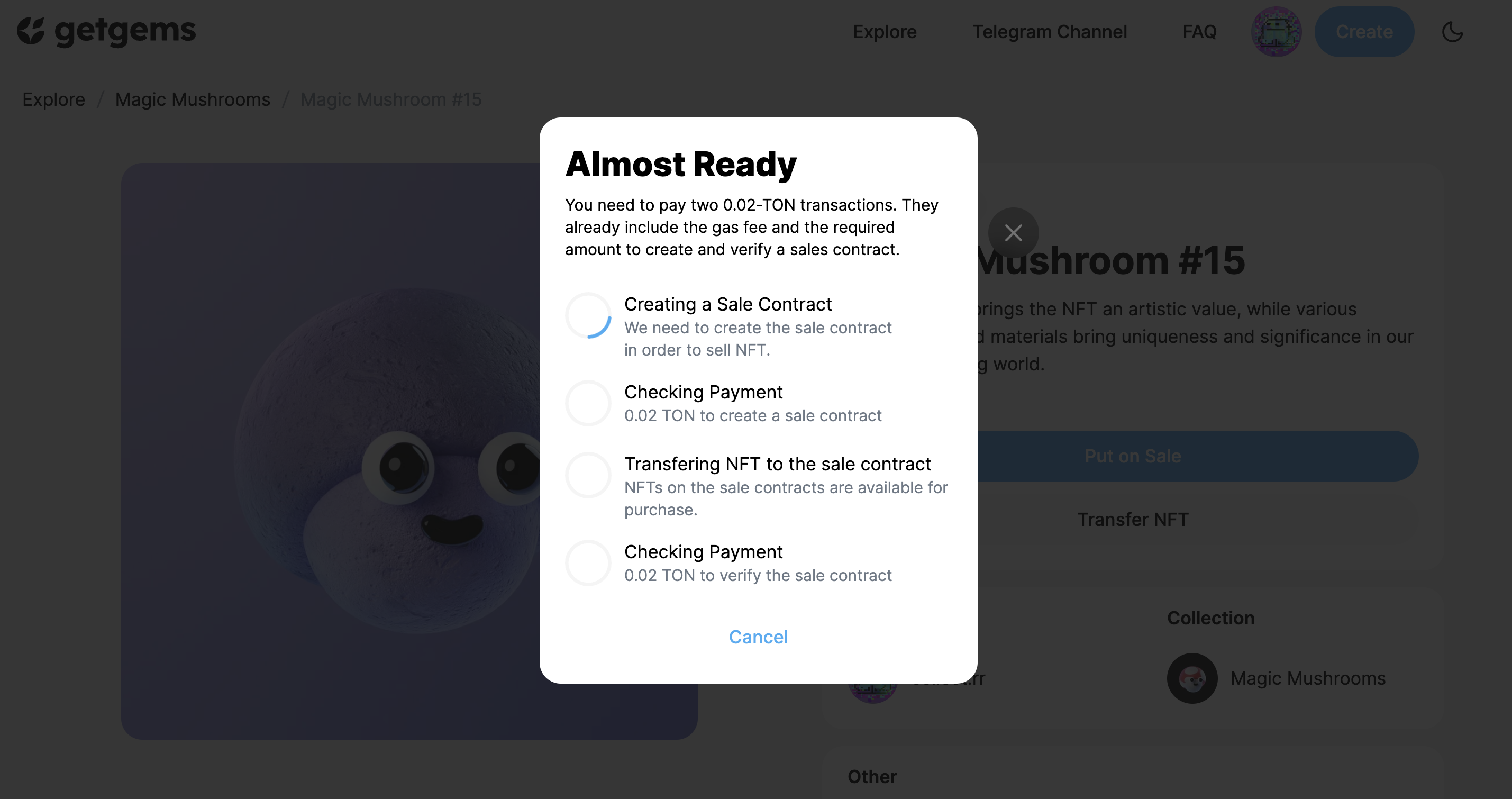
5. To do so you will be asked to access your wallet, and pay the fees.
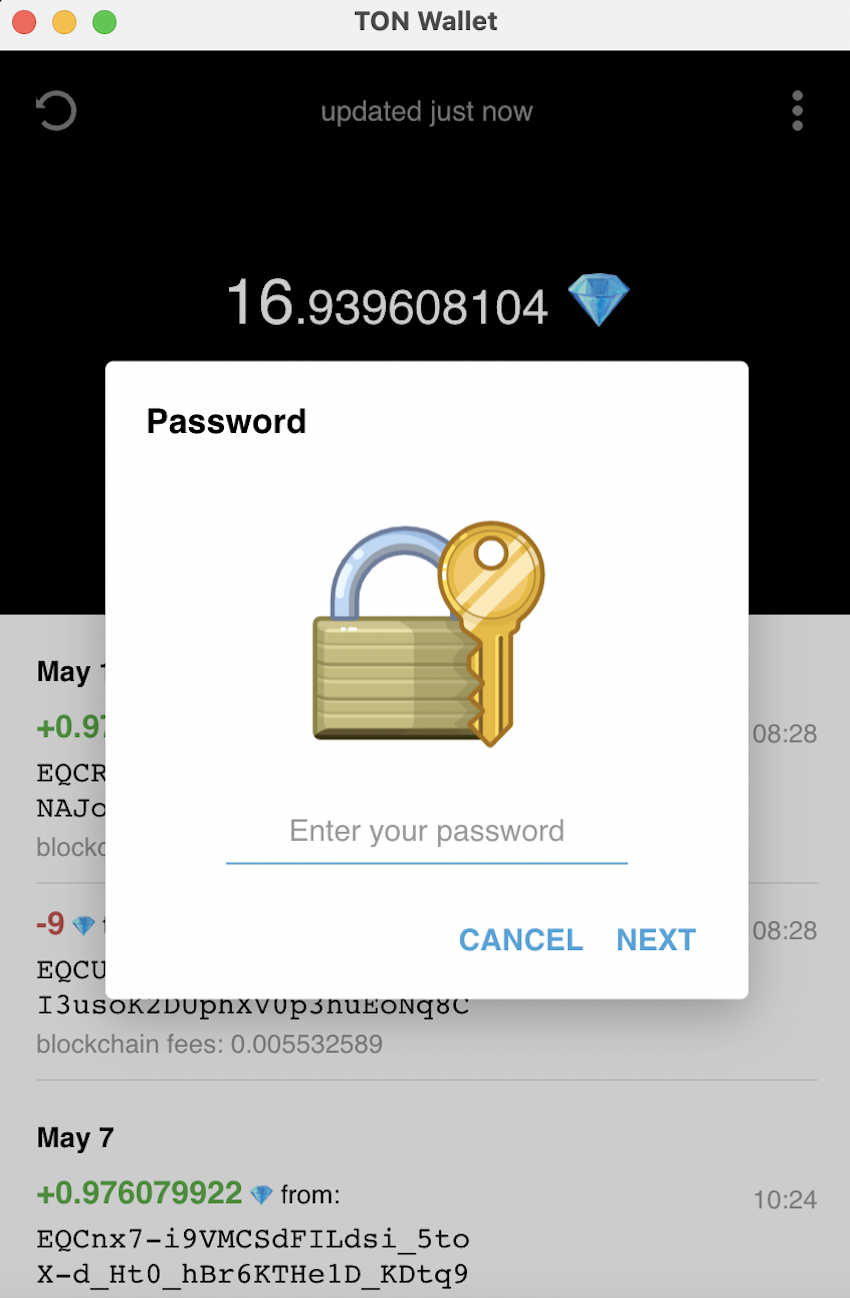
6. Make sure you have enough funds on your wallet. And click "Send TON" to pay the fees
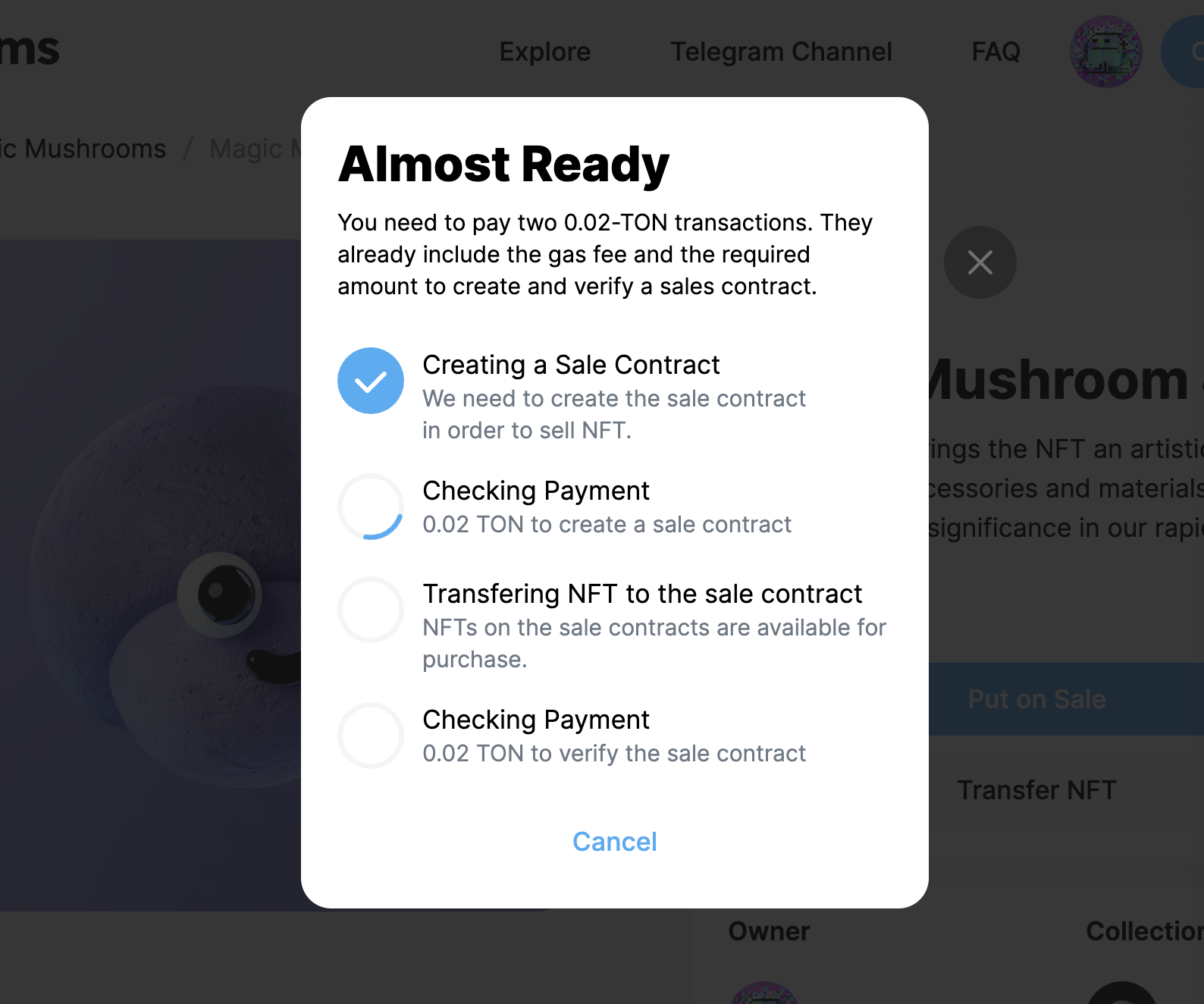
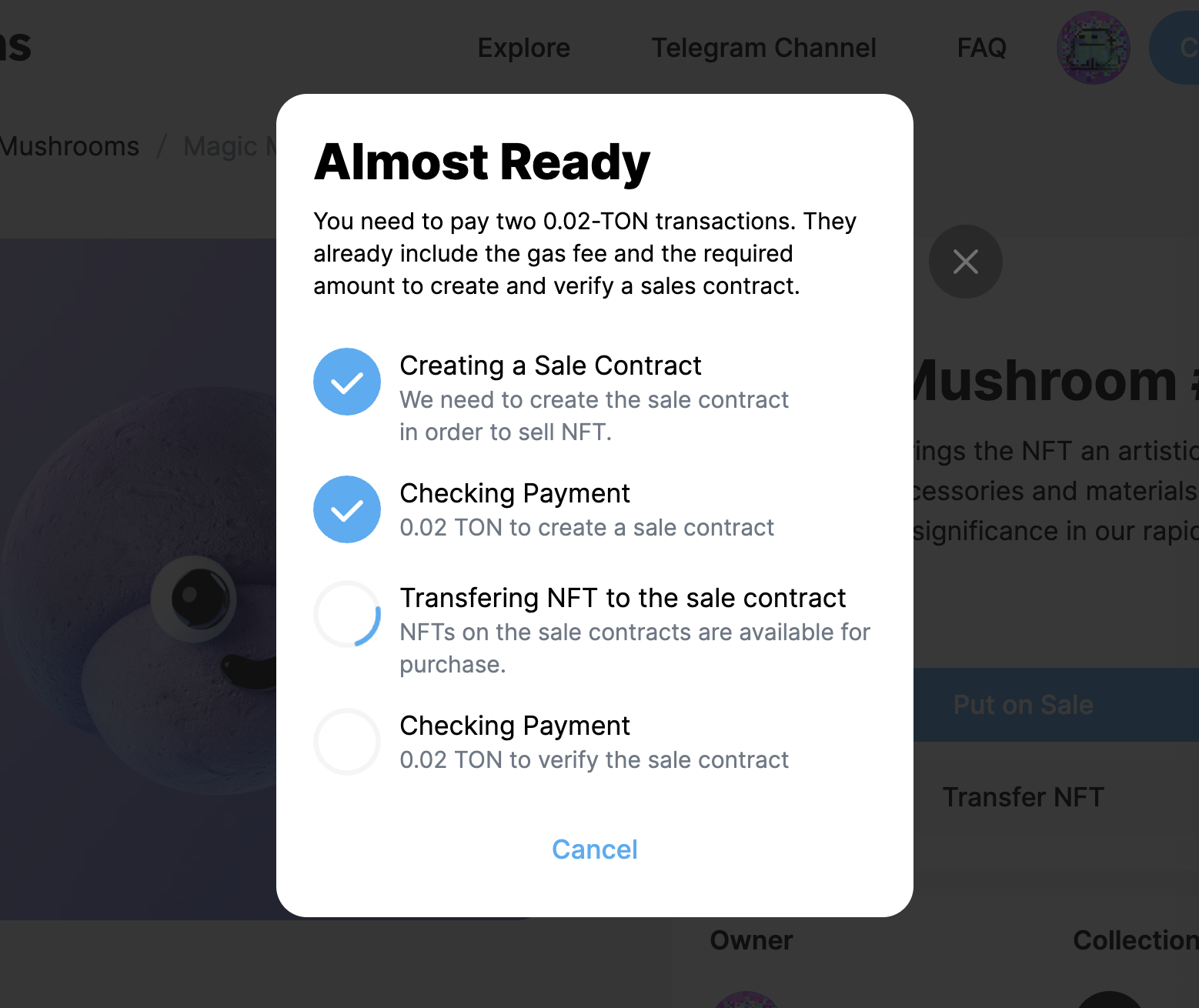
7. Congratulations! Your NFT is now On Sale and could be purchased on the secondary market by other collectors.