Gdrive Max download limit Bypass
Free ka maal youtube channel🔰Trick to avoid Maximum Download Limit of Google Drive
1. Copy the drive link and paste it in any browser.
2. Open it in desktop mode. Then click on sign-in and use your google account there.
3. Then, Click on the “+” icon present at top right bar.
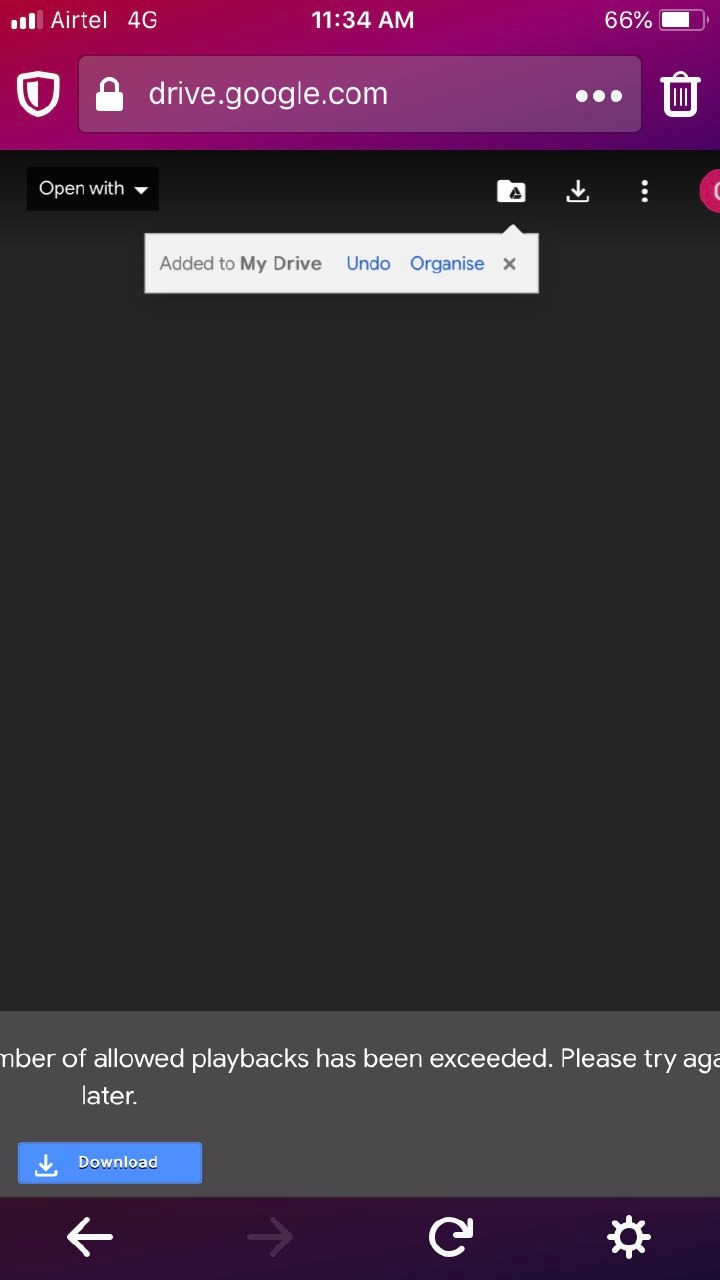
4. Select ‘Add to Drive’
5. Open your drive in any browser (avoid google chrome) and select the file that you just added [In Desktop Mode].
Most important step👇🏻👇🏻
6. Select the option ‘Make a Copy’ by clicking the 3 vertical dot icon.
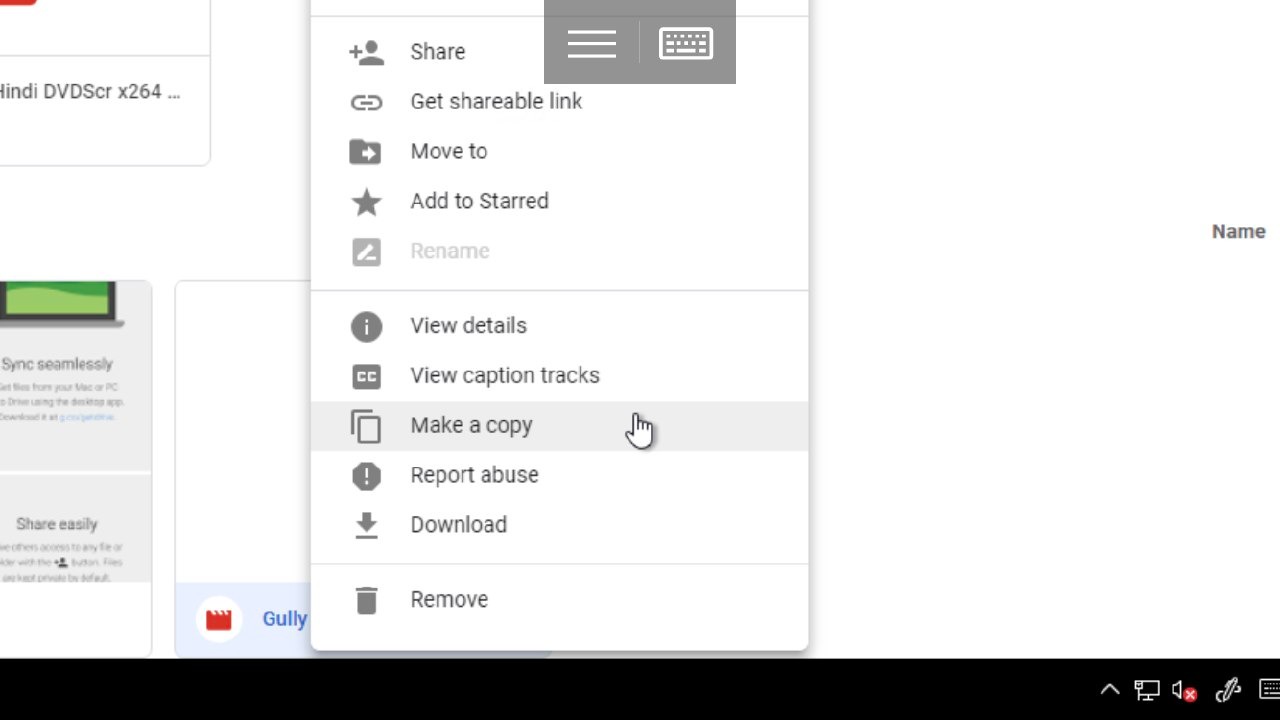
7. The file will be copied to your drive.
Name of the file will be “Copy of xyz” where xyz is the actual file name that you just copied!!!
Download that “copy of xyz” file and delete the file after downloading if you want ✌🏻️
Join Us at :-
@freekamaal7