GSI Installation for Poco M3
ᴊᴏᴀǫᴜɪɴVia RECOVERY MODE - VANILLA GSI ROMS ONLY
Before modifying your device make a full backup of your Internal Storage.
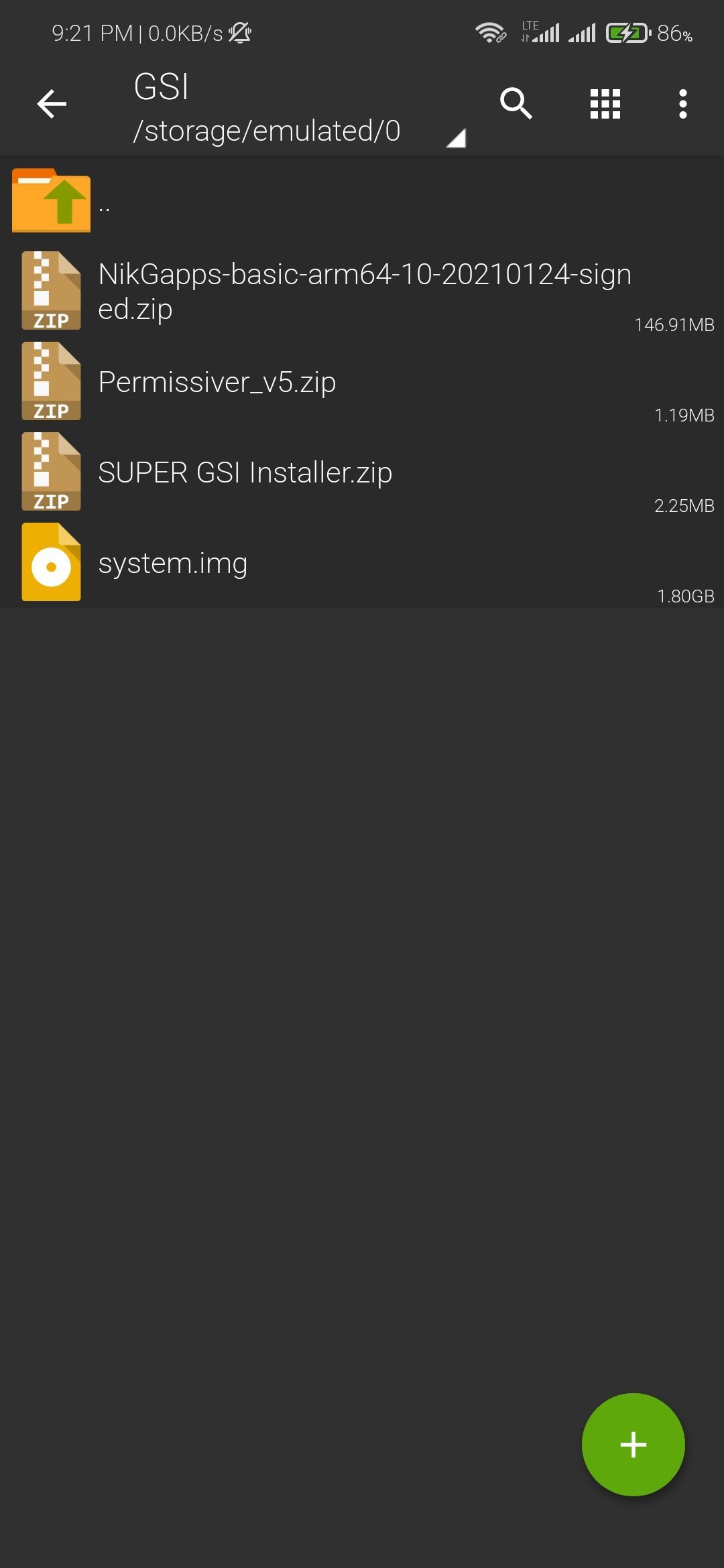
1. Make a New Folder in Your MicroSD rename it to
GSI and Move the Required Files Inside the Folder.
MAKE SURE YOU DOWNLOAD VANILLA GSI'S
GAPPS GSI'S DOESN'T WORK!
• GSI Installer
• GSI IMG - Use Arm64/AB/Vanilla | GAPPS GSI
Extract .xz file to get GSI IMG
after moving the GSI IMG rename it to system.img
• Vendor - Move vendor.img to GSI Folder
• GApps - OpenGapps Nano/Pico #gapps
you can try other gapps (not tested)
• Permissiver - #permissiver
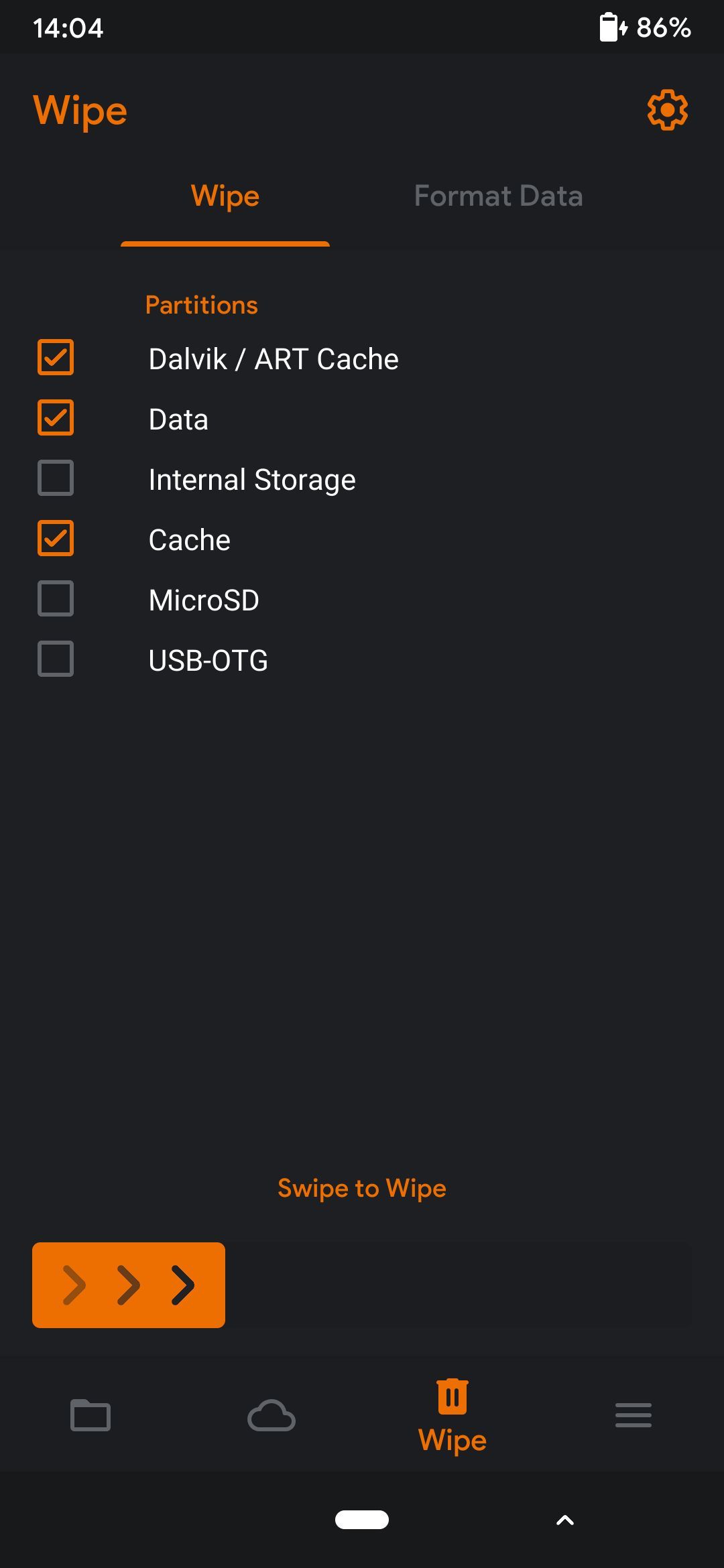
2. Advance Wipe
• Wipe Data/Dalvik Cache/Cache
• Format Data then Reboot Recovery
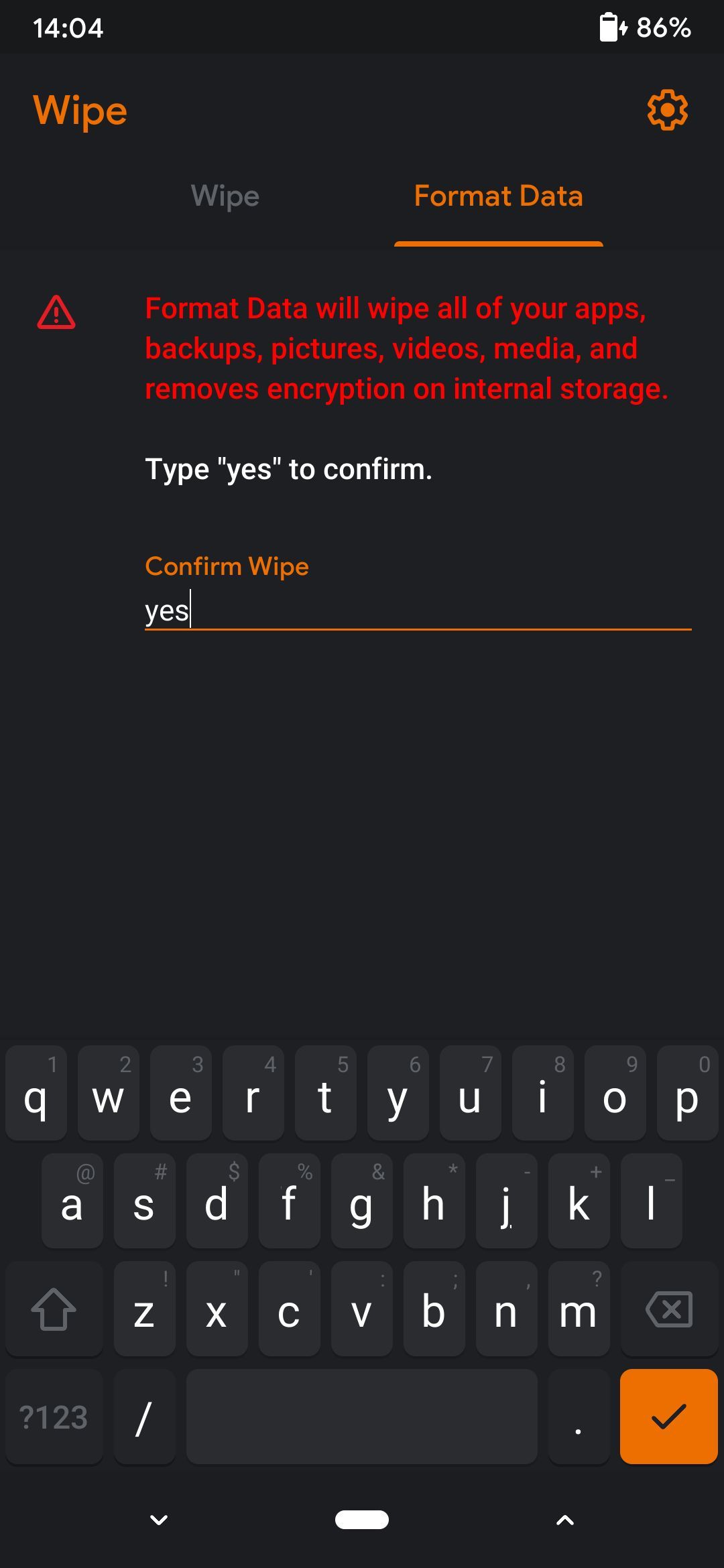
3. Flashing GSI - (follow this steps carefully)
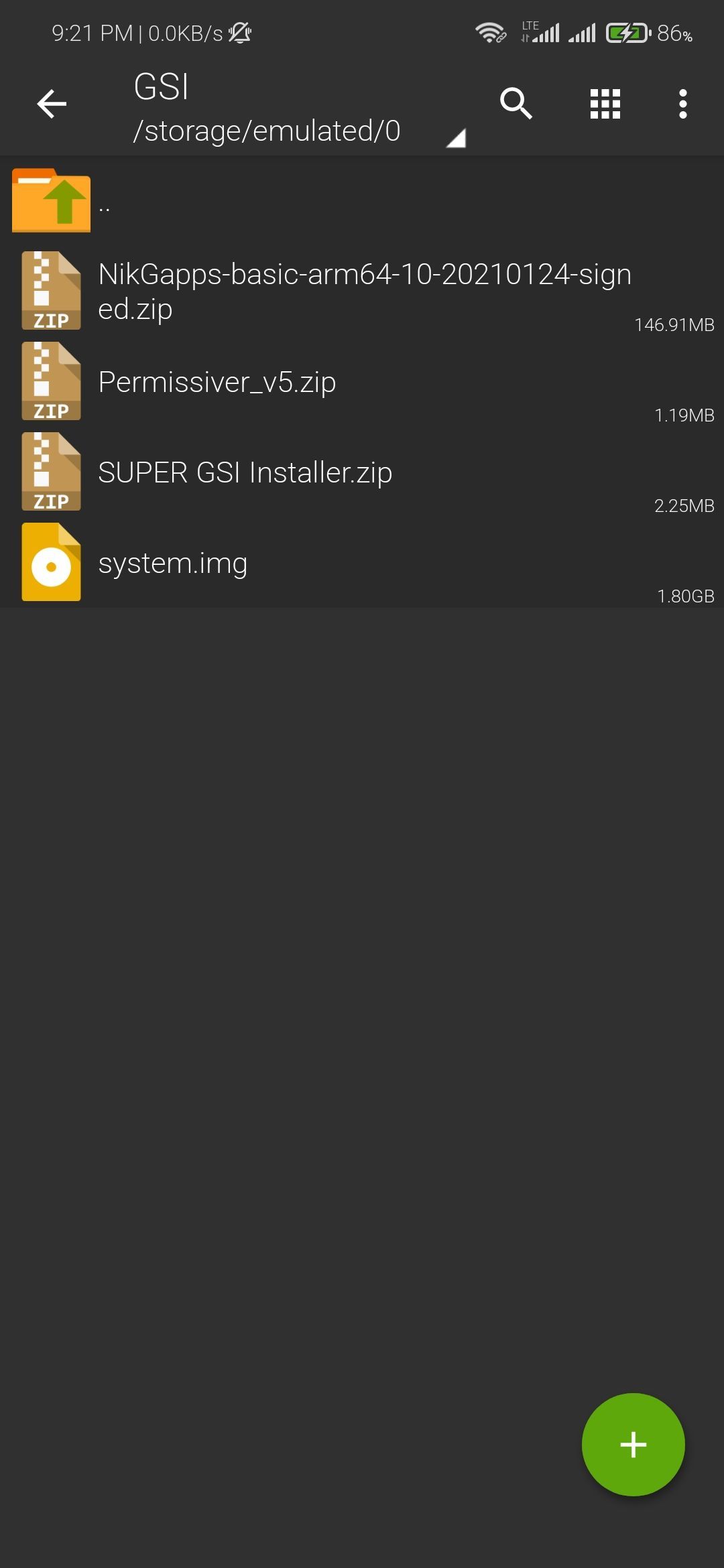
• Flash SUPER GSI Installer.zip (this zip will flash system.img and vendor.img in super partition)
• Flash Permissiver
• Reboot System after GSI boots
Reboot back to Recovery
• Flash GApps
• Format Data - Reboot System
Thanks to EXIMIUS
Flashing and Testing GSI Imgs for Poco M3!!
MUST READ!•
We're not responsible for bricked devices, dead SD cards
• Thermonuclear war, or you getting fired because the alarm app failed.
• Please do some research if you have any concerns about features included in this ROM.
• Before flashing it! YOU are choosing to make these modifications, and if you point the finger at me for messing up your device, I will laugh at you.