GNOME Vainilla
@huezohuezo1990A. Instalar GNOME Vainilla en Ubuntu 18.04 > :
sudo apt install gnome-session
sudo apt-get install gnome-session
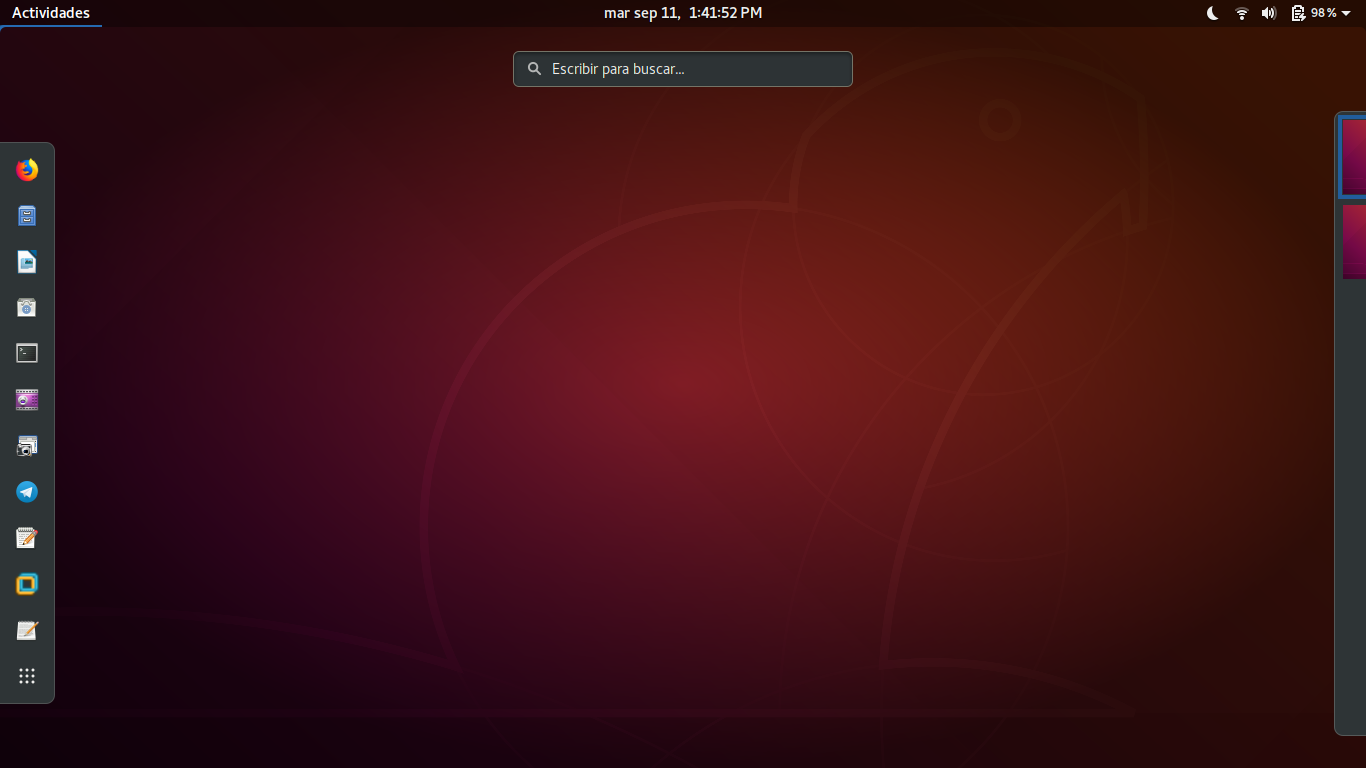
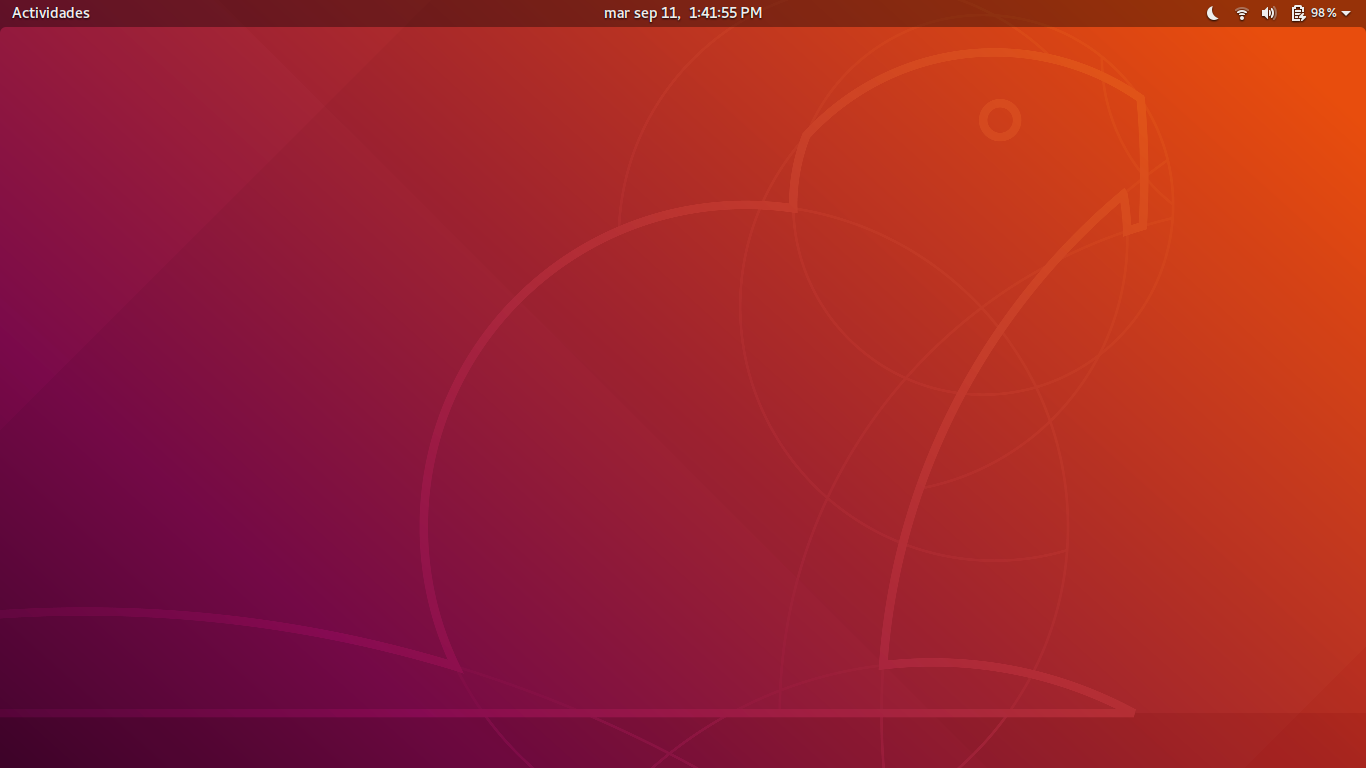
https://telegra.ph/file/9b87b8cb627b6fd06cf0f.png
https://telegra.ph/file/5e5c7e6b5dd58d3263f11.png
B. En el Login Notaran la Nueva session llamada GNOME xorg , GNOME Wayland.
https://huezohuezo1990.wordpress.com/
 Copyright (C)  2017-2018  @huezohuezo1990.
    Permission is granted to copy, distribute and/or modify this document
    under the terms of the GNU Free Documentation License, Version 1.3
    or any later version published by the Free Software Foundation;
    with no Invariant Sections, no Front-Cover Texts, and no Back-Cover Texts.
    A copy of the license is included in the section entitled "GNU
    Free Documentation License".
https://www.gnu.org/licenses/fdl.html
https://www.gnu.org/licenses/fdl-1.3.en.html
https://www.gnu.org/licenses/fdl-1.3-standalone.html
FDL 1.3 En Español