Frontend Roadmap & Free Resources👇
@JavaScript_js_learnFrontend Roadmap & Free Resources👇

1. HTML & CSS

HTML & CSS is the entry point into web development.
You can make your first dollar by creating a website for your friends, colleagues, or maybe even a local business using HTML & CSS.
Here are 10 Websites to learn & practice for free
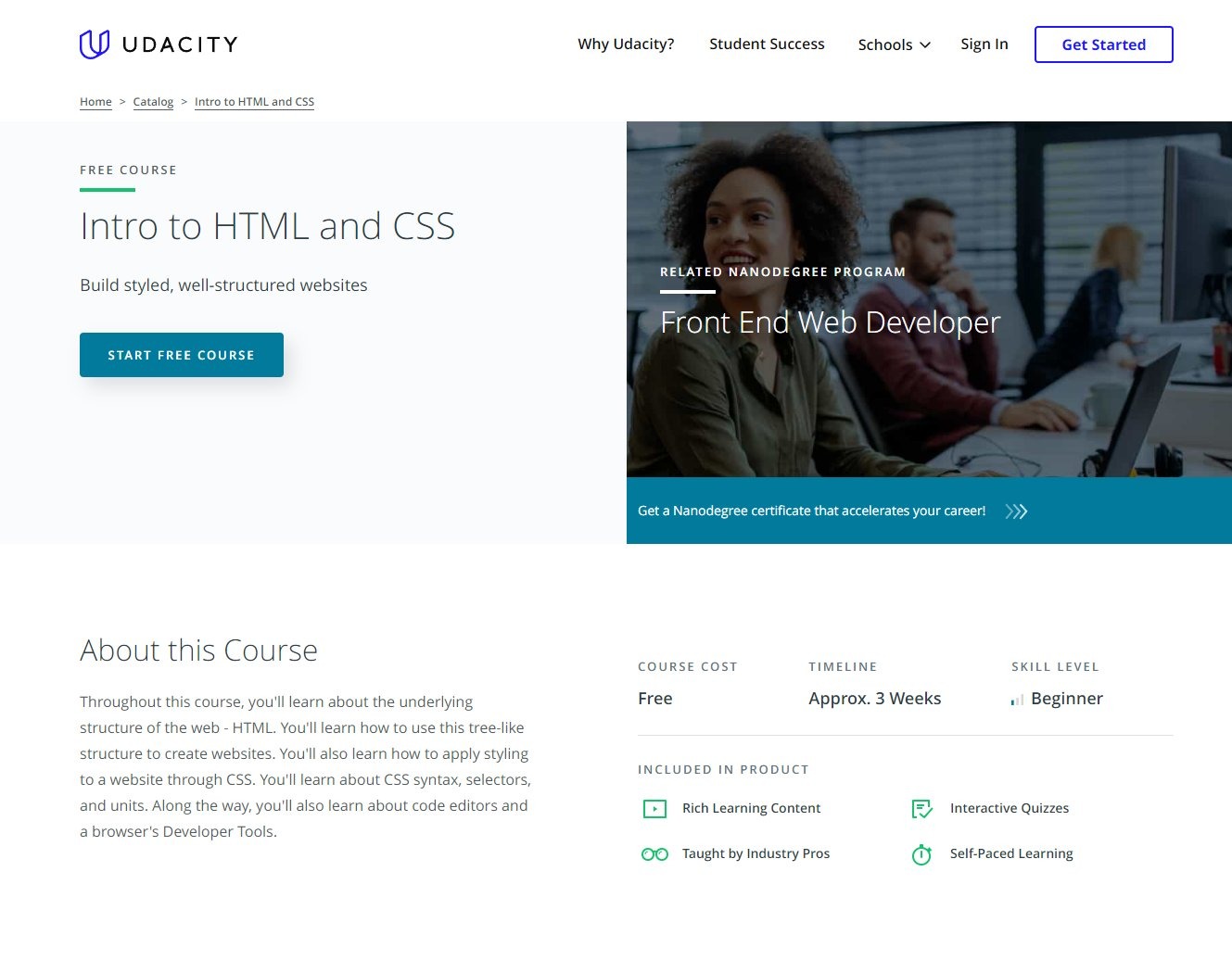
1. Udacity
Udacity is known for providing high-quality content designed by industry veterans.
Most of their programs are paid, but not this one!
👉 https://www.udacity.com/course/intro-to-html-and-css--ud001
2. Scrimba
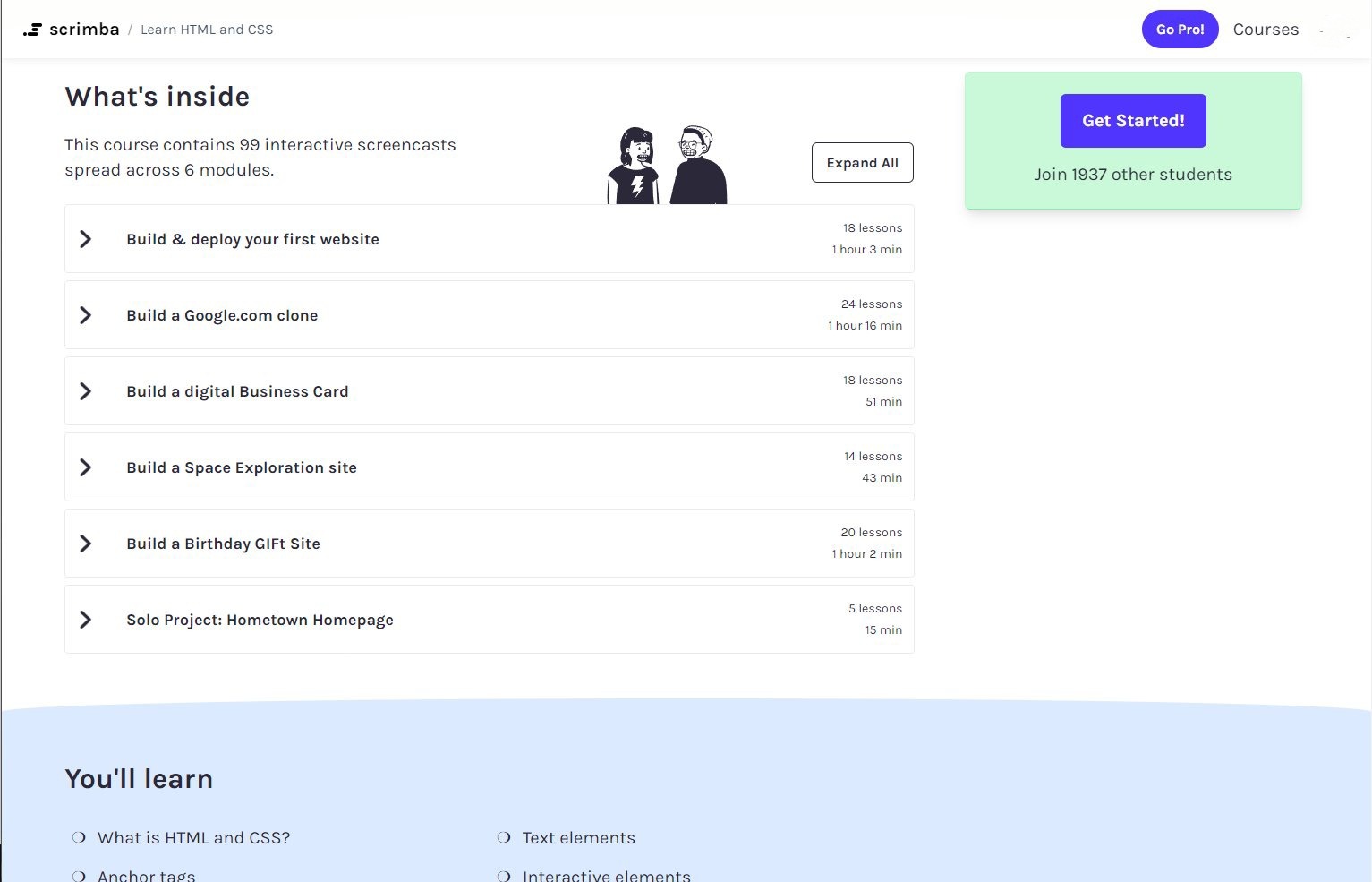
Scrimba is my personal favorite for the full HTML/CSS -> JavaScript -> React journey.
This course will teach your HTML & CSS through building 5 projects & 75 coding challenges!!
👉 https://scrimba.com/learn/htmlandcss
3. MDN
MDN is my go-to resource for written content.
If I ever need an additional explanation of any topic, I always visit MDN to get that!
You can learn all about HTML/CSS/JS.
👉 https://developer.mozilla.org/en-US/

4. Udemy
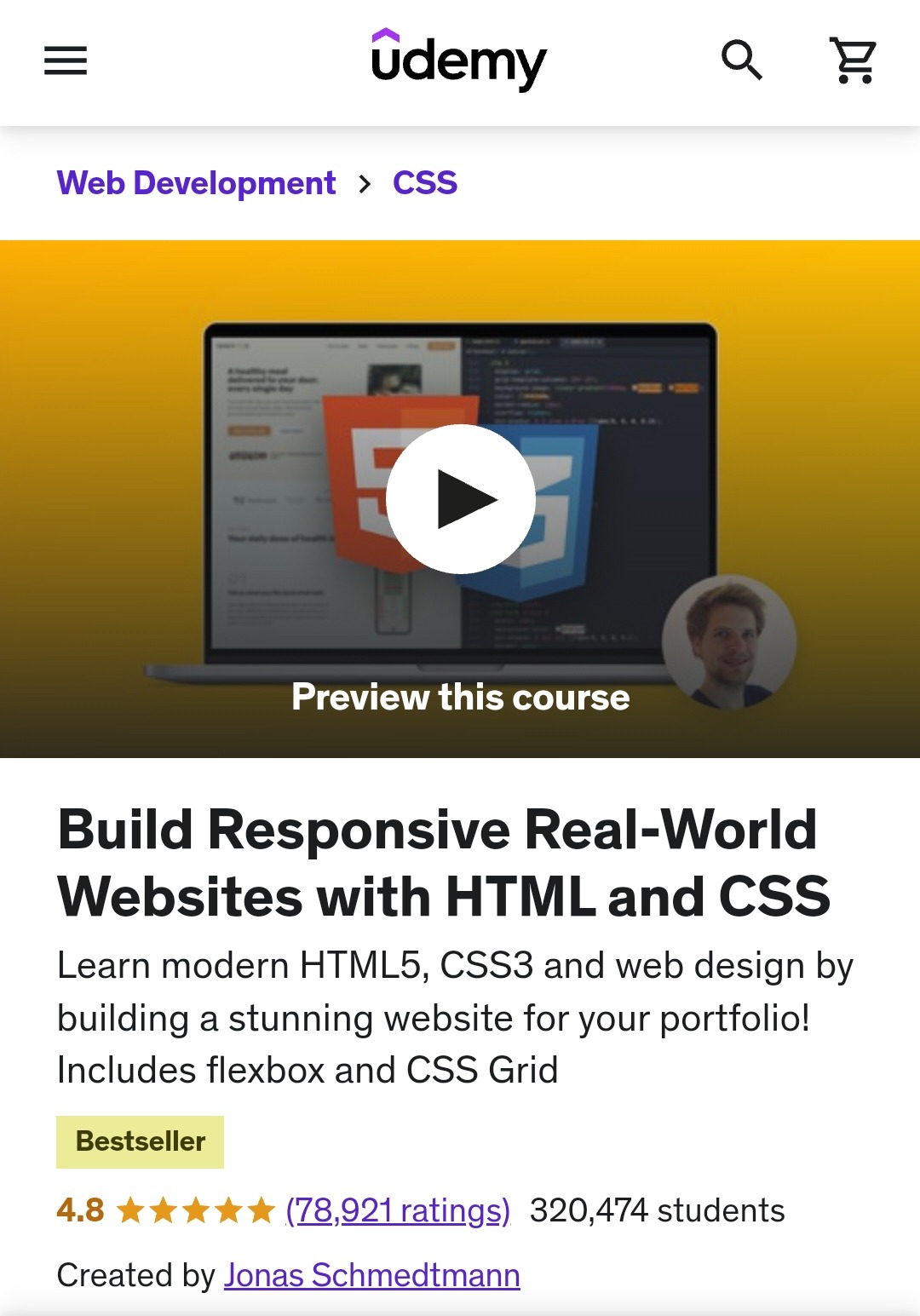
Build a stunning, modern real-world website from scratch.
You can get it in under $15. When you create a new account, all courses are 90% off.
It's worth it.
👉 https://www.udemy.com/course/design-and-develop-a-killer-website-with-html5-and-css3/
5. Frontend Mentor
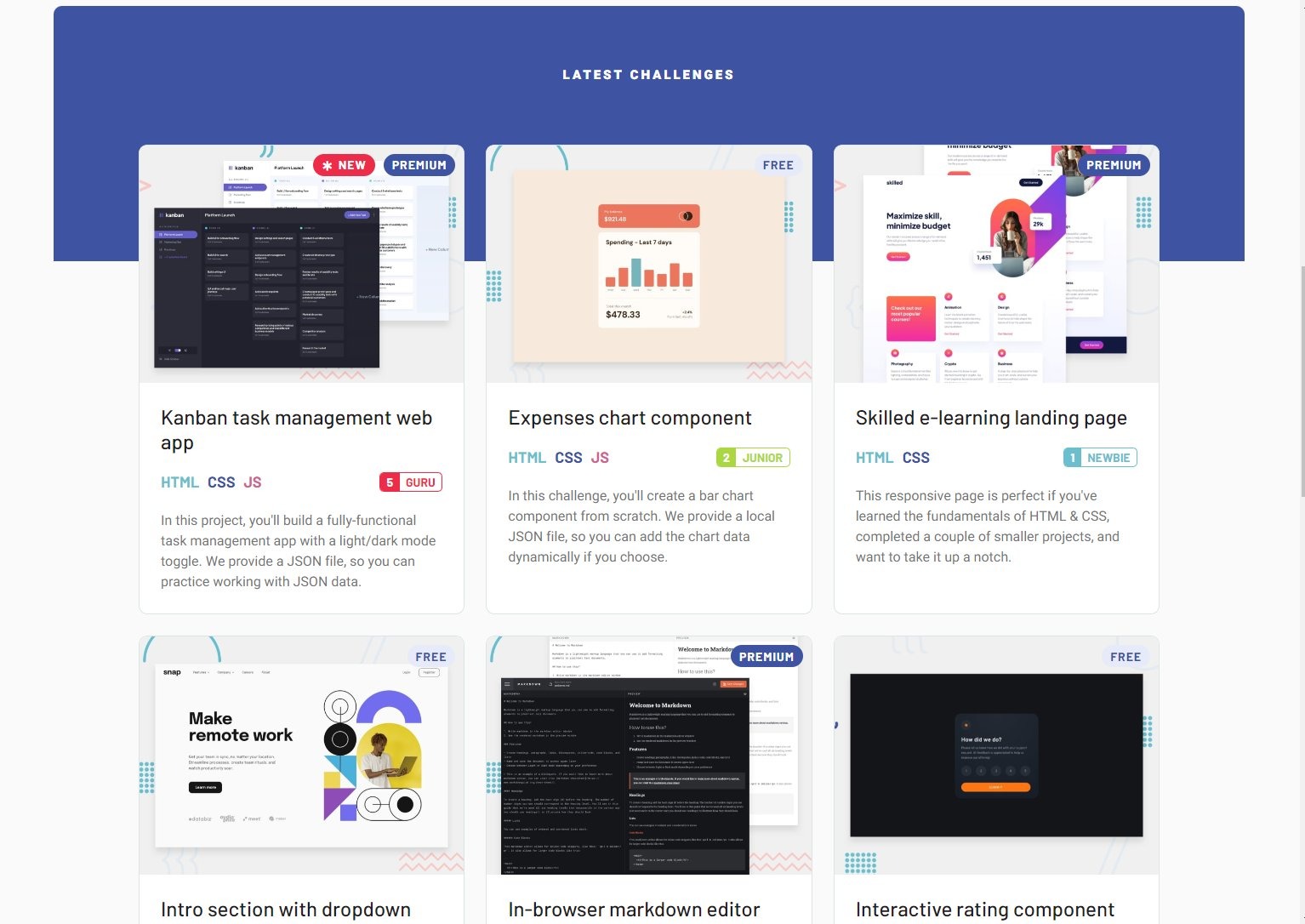
Practice what you've learned by solving real-world HTML & CSS challenges whilst working on professional designs.
👉 https://www.frontendmentor.io/
6. CSSBattle
Practice your HTML & CSS skills while completing fun challenges.
👉 https://cssbattle.dev/

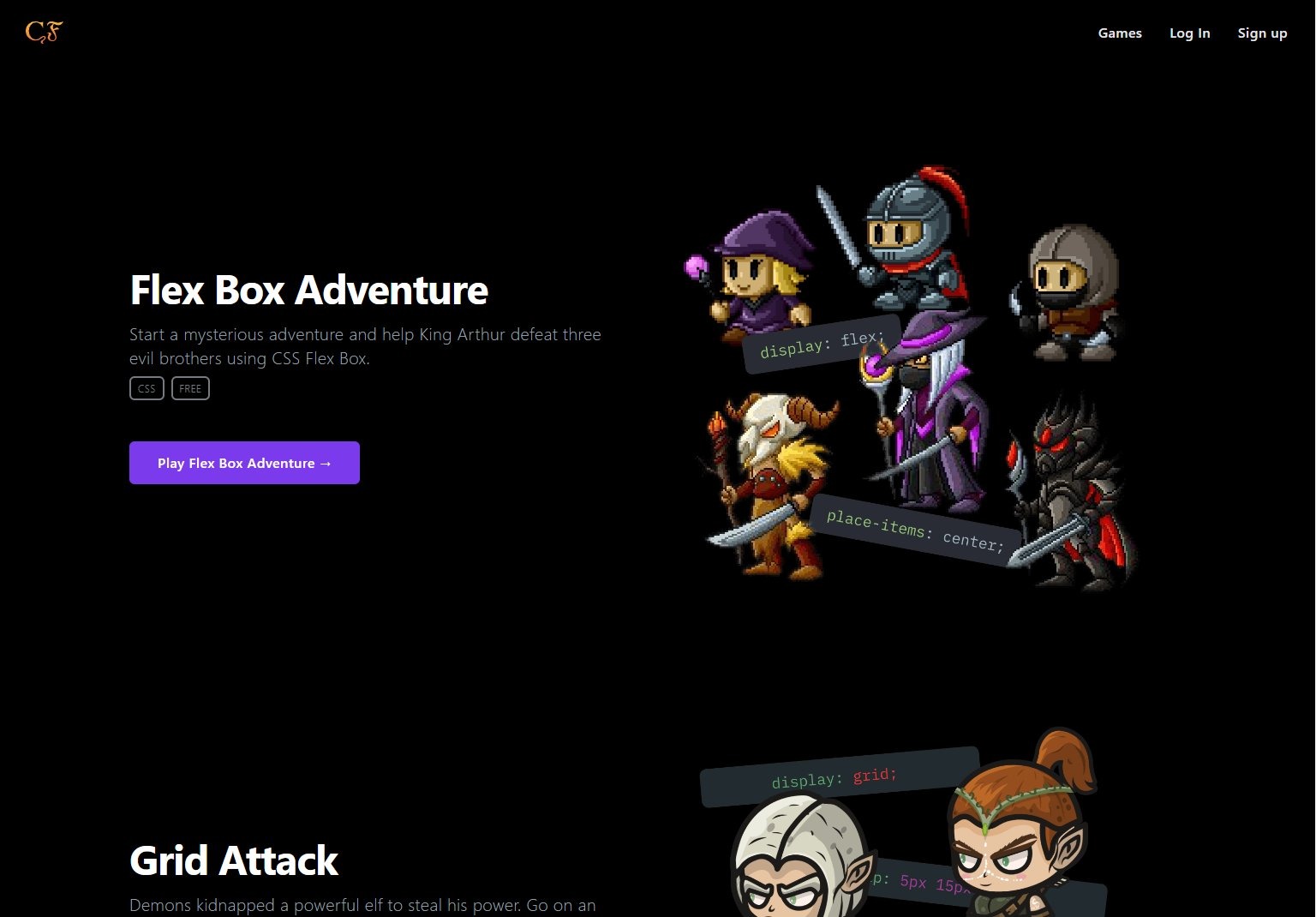
7. Flex Box Adventure
Improve your CSS Flexbox & Grid skills by playing mysterious adventures.
👉 codingfantasy.com/games
8. Kevin Powell, YouTube
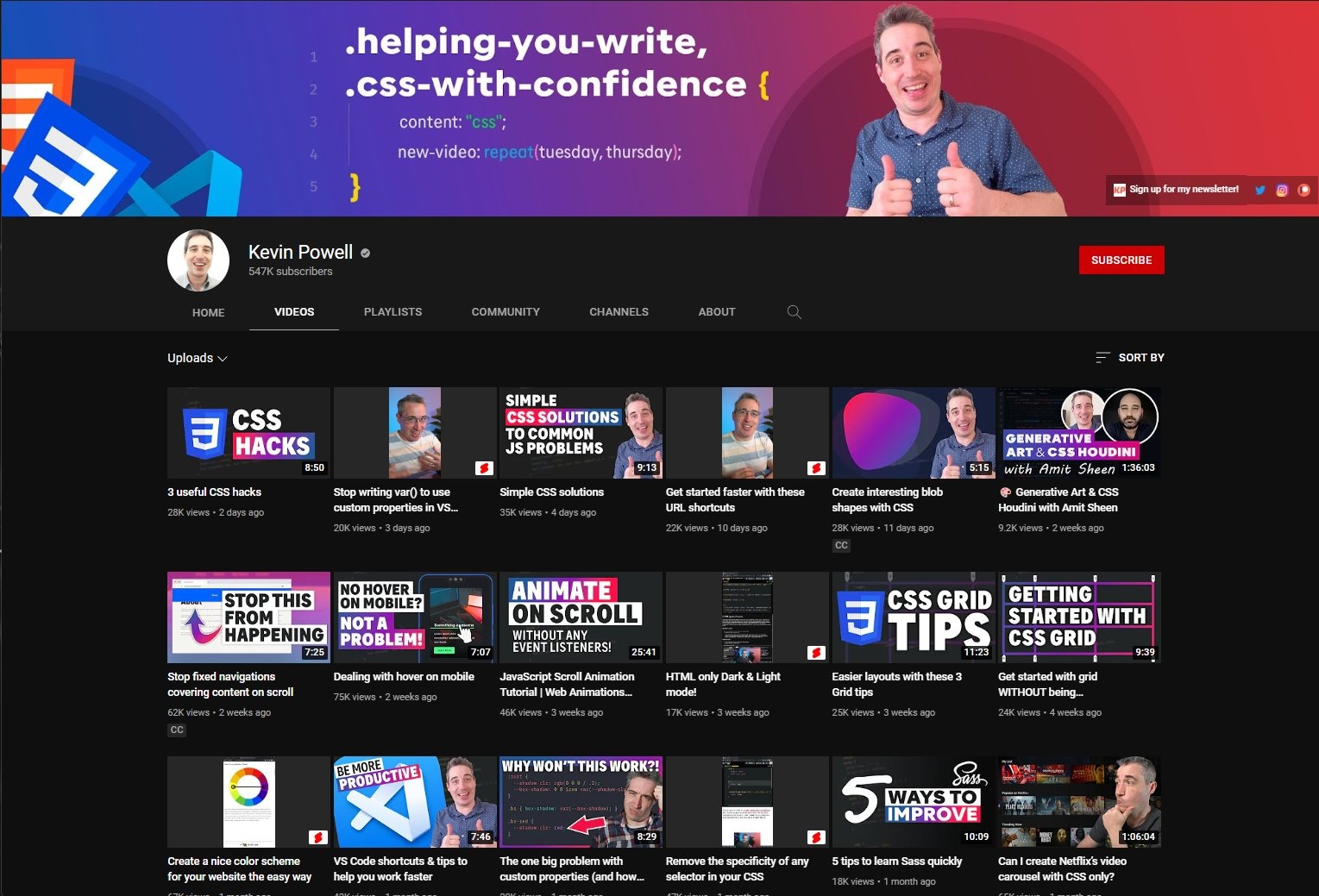
Kevin Powel is one of the best content creators on HTML/CSS topics. Subscribe.
YouTube:
👉 https://youtube.com/kepowob
9. FreeCodeCamp
Learn responsive web design by completing mini-projects.
👉 https://www.freecodecamp.org/learn/2022/responsive-web-design/

10. Build Your Own Projects
After you've learned some fundamentals of HTML & CSS, try building a project or two.
Find a website you like & try to re-create its design.
Try to use Google and StackOverflow, translate problems into searchable queries & solve them. Good luck! 🚀
2.Design Inspiration
Websites for landing page design inspiration.
1. Landingfolio
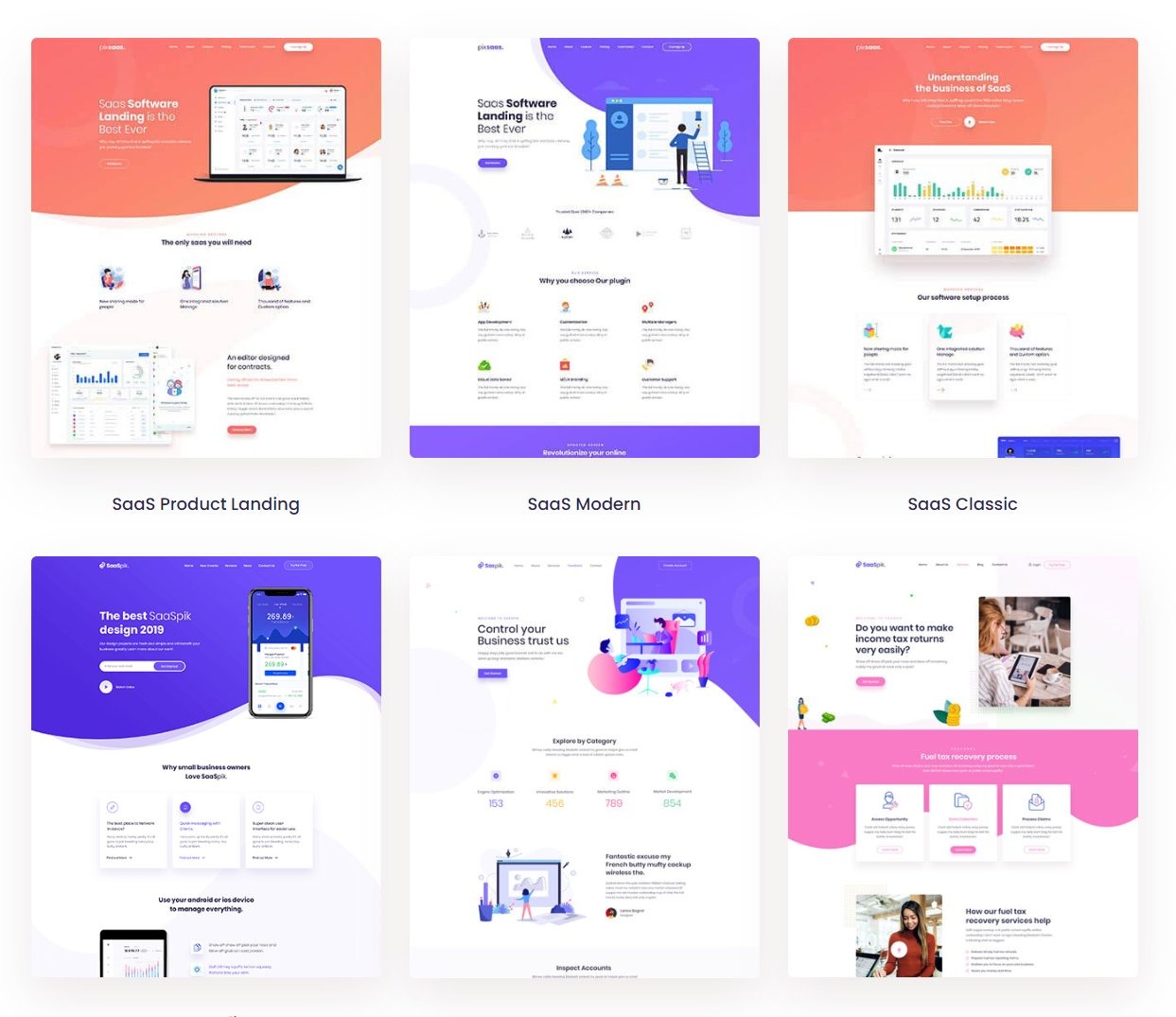
Landingfolio features the best landing page designs on the web.
Get inspiration from real landing page examples.
👉 www.landingfolio.com

2. SaaS Landing Page
Discover the best landing page examples created by top-class SaaS companies.
👉 www.saaslandingpage.com

3. Saasland
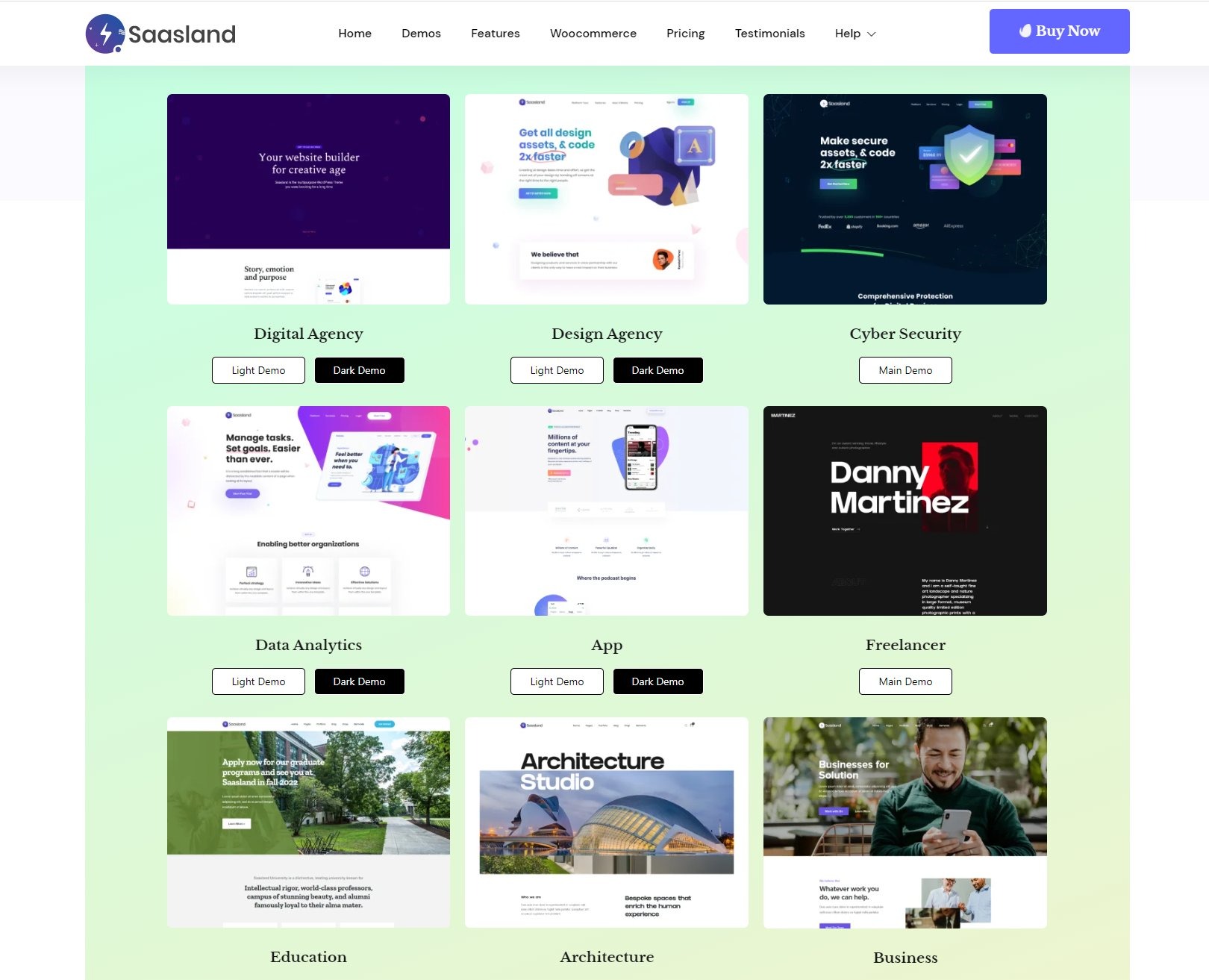
Saasland is a WordPress theme. However, I love to visit this website to get the design inspiration.
You can find dozens of modern UI/UX design elements and sample pages.
saasland.droitlab.com
4. SaaSpik
Similar to Saasland.
These landing pages are beautifully designed and always provide some good inspiration for my landing page designs.
saaspik.pixelsigns.art

Besides that I always find good motivation here:
⭐️ dribble.com
⭐️ behance.net
⭐️ awwwards.com
⭐️ onepagelove.com
⭐️ uplabs.com
3.Git & GitHub
Learn Git & GitHub For Free 🧵
There is no way around it. Every dev in 2022 should be familiar with Git.
Luckily there is a ton of great resources to learn it for free.
1.Version Control with Git by Udacity
https://www.udacity.com/course/version-control-with-git--ud123
2.Introduction to Git and GitHub by Google
https://www.coursera.org/learn/introduction-git-github

3.Learn Git & GitHub
This course is a great introduction to how Git and GitHub work.
https://www.codecademy.com/learn/learn-git
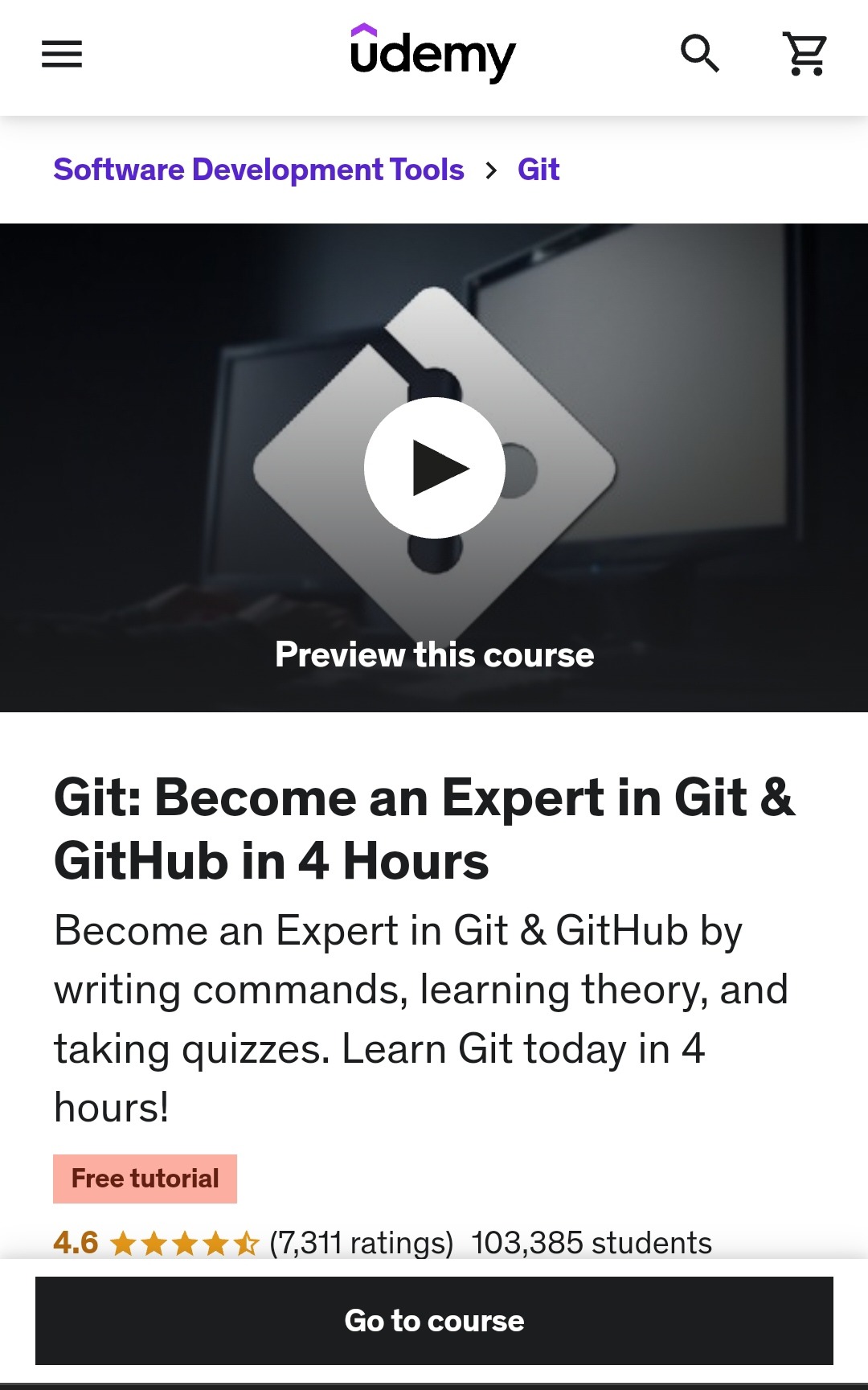
4. Git: Become an Expert in Git & GitHub in 4-Hours
Become an Expert in Git & GitHub by writing commands, learning theory, and taking quizzes. Learn Git today in 4 hours!
https://www.udemy.com/course/git-expert-4-hours/
5. Git and GitHub - 0 Experience to Professional in 1 Tutorial
6.GitHub Minesweeper
Learn Git through playing a game with a bot.
https://profy.dev/project/github-minesweeper
4. JavaScript
10 Websites to learn & practice JavaScript for free
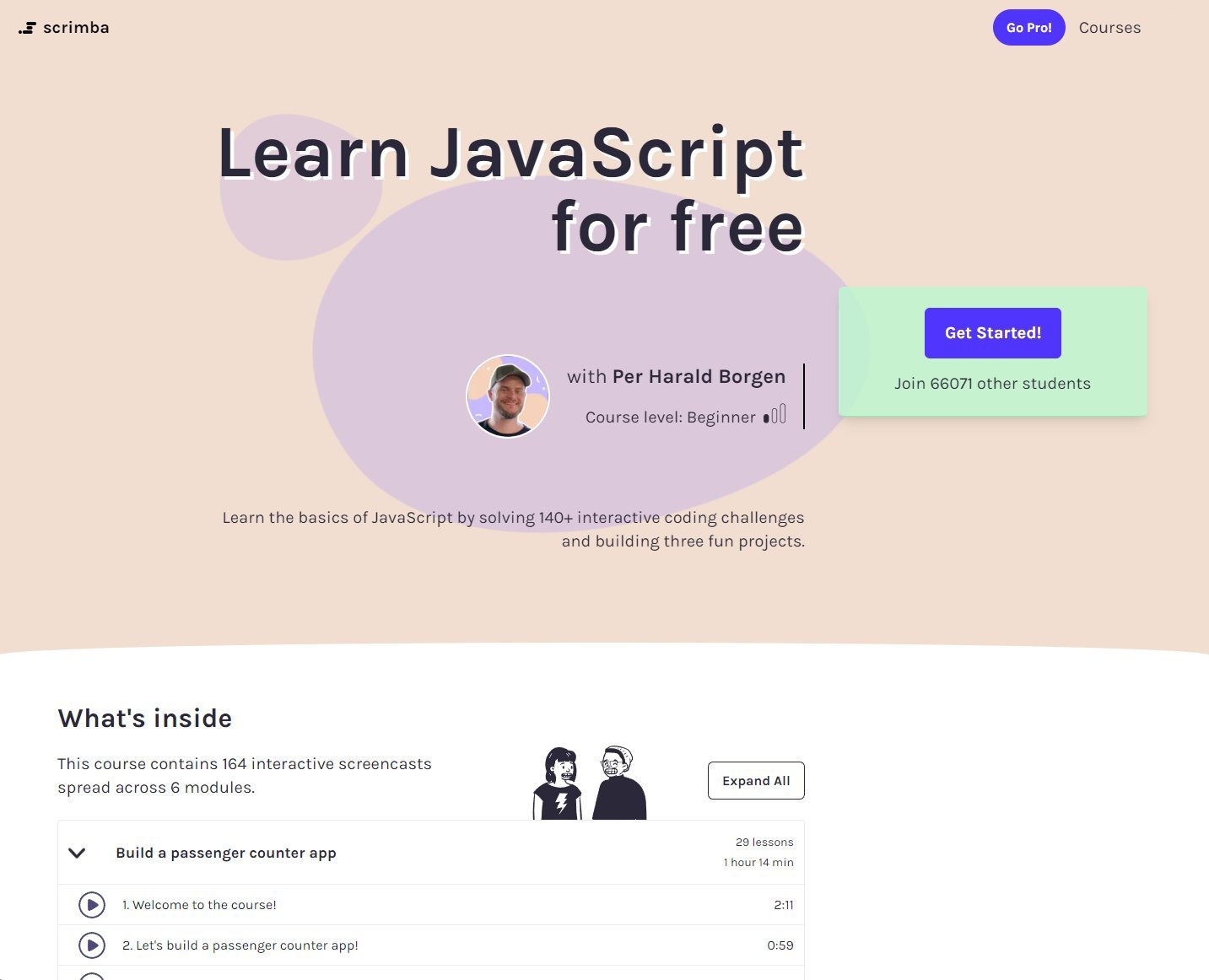
1. Scrimba
Scrimba is my personal #1 for the full HTML/CSS -> JavaScript -> React journey
👉 https://www.scrimba.com/learn/learnjavascript
2. Udacity
Udacity is known for providing high-quality content designed by industry veterans.
Most of their programs are paid, but not this one!
https://www.udacity.com/course/javascript-and-the-dom--ud117

3. MDN
MDN is my go-to resource for written content.
If I ever need an additional explanation of any topic, I always visit MDN to get that!
You can learn all about HTML/CSS/JS.
👉 https://developer.mozilla.org/en-US/
4. Code Combat
This is a great resource to introduce kids to coding by playing games!
👉 https://www.codecombat.com

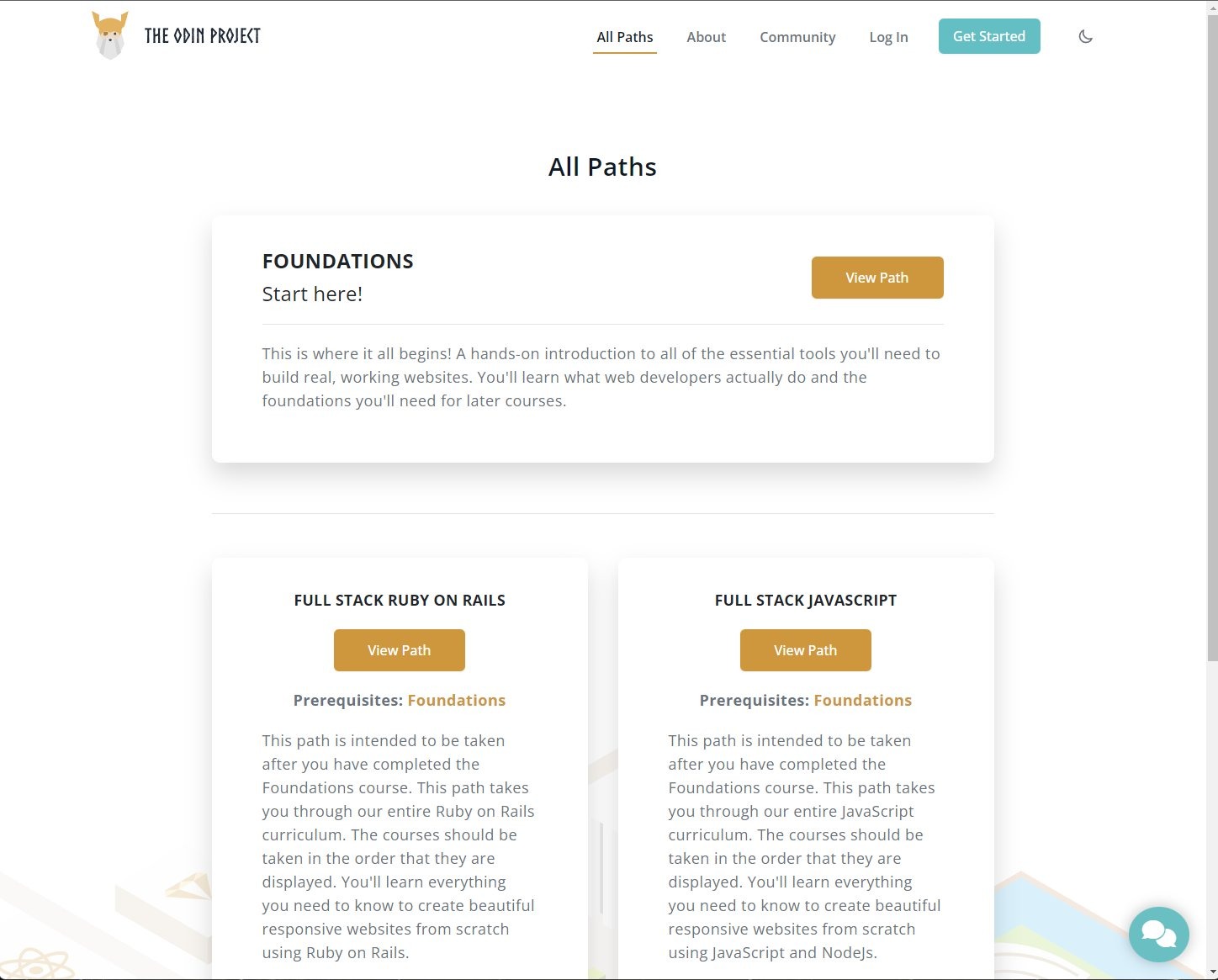
5. The Odin Project
The Odin Project will prepare you for a Full Stack career for free.
https://www.theodinproject.com
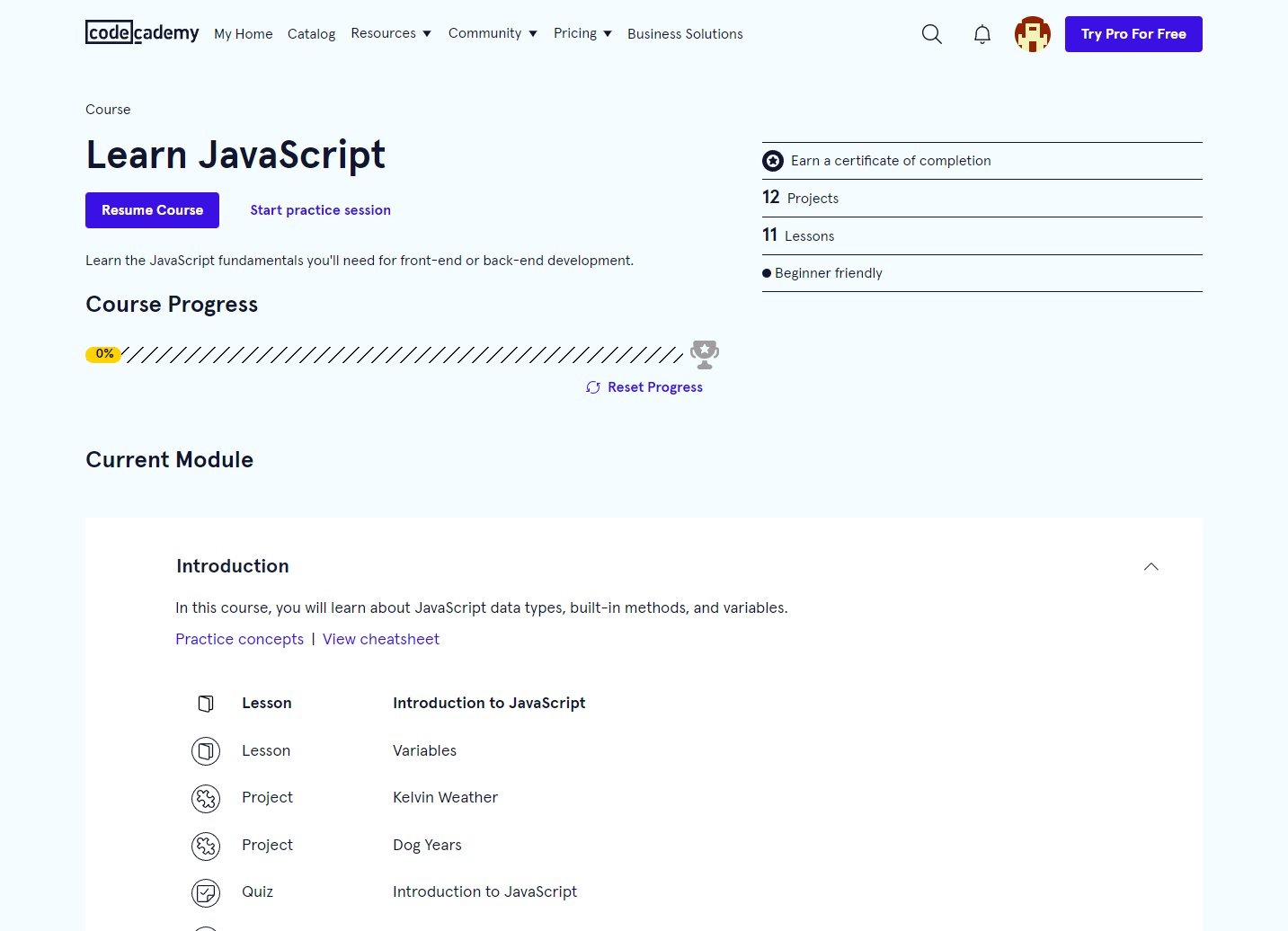
6. CodeCademy
Learn the JavaScript fundamentals you'll need for front-end or back-end development.
👉 https://www.codecademy.com/learn/introduction-to-javascript
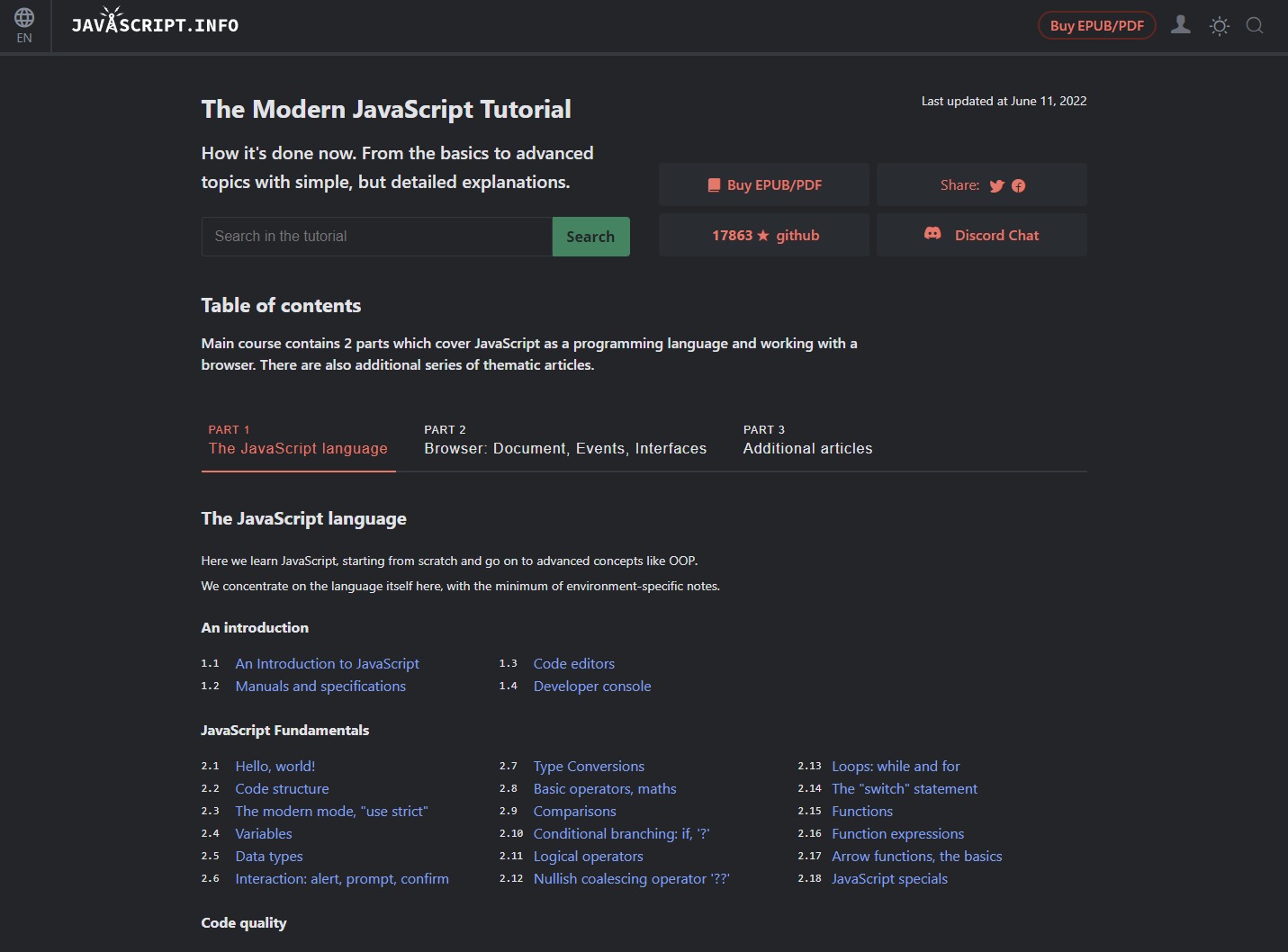
7. JavaScript Info
From the basics to advanced topics with simple but detailed explanations.
The main course contains 2 parts which cover JavaScript as a programming language and working with a browser.
https://www.javascript.info
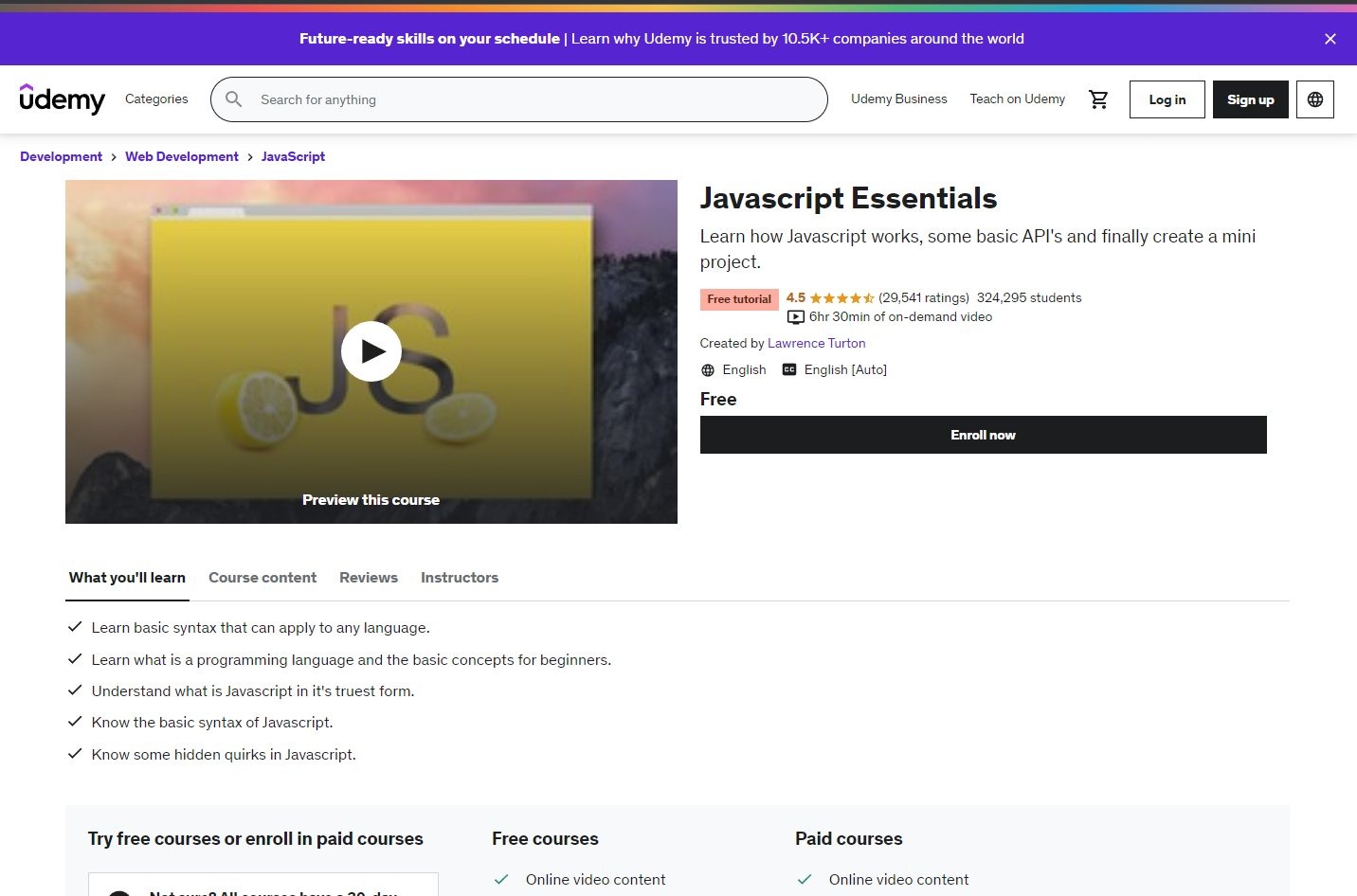
8. Udemy
Learn how Javascript works, some basic APIs, and finally create a mini-project.
https://www.udemy.com/course/javascript-essentials/
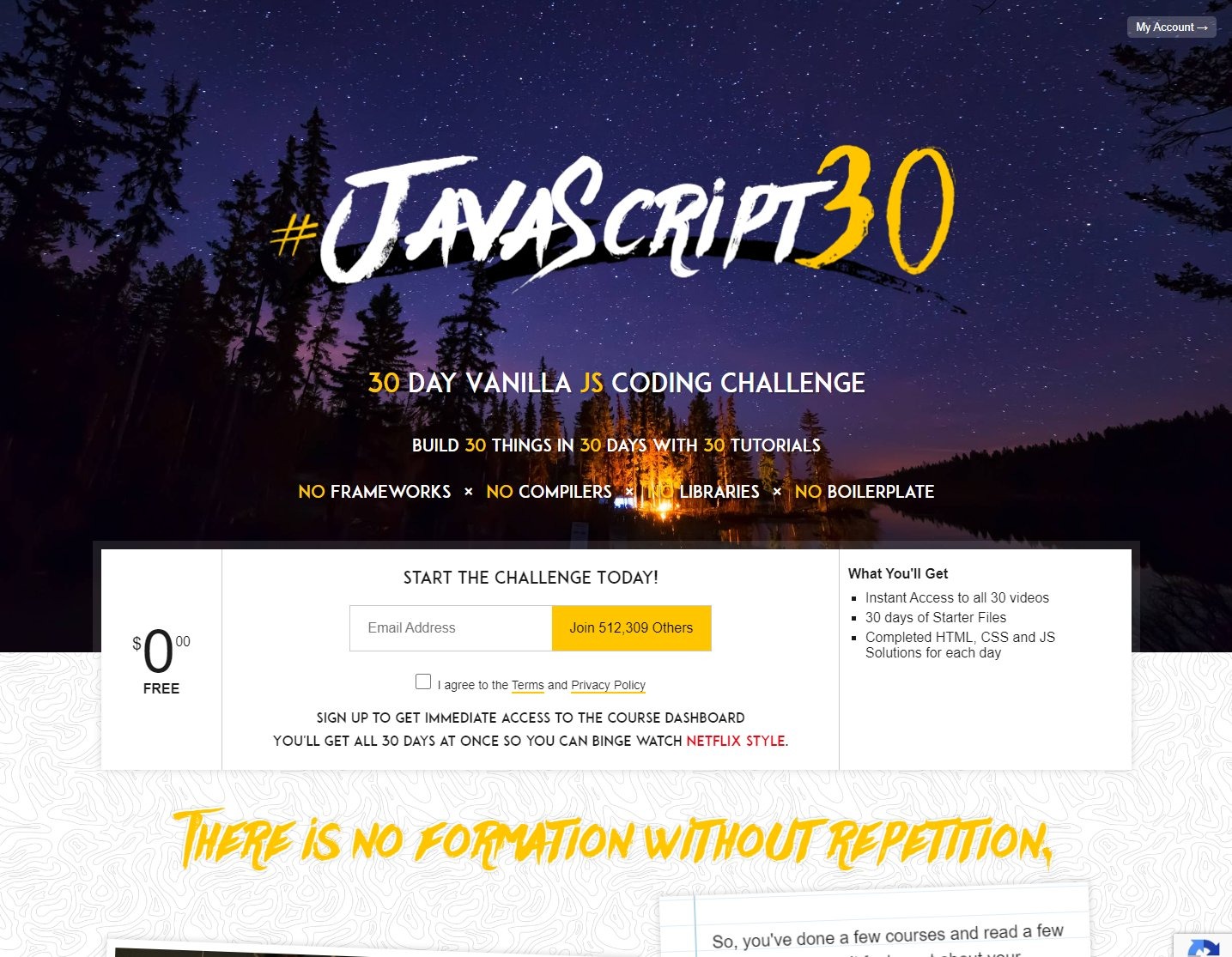
9. Improve your JS skills by doing 30 coding challenges
https://www.javascript30.com
10. Improve your JS skills by doing coding challenges
I recommend you start practicing JavaScript as soon as you've completed an introductory course.
Solve at least 1-2 coding challenges daily and watch your skills skyrocket.
https://www.codewars.com

5.Entry Level Project Ideas
React / JavaScript: Entry-Level Project Ideas
→ BMI Calculator
→ Image Carousel
→ Notetaking App
→ Unit Converter
→ Currency Converter
→ Expense Tracker
→ Tic-Tac-Toe Game
→ Calculator
→ Emoji Search
→ Quiz App
→ Pomodoro Timer
→ Media Player
→ Image Gallery
6. React
Websites to learn React for free

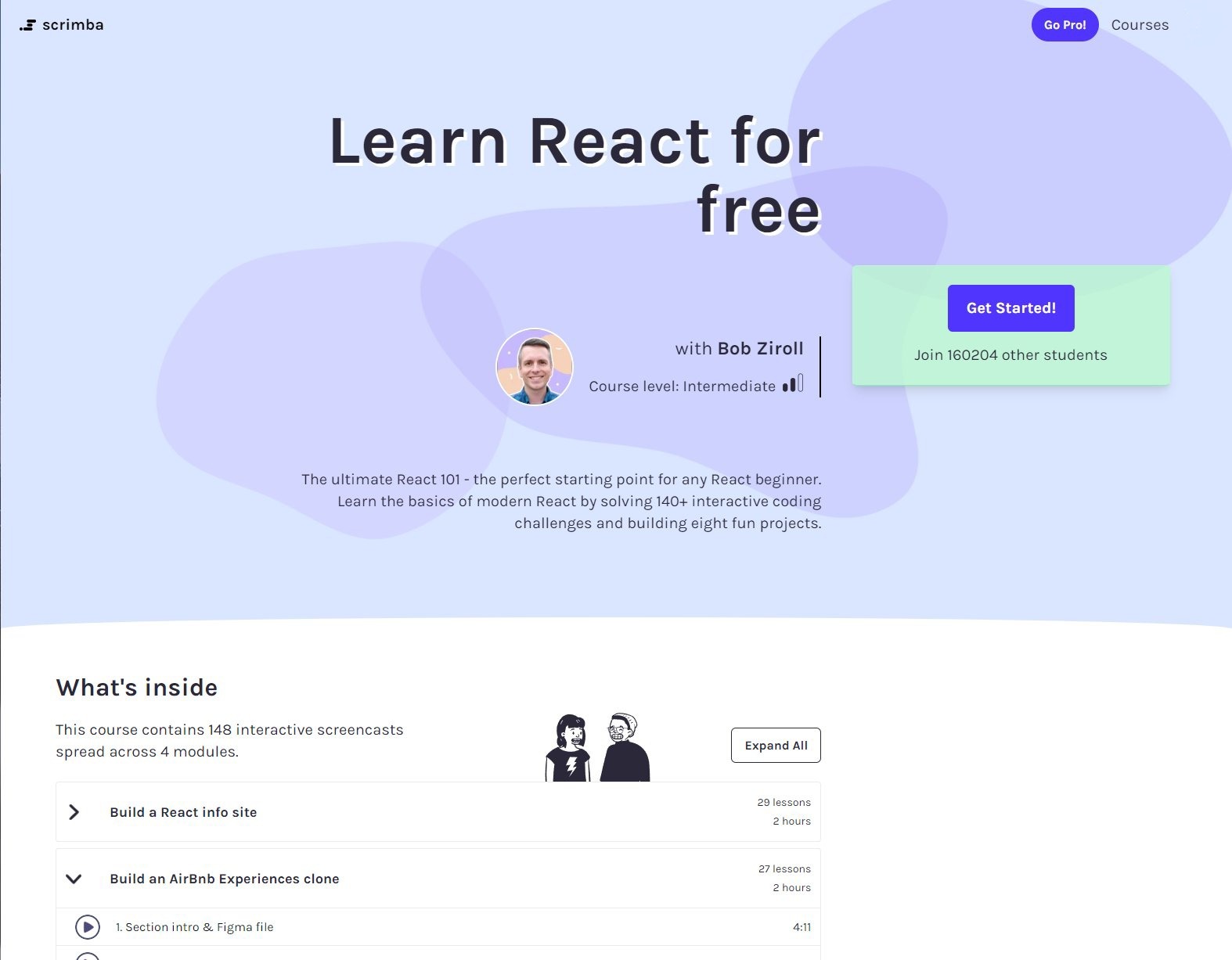
1. Scrimba
The ultimate React 101 - the perfect starting point for any React beginner. Learn the basics of modern React by solving 140+ interactive coding challenges and building eight fun projects.
scrimba.com/learn/learnreact
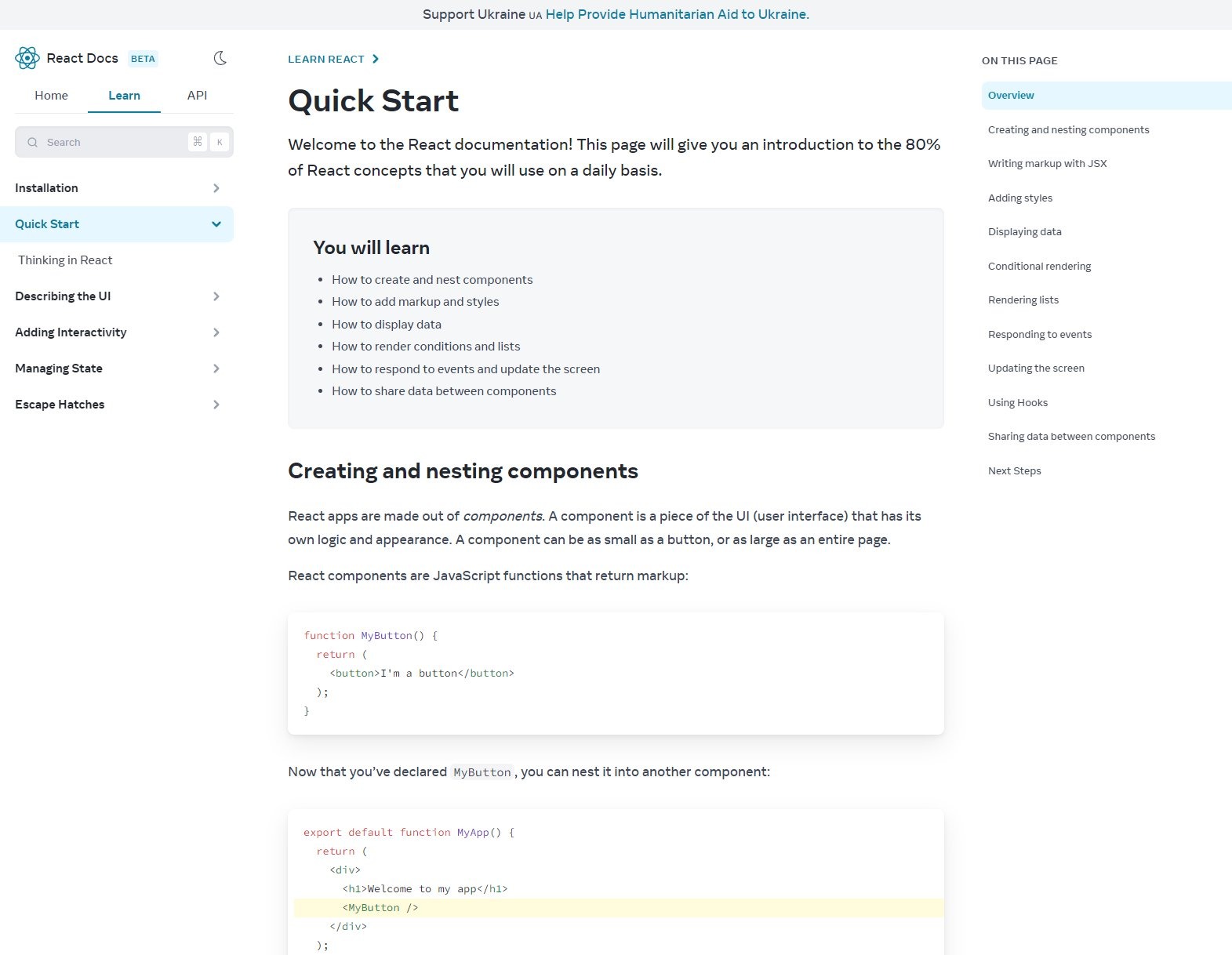
2. React Docs(Beta)
This page will give you an interactive introduction to the 80% of React concepts that you will use on a daily basis.
beta.reactjs.org/learn
3. CodeCademy
You’ll develop a strong understanding of React’s most essential concepts: JSX, class and function components, props, state, lifecycle methods, and hooks. You’ll be able to combine these ideas in React’s modular programming style.
codecademy.com/learn/react-101

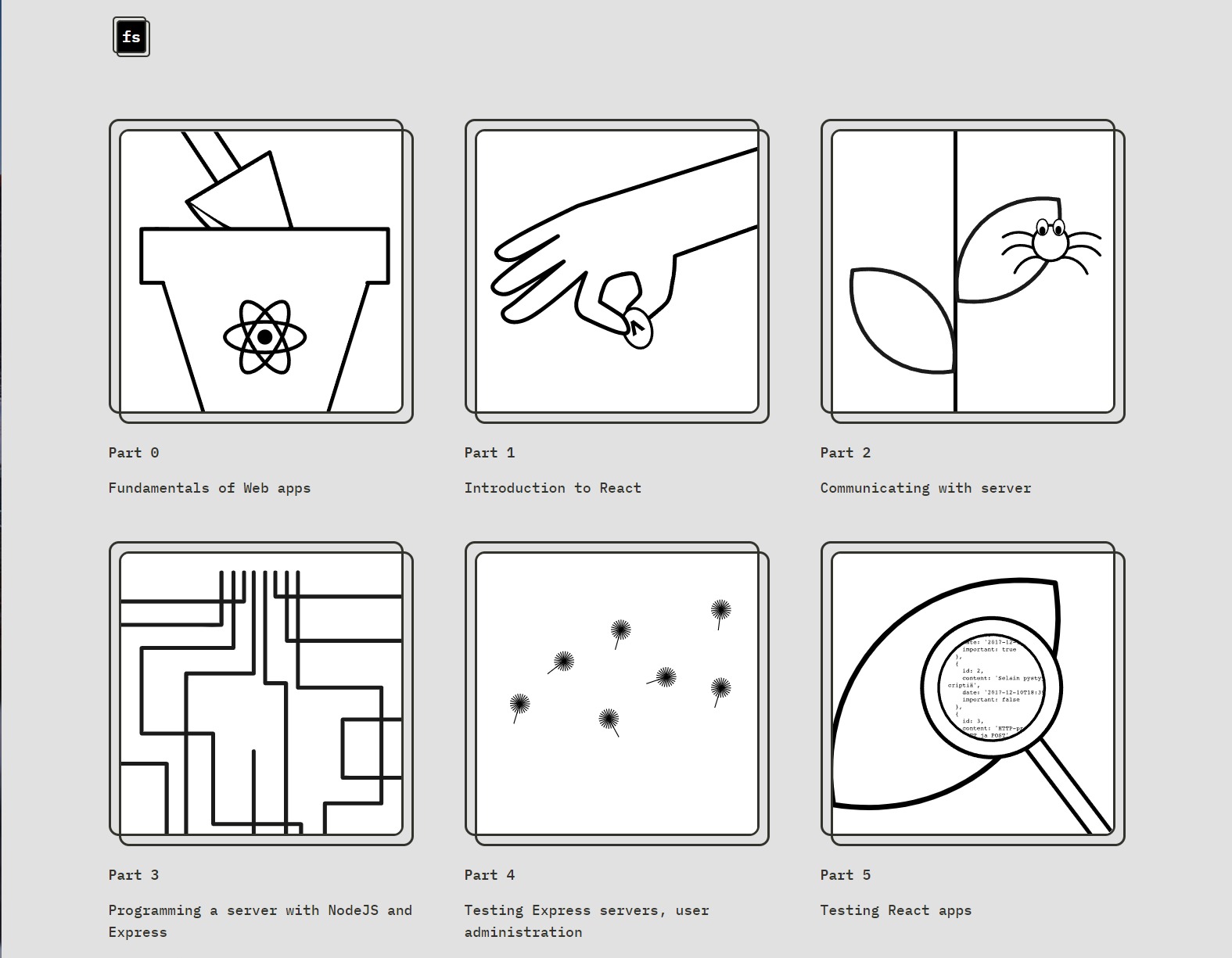
4. FullStackOpen
Learn React, Redux, Node.js, MongoDB, GraphQL and TypeScript in one go! This course will introduce you to modern JavaScript-based web development.
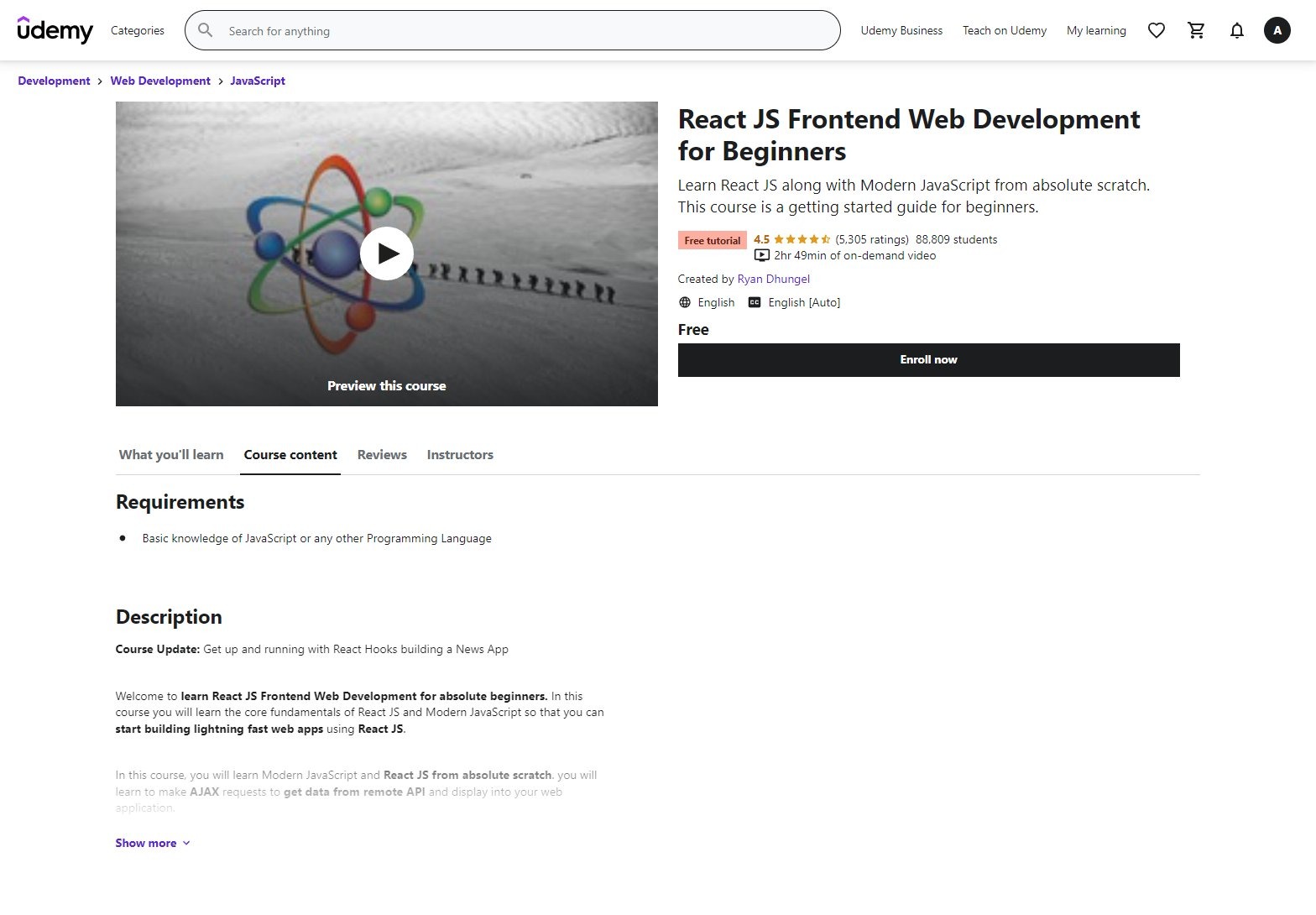
5. Udemy
Learn React JS along with Modern JavaScript from absolute scratch. This course is a getting started guide for beginners.
https://www.udemy.com/course/react-tutorial/
7. Project Ideas
Grow your portfolio & improve your resume!
Apps like TODO list, tic-tac-toe, or note-taking apps are great to get you started, but usually too simple to showcase your skills.
Let's explore some more complex project ideas!
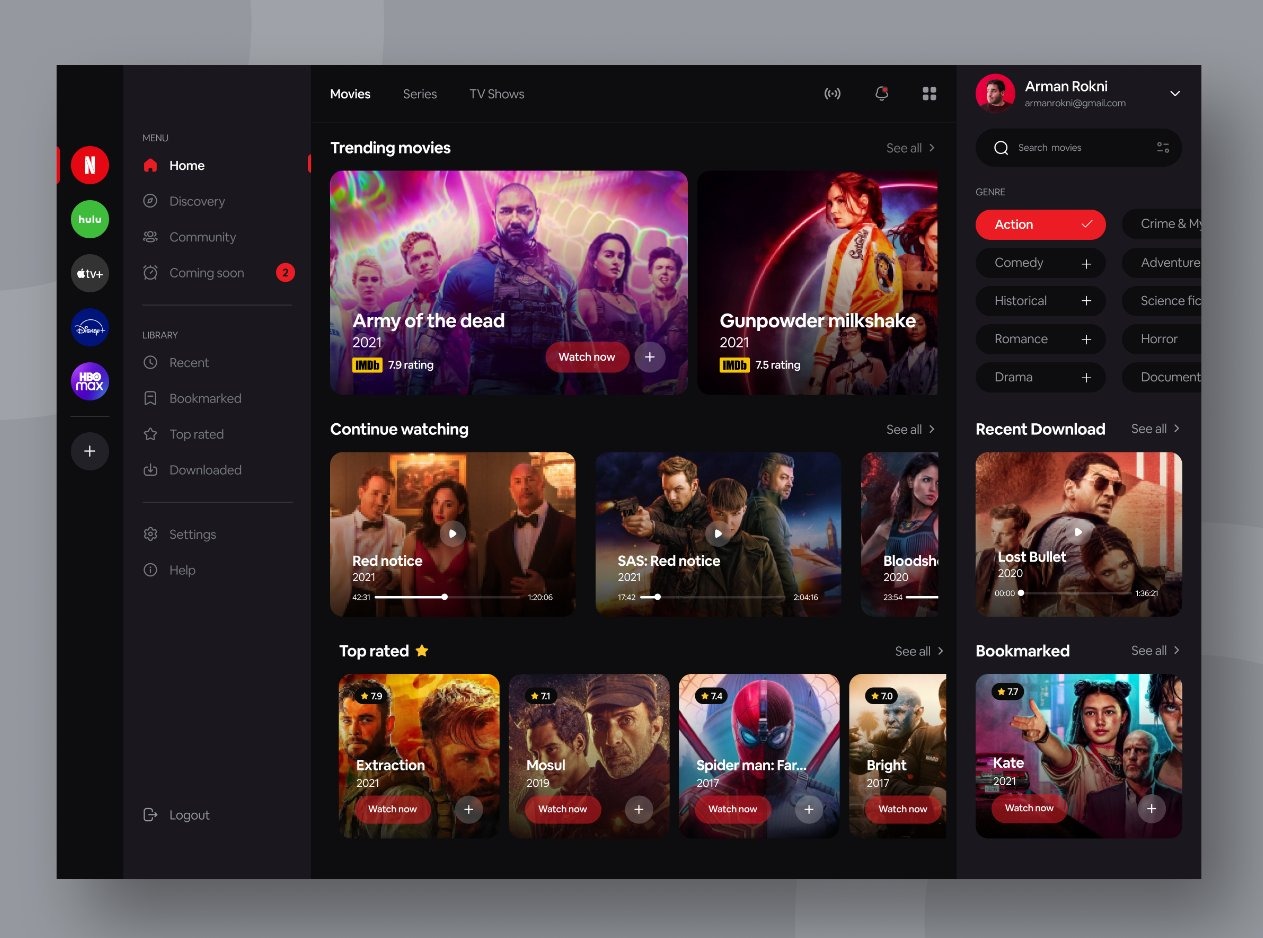
A Movie Database App.
- List movies
- Filter movies
- Search
- Open movie detail
- Add/Remove favorites
- Light/Dark theme
- Re-use the Netflix design style
Free API:
themoviedb.org/documentation/api
Check @alicalimli_dev for inspiration.
Copy a well-designed landing page to sharpen your HTML/CSS skills.
- Make it pixel perfect
- Ensure it's responsive for all devices
- Check the Lighthouse audit
- Build from reusable React components
- Use NextJS
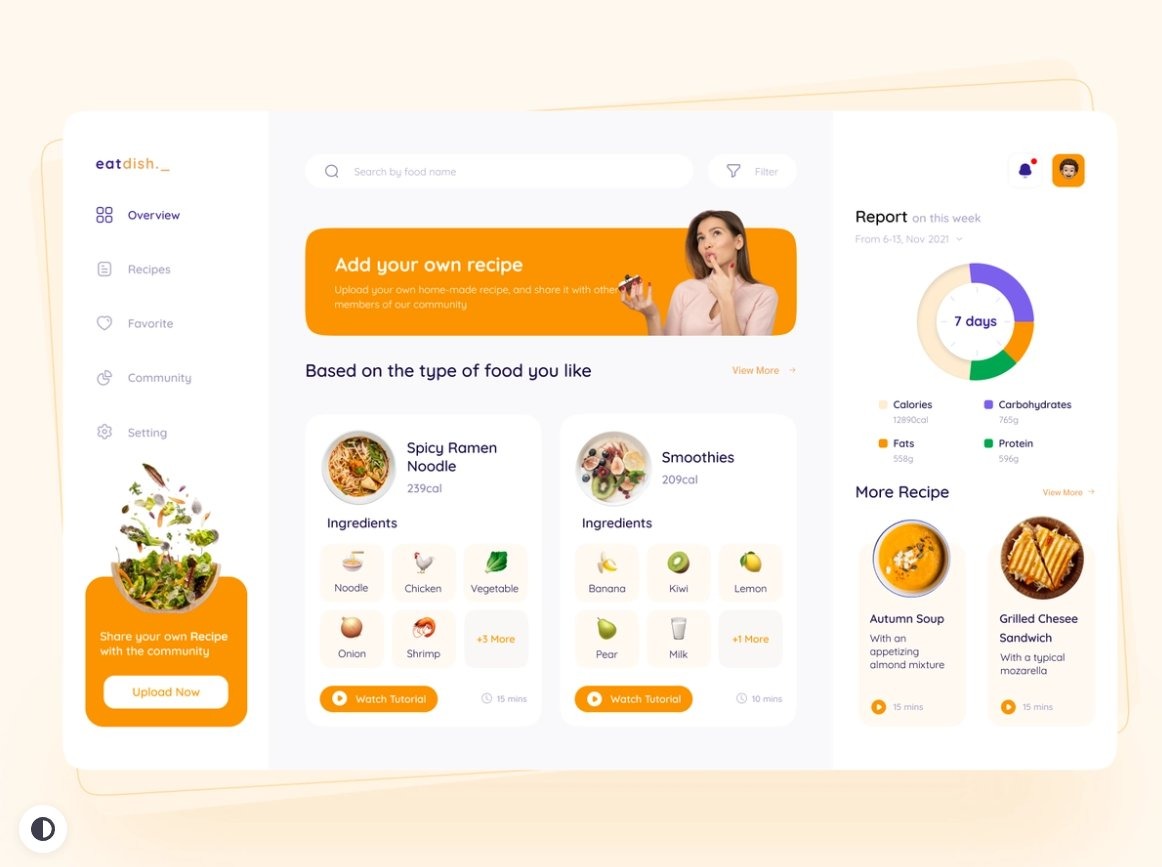
A Recipe App
- List recipes
- Recipe detail page
- Search
- Filter by tags
- Autocomplete
- Favorite recipes page
- Feeds
Free API: https://www.rapidapi.com/apidojo/api/tasty/
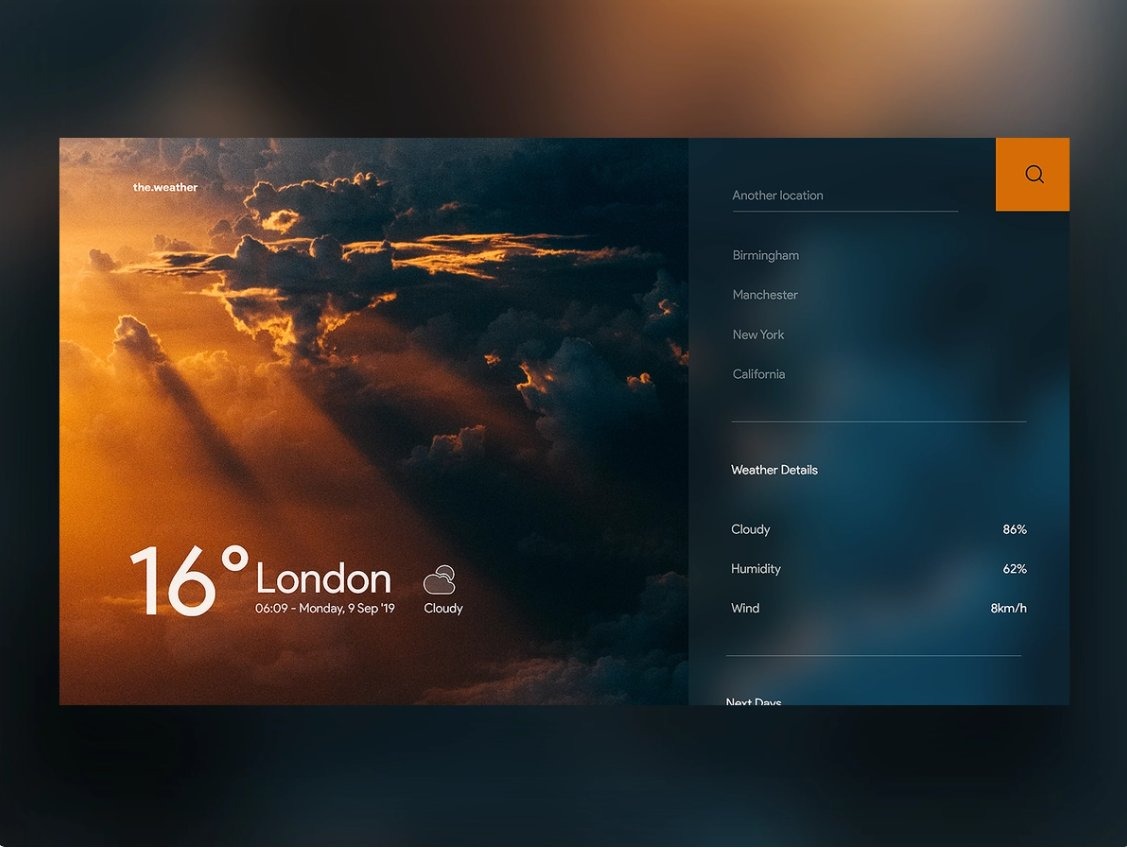
A Weather App
- Show weather forecast for famous cities
- Radar & Satelite images
- Country list
- Autocomplete search
- Show weather for a specific location
- Configurable dashboard where you can add/remove locations
Free API: https://www.developer.accuweather.com/apis
8. Applying For Jobs
If you are applying for dev jobs but never hear back, read this 👇
When you apply for a tech job, hundreds of other candidates usually apply for that job too.
Your Resume is in the massive stack of PDFs, and you have a few seconds to stand out.
The smallest details matter!
1. Revamp Your Resume
• Invest an enormous amount of attention into making sure your CV doesn't have any typos & it showcases your best achievements
• Have a native speaker proofread your resume
• You can hire someone on Fiverr to help you write a professional resume.
2. Be Active on LinkedIn
Not having an active LinkedIn profile is out of the question if you're looking for a job.
LinkedIn is hands down the best network to connect with recruiters & other professionals.
• Choose the right profile picture
• A simple photo from the front against the white wall is an excellent way to get started
• Write a good headline that tells what you do, what are you passionate about, and how you can help companies
• Grow your LinkedIn network every day
• Search for recruiters that hire for companies you want to work for & add them
• Don't be invasive. Give a very brief introduction about yourself, and say you'd love to add them to your professional network.
3. Ask For a Referral
• The easiest way to get an interview is if someone refers you
• Search by company name on LinkedIn, check the list of employees, and see who you can connect with
• Getting a referral moves your CV all the way up on the resume stack
• It's a win-win. If you get hired, the person that referred you gets a nice paycheck
• Make friends, help them in some way, showcase your competence, ask for a referral
• Attend networking events, tech meetups, and conferences. Those are the places to make friends
4. Make It Easy to Find Your Work
• Have your code public on GitHub
• Create a beautiful portfolio website
• List your projects on LinkedIn
• Build in public
• Join professional discussions on LinkedIn
5. Be The First to Apply
• If you're applying for a 2-week old opening, chances are it's way too late
• Try to refresh your search a few times during the day and apply ASAP
• Update your CV & Cover Letter if necessary to highlight the skills required for that particular job.
9. Resume Tips
Tips on how to create a professional tech resume:
Recruiters spend about 10 seconds looking at your resume.
Make it count.
• Try to keep a resume to one page
• Your resume should not include a full history of every role you've ever had.
• Include only the relevant experience
• Have someone proofread your resume, typos are always bad
• Don't include age/gender/picture/religion to avoid bias
If you don't have previous experience (self-taught, graduate)
• Build projects
• Include 2-4 projects on your resume
• Explain what you did, what technologies you used, what did you learn, and what did you achieve
• This is by far the most important section
Use bullet points to discuss your accomplishments :
• Spearheaded the development of a new user interface that increased customer satisfaction by 20%
• Mentored a team of 4 web developers
• Accomplished X by implementing Y which led to Z
• Utilized X to accomplish Y
etc.
• Put your experience section first if you don't have relevant education
• High school education is usually irrelevant for your tech career
• Use a simple layout, fonts, and colors
• Fancy resume layouts are often too distracting
• Avoid buzzwords such as incredible, honest, team player, tremendous, etc.
• Focus on accomplishments
• Quantify results
• Be concise
• Include your soft skills such as leadership, communication, problem-solving, etc.
Resume Structure:
1. Personal details: name, location, email, phone, website
2. Summary: explain what value can you provide to the company based on your experience
3. Education
4. Relevant experience
5. Skills
6. You may include some optional info like hobbies
That's it!