Flutter. Мой лучший загрузчик
FlutterPulseЭта статья переведена специально для канала FlutterPulse. В этом канале вы найдёте много интересных вещей, связанных с Flutter. Не забывайте подписываться! 🚀
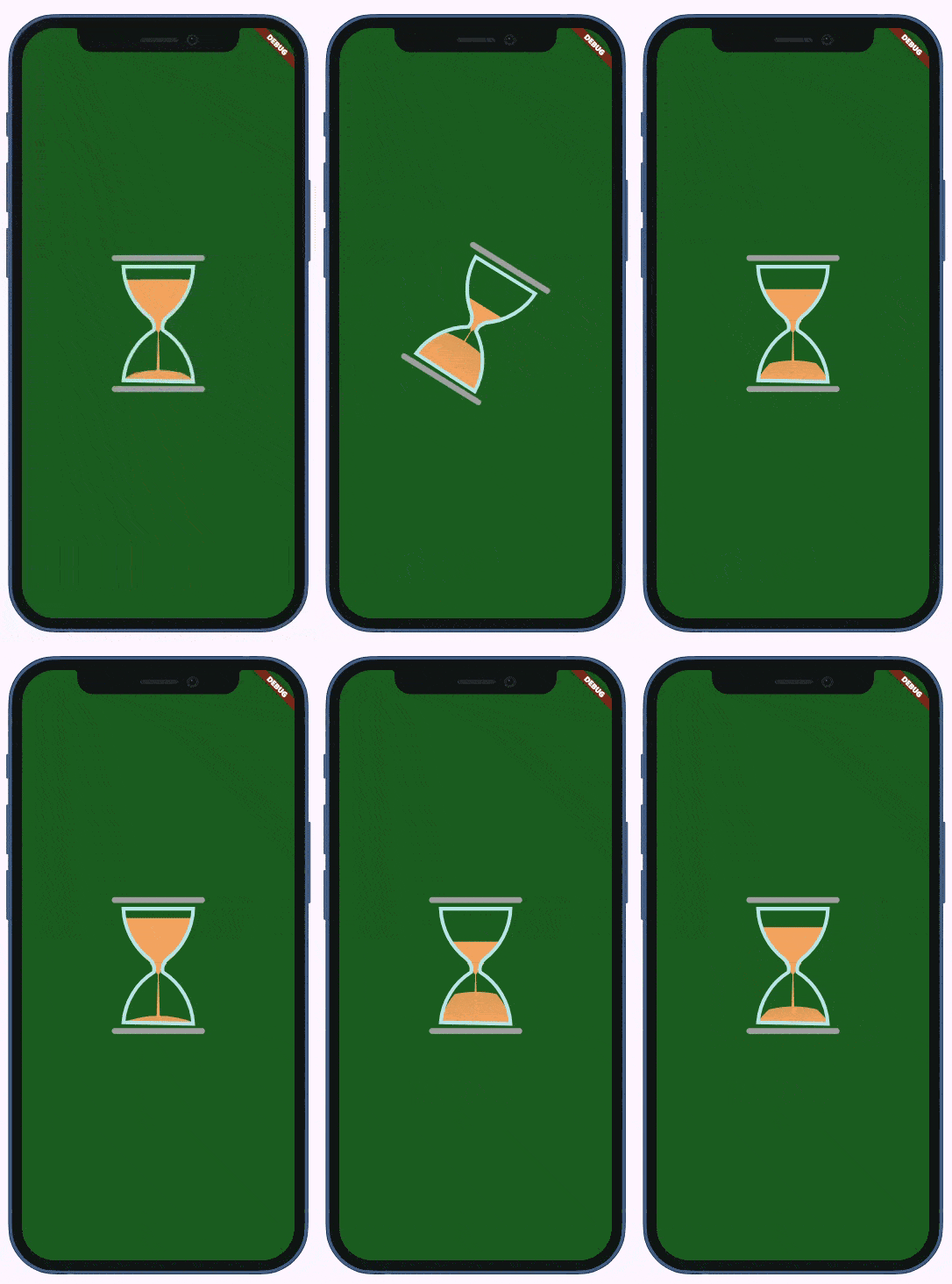
Реализация HourglassLoader с CustomPainter.
Давайте сделаем это коротко и быстро: вот загрузчик, о котором я говорю:
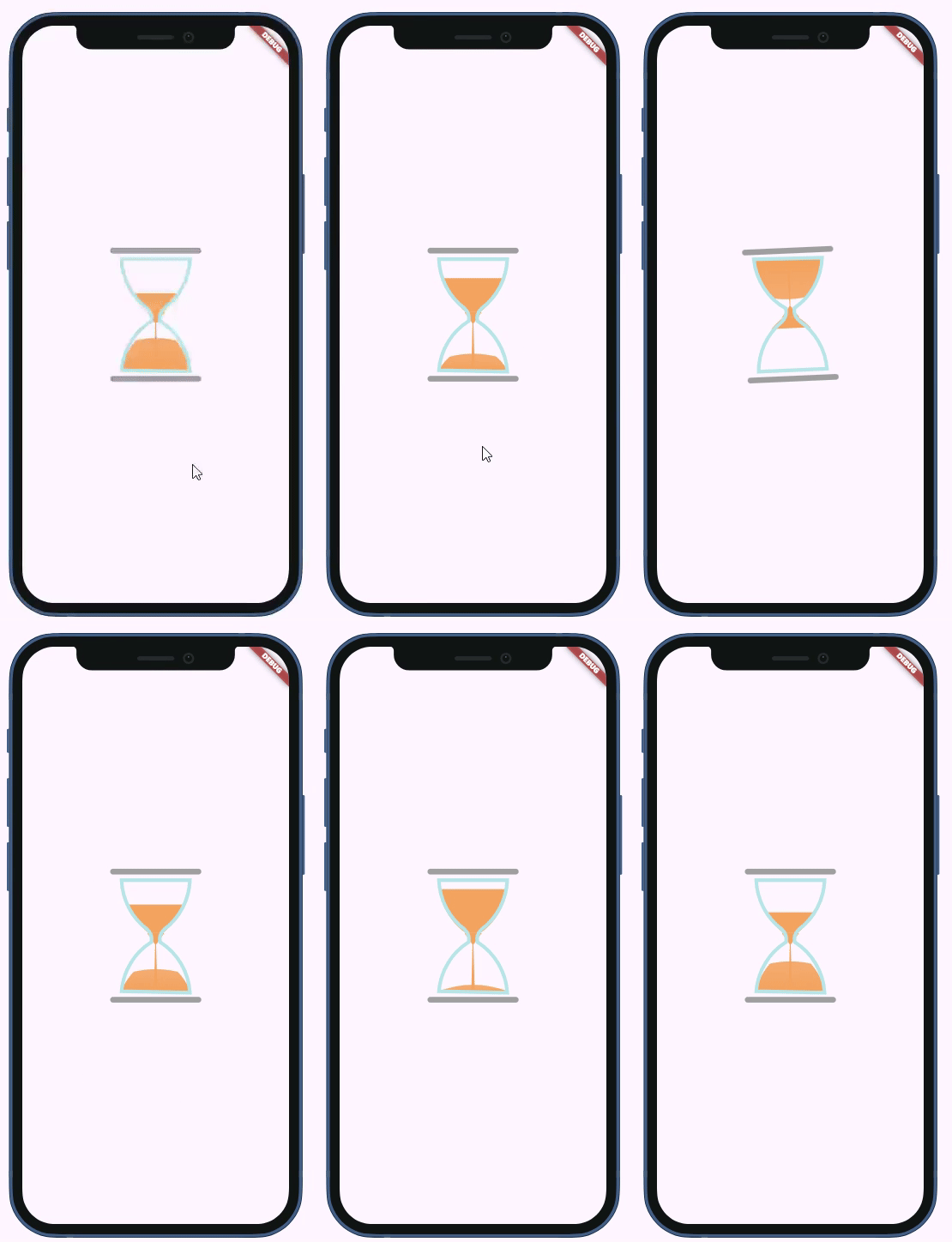
И с теми же (стандартными) цветами на темном экране:
Если вы участник, пожалуйста, продолжайте;иначе, читайте полную историю здесь.
Вот пример использования со всеми возможными аргументами:
    return Scaffold(
      backgroundColor: Colors.green.shade900,
      body: Padding(
        padding: const EdgeInsets.all(18.0),
        child: Center(
            child: HourglassLoader(
          duration: Duration(seconds: 2),
          width: 120,
          height: 180,
          topBottomColor: Colors.grey.shade400,
          glassColor: Colors.lightBlueAccent.shade200,
          sandColor: Colors.amber,
        )),
      ),
    );
Почему мне это нравится?
Несмотря на то, что у современных пользователей приложений есть ментальная модель, которая позволяет им понимать любую странную анимацию
как загрузчик (т.е. "нам нужно подождать несколько секунд"), песочные часы символически связаны со временем, поэтому они передают более четкое сообщение.
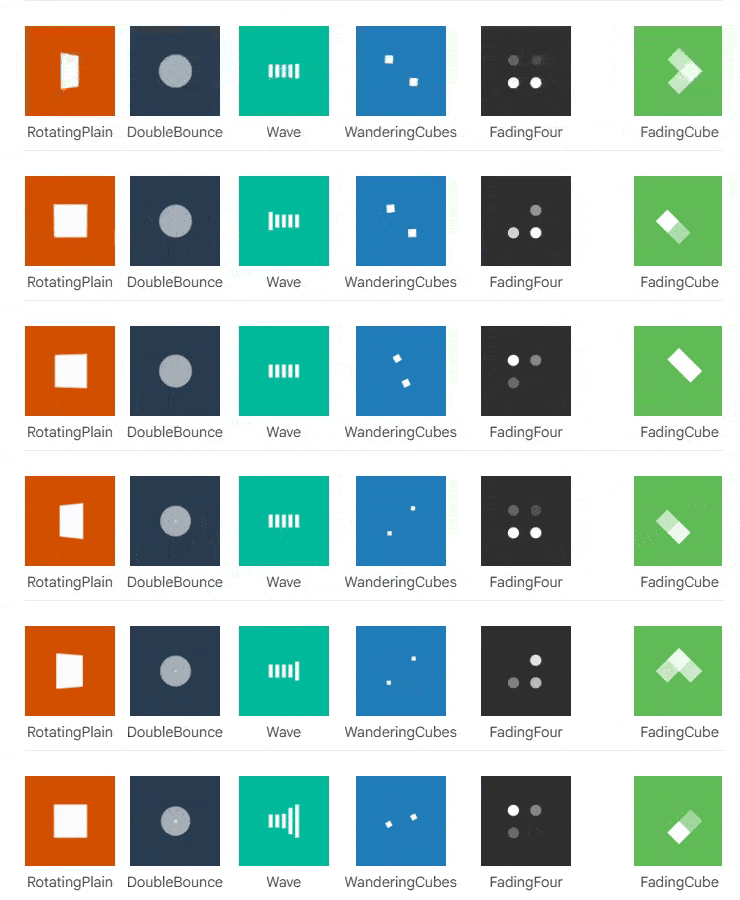
В пакете SpinKit есть несколько загрузчиков в виде песочных часов, но они очень простые:
История
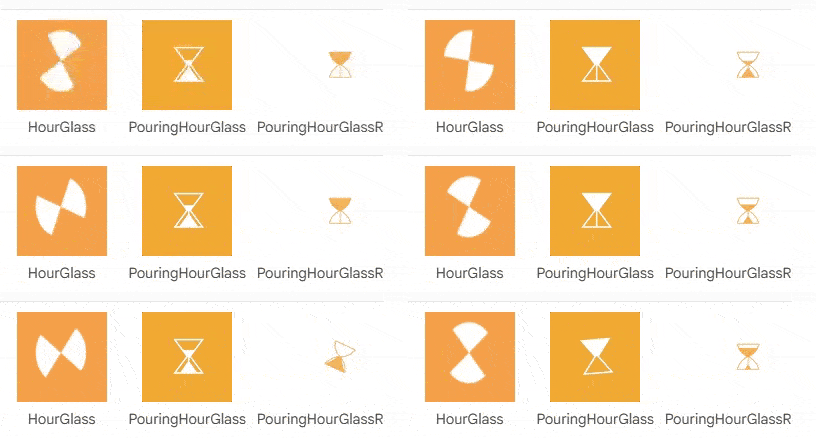
Я заметил этот пакет на FlutterDev
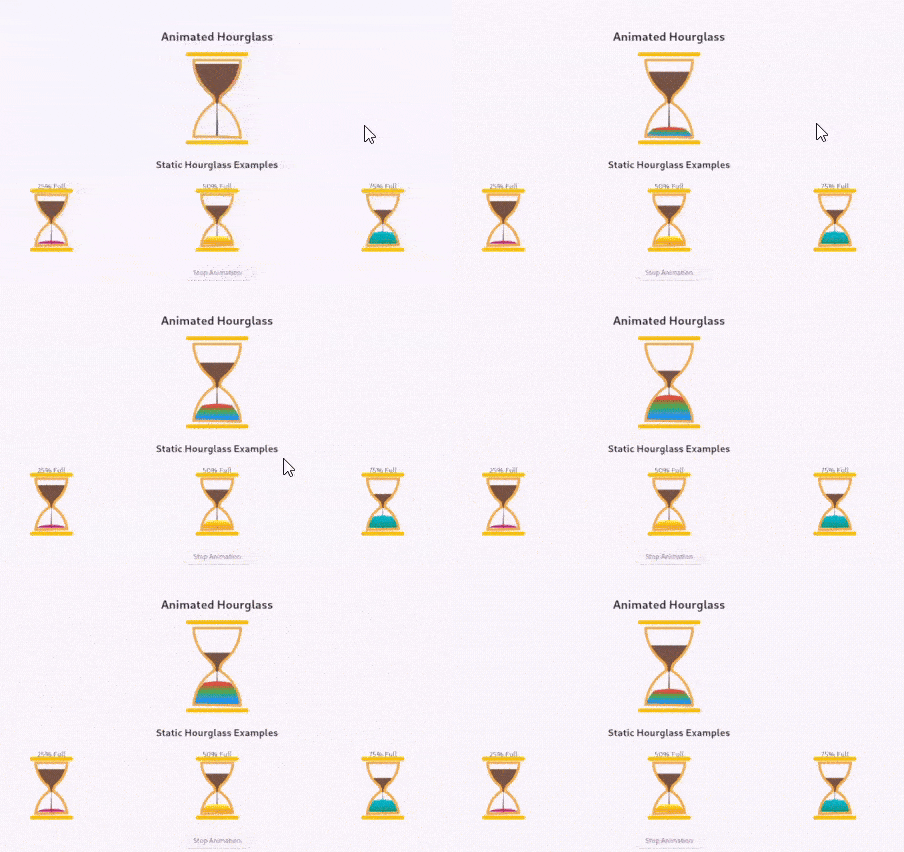
и сразу увидел потенциал для хорошего загрузчика.
К сожалению, мне не понравились цвета песочных часов (пакет не предоставляет способа их настройки), также, у него есть странная (на мой взгляд) идея изменения цвета песка, поэтому я просто скопировал код и немного его изменил, а также добавил анимацию вращения.
Вот результат. Я не собираюсь публиковать это как пакет в ближайшее время, поэтому, если вам это нравится, просто скопируйте его отсюда.
Вот HourglassLoader, это StatefulWidget, который управляет анимациями.
import 'package:flutter/material.dart';
import 'hourglass_widget.dart';

/// Виджет, который отображает анимированные песочные часы, переворачивающиеся и перезапускающиеся при завершении анимации
class HourglassLoader extends StatefulWidget {
  /// Длительность анимации песочных часов
  final Duration duration;

  /// Ширина песочных часов
  final double width;

  /// Высота песочных часов
  final double height;

  /// Цвет верхней и нижней линий
  final Color topBottomColor;

  /// Цвет контура песочных часов
  final Color glassColor;

  /// Цвет песка
  final Color sandColor;

  const HourglassLoader({
    super.key,
    this.duration = const Duration(seconds: 3),
    this.width = 100,
    this.height = 150,
    this.topBottomColor = const Color(0xFFA0A0A0),
    this.glassColor = const Color(0xFFB8E6E8),
    this.sandColor = const Color(0xFFF4A460),
  });

  @override
  State<HourglassLoader> createState() => _HourglassLoaderState();
}

class _HourglassLoaderState extends State<HourglassLoader> with SingleTickerProviderStateMixin {
  late AnimationController _animationController;
  late Animation<double> _fillAnimation;
  late Animation<double> _rotationAnimation;

  @override
  void initState() {
    super.initState();
    _initAnimations();
  }

  void _initAnimations() {
    // Анимация заполнения песком
    _animationController = AnimationController(
      duration: widget.duration,
      vsync: this,
    );

    _fillAnimation = Tween<double>(begin: 0.0, end: 1.0).animate(_animationController);

    // Анимация вращения песочных часов
    _rotationAnimation = Tween<double>(begin: 0.0, end: 1.0).animate(
      CurvedAnimation(
        parent: _animationController,
        curve: Interval(0.8, 1.0, curve: Curves.easeInOut),
      ),
    );

    // Добавление слушателя для обработки вращения и перезапуска
    _animationController.addStatusListener((status) {
      if (status == AnimationStatus.completed) {
        // Сброс и перезапуск анимации
        _animationController.reset();
        _animationController.forward();
      }
    });

    // Запуск анимации
    _animationController.forward();
  }

  @override
  void dispose() {
    _animationController.dispose();
    super.dispose();
  }

  @override
  Widget build(BuildContext context) {
    return AnimatedBuilder(
      animation: Listenable.merge([_fillAnimation, _rotationAnimation]),
      builder: (context, child) {
        return Transform(
          alignment: Alignment.center,
          transform: Matrix4.identity()
            ..rotateZ(_rotationAnimation.value * 3.14),
          child: Hourglass(
            fillAmount: _fillAnimation.value,
            width: widget.width,
            height: widget.height,
            topBottomColor: widget.topBottomColor,
            glassColor: widget.glassColor,
            sandColor: widget.sandColor,
          ),
        );
      },
    );
  }
}
Он использует HourglassWidget внутри.
import 'dart:math';
import 'dart:ui' as ui;
import 'package:flutter/material.dart';

class HourglassDimensions {
  final double hourglassCurve;
  final double hourglassInset;
  final double hourglassHalfHeight;

  HourglassDimensions({
    required this.hourglassCurve,
    required this.hourglassInset,
    required this.hourglassHalfHeight,
  });
}

/// Пользовательский painter, который рисует анимированные песочные часы с настраиваемыми цветами и градиентами.
class HourglassPainter extends CustomPainter {
  /// Уровень заполнения песочных часов (0.0 до 1.0)
  final double fillAmount;

  /// Цвет верхней и нижней линий
  final Color topBottomColor;

  /// Цвет контура песочных часов
  final Color glassColor;

  /// Цвет песка
  final Color sandColor;

  HourglassPainter(this.fillAmount, this.topBottomColor, this.glassColor, this.sandColor);

  @override
  @override
  void paint(Canvas canvas, Size size) {
    final dimensions = _calculateDimensions(size);

    paintContent(canvas, size, dimensions);
    paintOutline(canvas, size, dimensions);
    paintTopBottomLines(canvas, size);
  }

  HourglassDimensions _calculateDimensions(Size size) {
    return HourglassDimensions(
      hourglassCurve: size.height * 0.5,
      hourglassInset: size.width / 10,
      hourglassHalfHeight: (size.height / 2) - (size.width / 10),
    );
  }

  void paintOutline(Canvas canvas, Size size, HourglassDimensions dims) {
    final outlinePainter = Paint()
      ..color = glassColor
      ..strokeCap = StrokeCap.round
      ..strokeWidth = 5
      ..style = PaintingStyle.stroke;

    final outline = Path();

    outline.moveTo(dims.hourglassInset, dims.hourglassInset);
    outline.arcToPoint(Offset(size.width - dims.hourglassInset, dims.hourglassInset));
    outline.arcToPoint(Offset(size.width * 0.6, size.height * 0.45),
        radius: Radius.circular(dims.hourglassCurve), clockwise: true);
    outline.arcToPoint(Offset(size.width * 0.55, size.height * 0.55),
        radius: Radius.circular(20), clockwise: false);
    outline.arcToPoint(Offset(size.width - dims.hourglassInset, size.height - 10),
        radius: Radius.circular(dims.hourglassCurve), clockwise: true);
    outline.arcToPoint(Offset(dims.hourglassInset, size.height - dims.hourglassInset));
    outline.arcToPoint(Offset(size.width * 0.45, size.height * 0.55),
        radius: Radius.circular(dims.hourglassCurve), clockwise: true);
    outline.arcToPoint(Offset(size.width * 0.4, size.height * 0.45),
        radius: Radius.circular(20), clockwise: false);
    outline.arcToPoint(Offset(dims.hourglassInset, dims.hourglassInset),
        radius: Radius.circular(dims.hourglassCurve), clockwise: true);
    outline.close();

    canvas.drawPath(outline, outlinePainter);
  }

  void paintTopBottomLines(Canvas canvas, Size size) {
    final outlinePainter2 = Paint()
      ..color = topBottomColor
      ..strokeCap = StrokeCap.round
      ..strokeWidth = 8
      ..style = PaintingStyle.stroke;

    canvas.drawLine(Offset(0, 0), Offset(size.width, 0), outlinePainter2);
    canvas.drawLine(Offset(0, size.height), Offset(size.width, size.height), outlinePainter2);
  }

  void paintContent(Canvas canvas, Size size, HourglassDimensions dims) {
    paintFallingSand(canvas, size, dims);
    paintTopChamberSand(canvas, size, dims);
    paintBottomChamberSand(canvas, size, dims);
  }

  void paintFallingSand(Canvas canvas, Size size, HourglassDimensions dims) {
    final contentPainter = Paint()
      ..color = sandColor
      ..strokeCap = StrokeCap.round
      ..strokeWidth = 1;

    final fallingSand = Path();
    fallingSand.moveTo(size.width * 0.4, (size.height * 0.48));
    fallingSand.arcToPoint(Offset(size.width * 0.495, (size.height * 0.57)));
    fallingSand.lineTo(size.width * 0.48, size.height - dims.hourglassInset);
    fallingSand.lineTo(size.width * 0.52, size.height - dims.hourglassInset);
    fallingSand.arcToPoint(Offset(size.width * 0.505, (size.height * 0.57)));
    fallingSand.arcToPoint(Offset(size.width * 0.6, (size.height * 0.48)));
    fallingSand.close();

    canvas.drawPath(fallingSand, contentPainter);
  }

  void paintTopChamberSand(Canvas canvas, Size size, HourglassDimensions dims) {
    if (fillAmount >= 0.99) return;

    final contentPainter = Paint()
      ..color = sandColor
      ..strokeCap = StrokeCap.round
      ..strokeWidth = 1;

    double topStartHeight = size.height * (0.4 - ((1 - fillAmount) * 0.3));
    double topEndHeight = size.height * 0.48;
    double topContentStartWidthOffset = getTopContentWidthOffset(
        size.width, topStartHeight, dims.hourglassHalfHeight, dims.hourglassInset);
    double topContentEndWidthOffset = getTopContentWidthOffset(
        size.width, topEndHeight, dims.hourglassHalfHeight, dims.hourglassInset);

    final topContent = Path();
    topContent.moveTo(topContentStartWidthOffset, topStartHeight);
    topContent.arcToPoint(Offset(dims.hourglassInset + topContentEndWidthOffset, topEndHeight),
        radius: Radius.circular(dims.hourglassCurve), clockwise: false);
    topContent.arcToPoint(
        Offset((size.width - dims.hourglassInset) - topContentEndWidthOffset, topEndHeight));
    topContent.arcToPoint(Offset(size.width - topContentStartWidthOffset, topStartHeight),
        radius: Radius.circular(dims.hourglassCurve), clockwise: false);
    topContent.close();

    canvas.drawPath(topContent, contentPainter);
  }

  void paintBottomChamberSand(Canvas canvas, Size size, HourglassDimensions dims) {
    double bottomStartHeight = size.height - 12;
    double bottomEndHeight = size.height * (0.95 - (fillAmount * 0.32));
    double bottomContentStartWidthOffset = getBottomContentWidthOffset(
        size.width, bottomStartHeight, dims.hourglassHalfHeight, dims.hourglassInset);
    double bottomContentEndWidthOffset = getBottomContentWidthOffset(
        size.width, bottomEndHeight, dims.hourglassHalfHeight, dims.hourglassInset);

    final bottomContent = Path();
    bottomContent.moveTo(bottomContentStartWidthOffset, bottomStartHeight);
    bottomContent.arcToPoint(
        Offset(dims.hourglassInset + bottomContentEndWidthOffset, bottomEndHeight),
        radius: Radius.circular(dims.hourglassCurve),
        clockwise: true);
    bottomContent.arcToPoint(
        Offset(
            (size.width - dims.hourglassInset) - bottomContentEndWidthOffset, bottomEndHeight),
        radius: Radius.circular(dims.hourglassCurve * 1.5));
    bottomContent.arcToPoint(
        Offset(size.width - bottomContentStartWidthOffset, bottomStartHeight),
        radius: Radius.circular(dims.hourglassCurve),
        clockwise: true);
    bottomContent.close();

    final colors = [sandColor, sandColor.withValues(alpha: 0.9)];
    final colorStops = [0.1, 0.9];

    final gradient = ui.Gradient.linear(Offset(size.width / 2, bottomStartHeight - 1),
        Offset(size.width / 2, bottomEndHeight), colors, colorStops, TileMode.clamp);

    final bottomContentPainter = Paint()
      ..shader = gradient
      ..style = PaintingStyle.fill
      ..strokeCap = StrokeCap.round
      ..strokeWidth = 1;

    canvas.drawPath(bottomContent, bottomContentPainter);
  }

  double getTopContentWidthOffset(
      double width, double height, double fullHeight, double inset) {
    return (((width / 2) - inset) * sin((height / fullHeight) * (pi / 3.8)));
  }

  double getBottomContentWidthOffset(
      double width, double height, double fullHeight, double inset) {
    return (((width / 2) - inset) * sin(1 - ((height / fullHeight) * (pi / 8.9))));
  }

  @override
  bool shouldRepaint(covariant HourglassPainter oldDelegate) {
    return oldDelegate.fillAmount != fillAmount;
  }
}

/// Настраиваемый виджет песочных часов с анимированным заполнением и градиентными цветами.
class Hourglass extends StatelessWidget {
  /// Уровень заполнения песочных часов (0.0 до 1.0)
  final double fillAmount;

  /// Ширина песочных часов
  final double width;

  /// Высота песочных часов
  final double height;

  /// Цвет верхней и нижней линий
  final Color topBottomColor;

  /// Цвет контура песочных часов
  final Color glassColor;

  /// Цвет песка
  final Color sandColor;

  const Hourglass({
    super.key,
    required this.fillAmount,
    this.width = 100,
    this.height = 150,
    required this.topBottomColor,
    required this.glassColor,
    required this.sandColor,
  });

  @override
  Widget build(BuildContext context) {
    return Container(
      width: width,
      height: height,
      child: CustomPaint(
        painter: HourglassPainter(
          fillAmount,
          topBottomColor,
          glassColor,
          sandColor,
        ),
      ),
    );
  }
}
Здесь есть два класса. Виджет Hourglass — это просто обёртка, которая настраивает размер и передаёт всё в HourglassPainter, который выполняет фактическую работу по рисованию.
Как работает рисование
Painter создаёт несколько различных визуальных элементов:
Контур — Это рисует классическую форму песочных часов с использованием дуговых путей. Он соединяет точки кривыми, чтобы создать узкую среднюю часть, которую мы все узнаём.
Песок в верхней камере — Когда fillAmount низкий, это рисует песок в верхней части.
Песок в нижней камере — Эта часть растёт по мере увеличения fillAmount. Он использует градиент, чтобы песок выглядел более реалистично — темнее внизу, немного светлее вверху.
Поток падающего песка — Этот тонкий вертикальный путь в середине представляет песок, активно протекающий через горлышко.
Для каждого визуального элемента есть объект Paint:
 final outlinePainter = Paint()
      ..color = glassColor
      ..strokeCap = StrokeCap.round
      ..strokeWidth = size.width / 20
      ..style = PaintingStyle.stroke;
Объект Path:
final outline = Path();

    outline.moveTo(hourglassInset, hourglassInset);
    outline.arcToPoint(Offset(size.width - hourglassInset, hourglassInset));
    outline.arcToPoint(Offset(size.width * 0.6, size.height * 0.45),
...
И метод canvas.drawPath, который фактически рисует Path на Paint:
canvas.drawPath(outline, outlinePainter);
Нерешённая проблема
Если внимательно посмотреть на загрузчик ещё раз:
Мы видим, что оно вращается, прежде чем весь песок упадет. Я пытался понять и исправить это, в одиночку и с Claude, но безуспешно. Так что, если вы чувствуете себя авантюристом, примите вызов, исправьте это и расскажите мне в комментариях. Обещаю 50 аплодисментов. 🙂
Спасибо за чтение!