Floating Window AOSP
daveInstructions
• install lsposed module & reboot system
• open lsposed app after installing freeform app to enable freeform app
• open shizuku app and give access to run using root (tap start)
• authorize the freeform app in shizuku app if the app not automatically authorizing it
• enable this 3 settings in developer options & reboot system
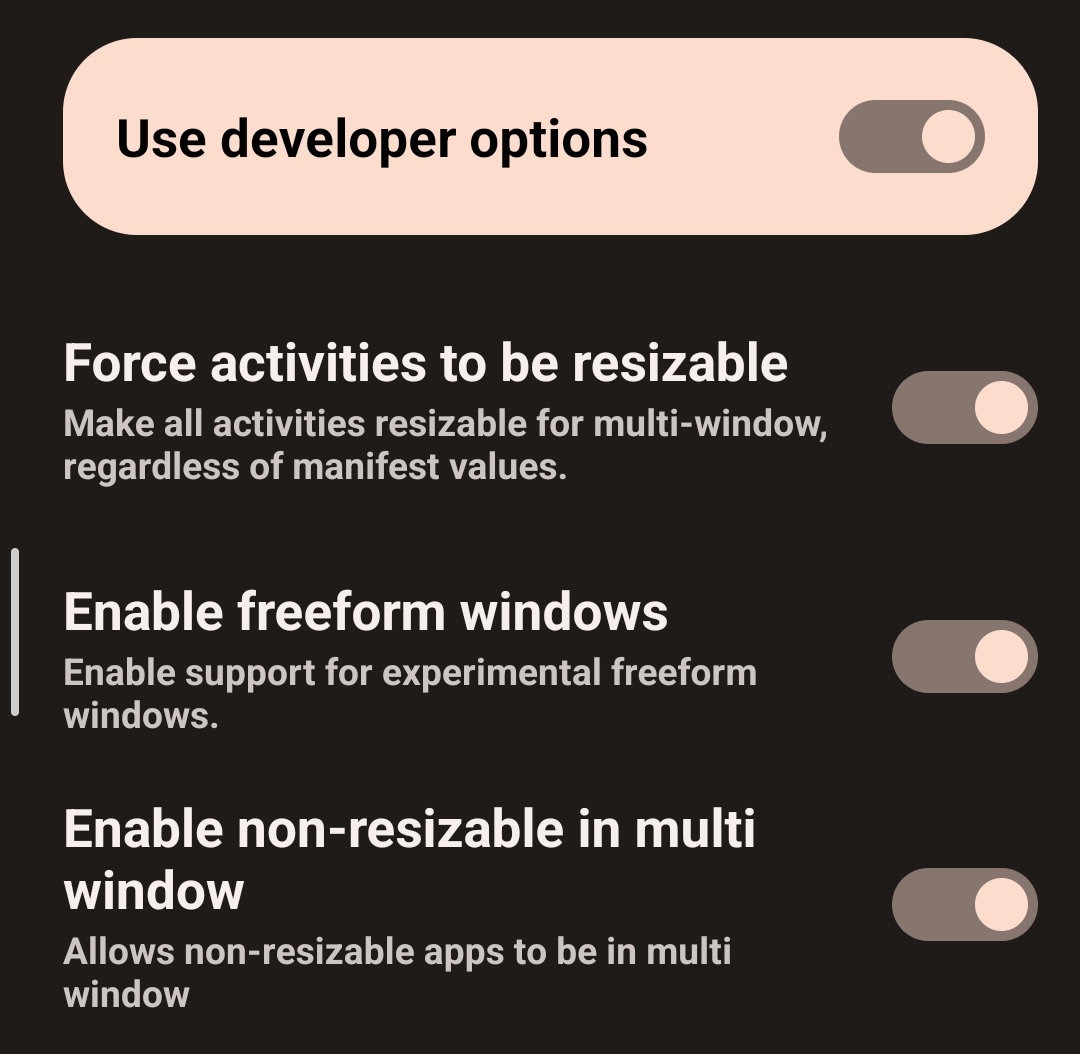
• open freeform and settings the app to whatever you like (don't forget to enable global sidebar)
Video Guide
this guide is only for the first time running the app in floating window