Fix OOS 13 Photo Editor
Ayra Hikari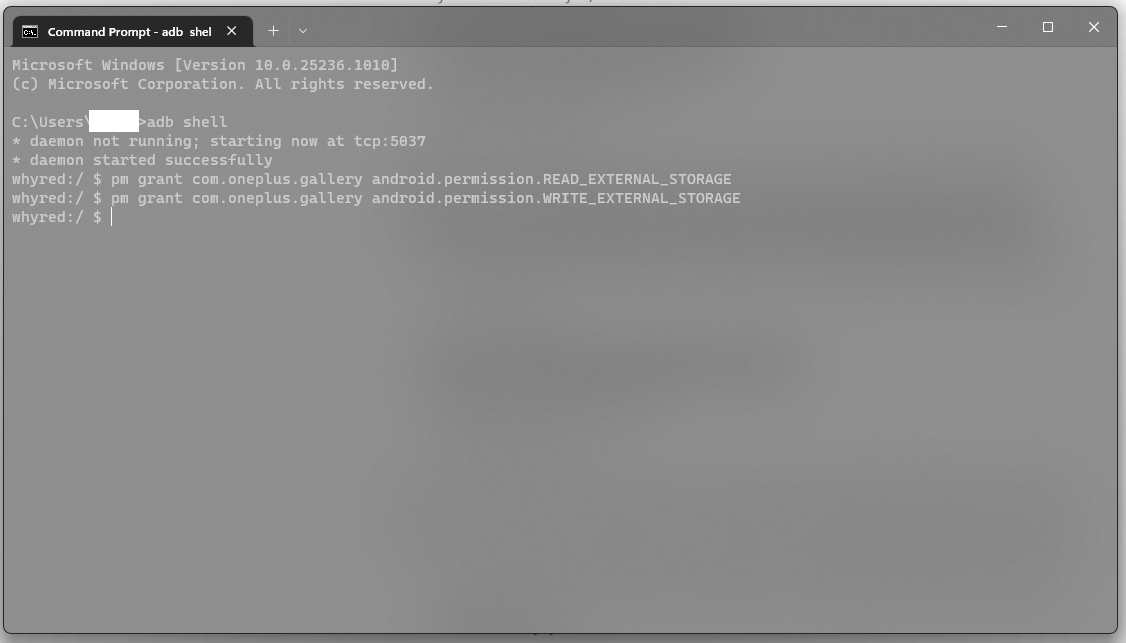
Non-Root method
• Download Terminal Emulator
• Open it, and type:
pm grant com.oneplus.gallery android.permission.READ_EXTERNAL_STORAGE
pm grant com.oneplus.gallery android.permission.WRITE_EXTERNAL_STORAGE
• Force close OOS 13 gallery, open it again, it will asking for full files permission
• Grant it, enjoy
Root method
Download Terminal Emulator
• Open it, and type:
su -c pm grant com.oneplus.gallery android.permission.READ_EXTERNAL_STORAGE
su -c pm grant com.oneplus.gallery android.permission.WRITE_EXTERNAL_STORAGE
• Force close OOS 13 gallery, open it again, it will asking for full files permission
• Grant it, enjoy
PC method (ADB)
- Open terminal emulator, type:
adb shell
pm grant com.oneplus.gallery android.permission.READ_EXTERNAL_STORAGE
pm grant com.oneplus.gallery android.permission.WRITE_EXTERNAL_STORAGE
• Force close OOS 13 gallery, open it again, it will asking for full files permission
• Grant it, enjoy
PC + Root method (ADB)
- Open terminal emulator, type:
adb shell
su -c pm grant com.oneplus.gallery android.permission.READ_EXTERNAL_STORAGE
su -c pm grant com.oneplus.gallery android.permission.WRITE_EXTERNAL_STORAGE
• Force close OOS 13 gallery, open it again, it will asking for full files permission
• Grant it, enjoy