FB EN
Book any flight in our system you can in 3 simple steps:
Step 1: Fill in the search form and click on the «find» button:

More details of filling the search form:
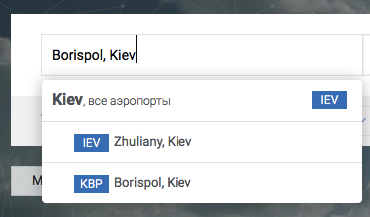
a) Fill in the departure and arrival city. Start writing the name of the departure / arrival city and search form will offer you all the options available to the requested city. You can Fill in the city in any language also you can use IATA city / airport code:
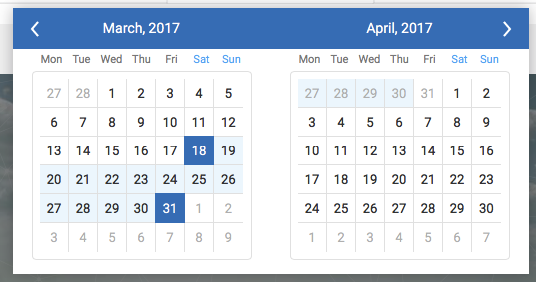
b) Select the flight dates using the calendar:
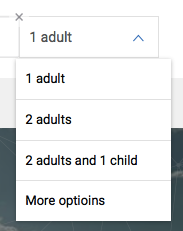
c) Fill in the number and type of passengers. For your convenience, there is quick combinations of the most popular requests. If quick combinations do not meet your request, then click on the "more passengers," and select the number of passengers and the type of matching items:
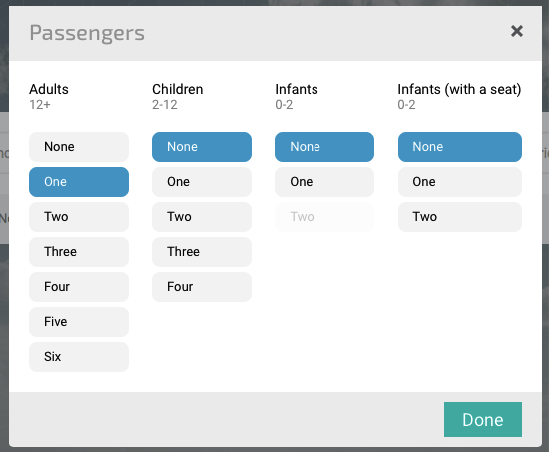
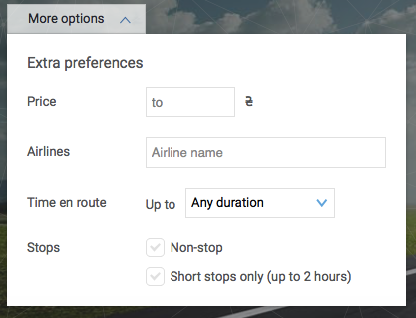
d) If necessary, specify additional parameters to the search such as class of service, search +/- 3 days, the price of tickets, the airline, the travel time, the transfers:

After clicking on «search" button system will check for flights on your request in all booking systems, compare the cost of tickets on different markets and will show you the search results in a convenient way.
Step 2. Select the appropriate option and click on the flight booking button (the basket with the cost of the ticket):
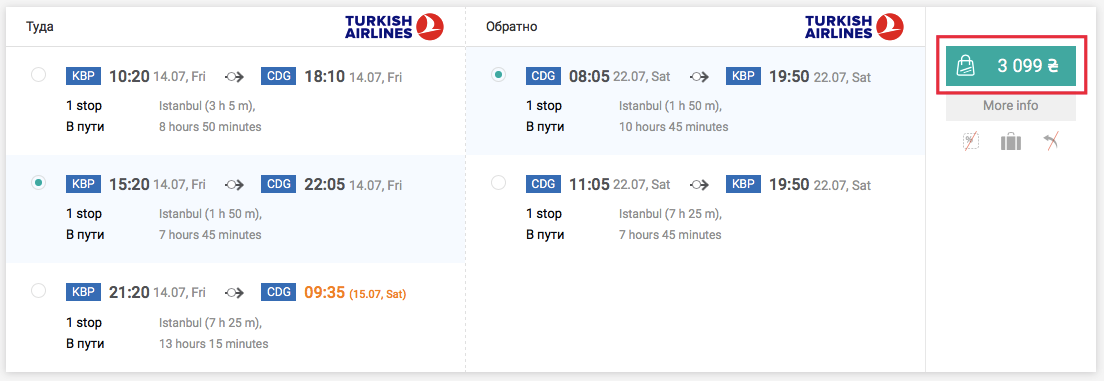
Functional, allowing you to quickly and easily select the appropriate flight:
a) Grouping of flight options of equal value. Same cost flights system collects in a single group in which you can quickly select the appropriate flight using the radio buttons:
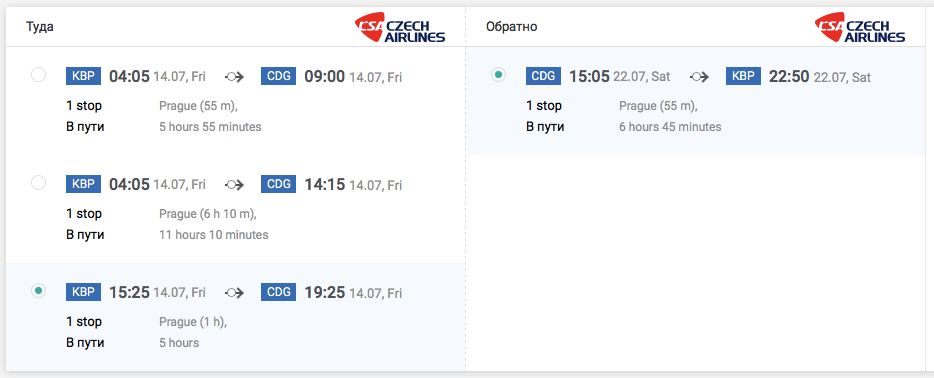
b) Fast sorting by price and travel time. By default, the system sorts all results from the cheapest to the most expensive proposal. For the convenience of finding direct flights and flights with a minimum connection time you can use sorting by travel time:

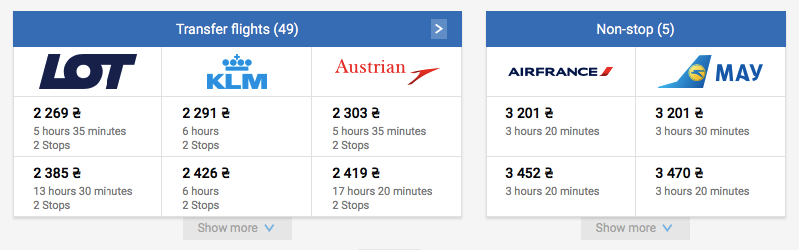
c) Flight comparative table. For a quick view of all flights there is flight comparative table in the system, which is in a compressed form displays all flight options that were found on your request:
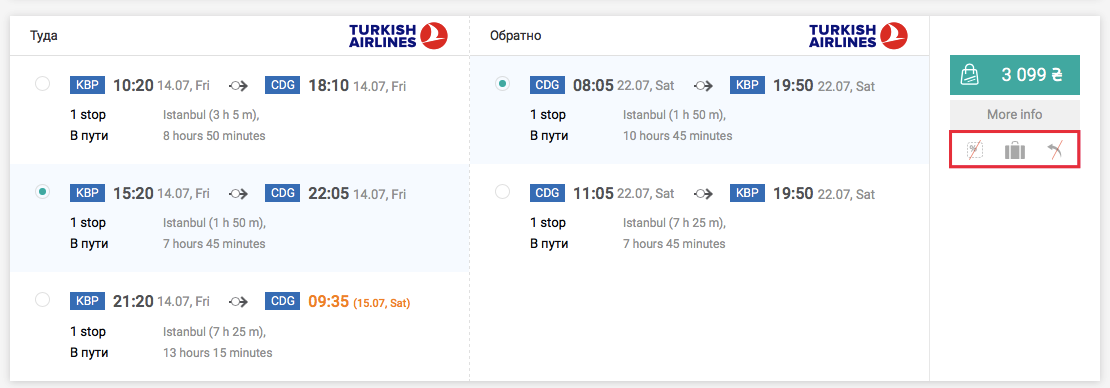
d) Quick Icons with important information. Within each flight group there are icons that allow you to quickly view information about subagent commission that is included in the ticket price, checked baggage, as well as the ticket refund options:
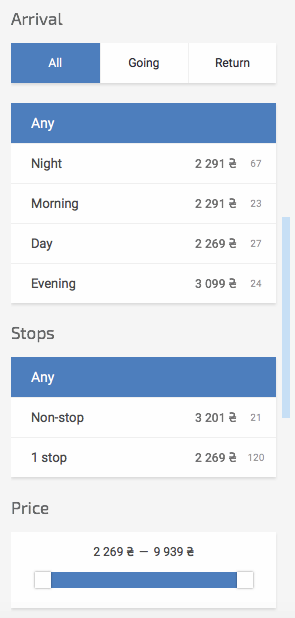
e) Search results filters. To the left from the flight options list is a filter through which you can quickly cut off unsuitable to the requirements of your customers flight options. There are filters by time of departure / arrival, airport / city of departure / arrival, airline, the number and duration of connections and by the flight price:
If you can not find a suitable flight, use the form of re-search, or compare prices for flights on neighboring dates:

After pressing the button on the ticket reservation system will check availability and open the booking page
Step 3. Enter the passenger data and click on «book» button:
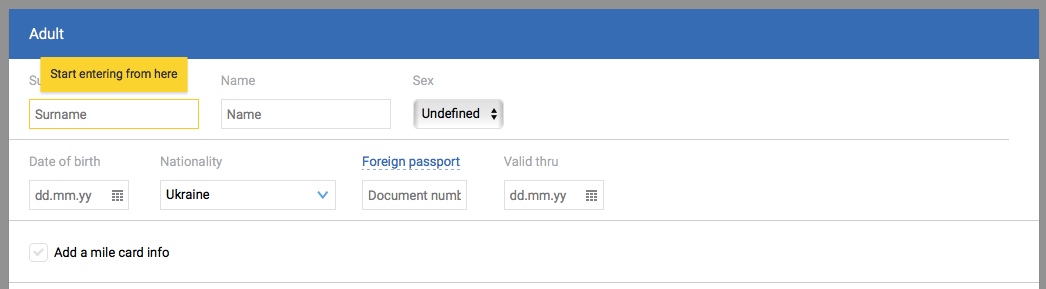
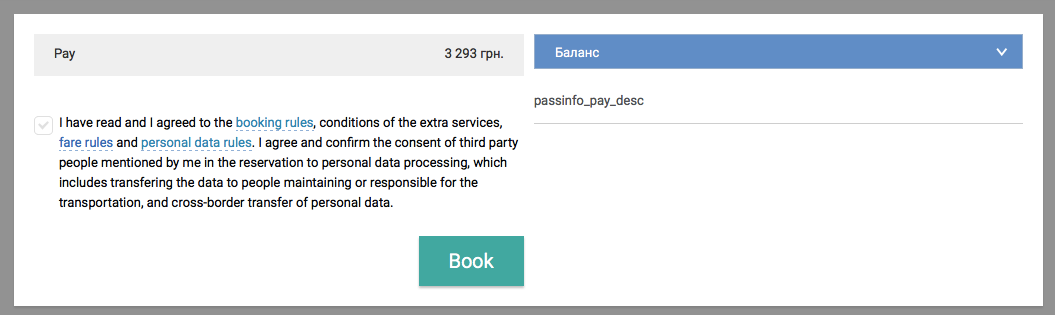
Details of the booking page:
a) Fill in the passenger data. Enter the names of the passengers in Latin letters as they are shown in the passport (if passengers fly with an internal passport, enter their data in Latin characters on the standard rules of transliteration), select the gender of passengers enter their date of birth, series, number and validity of foreign (internal) passports. If you do not have passenger’s passport data, you can create a quick booking by removing the tick from the button "enter passport details." In such case, the reservation will only need the surname, name and date of birth of passengers:
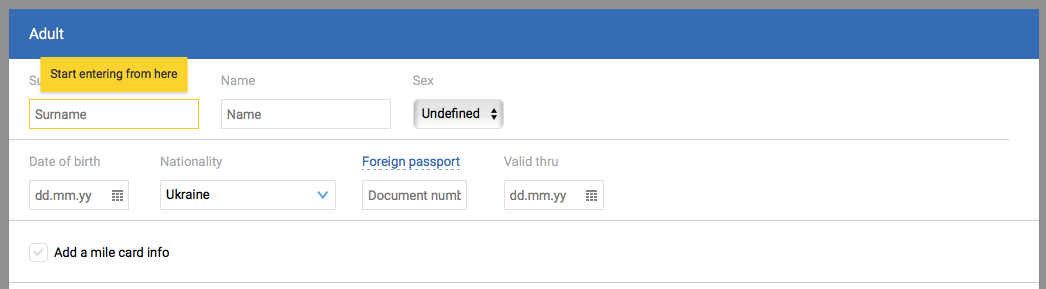

b) if necessary, and if it is available from airline choose for your passengers seats in the cabin and meals:

c) fill in or edit the AutoFilled information about your agency, if necessary. Please note that e-mail and the phone will be used to send important notifications about your order, including sending tickets and information about changing the schedule from the airlines:
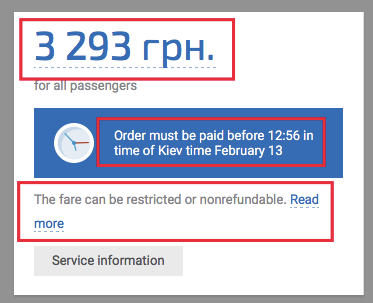
d) Check the order price, trip details and inform passengers about ticketing date and the rules of the fare:
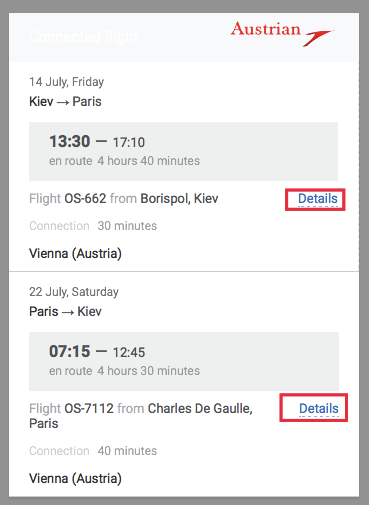
e) Put a check mark to agree with the terms and conditions of reservation and click on the «book» button:
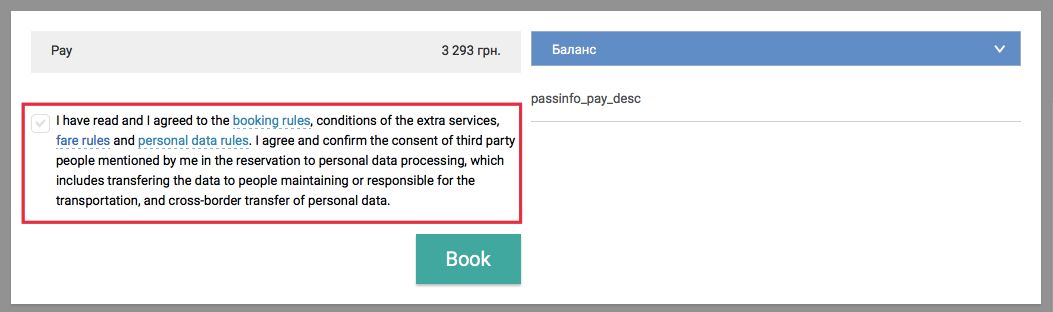
The system checks the availability of seats on the chosen flight and create a reservation in the airline system.
Important!
- Confirm your reservation and it’s price to the passenger only after the order has been successfully booked. At different stages of the booking system checks the availability of the selected flight in the airline system and during any of these stages, the airline may refuse the creation of reservation due to lack of seats on chosen flights.
- All airlines have restrictions that related to the exchange or refund of your ticket. Be sure that you have informed passengers about ticketing date and rules of tariff to prevent misunderstandings in the process of change or return of your ticket.
Notwithstanding ticketing date, the price of your order will be converted according to the currency exchange rates on the day of actual ticketing. That is the order price may rise. Be sure to inform passengers about this.