Exploring DIY 3D Scanning: From Arduino-Based Machines to Line Scanners
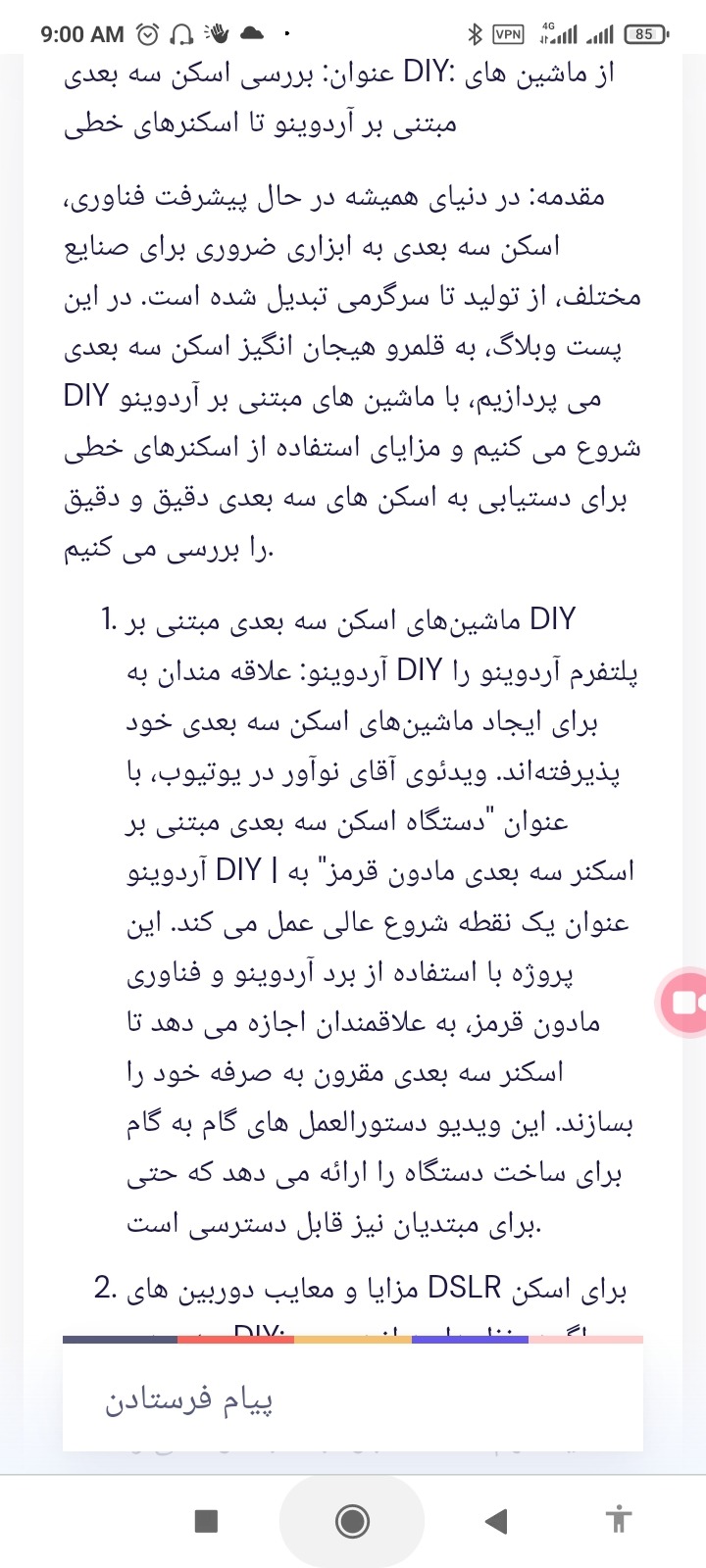
https://www.phind.com/agent?cache=cllop35fx002oig087przla79
Title: Exploring DIY 3D Scanning: From Arduino-Based Machines to Line Scanners
Introduction:
In the ever-evolving world of technology, 3D scanning has become an essential tool for various industries, from manufacturing to entertainment. In this blog post, we will delve into the exciting realm of DIY 3D scanning, starting with Arduino-based machines and exploring the advantages of using line scanners for achieving accurate and detailed 3D scans.
1. DIY Arduino-Based 3D Scanning Machines:
DIY enthusiasts have embraced the Arduino platform for creating their own 3D scanning machines. Mr. Innovative's YouTube video, titled "DIY Arduino based 3D scanning machine | IR 3D scanner" serves as an excellent starting point. Using an Arduino board and infrared technology, this project allows hobbyists to build their own cost-effective 3D scanner. The video provides step-by-step instructions for constructing the machine, making it accessible even to beginners.
2. Pros and Cons of DSLR Cameras for DIY 3D Scanning:
If you are considering using a DSLR camera for your DIY 3D scanner, it's important to weigh the pros and cons. DSLR cameras offer high-quality scans and flexibility, but they come with a higher cost and require technical expertise. With detailed information on the advantages and drawbacks, you can make an informed decision based on your project requirements.
3. Ultrasound-Based DIY 3D Scanning Projects:
For those looking to explore unconventional methods, ultrasound-based DIY 3D scanning projects provide an exciting avenue. Ultrasound scanners built with Arduino boards offer affordability and a learning opportunity. However, they may have limitations in terms of depth resolution and overall quality compared to professional machines. Safety precautions should also be considered when working with ultrasound transducers and electronic components.
4. Advantages of Using Line Scanners for 3D Scanning:
Line scanners present numerous advantages when it comes to achieving high-resolution and accurate 3D scans. These advantages include:
- High resolution: Line scan cameras offer high resolution without image smear or redundant processing of frame overlaps.
- Dynamic range: Line scan imaging provides a wide dynamic range, capturing a broad range of brightness levels for detailed scans.
- Smear-free images: Line scan cameras produce smear-free images of fast-moving objects without expensive strobing or cumbersome shuttering.
- Processing efficiency: Line scanning eliminates frame overlaps, optimizing processing resources and improving efficiency.
- Multiple light geometries: Line scan cameras can handle various light geometries, enabling better defect detection and capturing more information in a single pass.
Conclusion:
DIY 3D scanning projects allow enthusiasts to explore the world of 3D scanning, from Arduino-based machines to line scanners. Each approach has its own strengths and considerations. Arduino-based machines offer affordability and accessibility, while line scanners provide high-resolution and efficient scanning capabilities. Understanding these options empowers DIY enthusiasts to embark on exciting projects and realize their creative visions in the 3D scanning domain.
Remember to thoroughly research and follow detailed instructions and safety guidelines when working on any DIY project. Happy scanning!
Sources:
- "DIY Arduino based 3D scanning machine | IR 3D scanner" - Mr. Innovative, YouTube
- Pros and cons of using a DSLR camera for DIY 3D scanner - Various sources
- Ultrasound-Based DIY 3D Scanning Projects - Various sources
- Advantages of Using Line Scanners for 3D Scanning - Various sources
Also some of available projects for the 3D Scanners are shown at below:

https://hackaday.com/2021/05/15/a-phased-array-ultrasonic-3d-scanner-from-scratch/
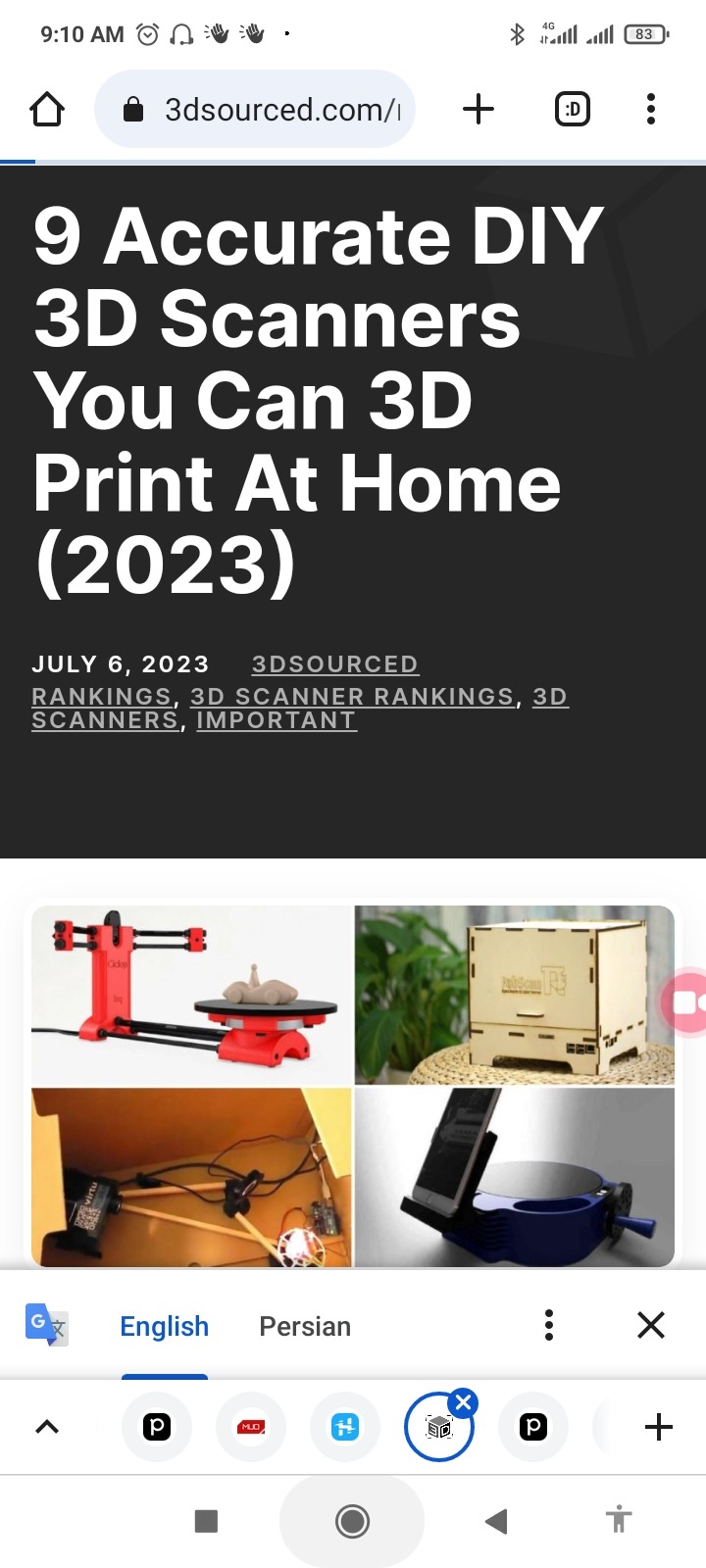
https://www.3dsourced.com/rankings/best-diy-3d-scanner/
Also for comparing the cad results we have available projects here:
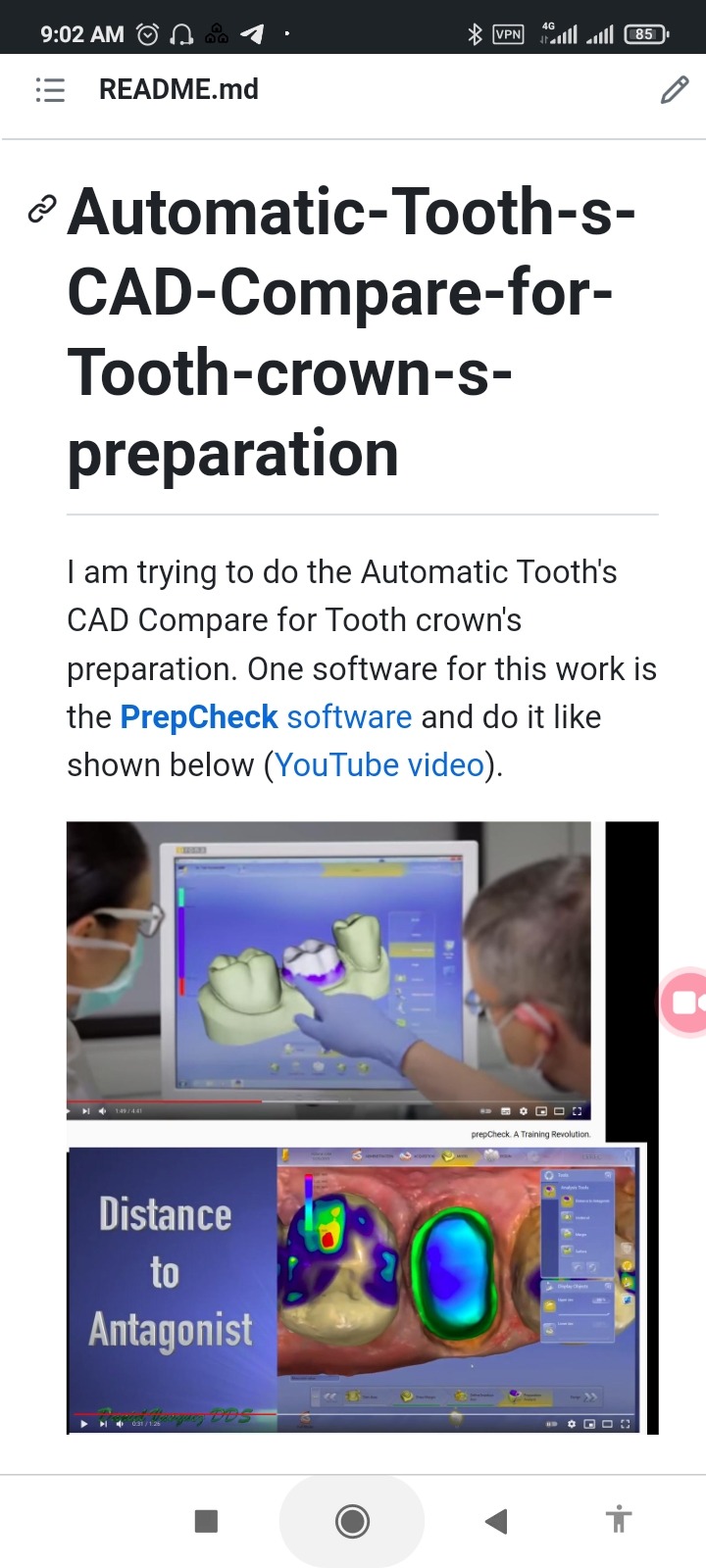
https://github.com/Startup-Data/Automatic-Tooth-s-CAD-Compare-for-Tooth-crown-s-preparation
The goal is to perform Automatic Tooth's CAD Compare for Tooth crown's preparation. Based on the information provided, there are a few steps to achieve this:
1. Generate STL files for the teeth:
- One approach is to create the teeth STL files from teeth PNG photos using software like MeInGame[^1^].
- Another approach is to reconstruct the 3D bone structure of the oral cavity from 2D panoramic X-ray photos using the Oral-3D software[^2^].
2. Locate the positions of the 32 teeth:
- Utilize artificial intelligence CAD segmentation techniques to identify the locations of each tooth[^0^].
- This can be done by writing scripts to perform the segmentation or by using existing tools like CloudCompare[^0^].
3. Perform the CAD comparison:
- Once the teeth positions are determined, compare the CAD models of the teeth using automatic scripts.
- The software mentioned in the initial question, PrepCheck, seems to be a suitable option for this task[^0^].
- Additionally, Blender or other popular open-source software can be explored for this calculation[^0^].
To proceed with this project, you can follow these steps:
1. Generate the teeth STL files using MeInGame or Oral-3D software.
- Refer to the respective documentation and GitHub repositories for instructions and sample code.
2. Use artificial intelligence CAD segmentation to locate the positions of the teeth.
- Explore CloudCompare and other similar tools for this task.
- Refer to the documentation and GitHub repositories of these tools for more information.
3. Write or find existing scripts to perform the CAD comparison.
- If using PrepCheck software, refer to its documentation and resources for guidance.
- If using Blender or other software, search for relevant sample code on GitHub and Paperswithcode.
By following these steps and utilizing the mentioned software and resources, you should be able to achieve the goal of Automatic Tooth's CAD Compare for Tooth crown's preparation.
Sources:
- [^0^]: [GitHub - Automatic-Tooth-s-CAD-Compare-for-Tooth-crown-s-preparation](https://github.com/Startup-Data/Automatic-Tooth-s-CAD-Compare-for-Tooth-crown-s-preparation)
- [^1^]: [GitHub - MeInGame: Create a Game Character Face from a Single Portrait](https://github.com/So-AI-love/MeInGame)
- [^2^]: [GitHub - Oral-3D: Reconstructing the 3D Bone Structure of Oral Cavity from 2D Panoramic X-ray](https://github.com/Oral-3D/Oral-3D)