Enforcer: NSFW Image Detection Guide
DanielStep 1
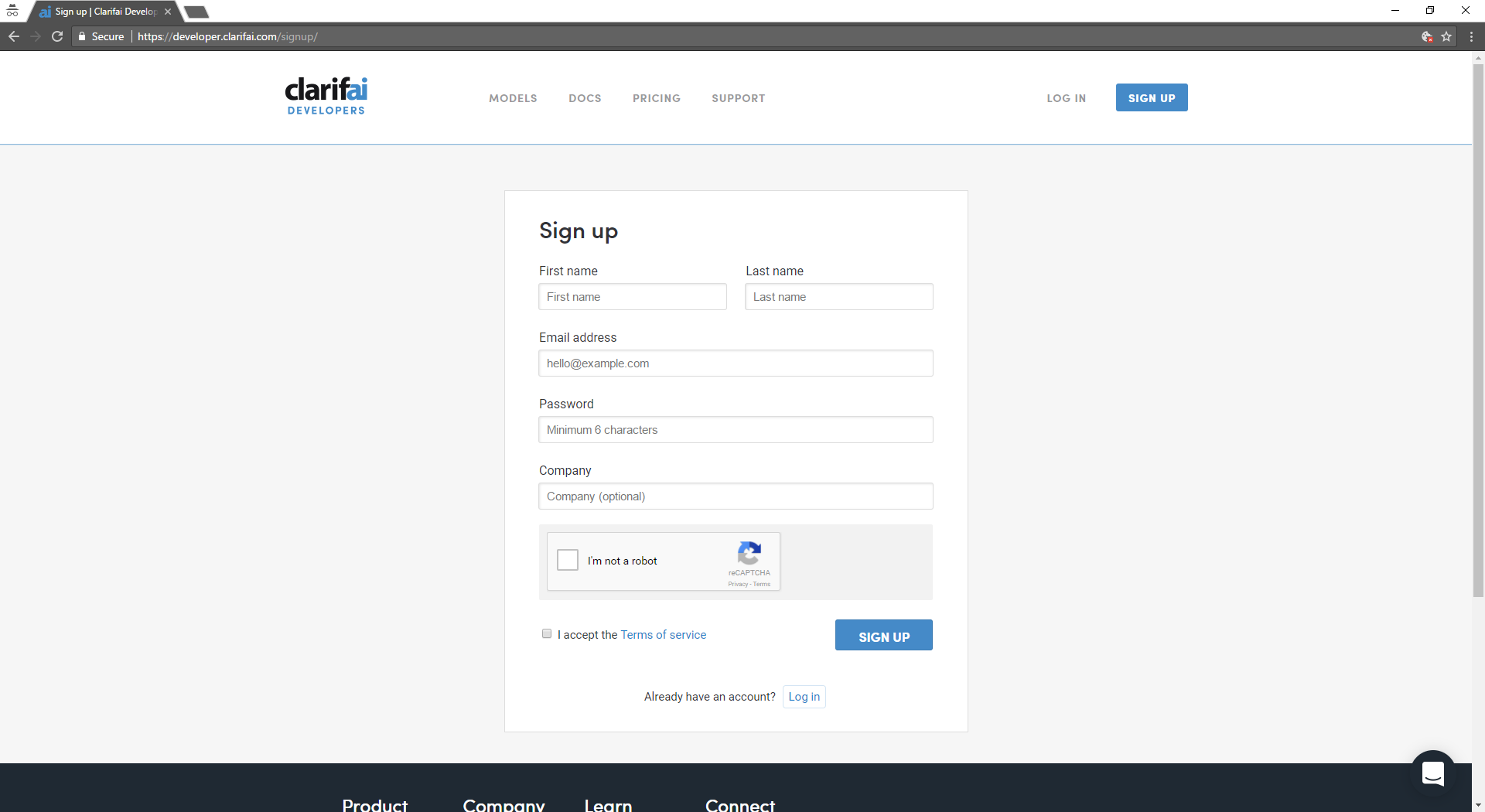
Go to https://developer.clarifai.com/signup/ and create an account.
Step 2
Verify your provided email address by clicking on the link emailed to it.
Step 3
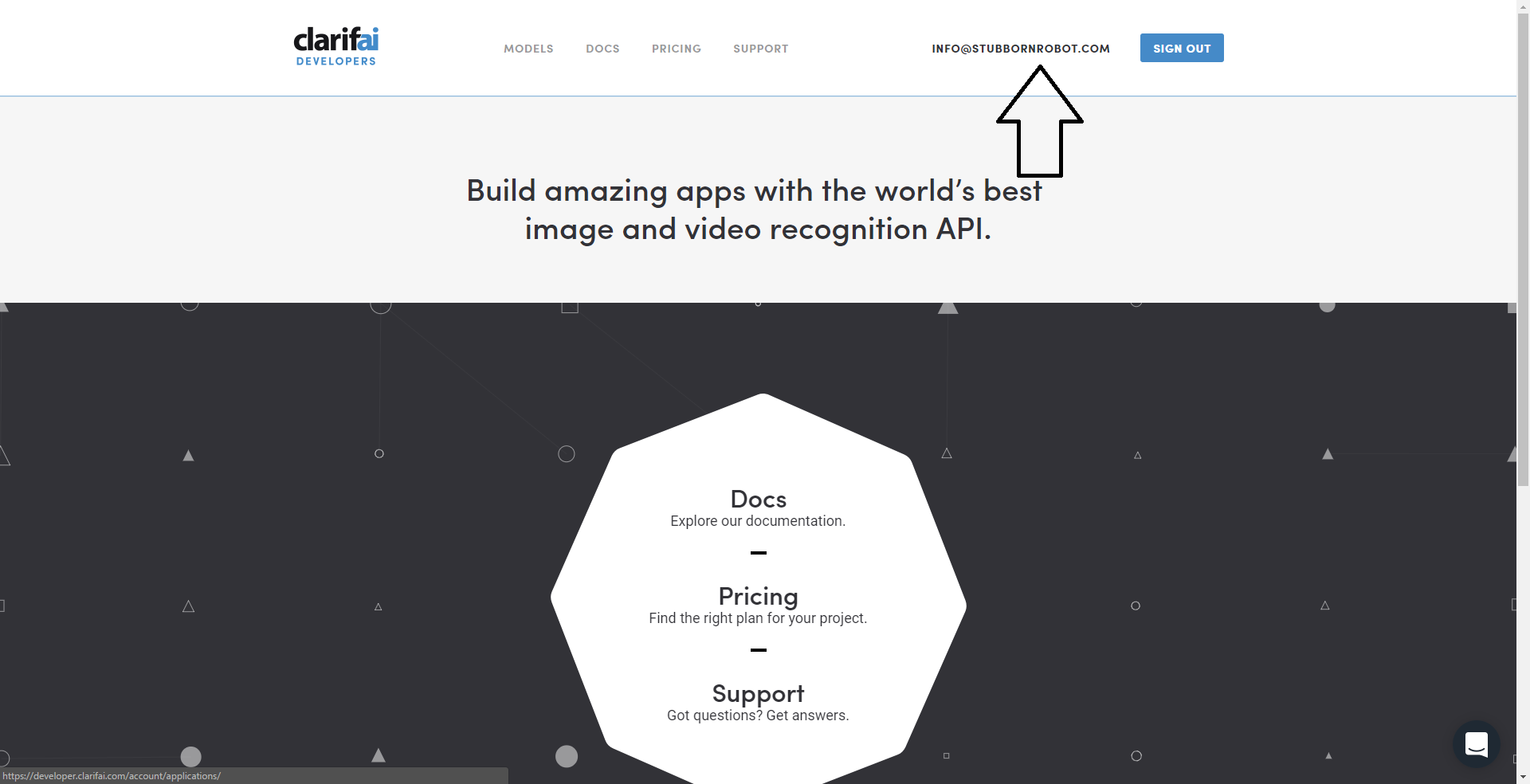
Click on your email address in the top right.
Step 4
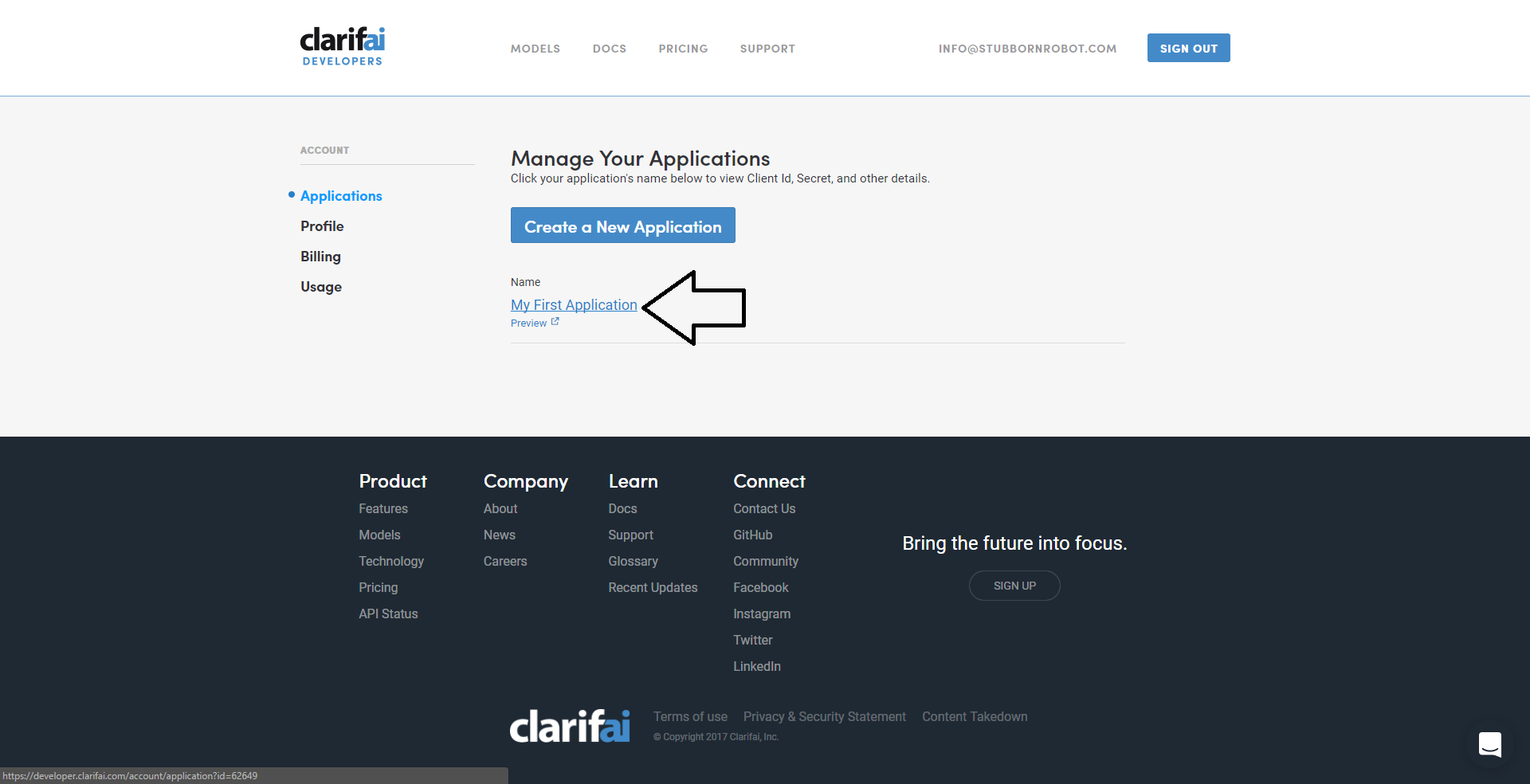
Click on my first application
Step 5
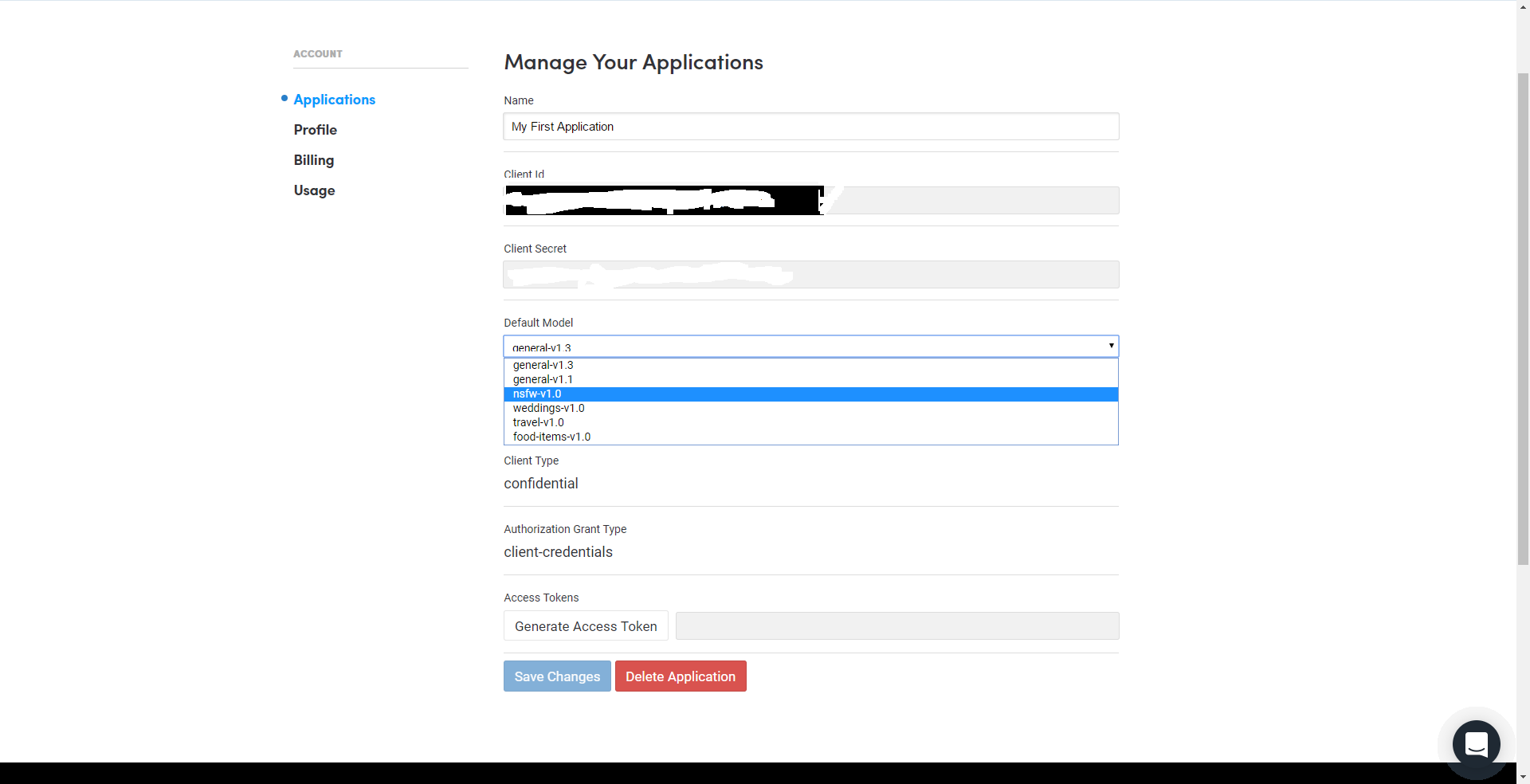
Change the default model to NSFW-v1.0
Step 6
Use the client Id and client secret when sending @enforcerbot:
/setnsfw [clientid] [clientsecret]
eg:
/setnsfw 123142124421241241thisisaclientid blegblehgthisisaclientsecret
Enforcer will now be able to detect NSFW images like porn and nudity in your group. You can configure other settings in /menu -> nsfw detection
Note 1: This allows you 5000 image detection's a month. Do not worry this is a lot, groups like @werewolfgame, werwolf vets and support combined do not go over 5000 images a month.
Note 2: You can have multiple groups on one account however take note of the 5000 image limit per account.