Easy Broadcasting Quality Overlays with vMix (and Extended OVS API)
Pavel Sholukha (sporttech.io)
For a long time, we considered implementing professional broadcasting graphics overlays a tedious task, unrelated to the sports we support. However, recent competitions in Brazil introduced us to a technology stack that makes this task much more accessible.
This guide will provide a technical overview of integrating a broadcaster and scoring system. Here's a brief outline:
- Use vMix streaming software with GT Designer (visual titles editor) to create graphics.
- Use the sporttech.io-api-ext sample project to create a small API adapter between OVS and any other system that requires OVS data.
- Connect the new API as a vMix Datasource and map the data from OVS to vMix Titles
- Send the output stream to the streaming service directly from vMix or output the resulting Title to an external output.
vMix
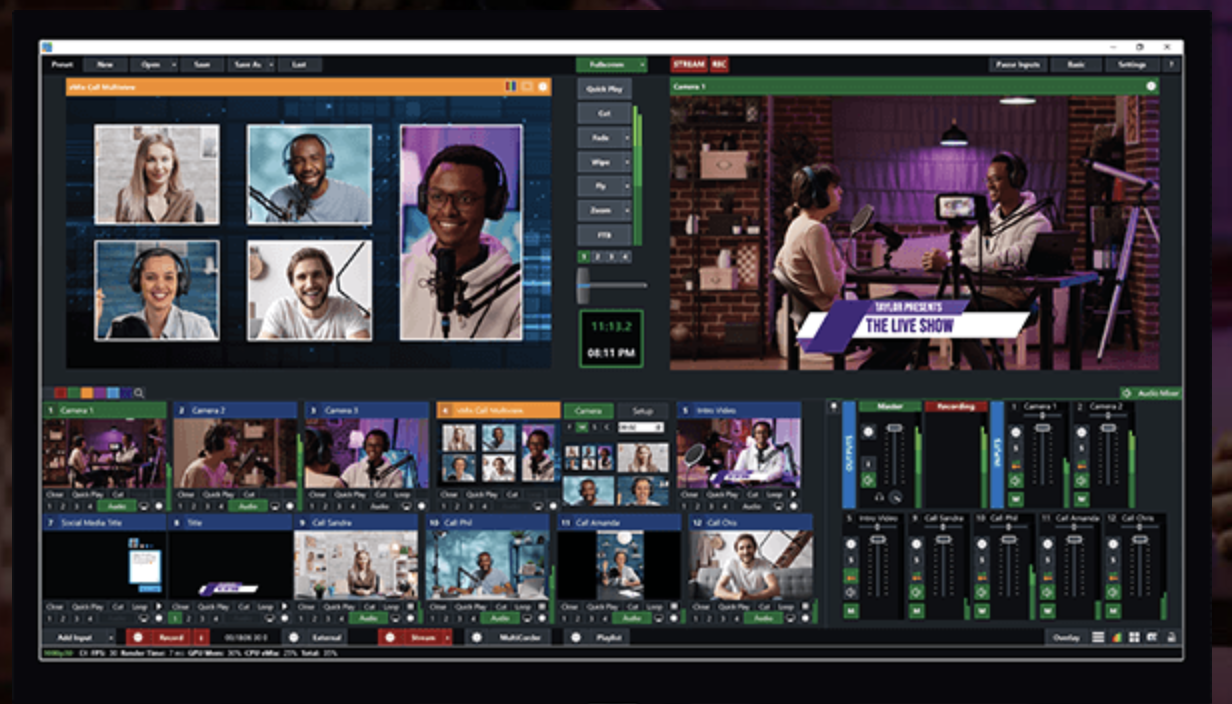
vMix is commercial streaming software, an alternative to the free OBS. It has a two-month free trial for evaluation. Paid versions range from $60 to $1200 for lifetime license, or a $50/month subscription. All versions include basic GT Designer support, but for gymnastics events, customization of the standard title is required. The minimum version after the trial is vMix 4k, which costs $700 for a lifetime license. This investment is quite affordable compared to TV production fees.
GT Designer, an addition to vMix, allows the design of animated Titles (overlays). It integrates smoothly with vMix and allows title adjustments on the fly or per event.
vMix Datasources is a feature that allows data to be pulled from external sources (text files, CSV, APIs) and mapped to titles. In the next section, we'll describe how to create a JSON datasource that provides data from OVS.
Extend OVS API
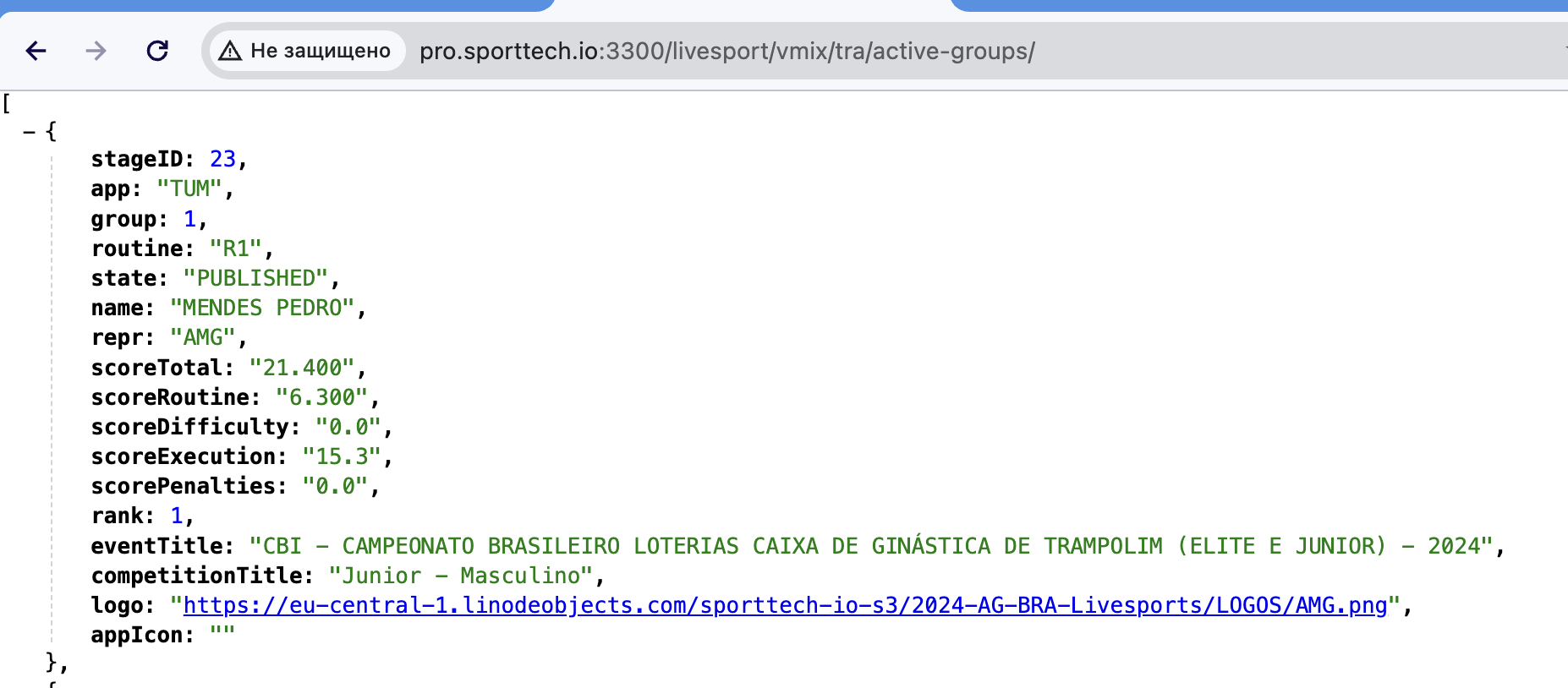
For those interested in integrating OVS data, we have always shared the "sporttech.io API presentation.pdf." While not intended as official API documentation, it served the purpose. To address developer concerns, we now publish a small example project that can be extended to provide a more traditional API. This project:
- Launches a small Node.js Express server that connects to OVS and pulls data (continuous, providing always up-to-date data to the API extensions)
- Provides a sample extension that processes OVS data into a vMix datasource suitable format
You can find the project on GitHub: sporttech.io-api-ext. It includes the sample API extension used for the event in Brazil.
vMix Datasource Connection
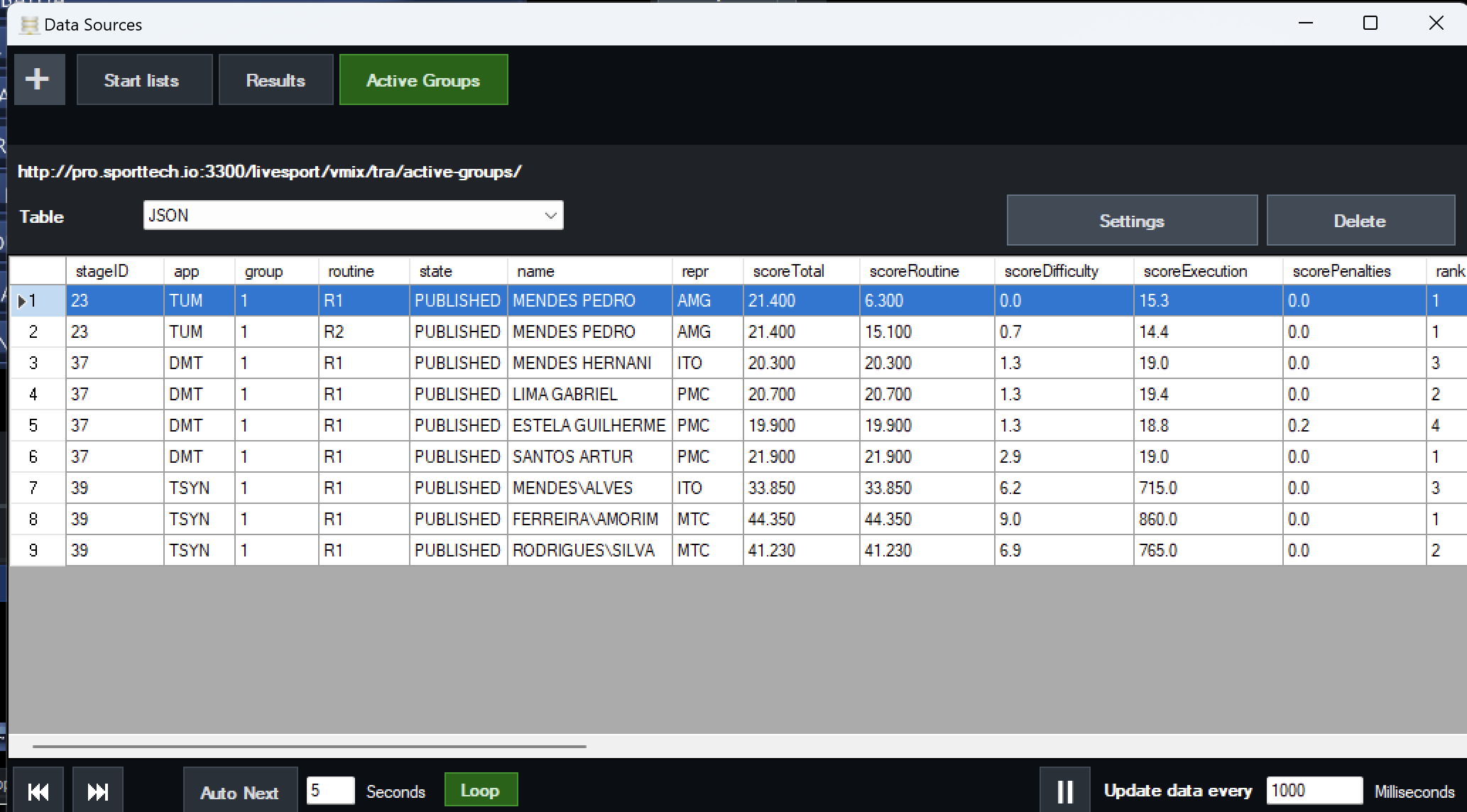
To connect the data to titles, first add the datasource. For the event in Brazil, we used three endpoints:
- `<server><api root>/active-groups` – returns the list of athletes for the group with recently published routines.
- `<server><api root>/startlists/<stage-ids-kebab>/chunk/8` – the start lists for the listed stages, divided into 8-line chunks to fit the overlays.
- `<server><api root>/results/<stage-ids-kebab>/chunk/8` – results for the listed stages, divided into 8-line chunks to fit the overlays.
If set up successfully, you will see the data table in the vMix datasource manager. The next step is to map the datasource columns to the title values. A sample can be found in the vMix datasource documentation.
Titles Output
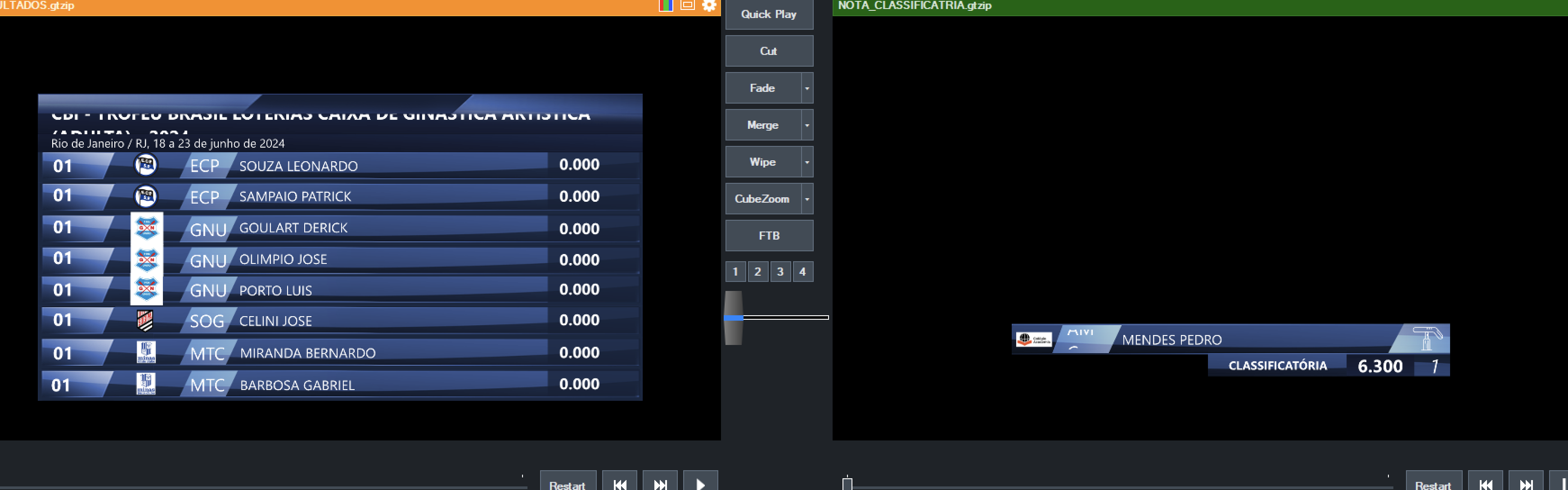
If you use vMix for streaming, there should not be any issues overlaying titles on top of the stream. For TV production, you might need an SDI output to send the produced title to SDI. vMix documentation lists the supported devices and the setup instructions. Essentially, you need two SDI outputs for "fill" (the picture) and "key" (transparency mask).
Give it a try
We hope this article and sample project provide a jump start. Feel free to contact us if you need help. If you are not into building the sample project, we can set up a hosted solution for you. You will get a link for your event, such as:
http://pro.sporttech.io:3300/livesport/vmix/tra/startlists/1-2-3/chunk/8
that you can use as the datasource for vMix directly.