Easy ADB - a convenient shell for the console
Codename LAB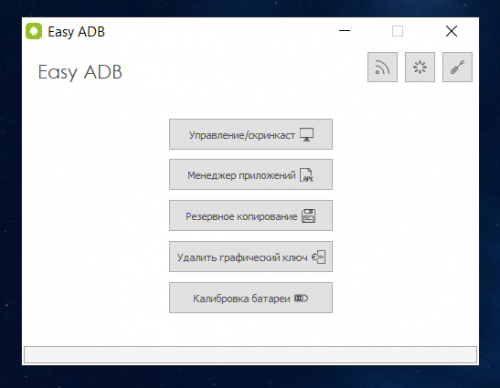
You must have root access to the program in order for it to function.
A graphical, user-friendly, good-looking utility for ADB management.
Features:
- Phone control from PC/Display screen.
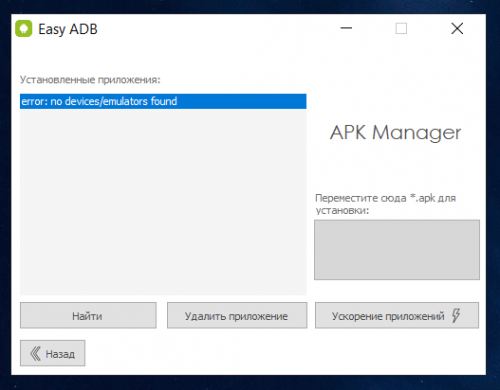
- Application manager (install from PC, remove installed)
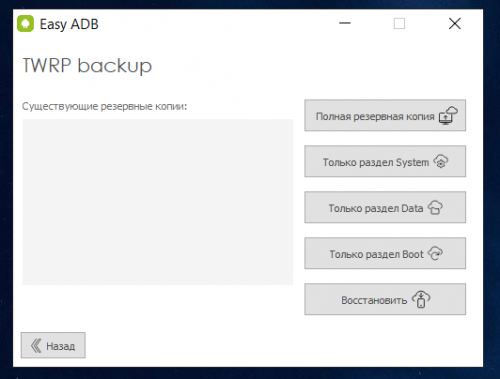
- TWRP backup directly to your PC (via USB)
- Remove Pattern Lock, phone password
- Battery Calibration
It's possible to connect by USB and also by Wifi.
Install the app on your phone by simply dragging and dropping the APK into the app! Back up boot loader, system, installed programs or full backup in one click!
To connect to your phone:
- Enable Developer mode on your device: Settings - About Phone - Tap the Firmware Version line 5 times;
- Allow debugging via USB: Settings - Special Features - For Developers - enable item Debugging via USB;
On your PC install:
- ADBDriver.zip
- You will also need Wi-Fi ADB for wireless connection.
The folder with "EasyADB" must be in the root of your hard drive! (defaults to drive C)!
Write your feedback about using the program. Everyone's opinion counts!