Ds Aio Documentations
Zikobots
NOTE : THIS GUIDE IS A BIT OUTDATED PLEASE CONTACT ME FOR QUESTIONS discord : Zikola#4248 telegram : zikola_cto
Main Tab

[ THREADS ]
" Browsers that will work in same time, you want 10 working same time put 10 "
! Amount of recommended threads depends on your server or pc power !
8 core is not same as 8vcore and so
16 core could run 70-100
16vcore could run 60-80
8core 15-30
6 core 10-20
Note : 4 core 2 core 1 core = don't even think about it
------------------------------------------------------------------------------------------------------------------------
[ AMOUNT ]
- You want 10 tokens put 10
------------------------------------------------------------------------------------------------------------------------
[ CREATE ]
Unverified :
You need hq proxy , good for joining could age but they die fast after use
Mail verified :
recommend hq proxy + gmail,hotmail,outlook
Mixed :
bot will try to get you mail verified no locked if its locked he will push it to full verified so you don't loose resources.
Full verified :
also need hq proxy + SMS numbers , costs more but strong tokens (even full verified can get disabled if using bad emails or proxy )
Settings Tab

[ PROXY ]
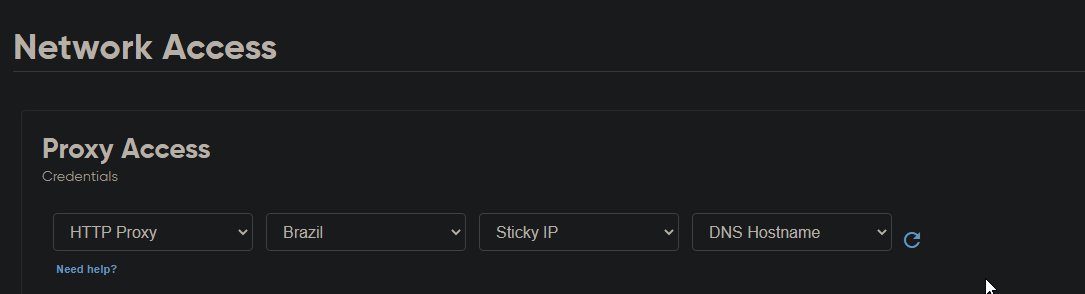
I Recommend using https://bit.ly/36QGLFm Cheapest and working great [ works for full ]
also i recommend https://bit.ly/3wMkIKC [ works for em & unv ]
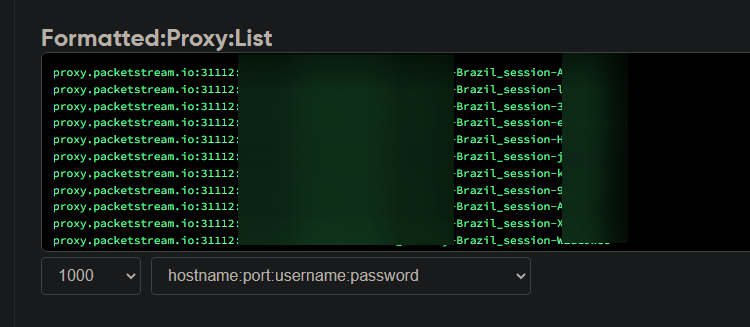
Import txt file with same format as chooses in "Proxy Format"
Note : " DON'T USE WEBSHARE OR ANY DATACENTER PROXY ONLY RESIDENTIAL !!!!
don't use rotative country always choose country and ip always sticky for better result
you can use mobile proxy too
------------------------------------------------------------------------------------------------------------------------
example of settings :
[DELETE PROXY] :
If checked yeh it will delete proxy from list every time its used one by one.
Sms Tab

SMS : "Click on drop and choose your service | google the SMS service then top-up the balance then copy their api to the bot.
I recommend using this " https://bit.ly/3tGOlLD "
Operator : Put the name of operator correct and make sure they have numbers available.
Country code : "make sure the SMS service support the country for discord"
SMS API : you gonna find it on the SMS service you choose when you top-up the balance.
Captcha Tab
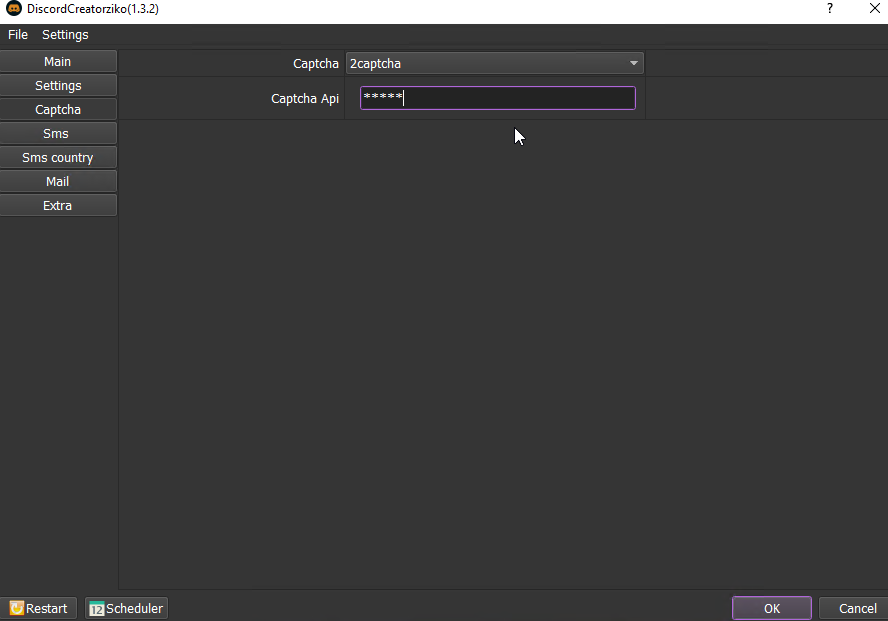
Captcha : search on google the service u want then top-up balance then copy their API to the bot.
i recommend only use this service for now : https://bit.ly/newcapziko
captcha API = "you gonna find it on the captcha service you choose when you top-up the balance"
Mail Tab
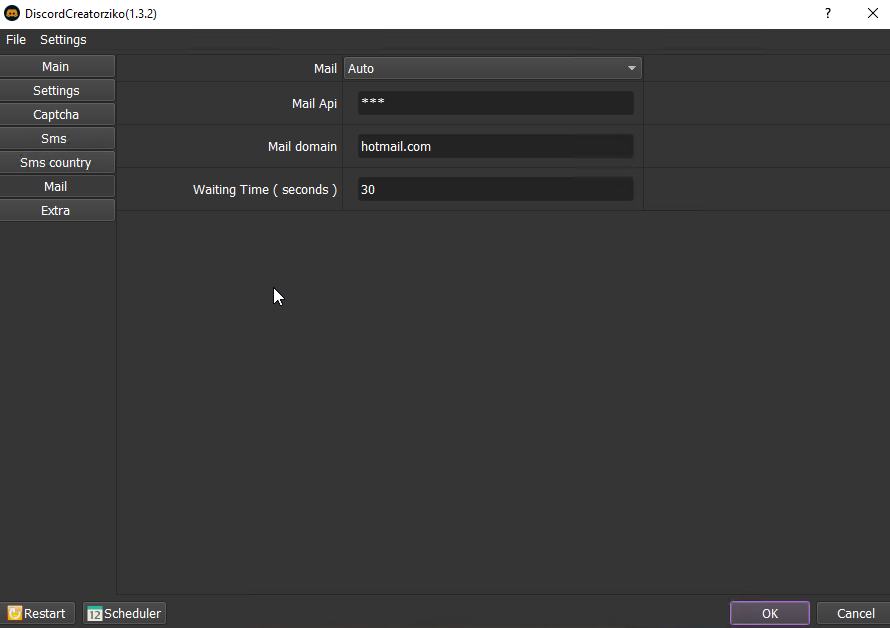
Mail :
[Auto]
you gonna use an external mail service that offers mails verification for money
first register here https://bit.ly/35dJ4lf
after that translate to English
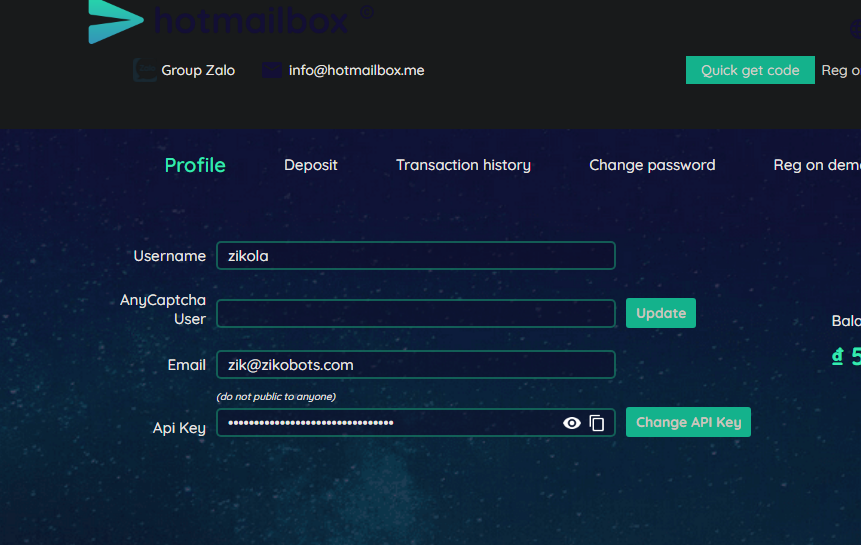
go to your profile by clicking in the left bar then copy your api from there
go to the bot and paste it into mail api
for the discord bot you have 3 best options to put in mail domain
GMX or gmail.com or hotmail.com
just put any of those or 3 of them by typing GMX,gmail.com,hotmail.com in mail domain
NOTE : * Don't do anything on the site just copy paste api in bot
* I don't control their mails quality
* Always topup small amounts to test first
[Imap]
when you are using your own email list
- the emails you are importing should be Imap enabled
Imap server :
- Auto : when using Gmail Hotmail gmx mail ru and those public domains
- manual : when using your own domain name
Email List : txt file with your emails lists in format ( email: pass )
You can use our Gmail bot to import Gmail emails : https://bit.ly/3unXp76
[Catchall]
Catchall is when you have a private a private domain and you forward all coming emails from random@domain.com to a one gmail/hotmail/yahoo/yourmom inbox and the bot will
randomly generate emails then grab links from inbox using imap
- in catchall imap host : put gmail/yahoo/hotmail imap server
- catchall inbox login : put gmail/yahoo/hotmail email:password
- catchall domain : put your domain like zikobots.com
NOTE : if you're using catchall and you are getting too mush reception error do this :
- make sure you're enabling less secure apps ( https://myaccount.google.com/lesssecureapps ) & imap
- open the mailbox on the same rdp or pc you're using bot
- if you received critical mail from google click on its me
HOTMAILBOX API
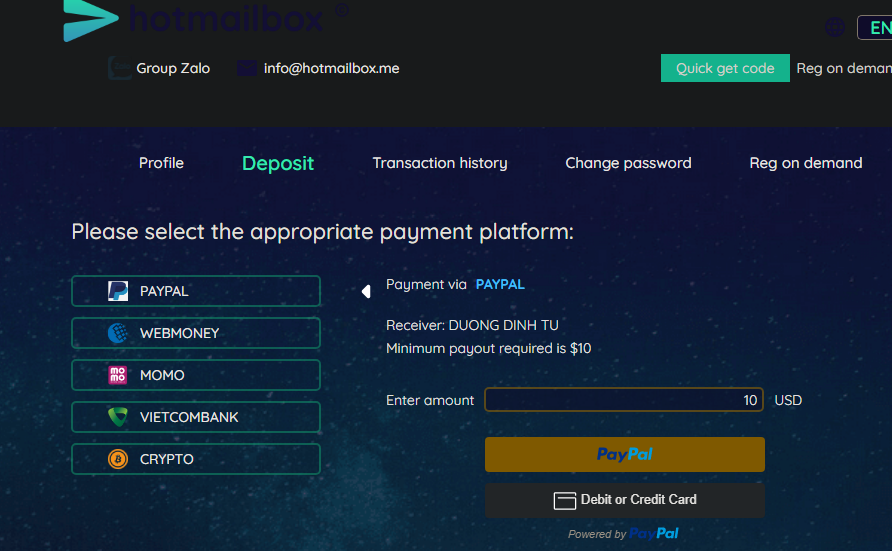
First : deposit into your account [ https://hotmailbox.me/home ]
Second : copy paste the api into the bot


Extra Tab
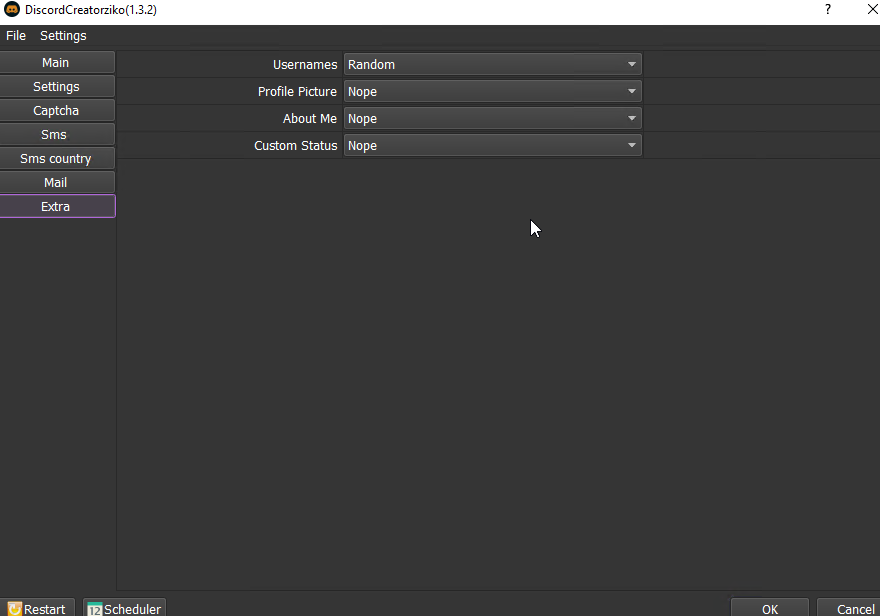
Usernames :
- random = bot generate for you
- Custom = import your own list of usernames one per line
Profile Picture :
import the avatars you want to upload ( just choose the folder the avatars is on )
About Me :
Import txt file with lines one per line
Server Joiner

Tokens : import txt file with tokens one per line
server ID : format ( https://discord.gg/ID ) Just copy paste the ID
Timeout : send ever X seconds
Q&A:
Q :SMS is taking too mush time its so slow ?
A : I'm not the SMS services owner you need to test various country to choose the best one
Q: I'm using residentials proxies and I'm getting a lot of disabled ?
A: not all residentials will work perfect on discord
Q: I'm using imap and I'm getting's a lot of mail fetch errors
A: make sure that imap is enabled and less secure apps on if available
Q: I'm getting some weird Russian fails
A: change the mail domain that means they are out of stock
Gmail Bot
Results Folder !!!
All results are saved into your desktop under discord folder.
if you can find it use search option for discord.
Errors explained !
1-Email service error [ out of stock ]
this means that the domain name on koopechka is out of stock so change it to another or use hotmailbox
2 - OMG FULL VERIFIED TAKES LONG TIME :
full verified use SMS numbers and for that we use external services so if a code didn't arrive we have to cancel refund and use another number | its not bot fault its the numbers service !
3 - Emails reception error :
Please not if you are using koopechka service i don't control their email quality so don't ask me about it
for catchall is well explained in this guide
4 - Mail verify disabled account :
This means bot has success in mail verification but discord still asking for phone verification !
to avoid it use Gmail Hotmail and good proxies !
5- Disabled Account :
either shit fuck proxies or u are using tempmail or some spammed domains for emails !
6- Waiting for resource proxy
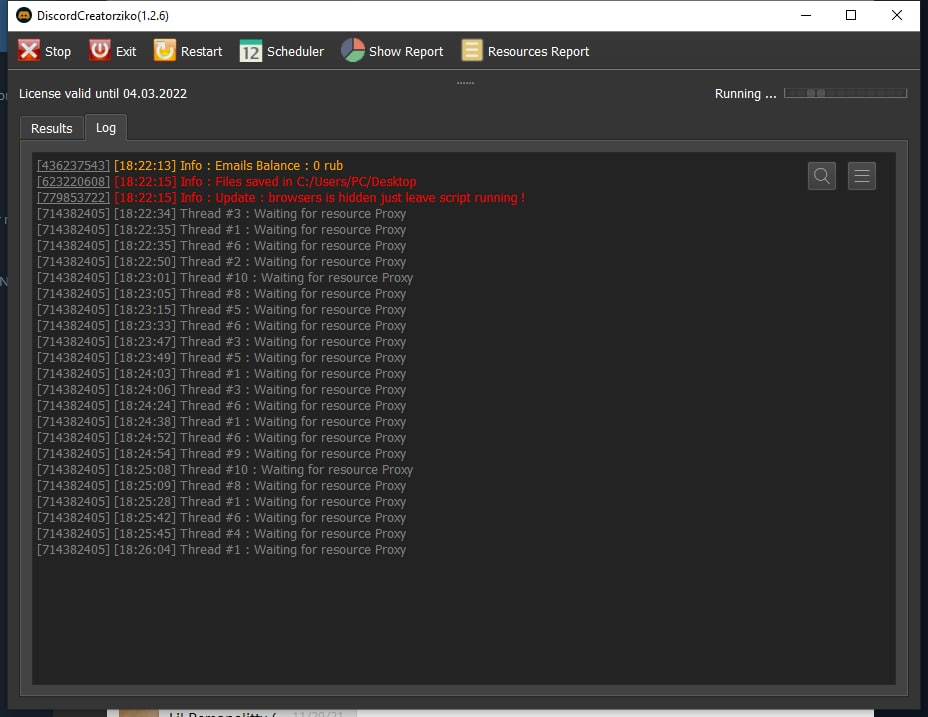
Please note each thread should have his own proxy so if you got this error you need to put proxy lines in file !
5 - Failed to start browser, not enough system resources. Free memory 1435 mb, processor usage 100 %
Lower your threads amount your pc/rdp/vps can't run that amount of threads
6 - Please use 7zip to extract bot folder.
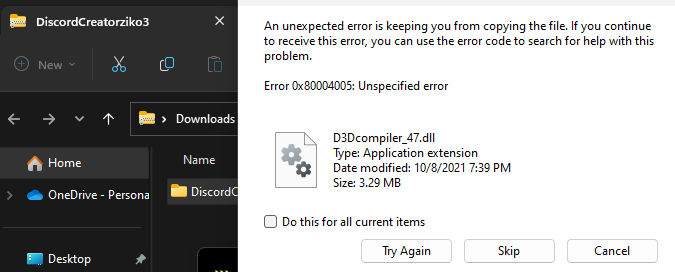
Download Link
https://mega.nz/file/m5kWAJoC#L3FZbhceiZTbbrWhVjjewCgS3encu1oohHll3emUBkQ
Cleaner Tool
https://mega.nz/file/2t8AQbAQ#x1BPlhnKvGkJhUB_u1FuvBKVcOxAmu3SiBUe8hByF5k
Another checker
https://github.com/RANKTW/Discord-Token-Checker
Private domain imap
You gonna need a domain & hosting
example name cheap :
you import addresses into cPanel with address importer
Download example file : https://mega.nz/file/7ZxVFaJZ#sNeC_9UURO3dWy4VGIr-50d-3YLD18oJDZvCDxB45-8
Then you go to the bot and in imap server you choose manual and put : mail.yourdomain.com
and you import the addresses from txt file in format Email:password one per line .