Draw in console
YAJC Become Java programmerIn the previous post we've seen how we can output some text to the console. Let's play with the output a bit more and see what we can achieve with it.
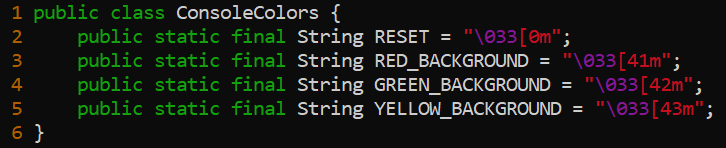
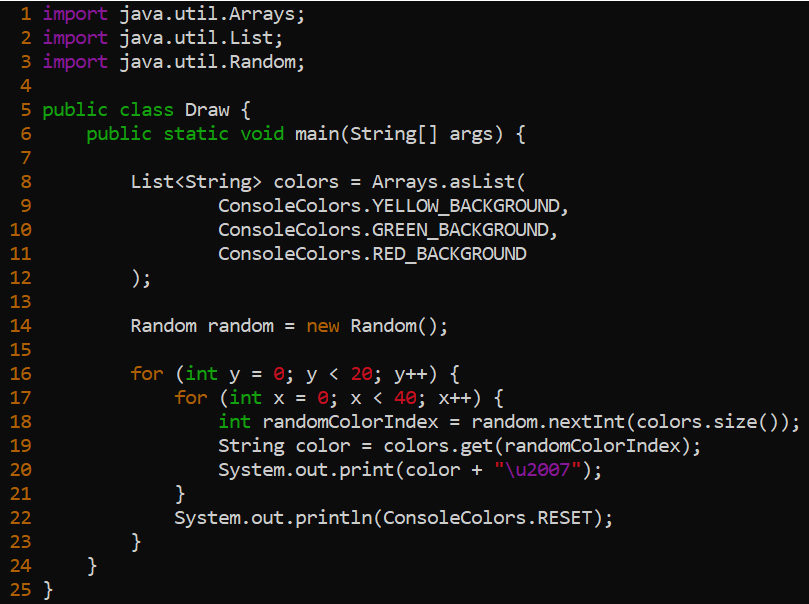
In this project we will create 2 classes. The 1st will contain special symbols which help us to color the output and the 2nd will contain the code which will print randomly colored squares.
The 1st class source code: https://github.com/yajcjava/console-project2/blob/master/ConsoleColors.java
The 2nd class source code: https://github.com/yajcjava/console-project2/blob/master/Draw.java
What does it do?
Here we use some special symbols which will colorize the output. Actually they paint background and since we print a whitespace - we will have a colorful square (kind of square 😁)
It iterates over 2 loops (with total 800 steps). On each step it choses a random color and draws a square with the selected color. Each 40th step it goes to a new line.
Let's run it!
To compile these two classes you only need to run javac Draw.java and it will compile ConsoleColors as well.
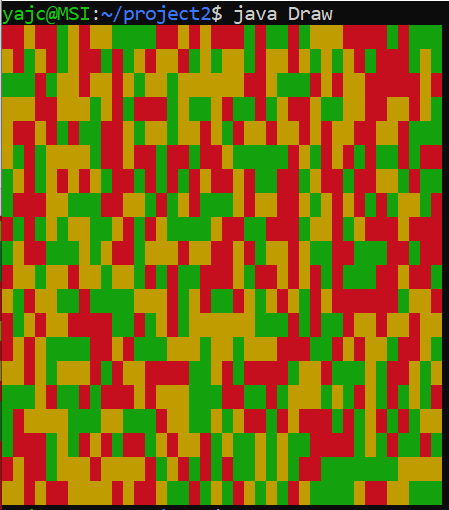
When you run java Draw you should see something like this. Beautiful isn't it?
Further steps
In the next post we will try to understand what happens on each line and how it works.