Distance Calculator widget guide (en)
CGLikeControlls
LMB: set second point of the selected line
RMB:
- Click - set first point of the selected line
- Press - set first point of the selected line and drag second point until release
Guide
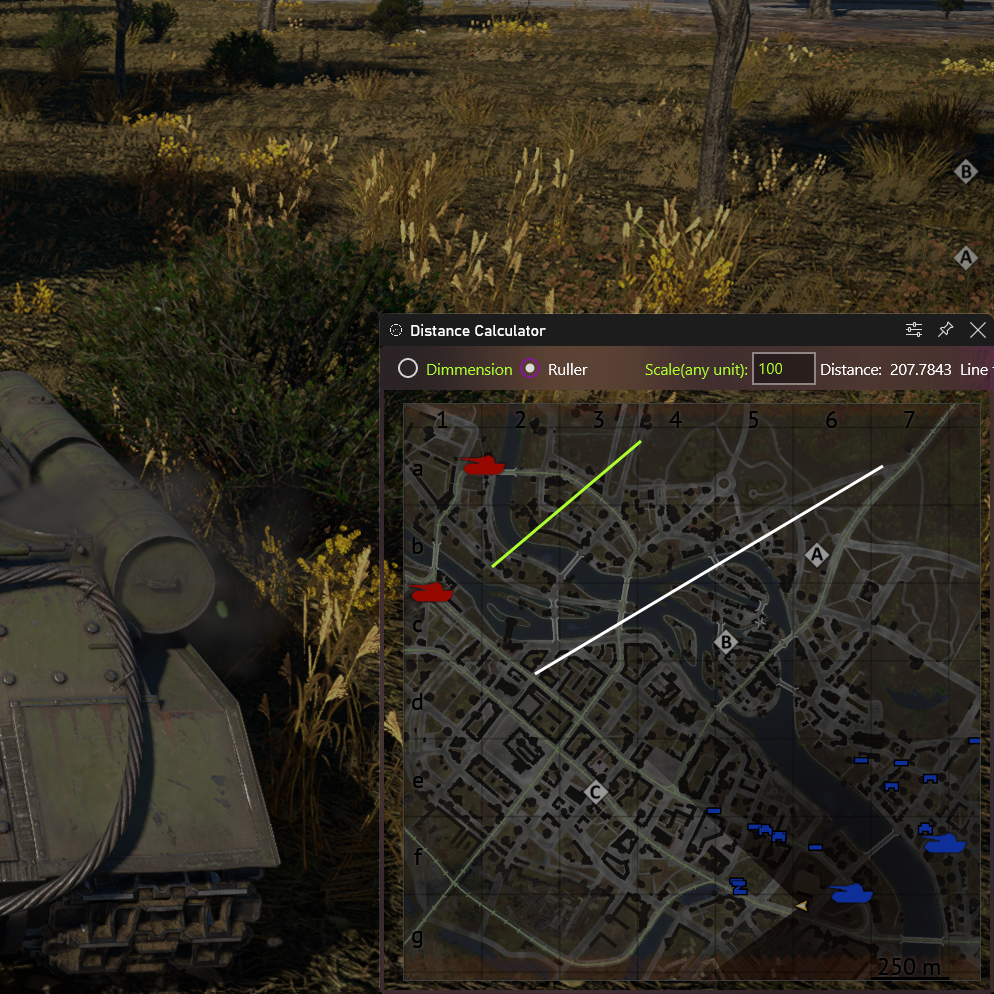
Open widget and place over the map.
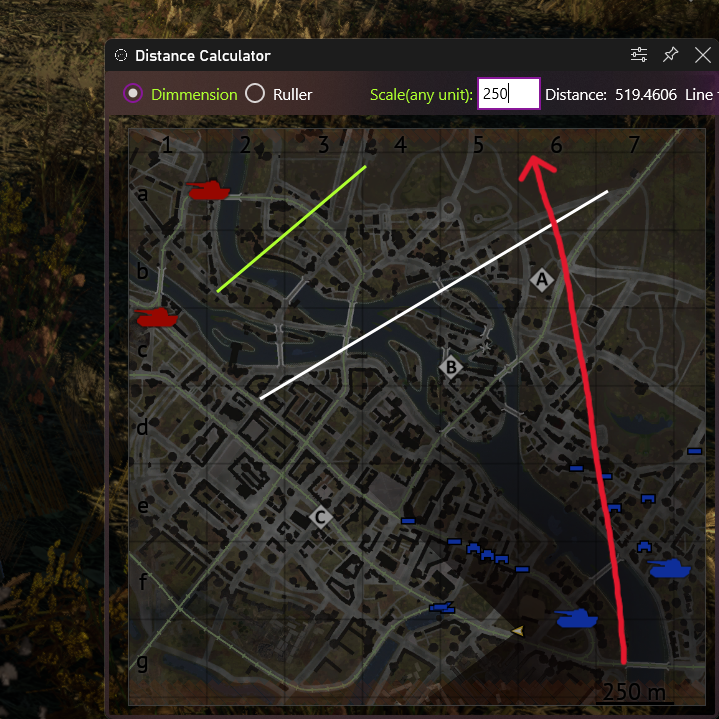
Set length of the green line (we use map scale)
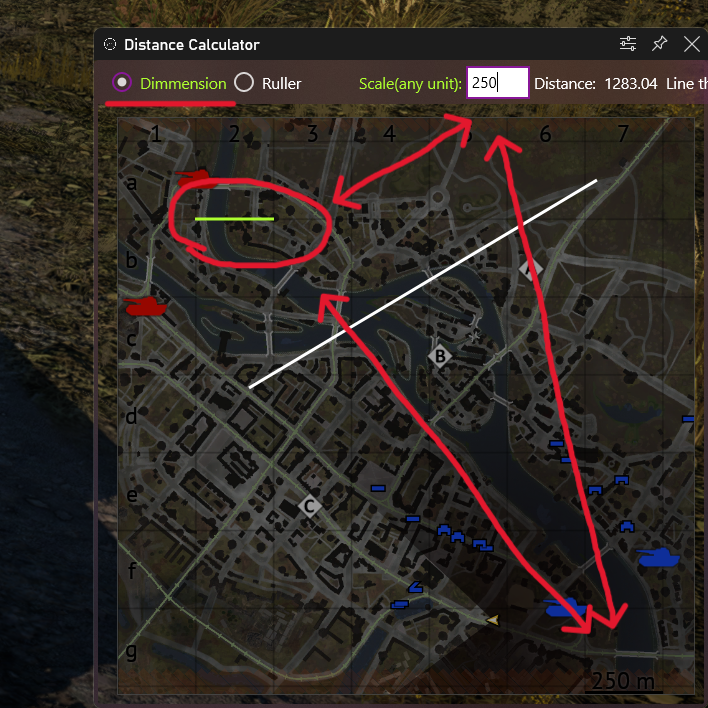
Draw the green line to set scale (we copy map scale line)
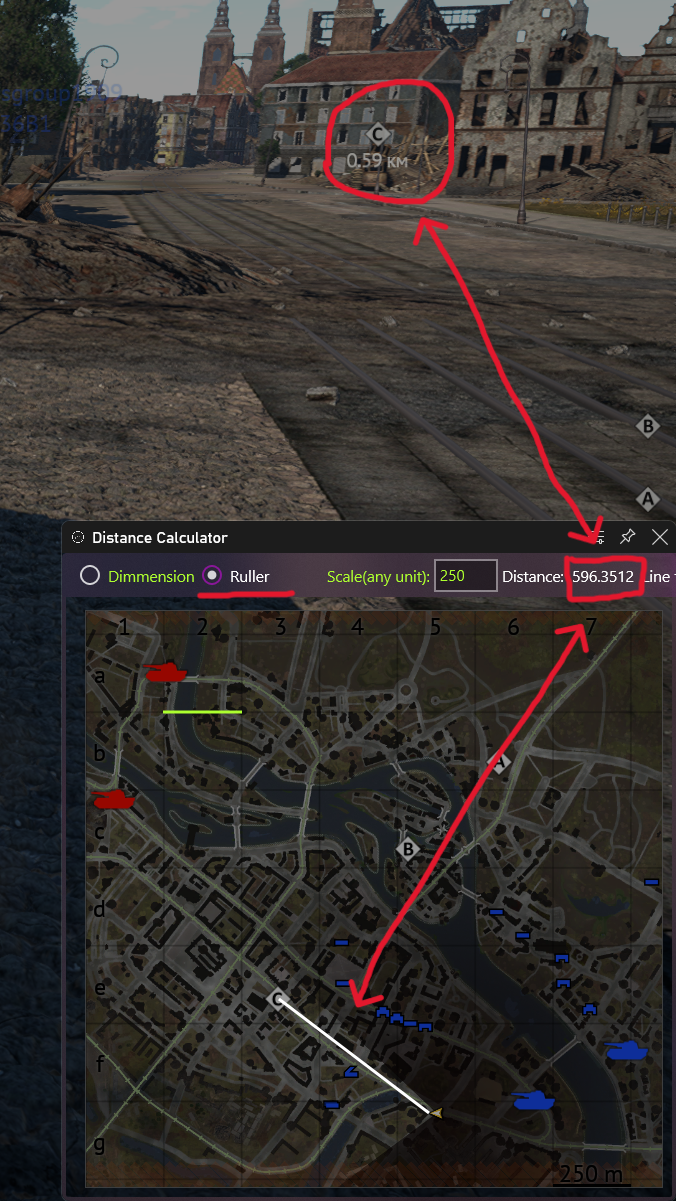
Use Ruller to measure distance from A to B