DiagramPreview - paste Mermaid/PlantUML/OpenAPI/SQL and export diagrams
Lipengxs2014LLMs are now very good at generating Mermaid, PlantUML, OpenAPI flows, SQL schemas, Docker Compose snippets, and Kubernetes manifests.
But there is still a practical gap in the workflow:
- The model gives you diagram text.
- You still need to preview it.
- You often need to fix small syntax errors.
- You need SVG/PNG/PDF export before adding it to a README, design doc, or proposal.
For example, an LLM can generate a Mermaid sequence diagram like this:
```mermaid
sequenceDiagram
autonumber
participant User
participant Web
participant API
participant DB
User->>Web: Submit checkout
Web->>API: POST /orders
API->>DB: Create order
DB-->>API: order_id
API-->>Web: 201 Created
Web-->>User: Show confirmation
```
That is a good draft, but I still want to check whether it renders, whether the labels are readable, and whether the exported SVG looks clean in the final document.
The same thing happens with API and DevOps docs. The source might be YAML instead of Mermaid:
```yaml
paths:
/orders:
post:
summary: Create order
responses:
"201":
description: Order created
"401":
description: Missing or invalid token
"422":
description: Invalid order payload
```
Or a Prometheus alert rule:
```yaml
groups:
- name: api.rules
rules:
- alert: HighApiErrorRate
expr: sum(rate(http_requests_total{status=~"5.."}[5m])) / sum(rate(http_requests_total[5m])) > 0.05
for: 10m
labels:
severity: warning
```
I built DiagramPreview to cover that missing step:
https://diagrampreview.com
Here is what the preview workflow looks like:
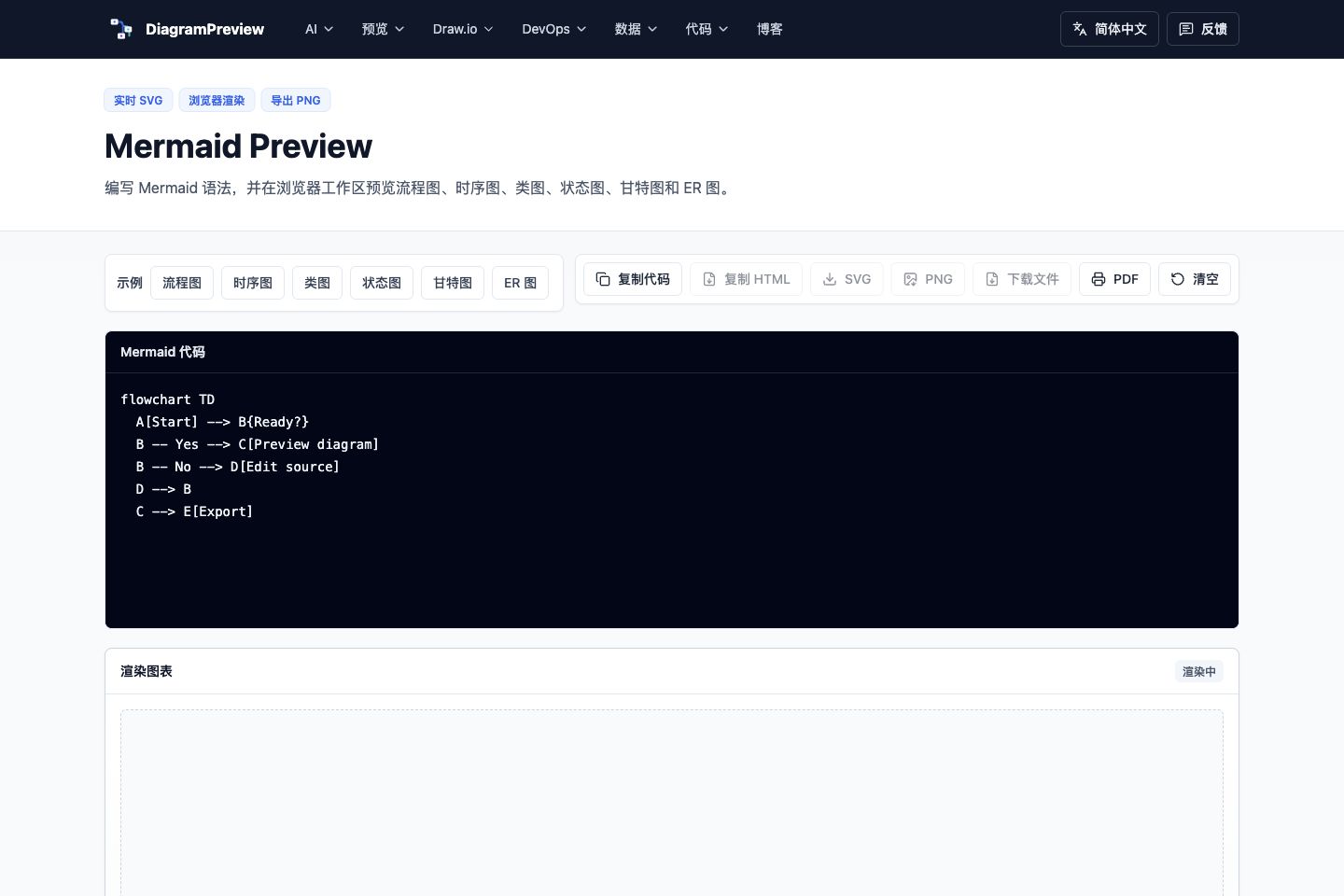
The workflow is simple:
1. Ask an LLM to generate a Mermaid, PlantUML, or architecture diagram.
2. Paste the result into DiagramPreview.
3. Preview the rendered output.
4. Fix syntax issues if needed.
5. Export it for documentation.
I also like keeping both the source and the rendered output in the repository:
```text
docs/
architecture/
checkout-sequence.mmd
checkout-sequence.svg
observability/
api-alert-rules.yaml
api-dashboard.json
```
That way the diagram remains editable instead of becoming a one-off screenshot.
It currently supports Mermaid, PlantUML, Graphviz, D2, Markdown with Mermaid, OpenAPI to sequence diagrams, SQL to ER diagrams, JSON/YAML/XML/CSV visualizers, JSON Schema, Docker Compose, Kubernetes manifests, package.json dependencies, and regex railroad diagrams.
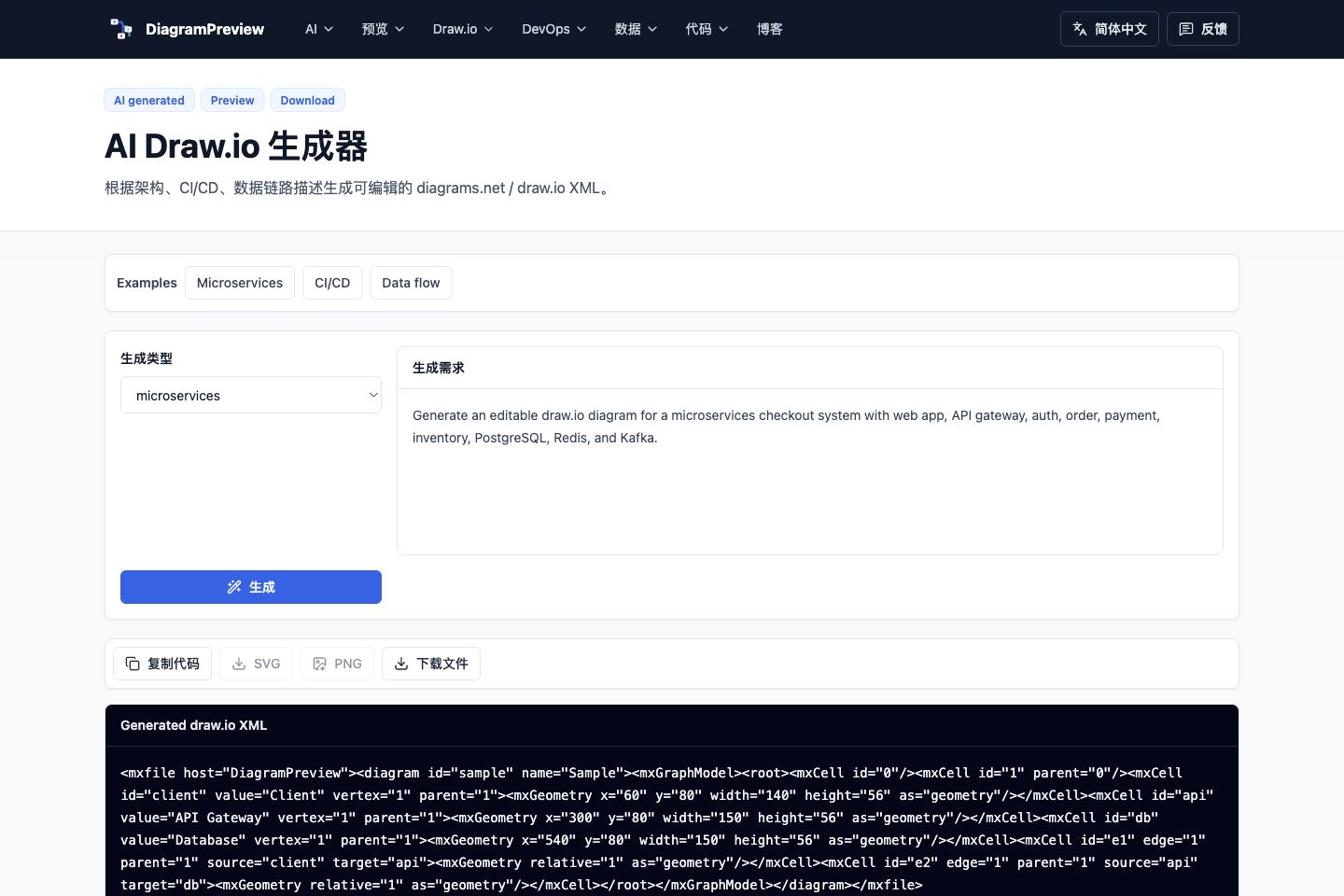
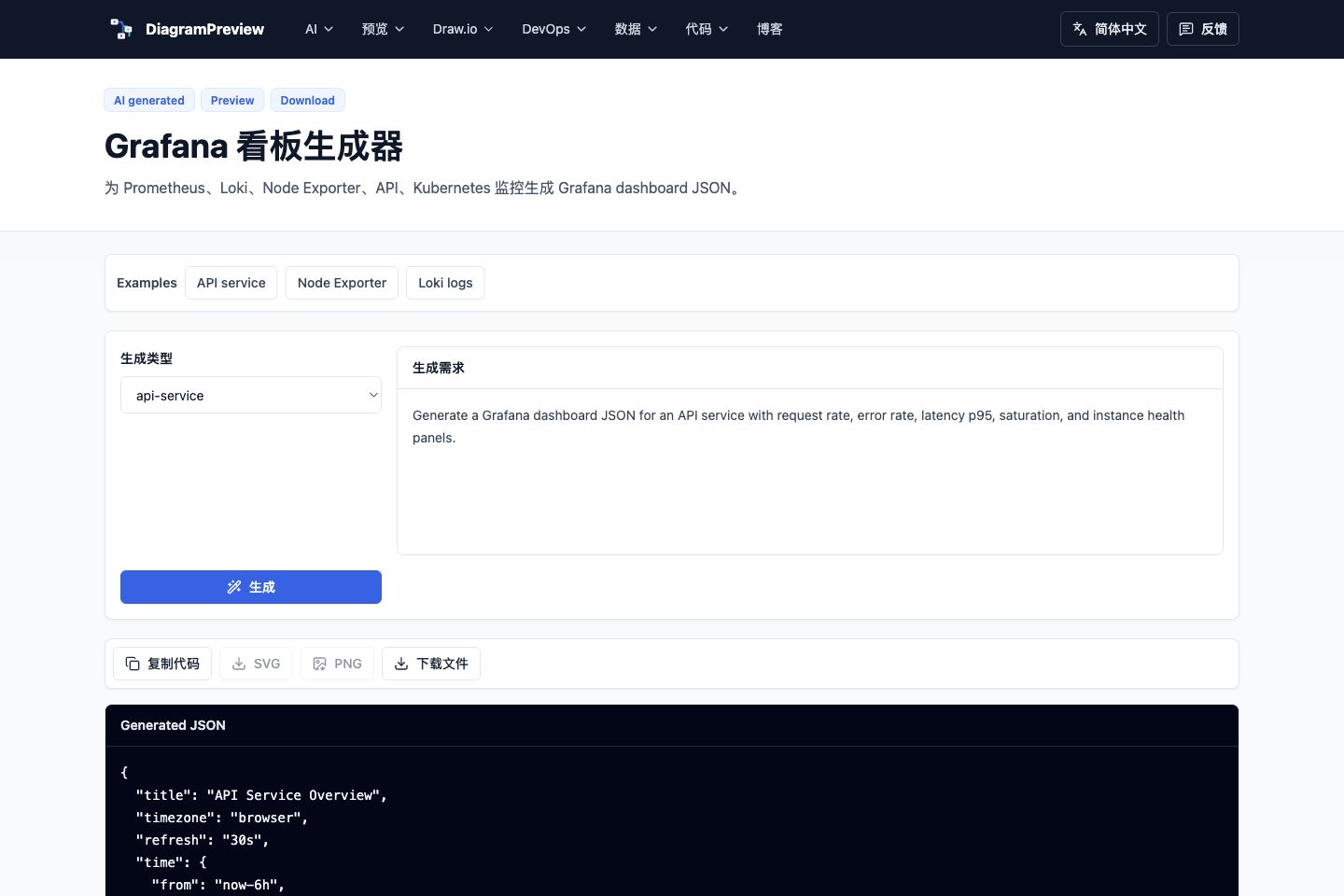
It also includes AI-assisted tools such as AI Draw.io generation and Grafana dashboard JSON generation:
The goal is not to replace AI. It is to make AI-generated diagram output easier to validate, edit, and ship into real documentation.