DerpFest Pixel 8 series - Install Instructions
By P.A.N.ZClean Flash
1. Be on unlocked bootloader
2. Flash Recovery - fastboot flash vendor_boot DerpFest-XXX-vendor_boot.img
3. Boot to recovery - fastboot reboot recovery
4. Factory reset / Format data
5. Select Apply update and sideload ROM - adb sideload DerpFest-XXX.zip
6. Reboot to system
Dirty Flash / Update
- Download the latest build for your device
- Ensure to take a backup to be on the safer side
- Boot to recovery - adb reboot recovery
- Select "Apply Update" and then "ADB Sideload"
- Flash the latest build - adb sideload DerpFest-XXX.zip
- Reboot to System
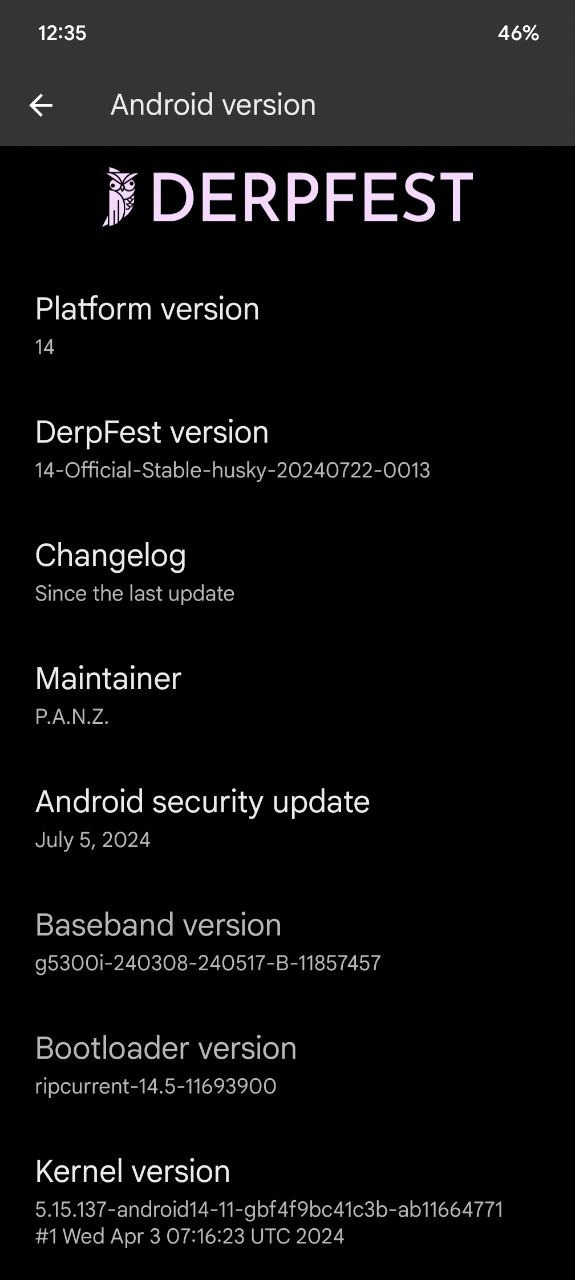
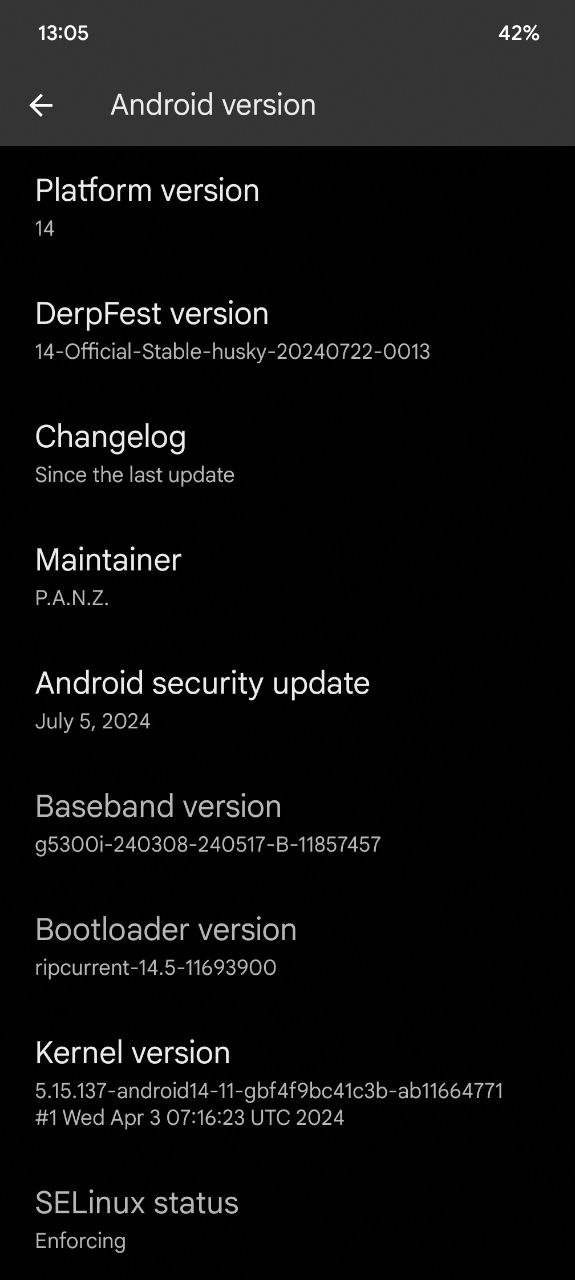
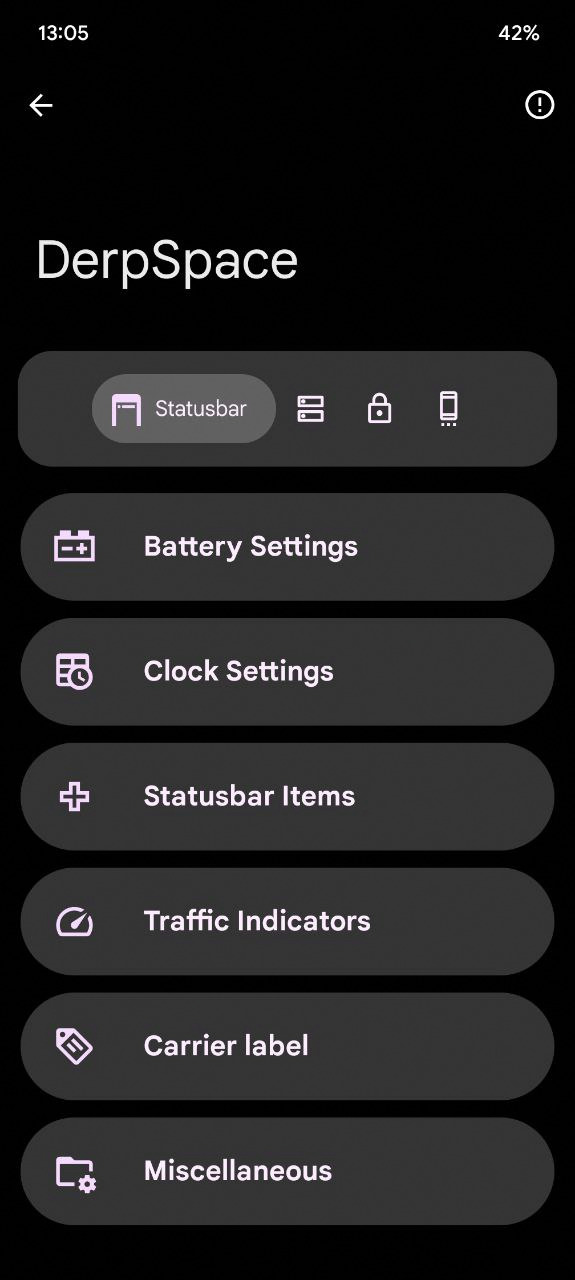
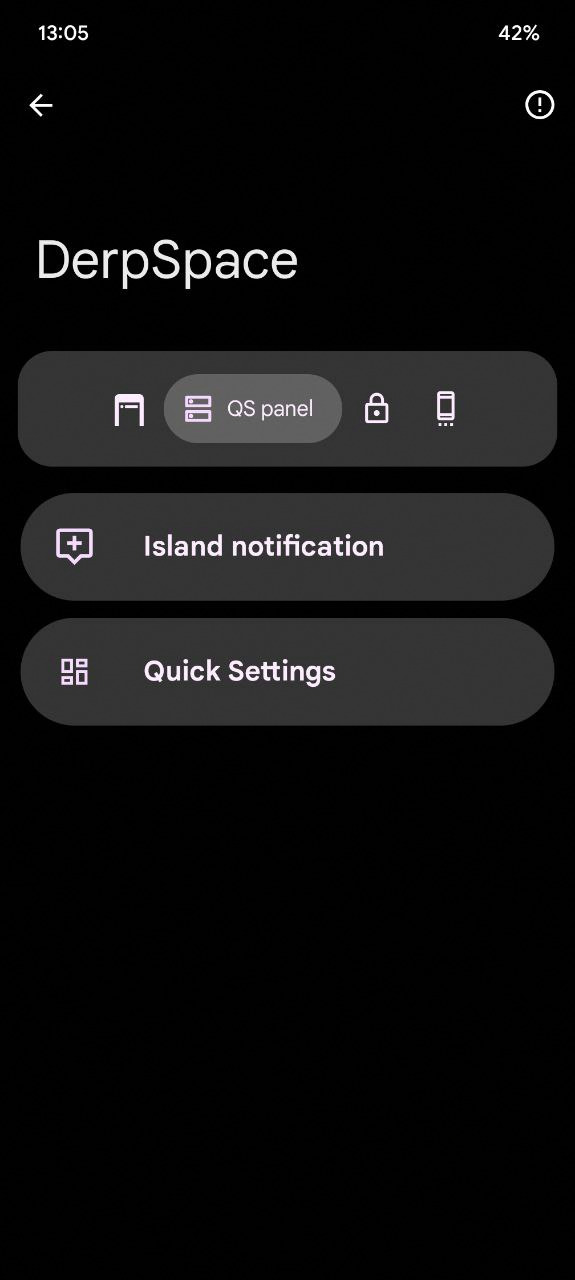
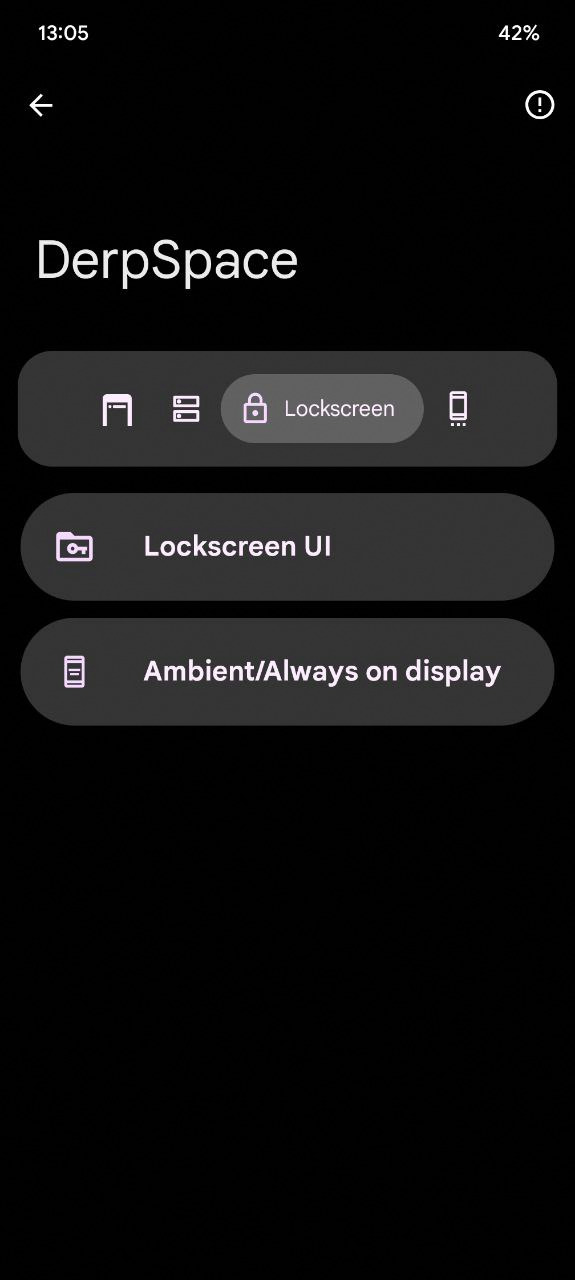
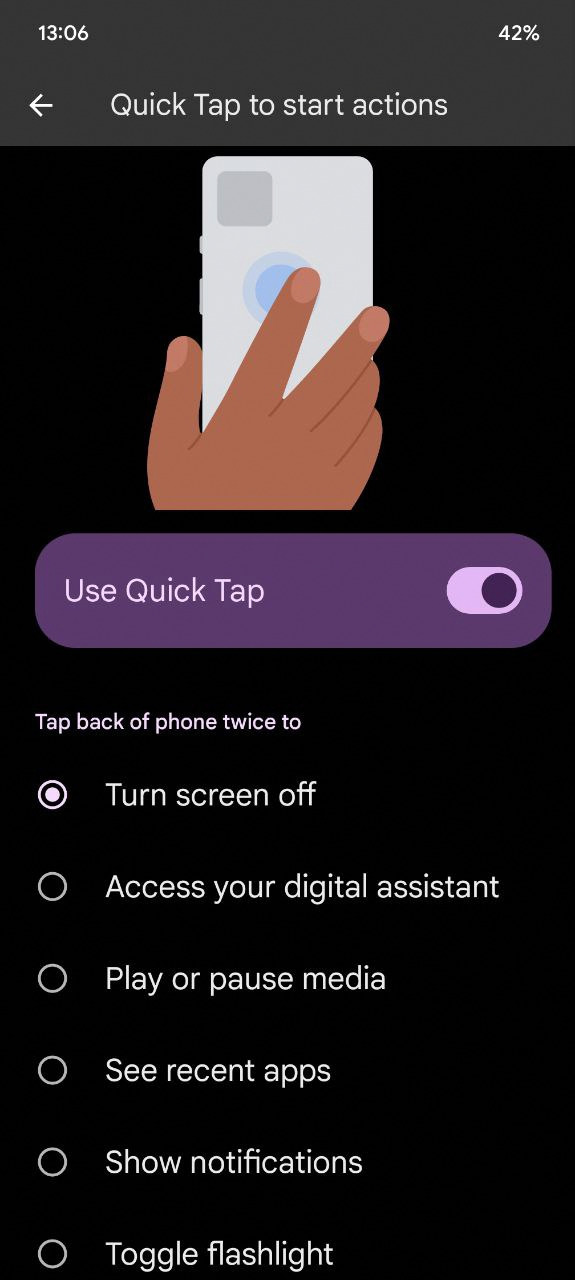
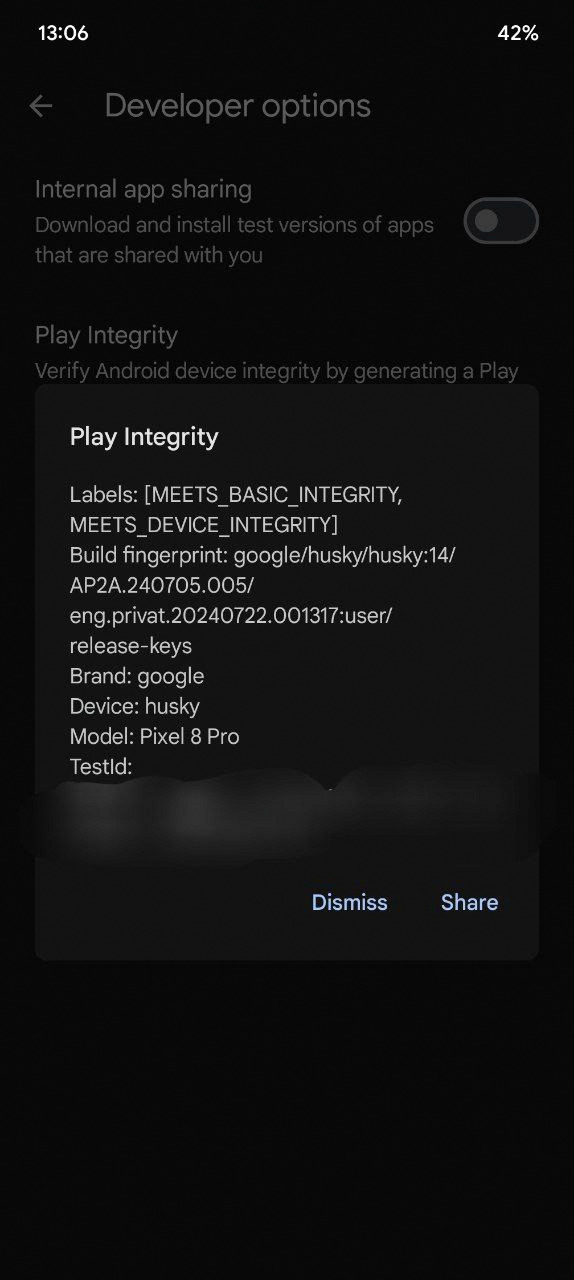
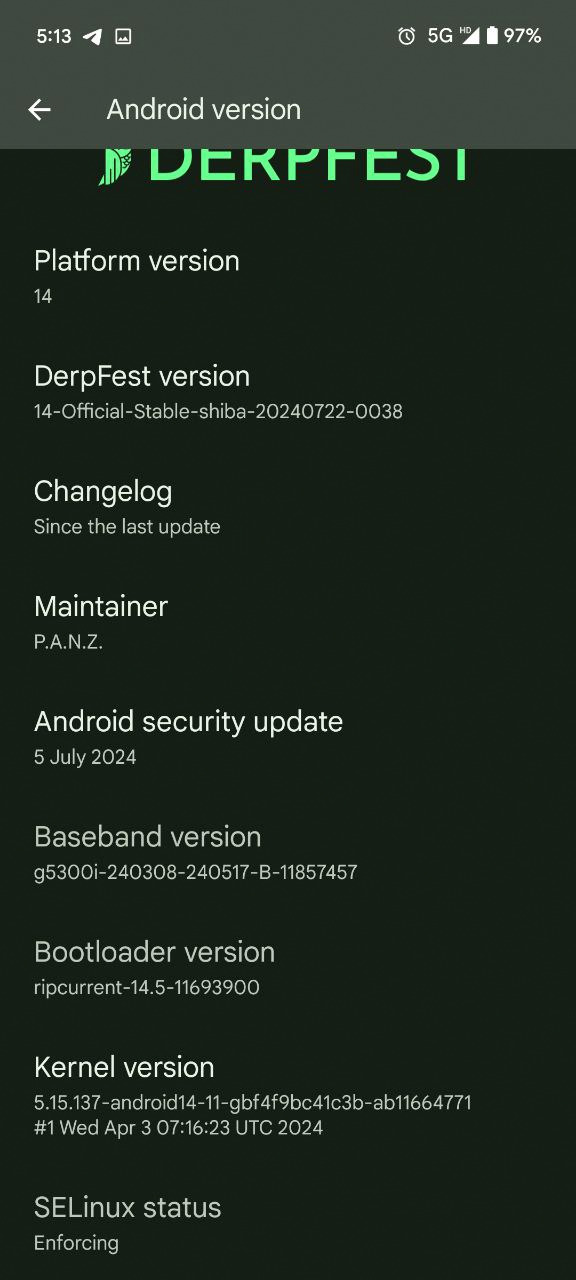
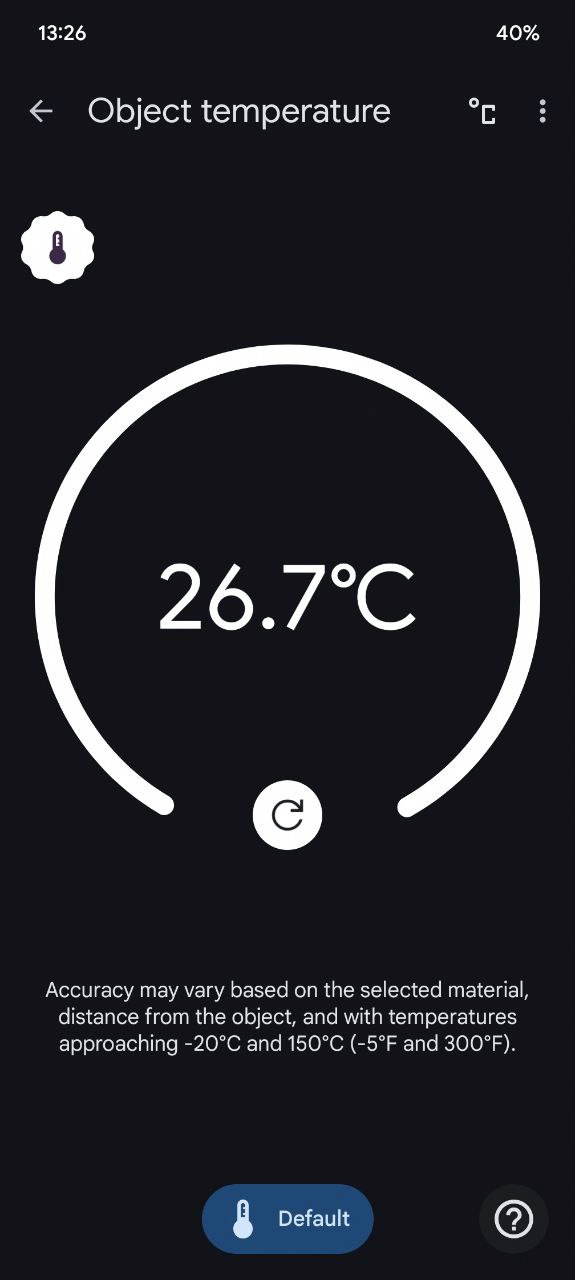
Screenshots: