Defbox Vulnerable SSH Write-up
Mikhail Aksenov
An SSH-setup with a password-based authentication. Common ssh passwords will be brute-forced in a matter of hours if exposed. Detect SSH password bruteforce
Lab descriptions tells us that SSH will be brute forced. Info about SSH and how it can be bruteforced can be found here:
- https://en.wikipedia.org/wiki/SSH
- https://www.geeksforgeeks.org/how-to-use-hydra-to-brute-force-ssh-connections/
Defbox asks us to find highlights when lab is deployed. What are the highlights for this lab?
- SSH Config file location
- User that was bruteforced
Let's try to guess the ssh config file location. What if we use the answer from google?
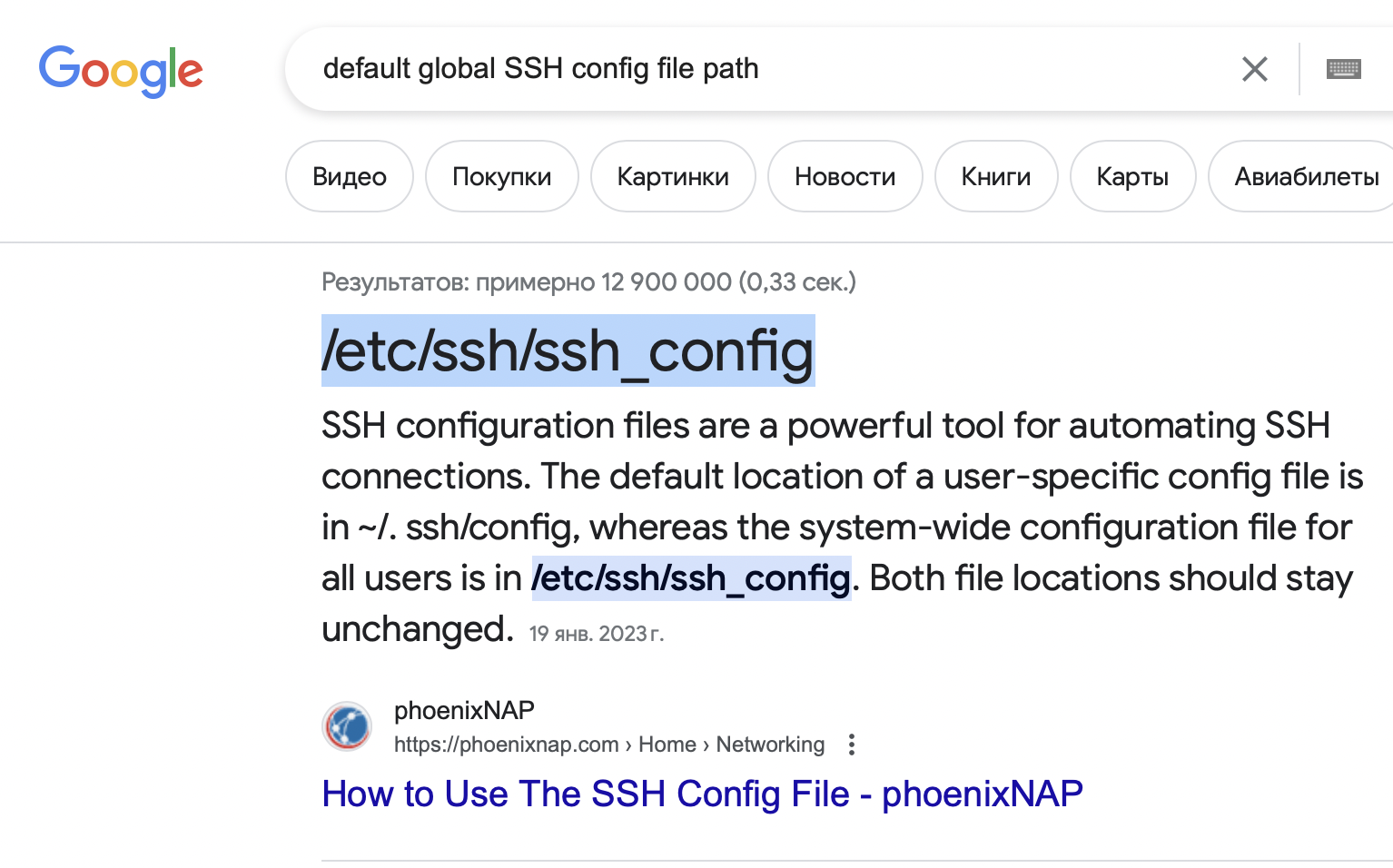
It works!
To find out the bruteforced user account we have to start the bruteforce. I will take a look at logs before I trigger the attack:
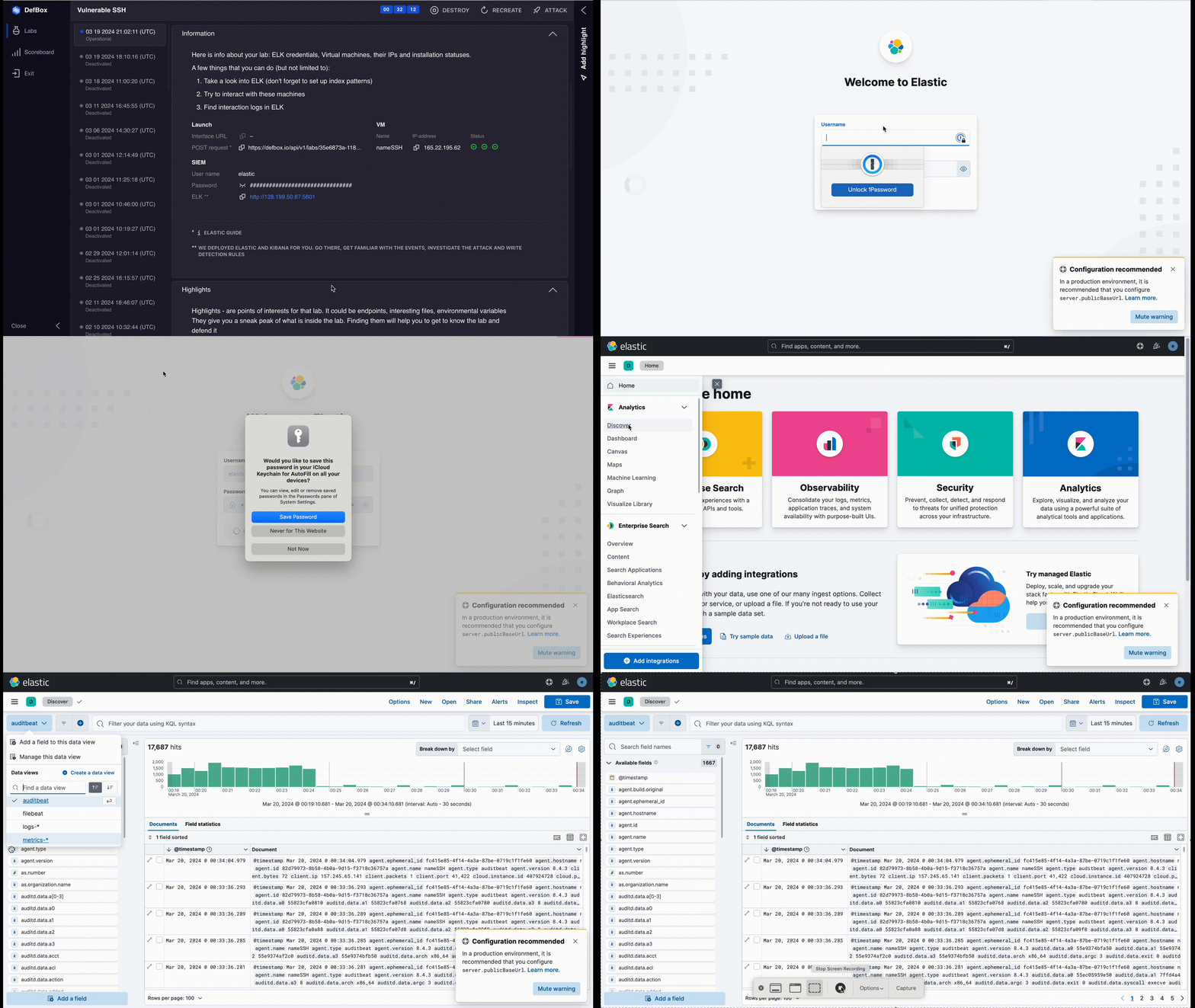
I'm looking at filebeat and auditbeat data views. If you don't know what these are I suggest you first take a look into these links:
Auditbeat collects data from the operating system. We can use it to see network connections, authentication attempts and various syscalls.
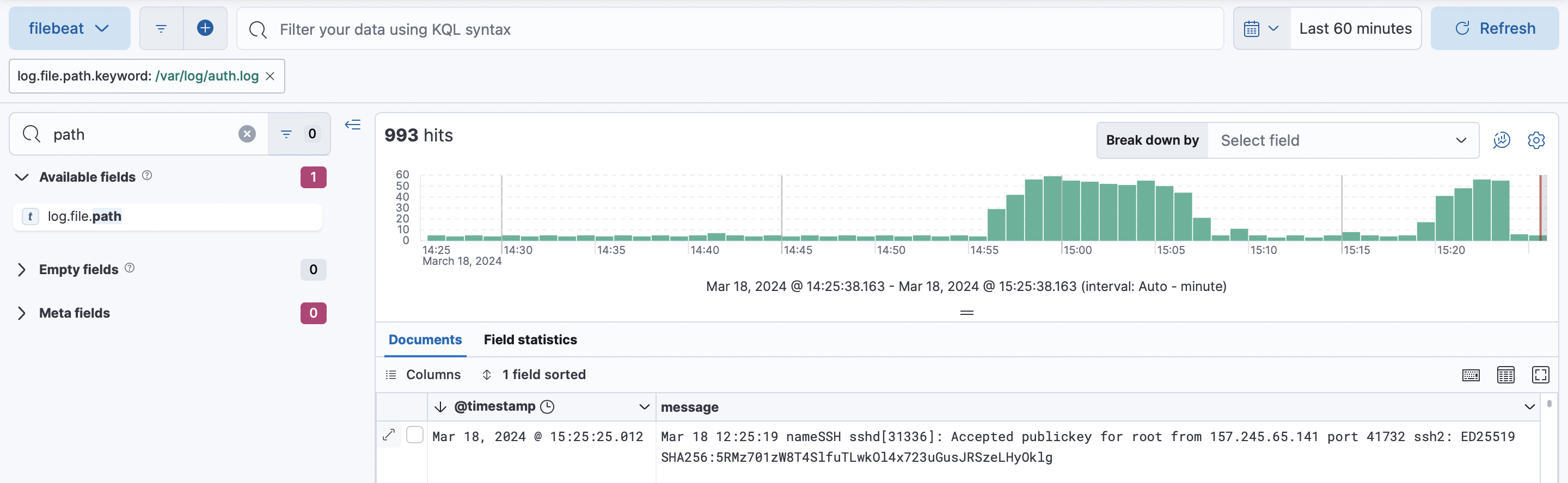
Filebeat is parsing files. Files may contain even more useful information than auditbeat because it is being collected on a higher level. It can be illustrated pretty well with our SSH case:
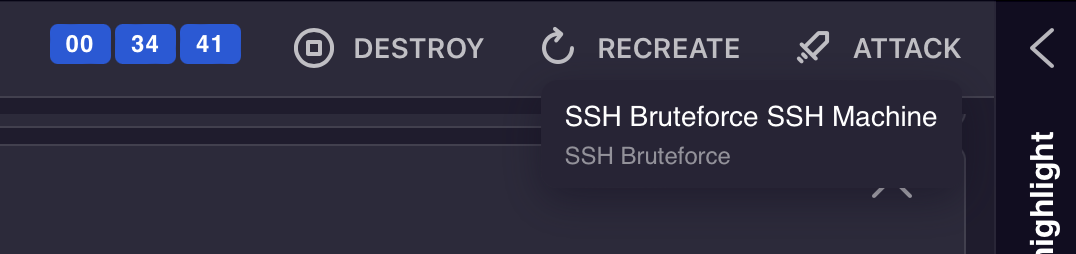
Now I start the attack
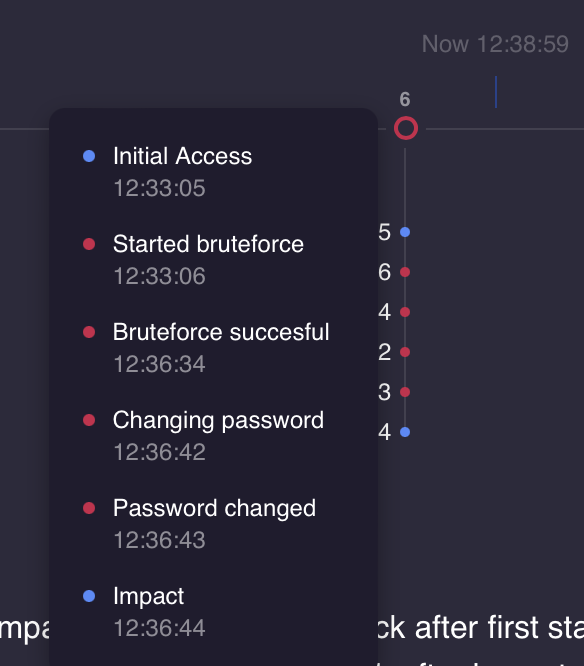
After 5 minutes events appear in the timeline. Red dots mean attackers actions and blue dots mean certain MITRE ATTACK phase
More info on MITRE ATTACK can be found here - https://www.blackberry.com/us/en/solutions/endpoint-security/mitre-attack/mitre-attack-vs-cyber-kill-chain
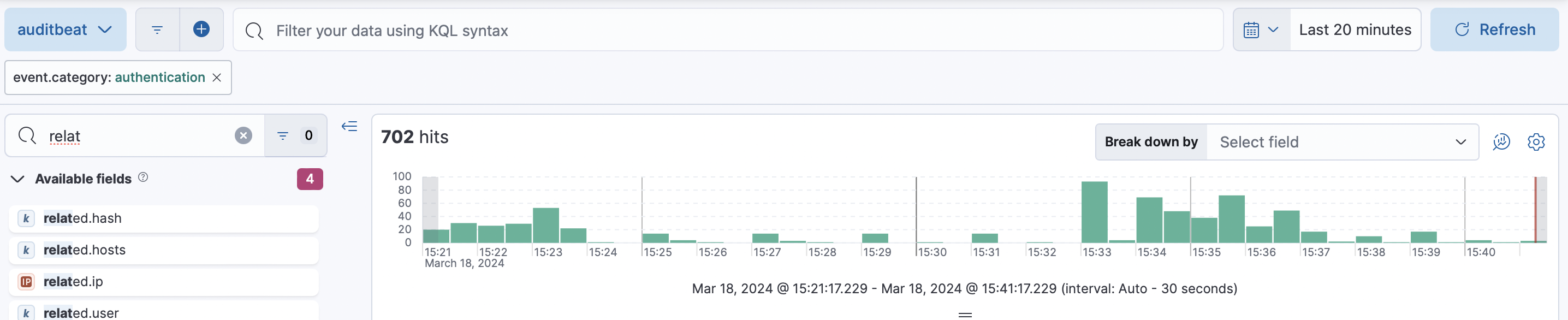
Let's find the attack in the logs now. I know 2 ways of doing that
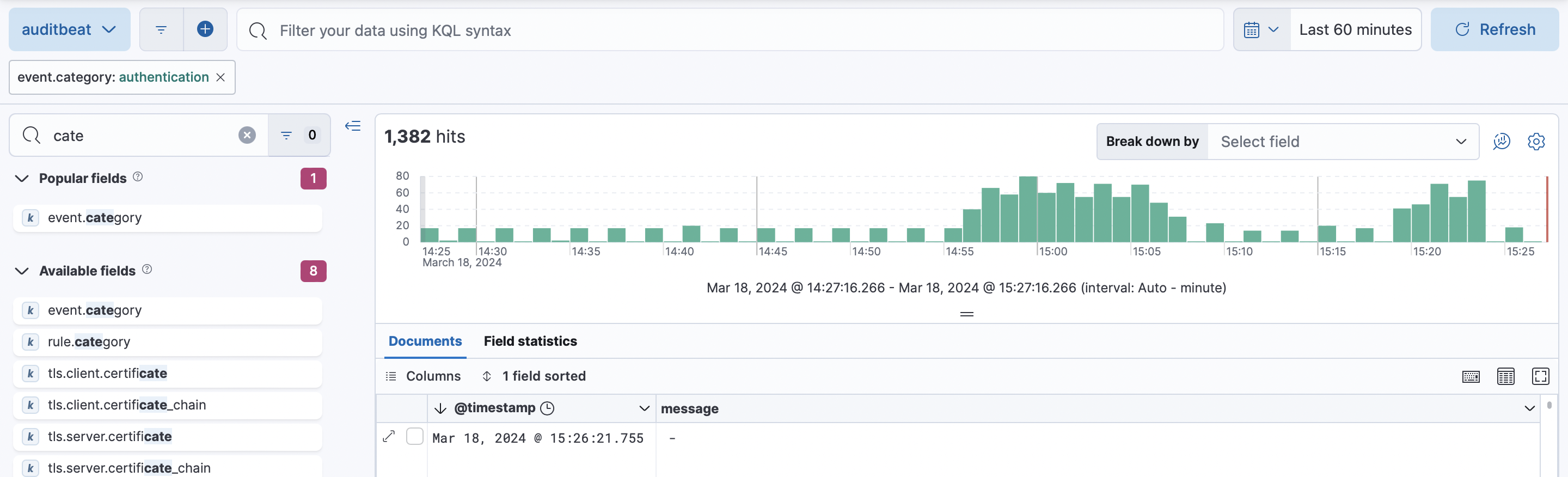
Auditbeat authentication logs:
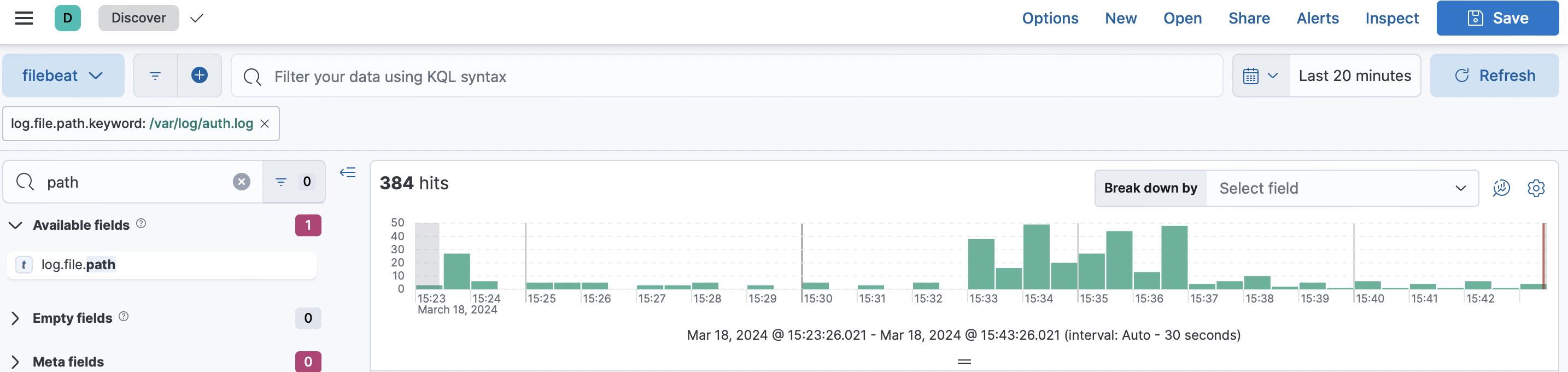
Second option is filebeat /var/log/auth.log
We can now identify the bruteforced account to enter the highlight:

The last step is to create a rule. Defbox asks us to set up elastic so that elastic will send a post request to the URL specified in the Information section of the lab page:
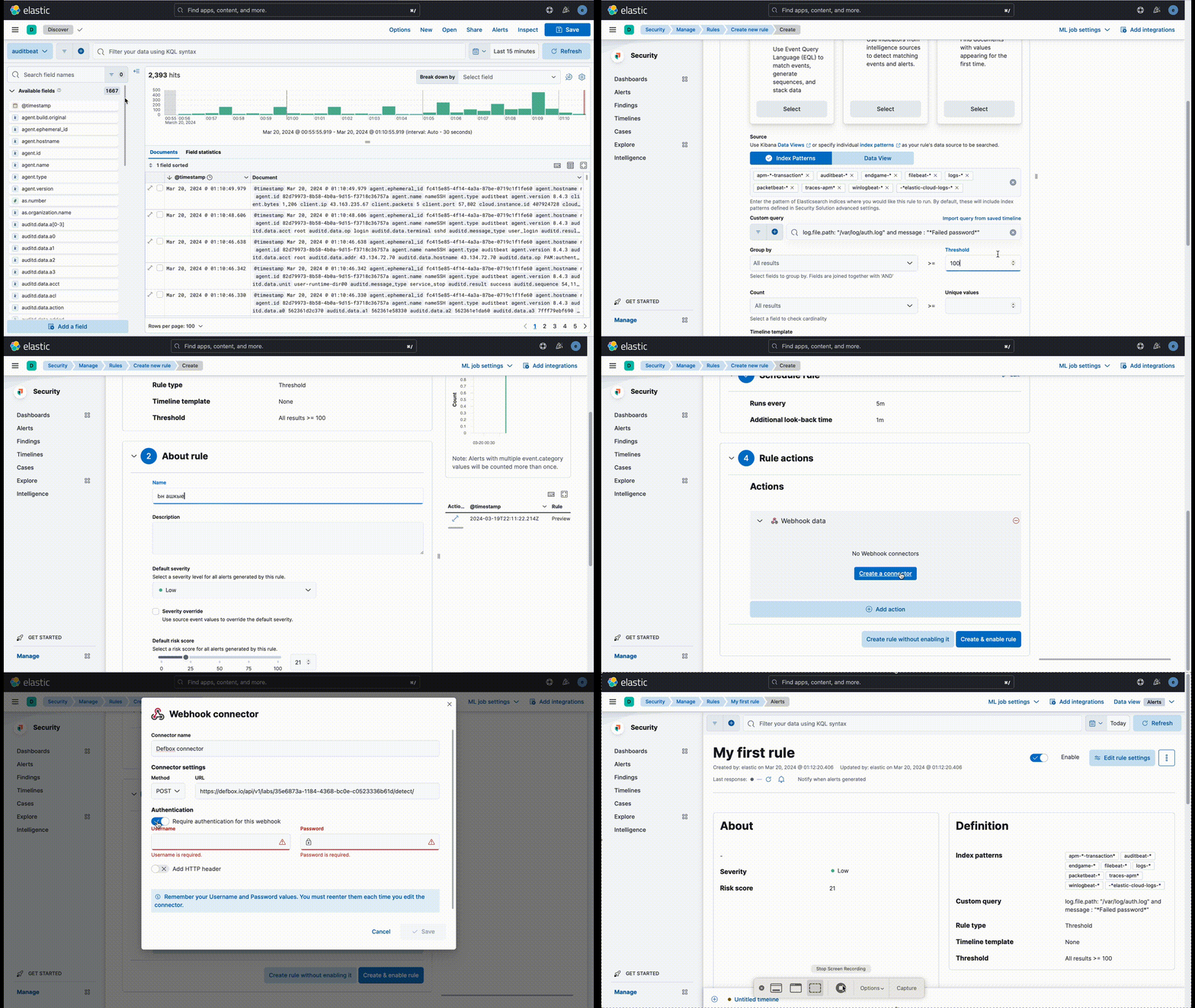
To see if rule has worked I go back to defbox and look into timeline. Yellow dot should appear:
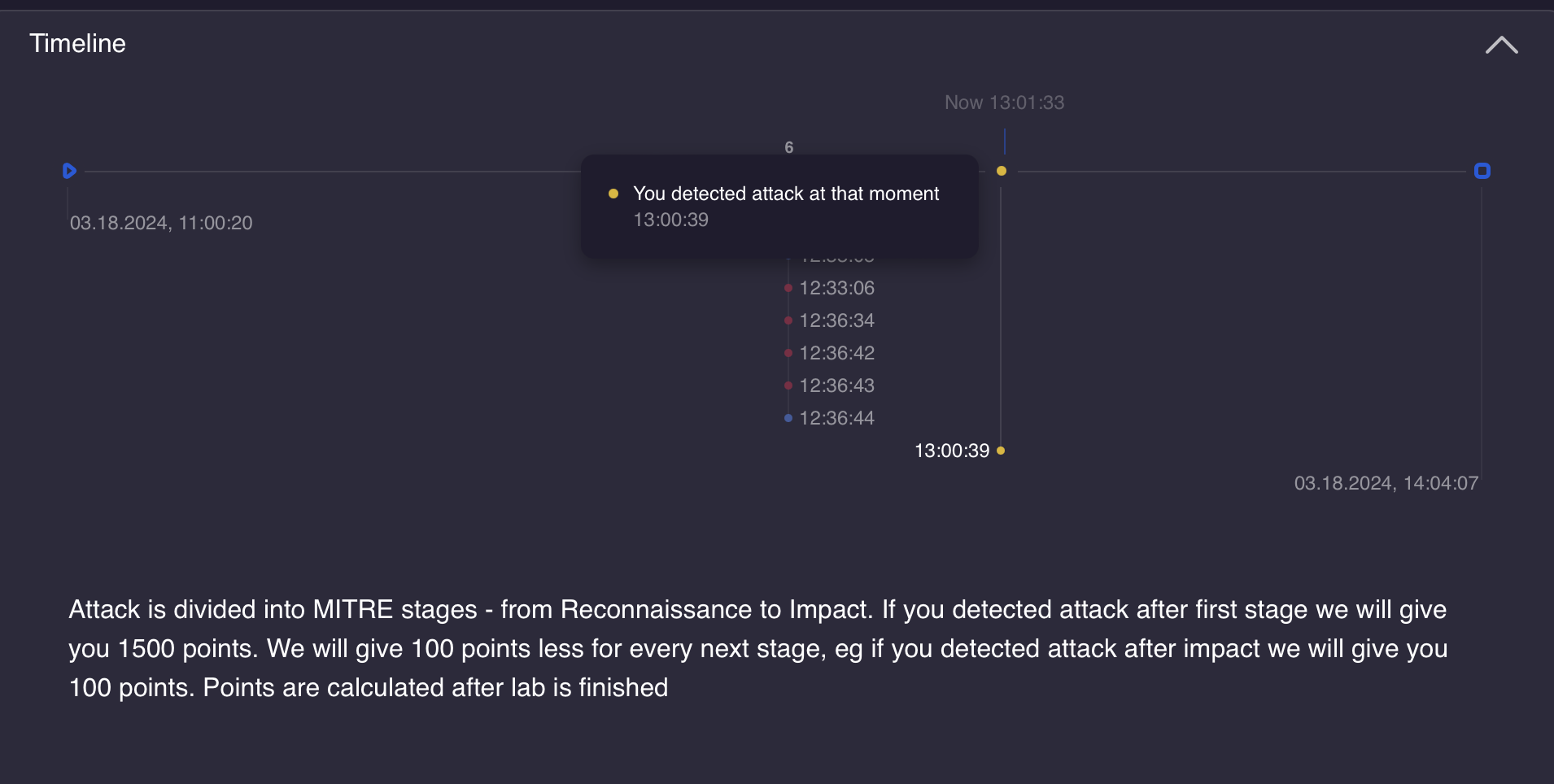
Now I finished this lab. I showed how to get the bare minimum which is 300 points. To gain more points you have to do something to get the rule fire earlier. I suggest you do it on your own.
Defbox can recreate lab. If you click the recreate button the lab will be recreated, but elastic won't. It means that all the rules you created in the elastic will stay. The only thing you should remember is that POST URL is new every time you recreate the lab. So for the old rules to work you have to change the POST URL in your webhook integration
I hope this guide was helpful to you and you will try your best at other defbox labs : )