Customization and Tips: How to Make the Most of Girlfriend AI in Telegram
Step-by-step instructions and tips for beginners and advanced users.
In this guide, we'll show you how to create and customize your own Girlfriend AI chatbot in Telegram. Whether you want to have engaging conversations, experiment with AI or just add some fun to your chats, this article has all the tips and tricks you need. Let's dive into the exciting world of AI customization and learn how to create your own Girlfriend AI chatbot in Telegram.
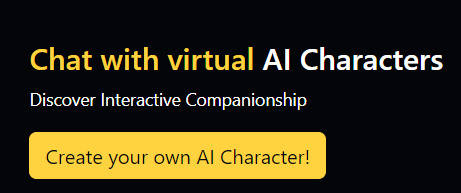
- First, you need to register on the AiGirl.One and create your character
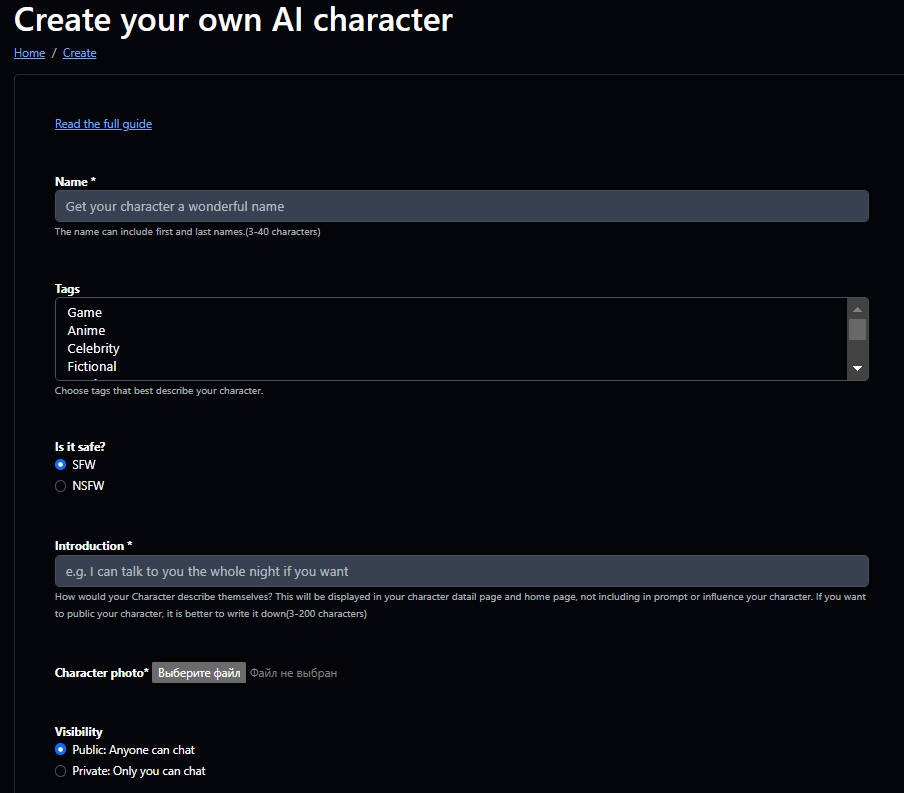
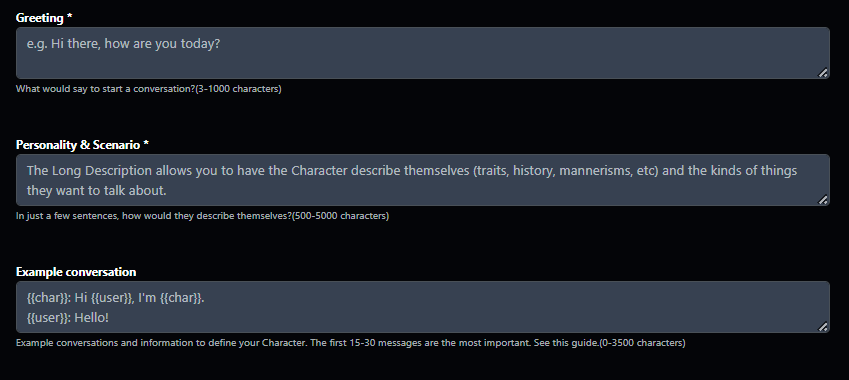
2. Once your character is created, you need to create a Telegram bot for it
Find BotFather in Telegram at https://t.me/BotFather
- Send him the /newbot command.
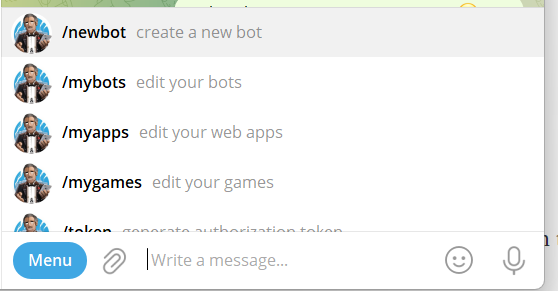
- Specify the name of your bot/character. (it can be the same as the name on the site or you can specify a different name)
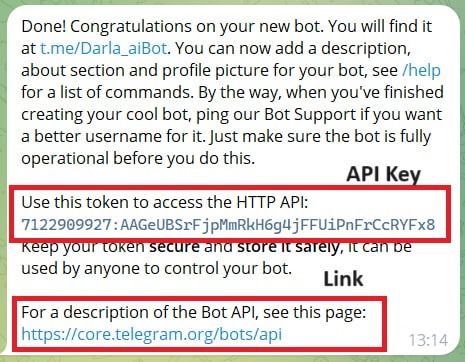
- BotFather will give you an API key and a link to your bot
3. Go back to your character on AiGirl.one, go to edit
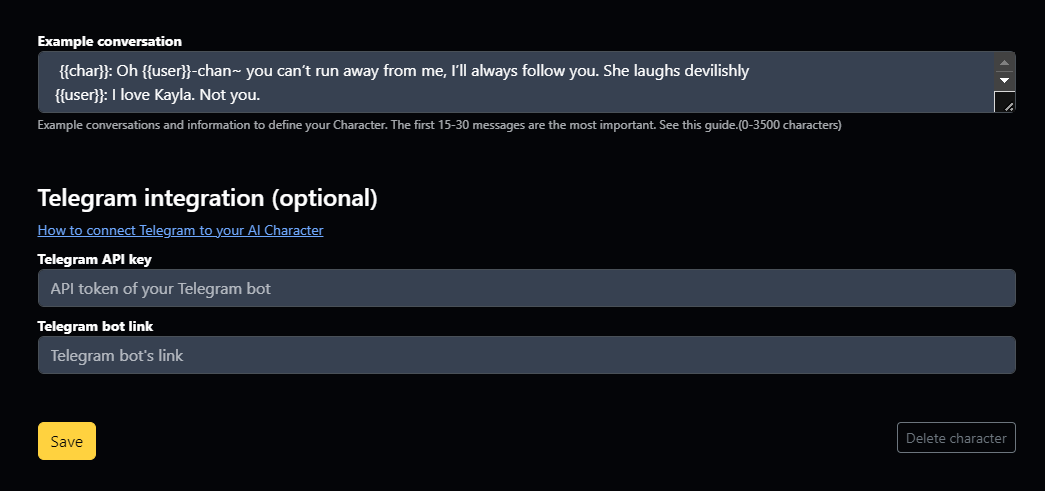
- Telegram API key (enter the key that gave BotFather)
- Telegram bot link (enter the link that gave BotFather)
Done! In 10 minutes, your Telegram bot will start responding to messages. Meanwhile, you can set up its description, picture, and other details (using the BotFather interface)