Custom Gif Packs and Donation Levels
Grey Wolf DevelopmentIntroduction
In order to keep the bots running, we need a server. In order to keep the server running, we need money. We are not a company which earns money from holding the bots, we are just volunteers. The server costs quite a bit of money to keep running, and we have never charged players to play the game, but we refuse to allow paid ads in Werewolf. No one likes ads.
So.... How can you help?
You can help keep the server running by donating to us! And as a reward (for players who donated $10 USD or more) you'll unlock the ability to set your own custom gif packs for the game! Once you donate $10 (cumulative!), you will unlock the command /customgif. Using this command, you'll get a nice little menu showing you all the gifs you can set, their status, and your approval status (more on that in a moment). We have also added badges to your name when you play games :)
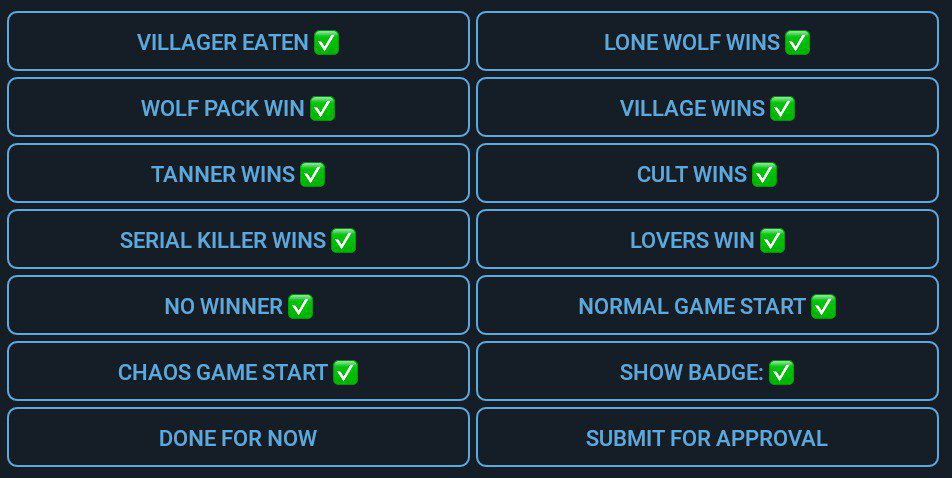
Simply hit the one you want to set, and send your custom gif. Once you've submitted all the gifs you want, simply hit "Submit for approval", and the admins will get a message and be able to review it.
OK, I submitted for approval. Why? Now what?
Our admins will review your submission, just to make sure the gifs are... appropriate. Examples of not appropriate would include brutal images (people / animals being killed) or illegal content. Also, try not to send gifs with large file sizes - think of the mobile users! Gifs are limited to size under 1MB.
What if I want to submit NSFW gifs?
Don't worry, we covered you. When we approve your set, we can mark your pack as NSFW. Group Admins can select to allow NSFW packs in their group (default is OFF), in which case your pack will be used.
Yay! I got approved. What happens now?
Go play a game! The way this works is instead of the default animations in the game, the bot will send / use YOUR custom pack. If there are multiple players in the current game with custom packs, then it will randomly select gifs from those players, each time it sends a gif.
What are the ways to donate?
The best way we support is through Telegram. Simply hit the [Telegram] Button after you used /donate command. Paypal is also accepted. Xsolla is also accepted so players can find a lot of different payment methods there to support us.
For players who donated directly through paypal, please also donate through Xsolla. Paypal should be available as a payment option within.
Can I donate for my friend/family?
Sure! Simply donate through any platforms, after a successful donate, please feel free to drop by @greywolfsupport and ask for help. Our admins will help you transfer the donation to someone else's account.
What is this donation level thing? Badges?
As you donate, the database will save your information and your level can "grow". Once you reach certain levels, you'll unlock a few different badges. Here's the current setup:
•$10 USD: 🥉
•$50 USD: 🥈
•$100 USD: 🥇
You might also see this special badge: 💎 This badge indicates someone that donated at least $10 BEFORE this update came. (Yes, that means that from this point on, no one can get that badge). If you did, please contact an admin.
What if I donate $5 now, and $7 later.... what happens?
Again, no need to worry. Your "level" grows as you donate more. Once you hit a level, you'll unlock the badge / custom gif packs.
Xsolla Donation Tutorial
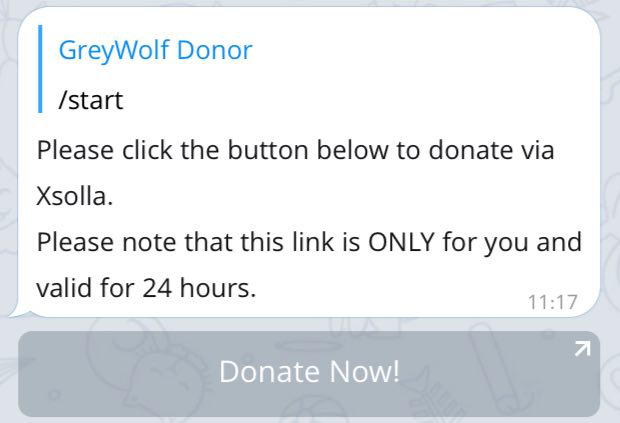
Use /donate at our bots, they will all redirect you to the main @werewolfbot and show you a button, with a link to our donation page.
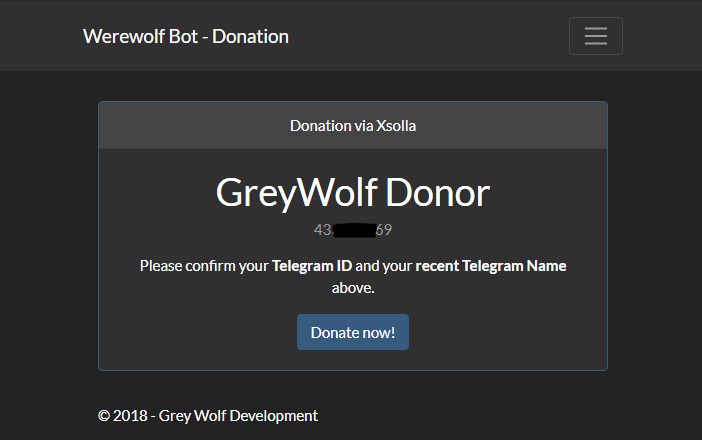
You will then be directed to this page. Please check that if the page shows your correct Telegram Id and recent Name. If so, click the "Donate now!" button to continue.
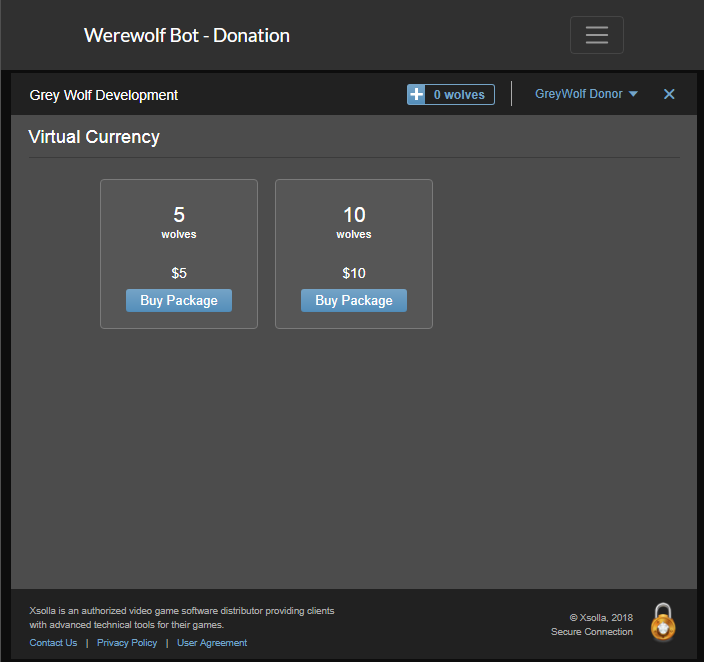
Then a popup from Xsolla shows up. It shows your name at the top right hand corner and also displays the various donation packages (in USD). Click one of them to donate with respective amount.
Then, a list of different payment methods shows up, choose the one you feel comfortable with. You may need to click "Show More Methods" and manually choose your residential country to see more convenient methods. For example Indonesians can donate via various convenience stores/local banks/mobile payments.
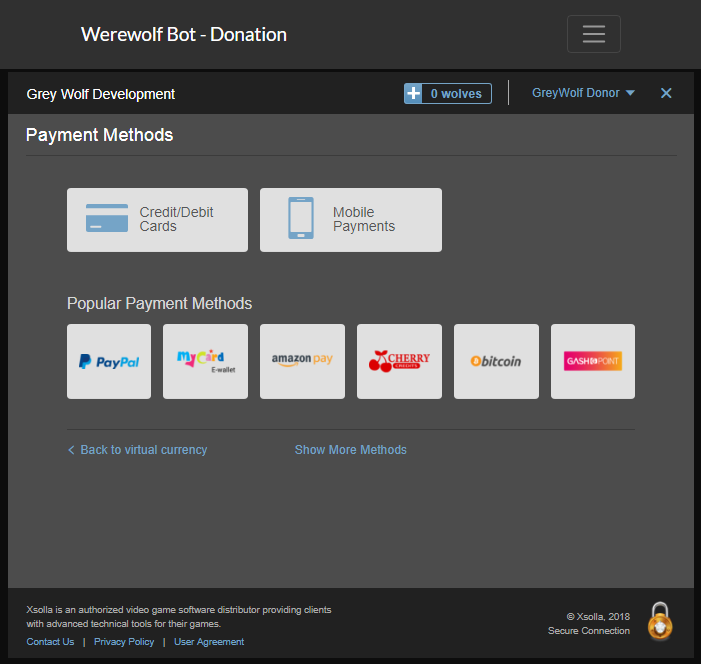
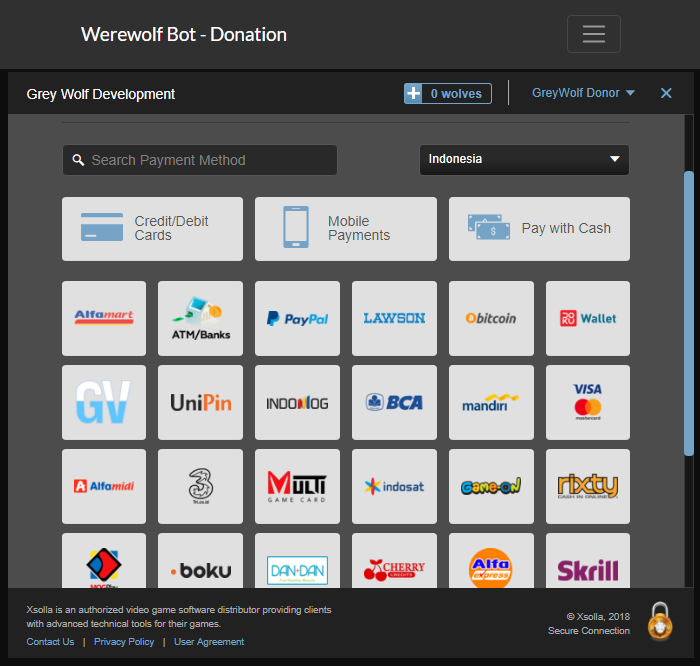
After the payment, an invoice will show up, please make sure to wait till the green tick and banner shows up. Werewolf bot will also immediately send you a message notifying you your current donation level and Gif Pack status. For most payment methods, you might even enter your email to get a copy of the receipt.
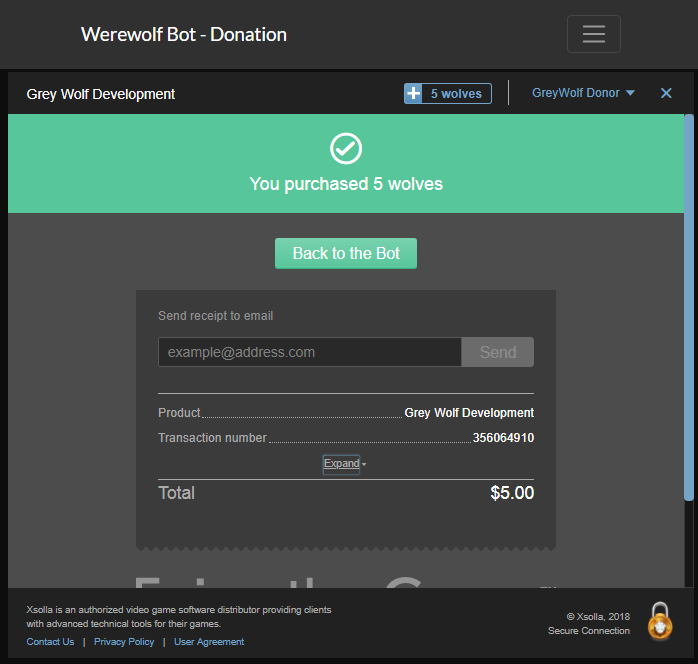
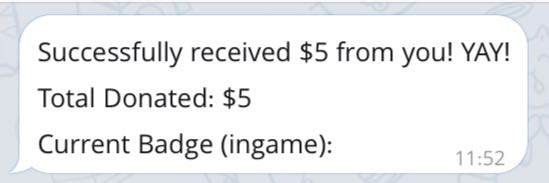
There you go! Thank you for supporting! We really appreciate it and we will keep on providing you nice services and support.