Custom Font Installer
MistuCustom Font Installer (CFI) is a universal magisk module by nongthaihoang, that makes custom font installation methods easier than ever. You don't need to be an expert on anything, with this one module you can use any font you want. You don't need to make separate magisk module for each different fonts. It's easy as copy-pasting!
DOWNLOAD THE LATEST RELEASES FROM GITHUB
First, make copies and rename the font family you want to use, like this:
Black
BlackItalic
Bold
BoldItalic
Medium
MediumItalic
Regular
Italic
Light
LightItalic
Thin
ThinItalic
Condensed-Bold
Condensed-BoldItalic
Condensed-Medium
Condensed-MediumItalic
Condensed-Regular
Condensed-Italic
Condensed-Light
Condensed-LightItalic
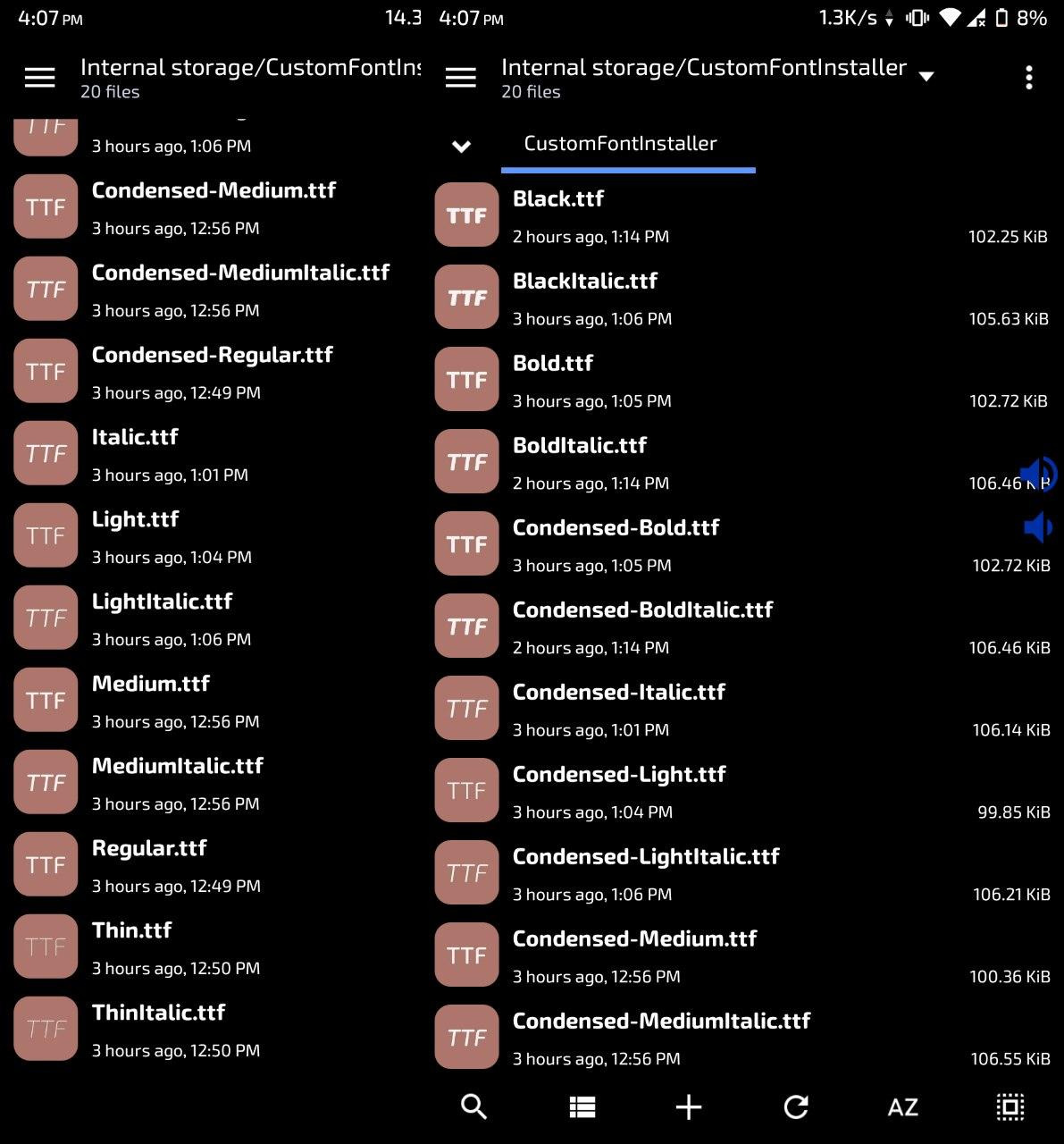
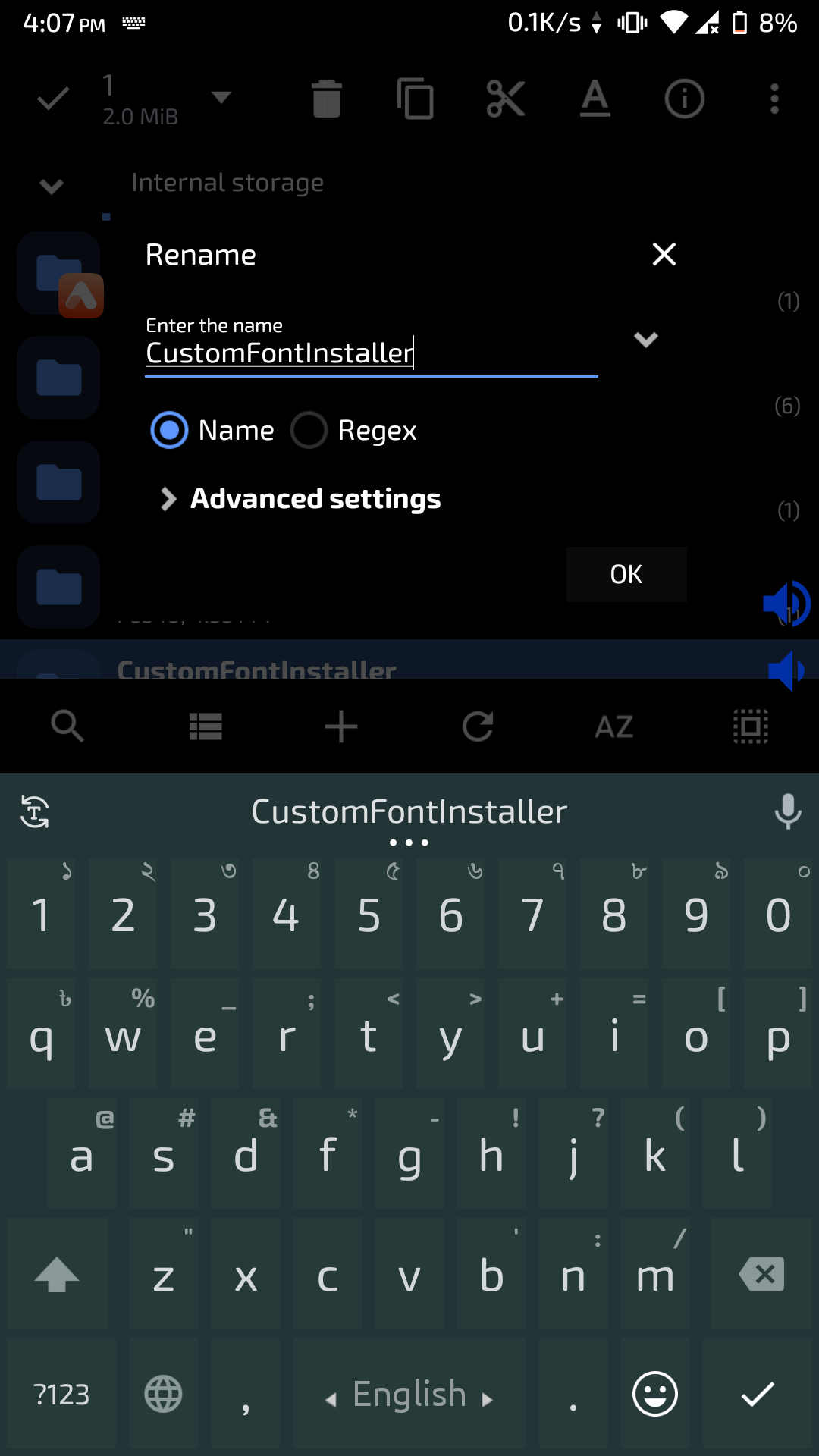
Create a folder in your Internal storage/Phone memory with the name "CustomFontInstaller"
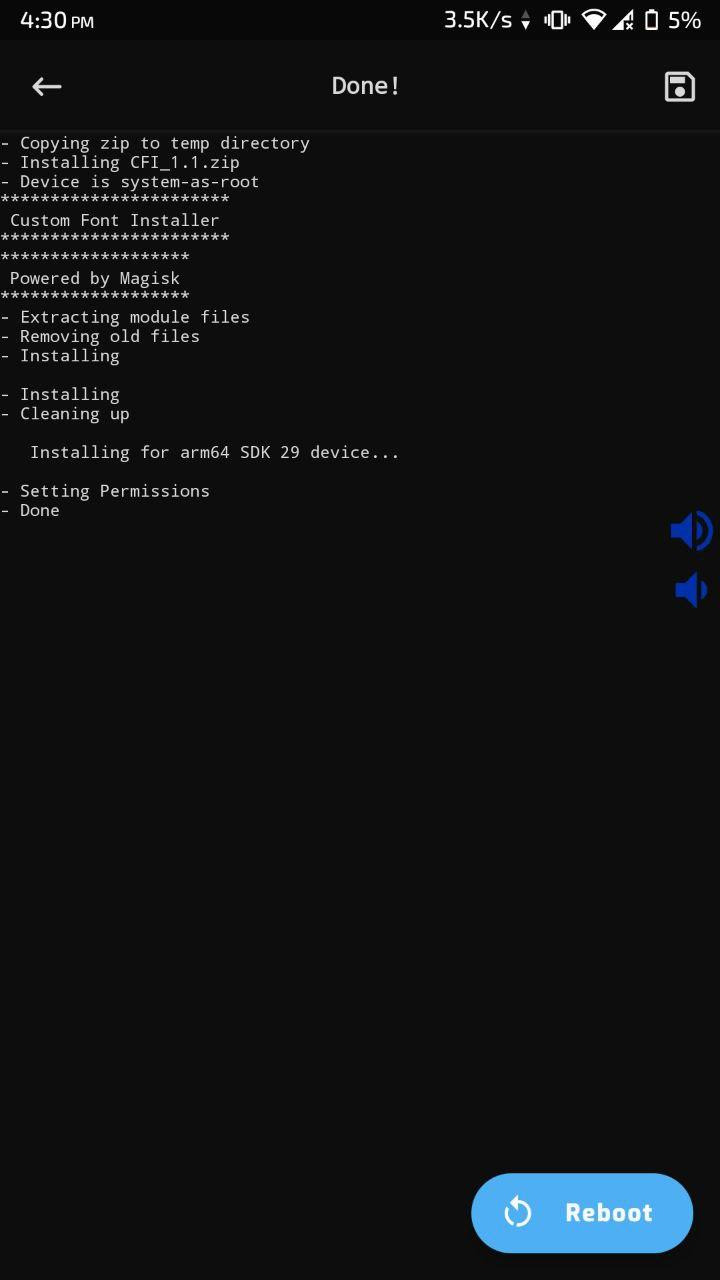
Copy all the renamed fonts to this 'CustomFontInstaller' folder and then flash the CFI zip in magisk and reboot. You are done!
Additionally, if you want to use custom emoji font rename the font to "Emoji.ttf" and copy it to the 'CustomFontInstaller' folder with all other fonts. Also if you want to use custom monospace font rename it to 'Mono.ttf' and copy it to the same folder before flashing.