How to Copy Messages from Telegram the Right Way?
Probably, none of us here needs to know how to copy messages from Telegram.
But still, there is something to note which should help those of us who may not have observed it yet...
There are two ways to copy a message:
① Long press on message; then click on copy button which appears at the top.
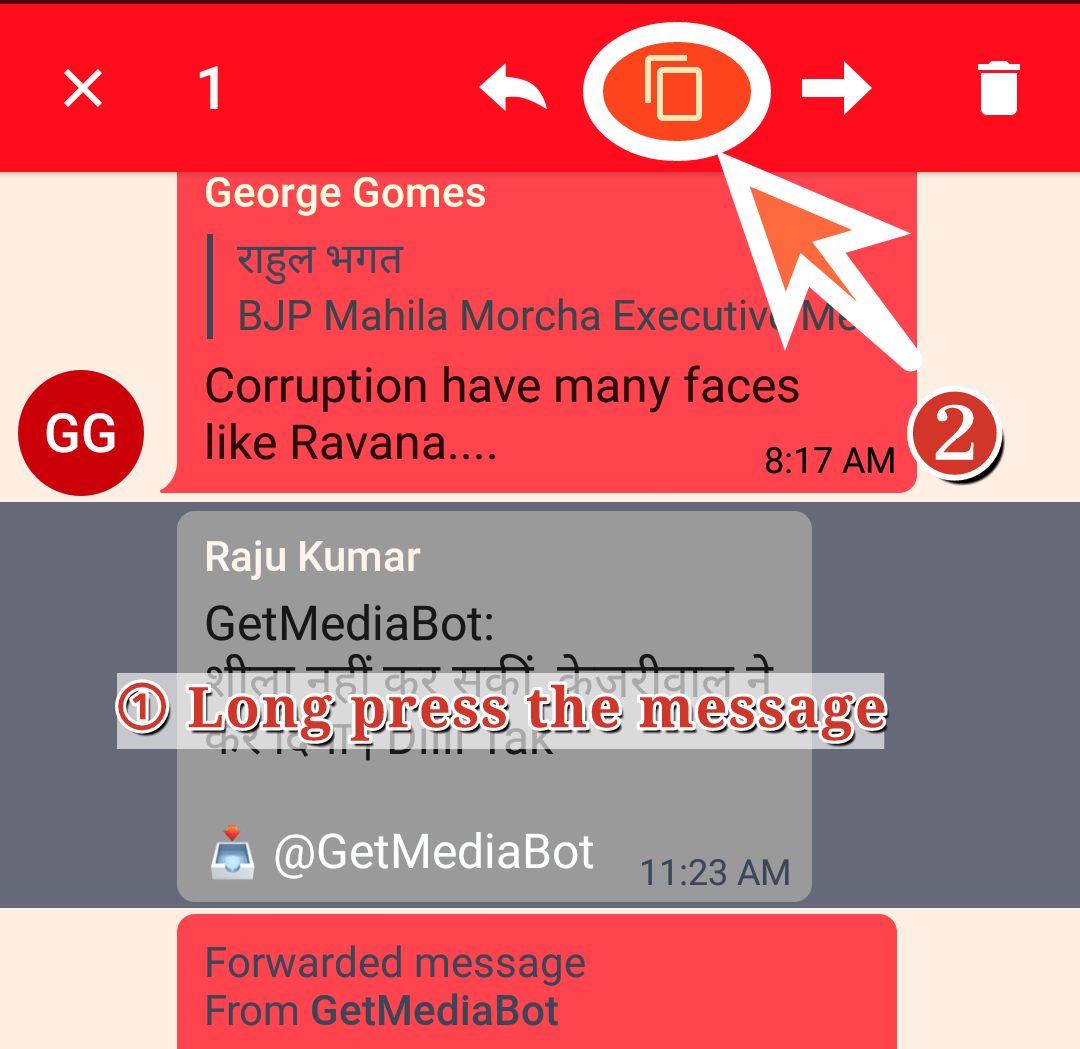
② Tap on blank space near the message; then click copy from the pop-up menu.

Have you tried both the methods?
Have you noticed the DIFFERENCE IN OUTPUT of two methods WHEN YOU LATER PASTE THE TEXT? 🤔
YES, there is a little difference.
Method ① — the long press method — results in pasting this:
<sender's name>:+ <message text>.
Method ② — tap near the message method — results in pasting this:
(only) <message text>
So, most of the times, for us, METHOD ② should be the PREFERRED method.
Hope this small tip will save some of us from unnecessary effort put in removing the name of sender everytime we paste from Telegram. 🙂